Home Add an institution's nodal officer
Add an institution's nodal officer
Tap the highlighted part of the screen.
The programme office sets up each institution
Best seen on a phoneEvery institution has a nodal officer. The institution's primary nodal officer adds the institution's supervisors to the portal, so the programme office adds the nodal officer first. Here, Programme administrator Ritu adds Navneet, the nodal officer of Saanjh Institute of Technology.
The back office
Ritu signs in and opens the Back office.
Tap Nodal officers.
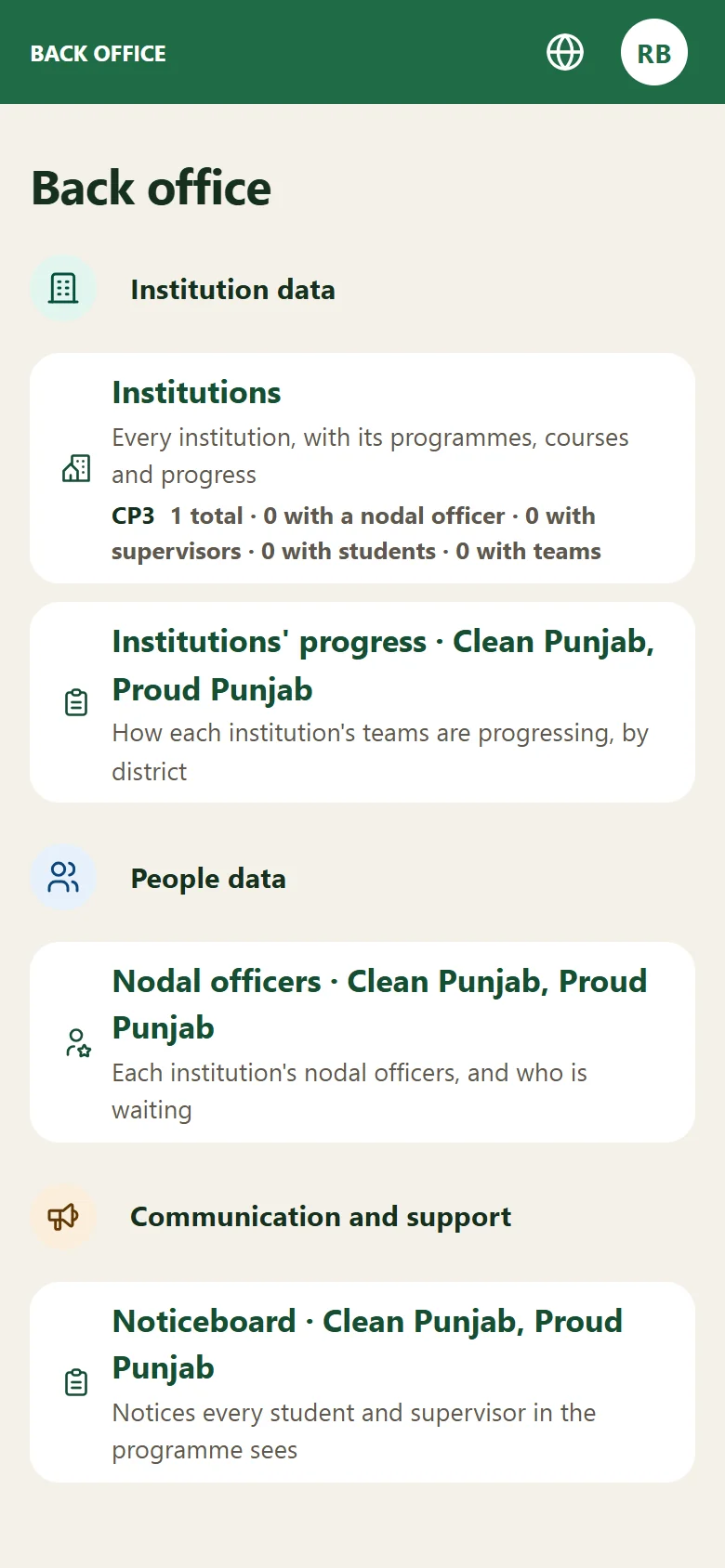
No nodal officer yet
There is no nodal officer on the list yet. You can add nodal officers one at a time, or many at once from a file.
Tap Upload a list.
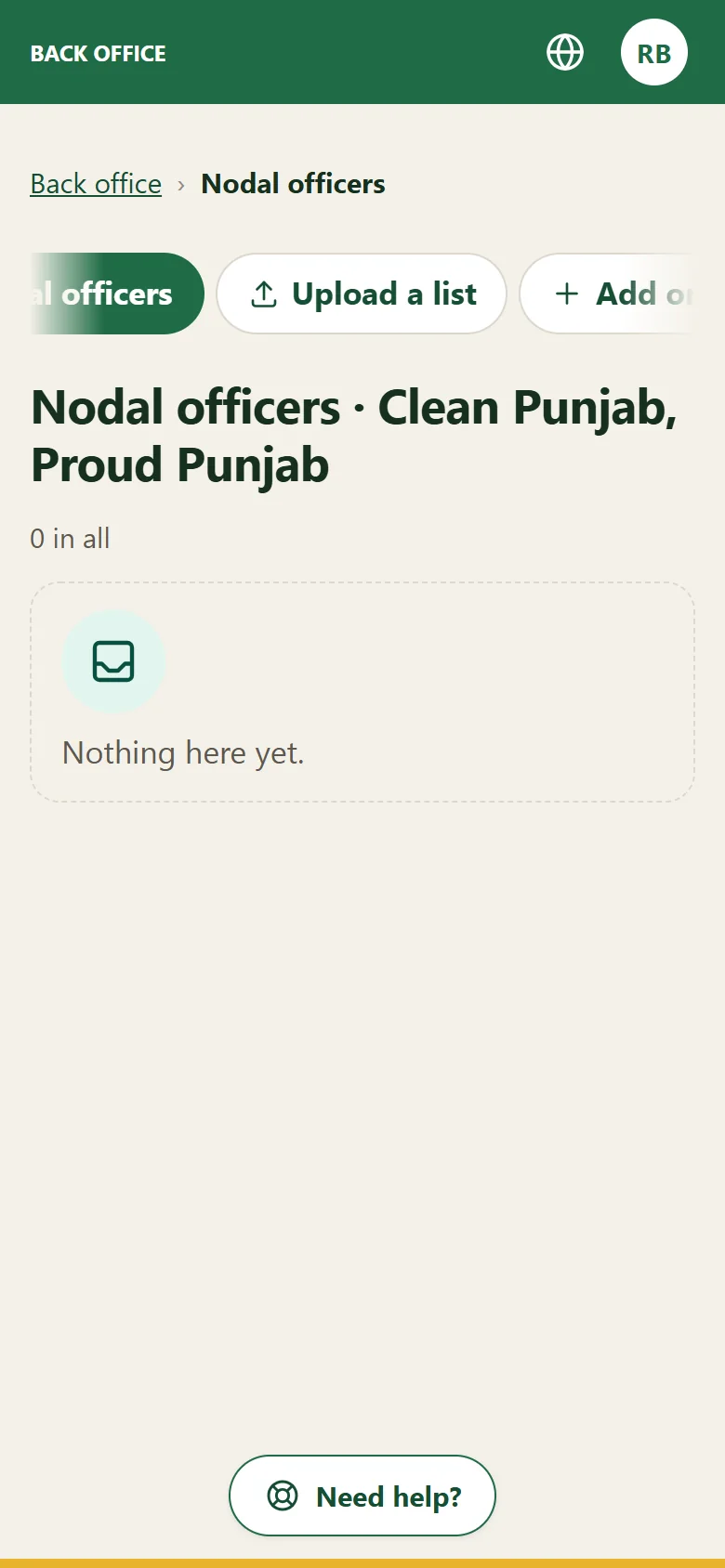
Choose the file
Ritu has chosen a file with Navneet's name, mobile number and institution code.
Tap Upload.
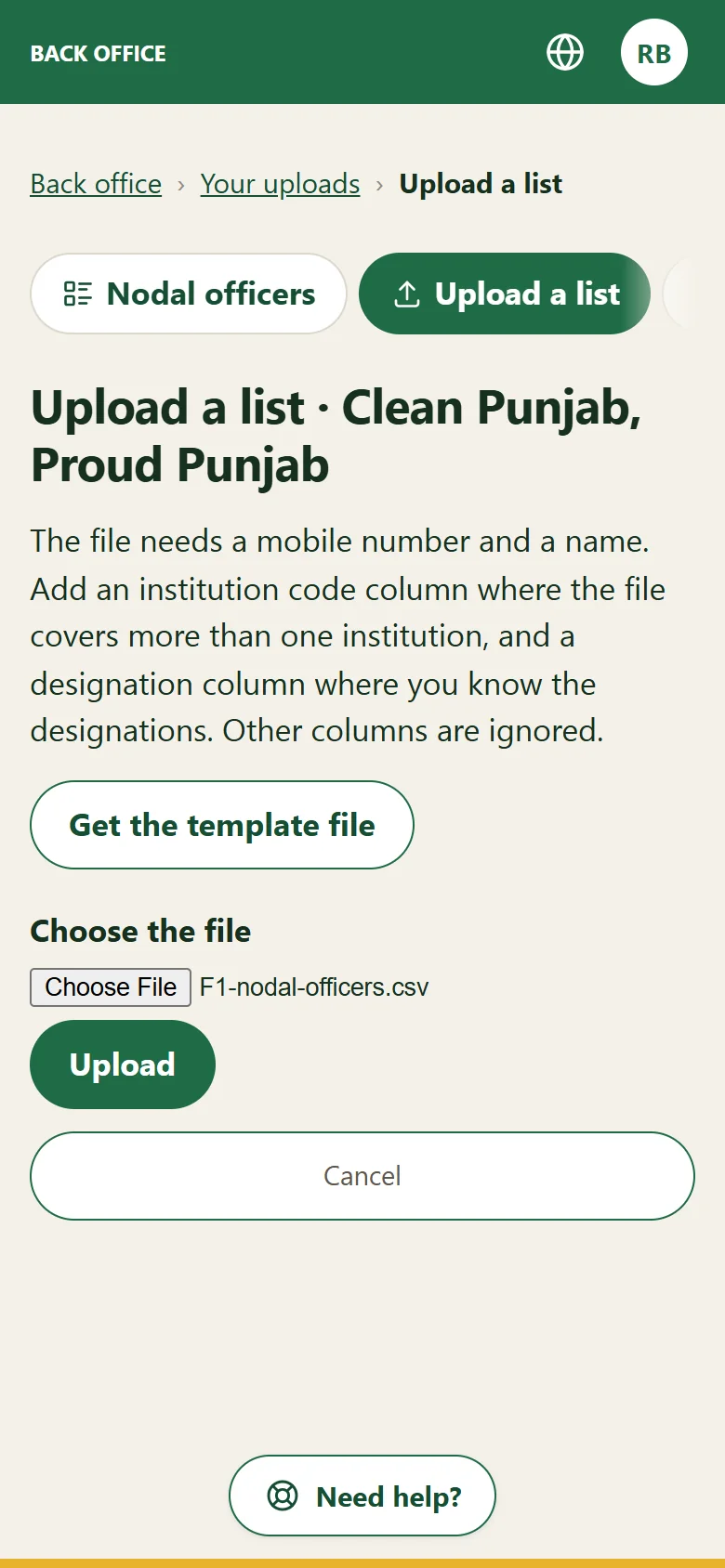
Which column is which
The portal guesses what each column of the file holds. Ritu checks that the guesses are right.
Tap Continue.
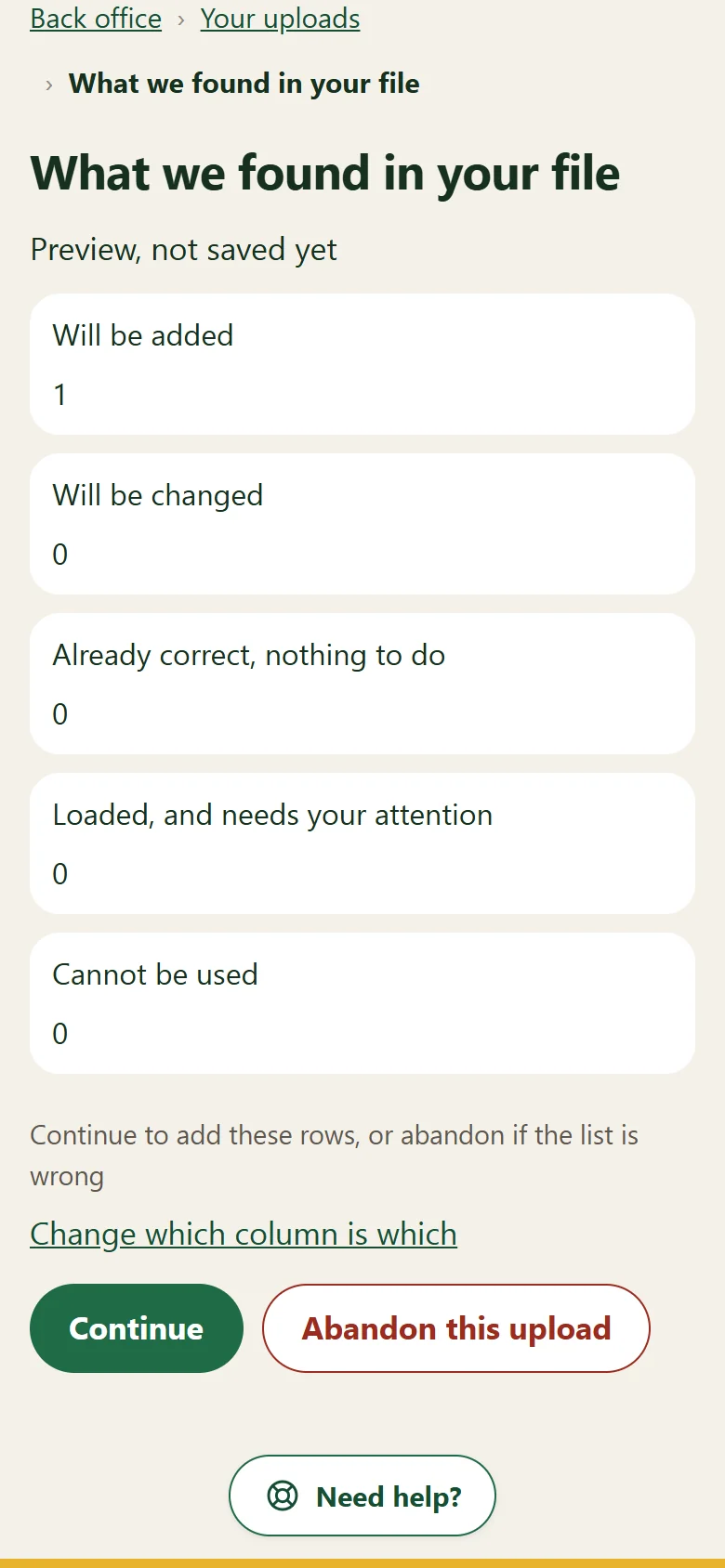
What we found in your file
The portal reports what it will do: one nodal officer will be added.
Tap Continue.
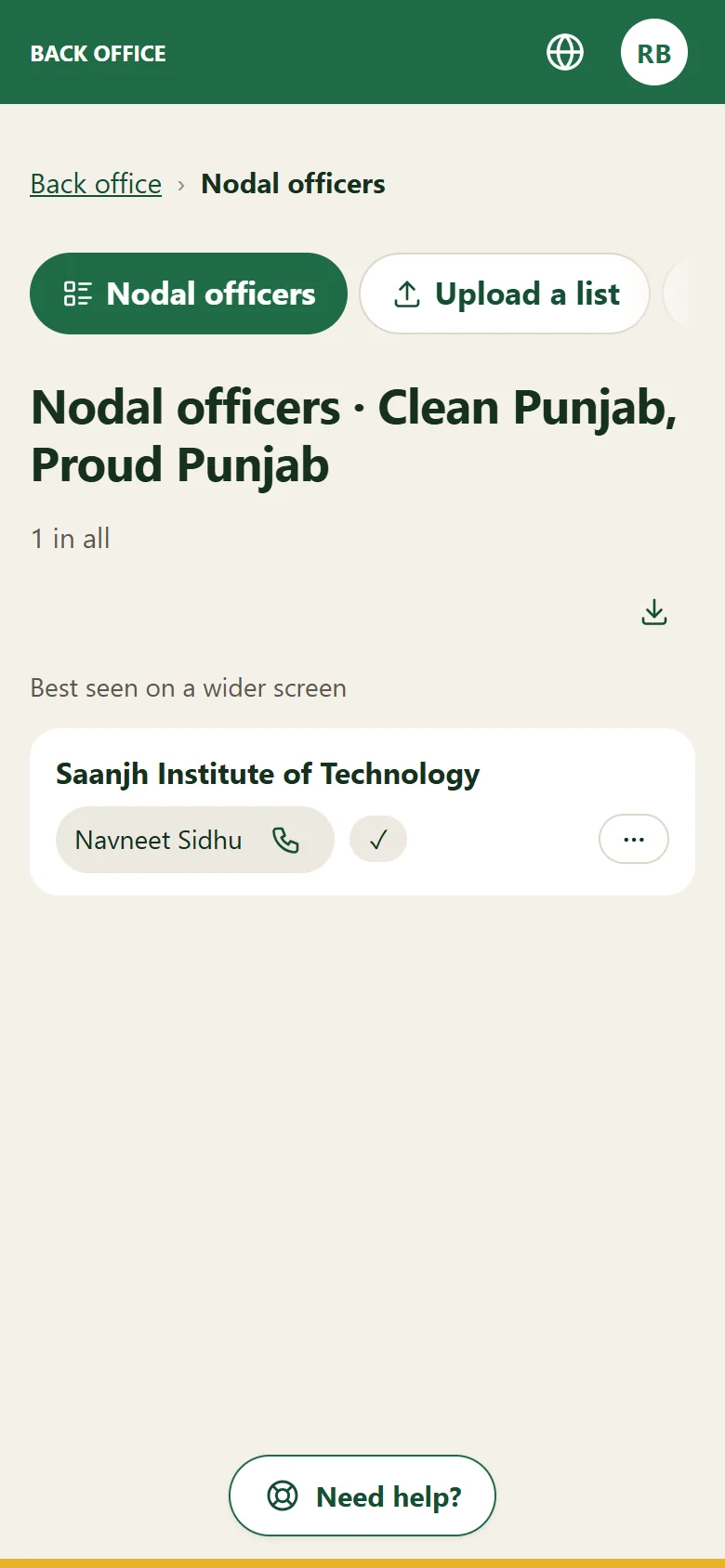
Navneet is on the list
Navneet is now on the list. The tick shows Navneet is the institution's primary nodal officer; Navneet has not registered yet.
The nodal officer is added
Navneet can now register, using the mobile number in the file. If an institution needs volunteer supervisors, the programme office can add them too.
In this topic (scroll down for more topics)
- 1The programme office sets up each institution
- 2The back office
- 3No nodal officer yet
- 4Choose the file
- 5Which column is which
- 6What we found in your file
- 7Navneet is on the list
- 8The nodal officer is added
: topics
Back to the portal Back to the guide Home: choose another section
Link copied. Paste it into a message.