Home Approve the teams' areas
Approve the teams' areas
Tap the highlighted part of the screen.
Approving the areas
Best seen on a phoneEach team's leader draws the area the team will work in. It helps to know the streets, or to ask the team, before you decide. You may approve several areas at once, or send one back with a reason the team will read. Approving an area finalises its team, and you set the day its Stage 1 begins. Here, Supervisor Daljit approves Ravi and Satluj, sends Jhelum back, and then withdraws Ghaggar's area.
My page
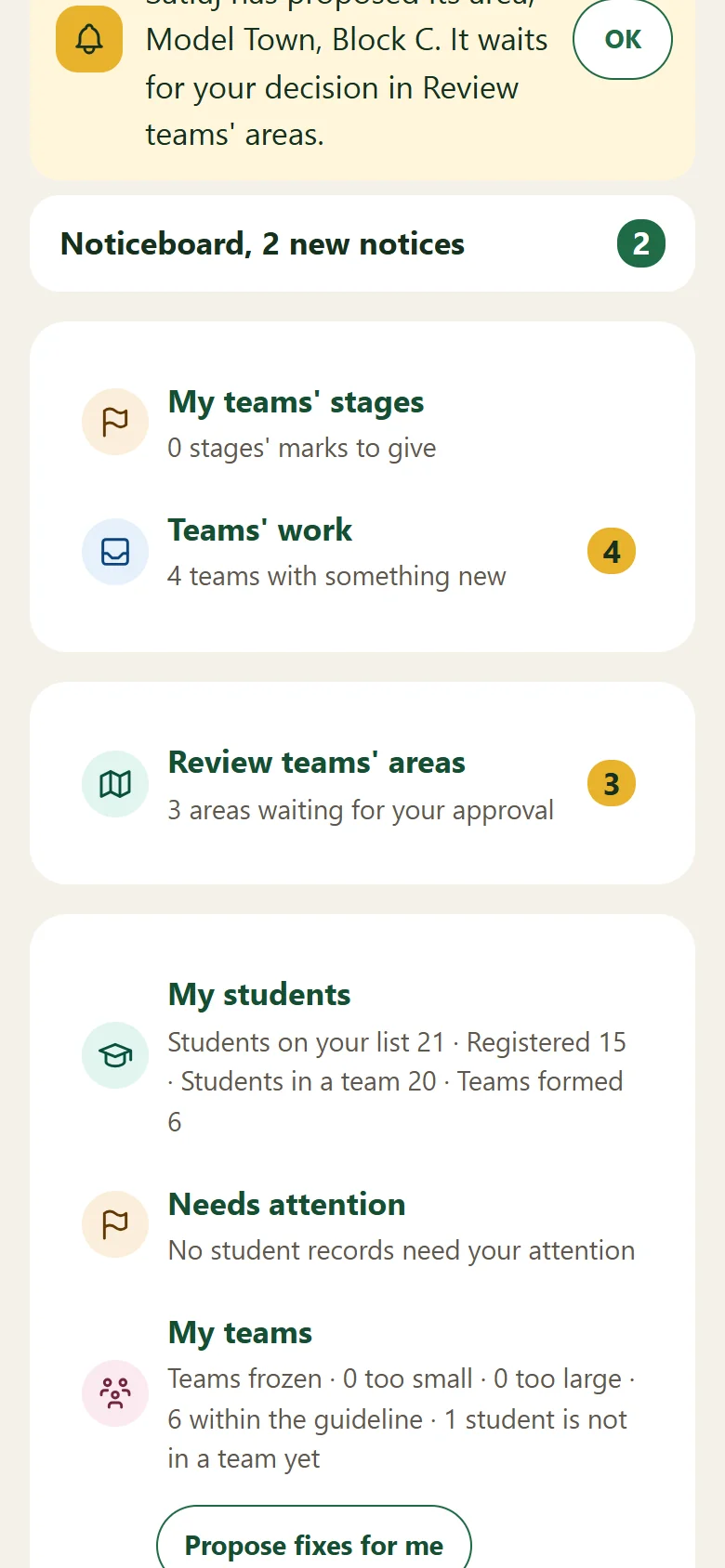
Review teams' areas shows three areas waiting for approval.
Tap Review teams' areas.
The first day
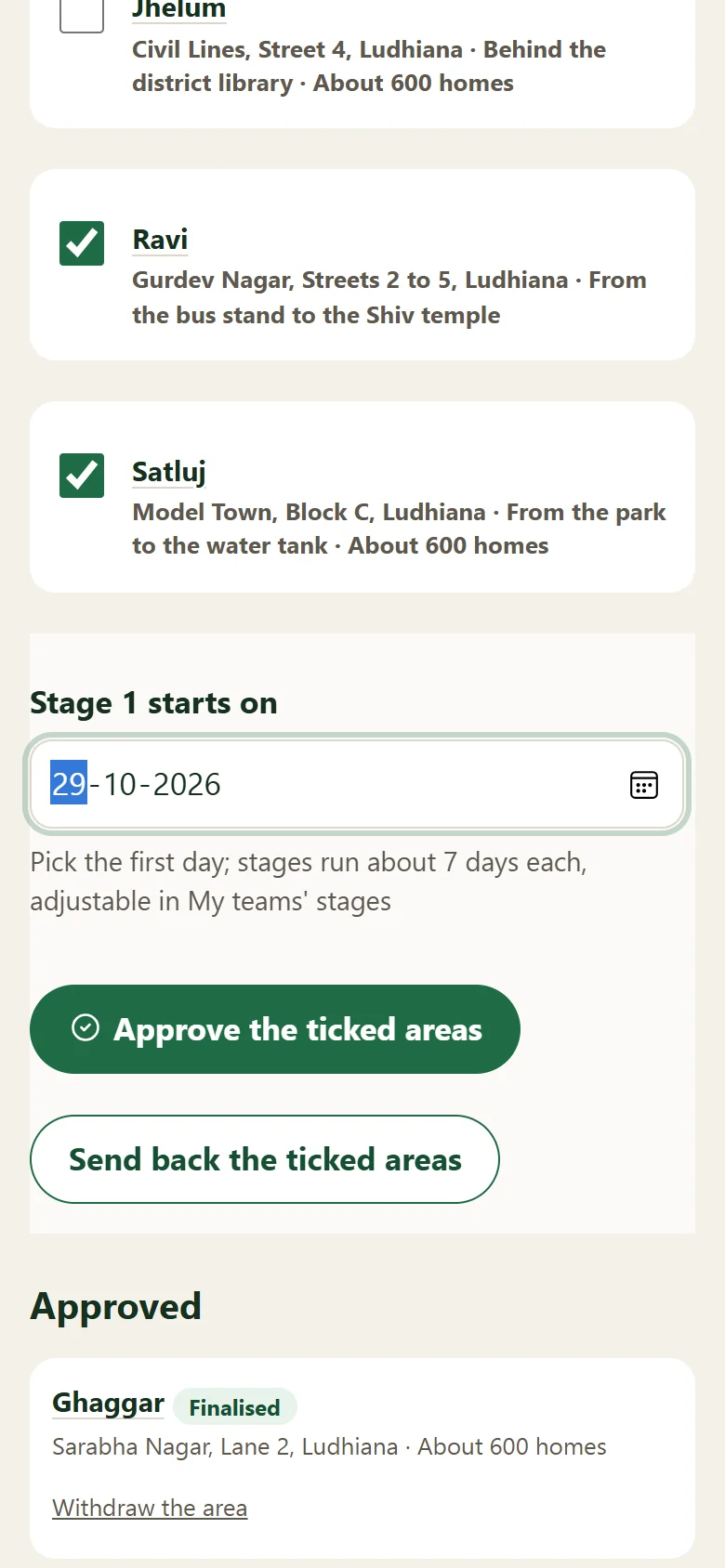
Before approving, Daljit picks the day Stage 1 begins. The stages then run about a week each, and the dates can be changed later in My teams' stages.
Choose the day.
Waiting for your approval
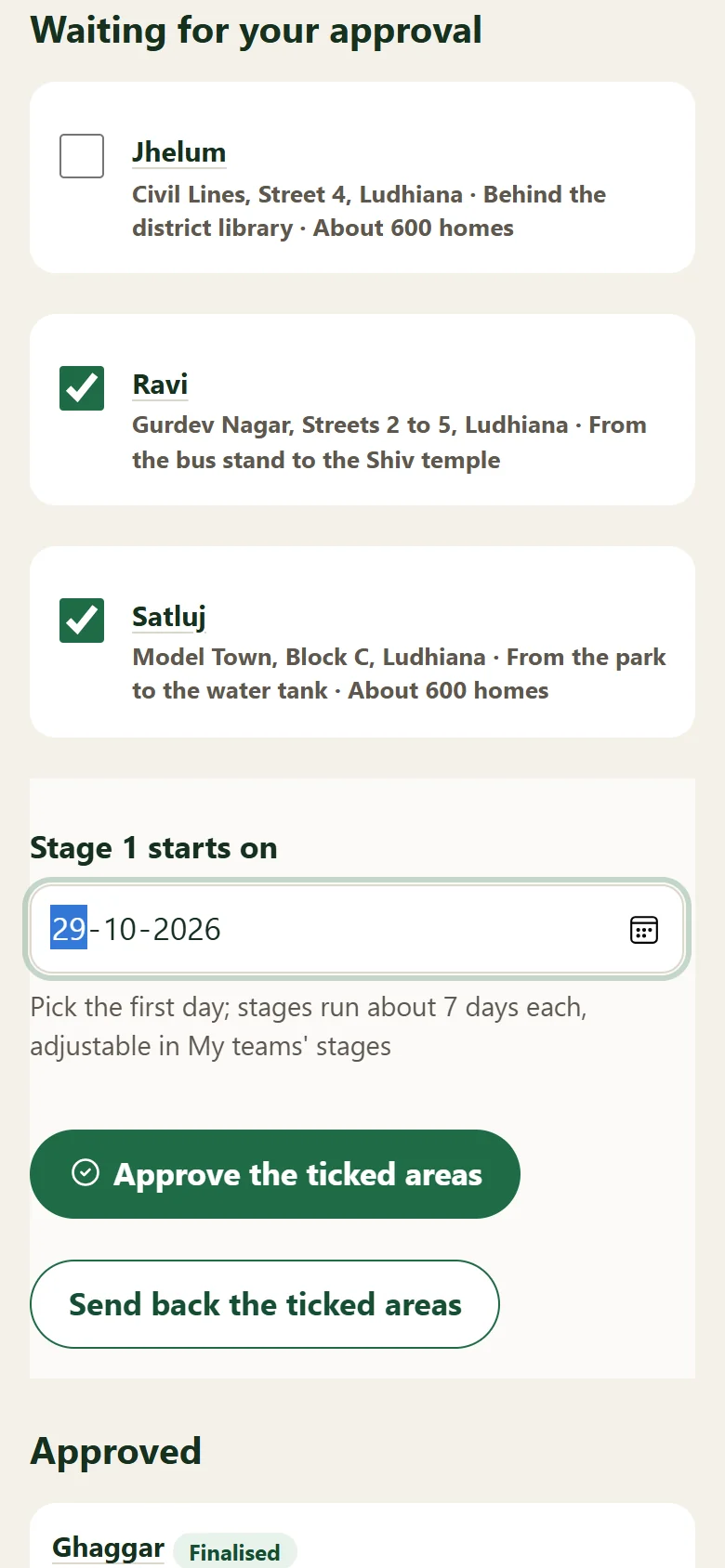
Each team's area is on the map, and in the list with its streets and landmarks. Daljit ticks Ravi and Satluj.
Tap Approve the ticked areas.
Send one back
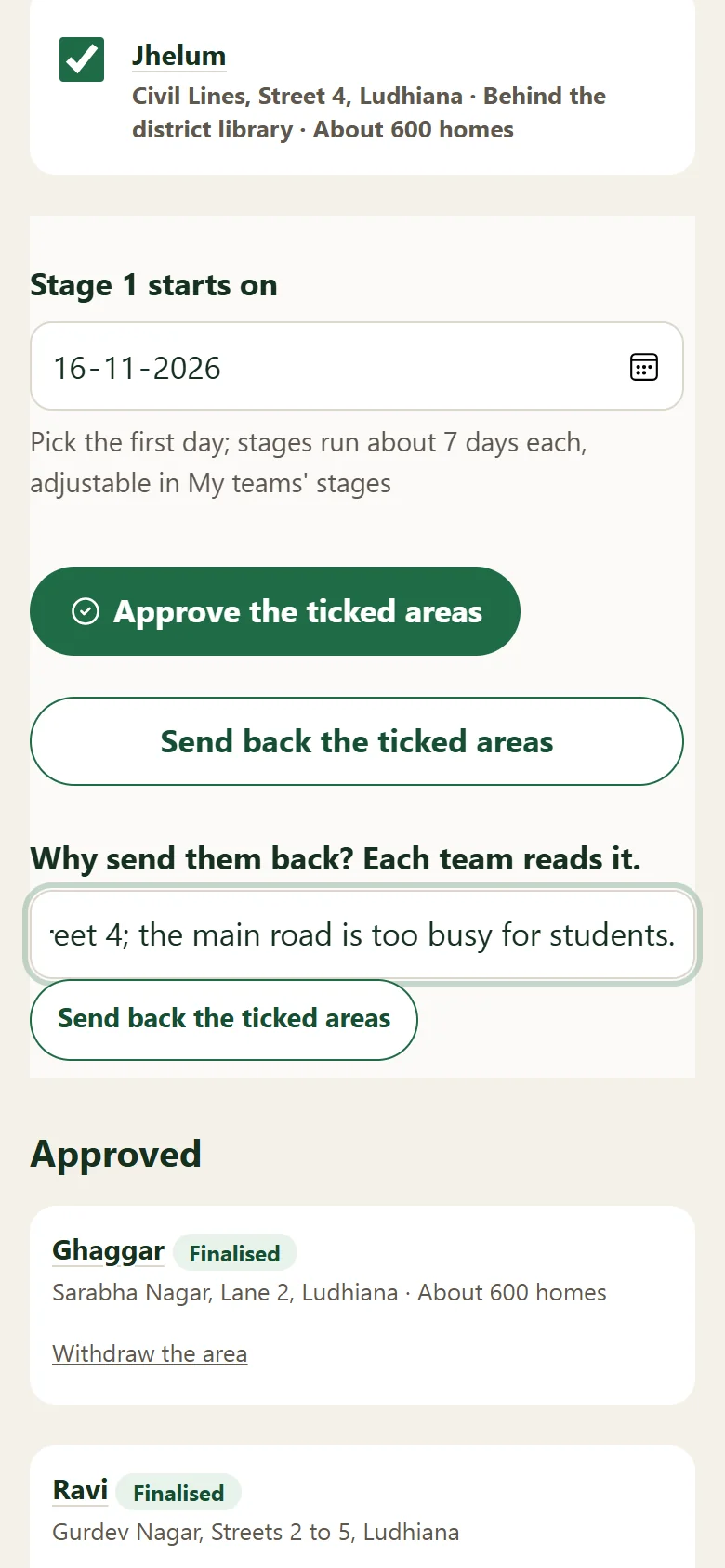
Daljit ticks Jhelum, writes why (keep to Street 4, as the main road is too busy for students), and taps Send back the ticked areas under the reason.
Tap Send back the ticked areas.
Finalised
Ravi and Satluj are now Finalised. Jhelum's reason shows under No area yet, and the team can choose again.
Withdrawing an area
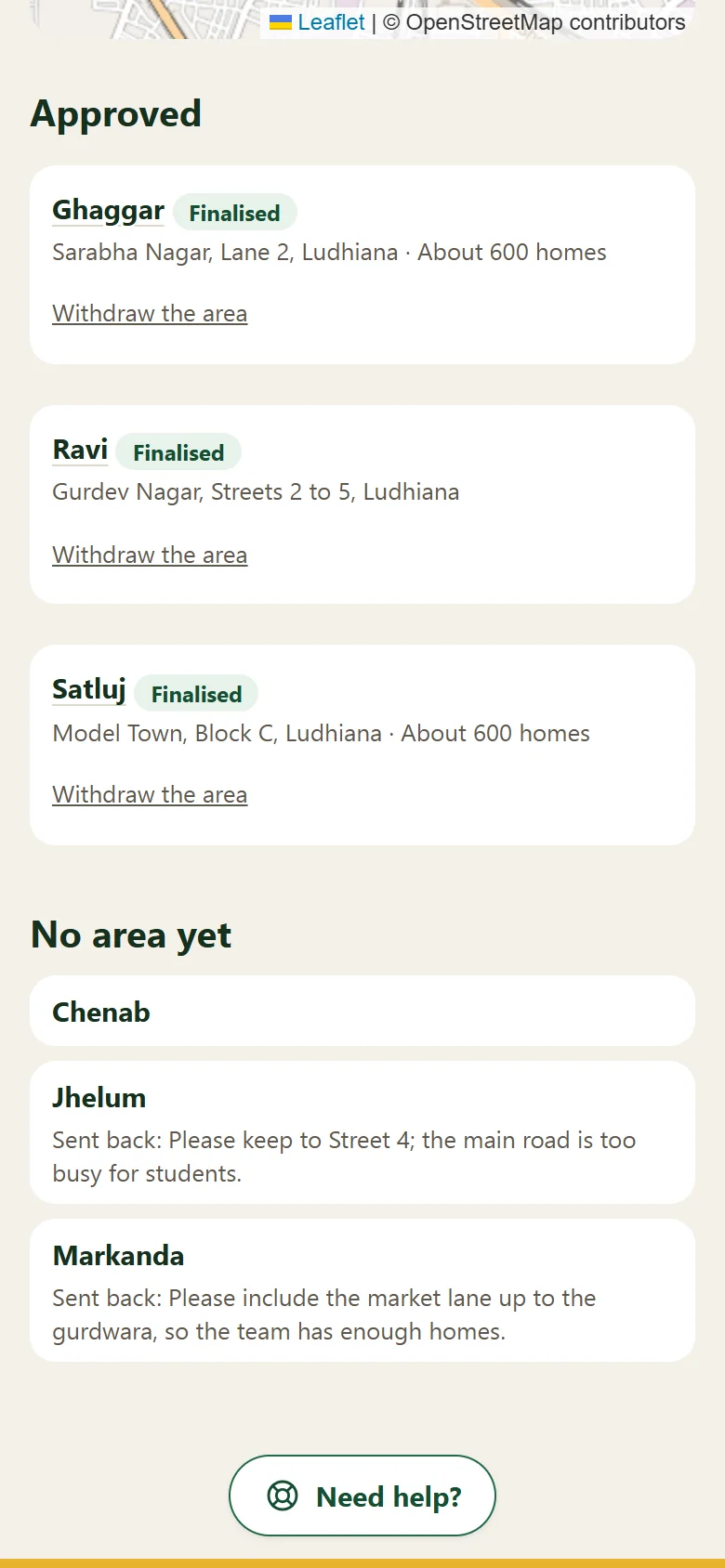
An approved area may still be withdrawn, for example when a team has to move. Daljit withdraws Ghaggar's.
Tap Withdraw the area.
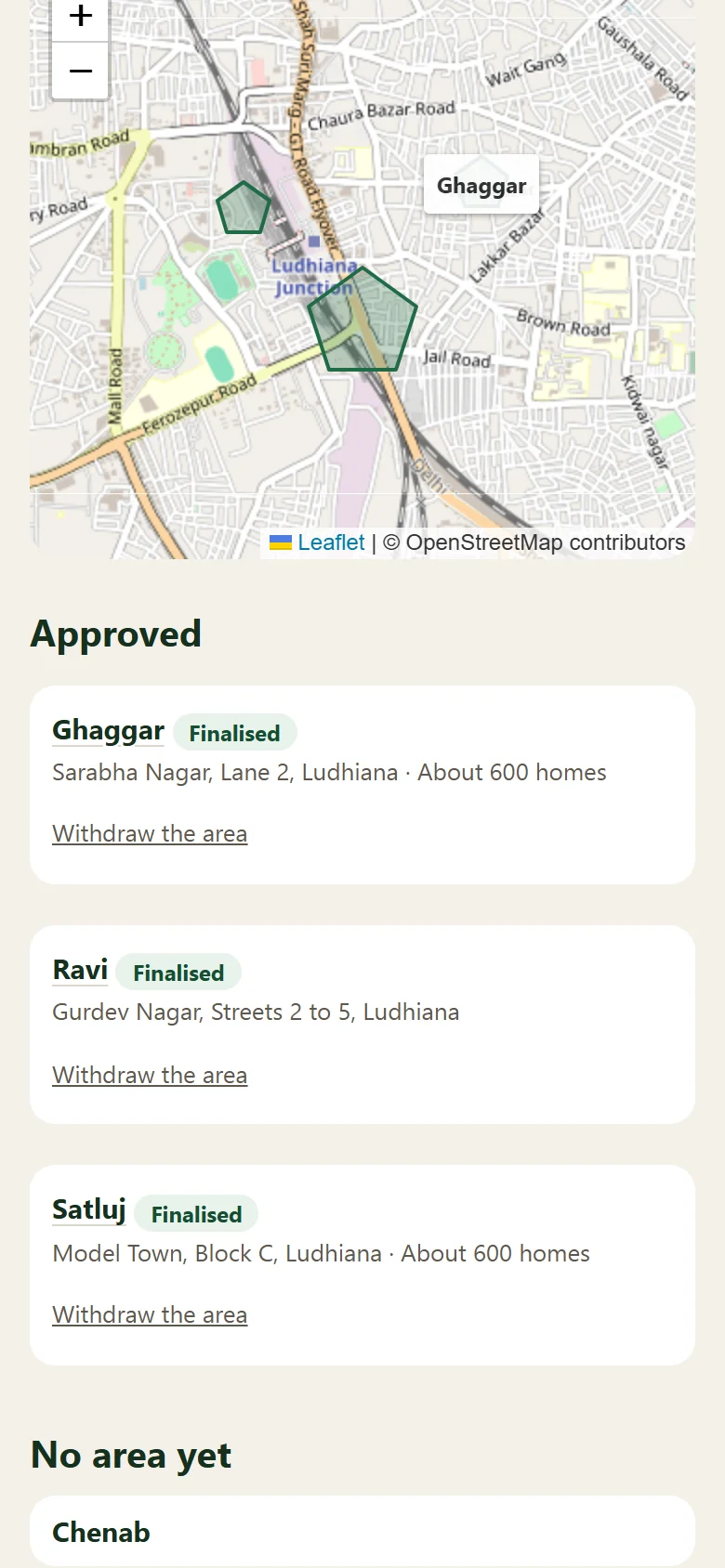
Say why
Daljit writes why; the team reads it.
Tap Withdraw the area.
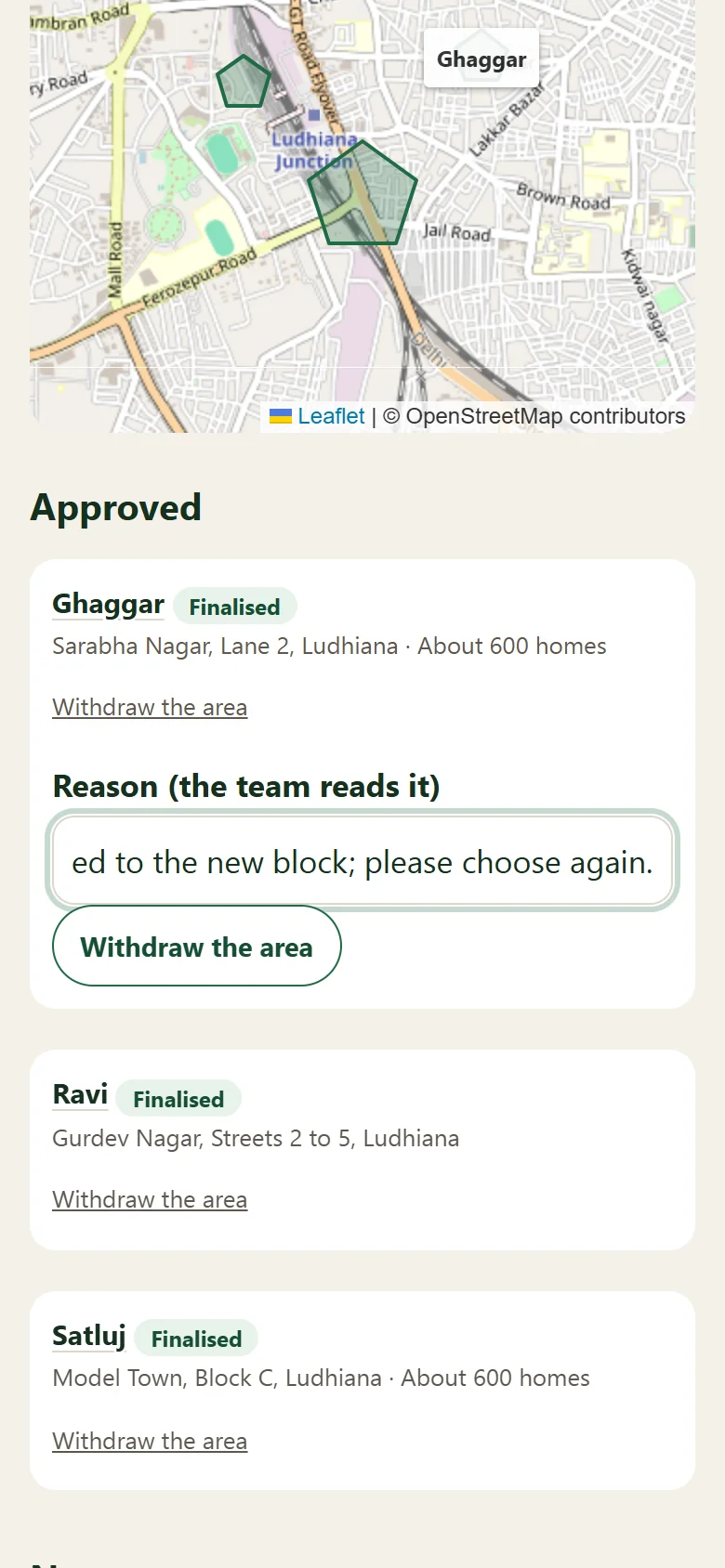
No area yet
Ghaggar is under No area yet, with Daljit's reason, and the team chooses again. The team stays finalised.
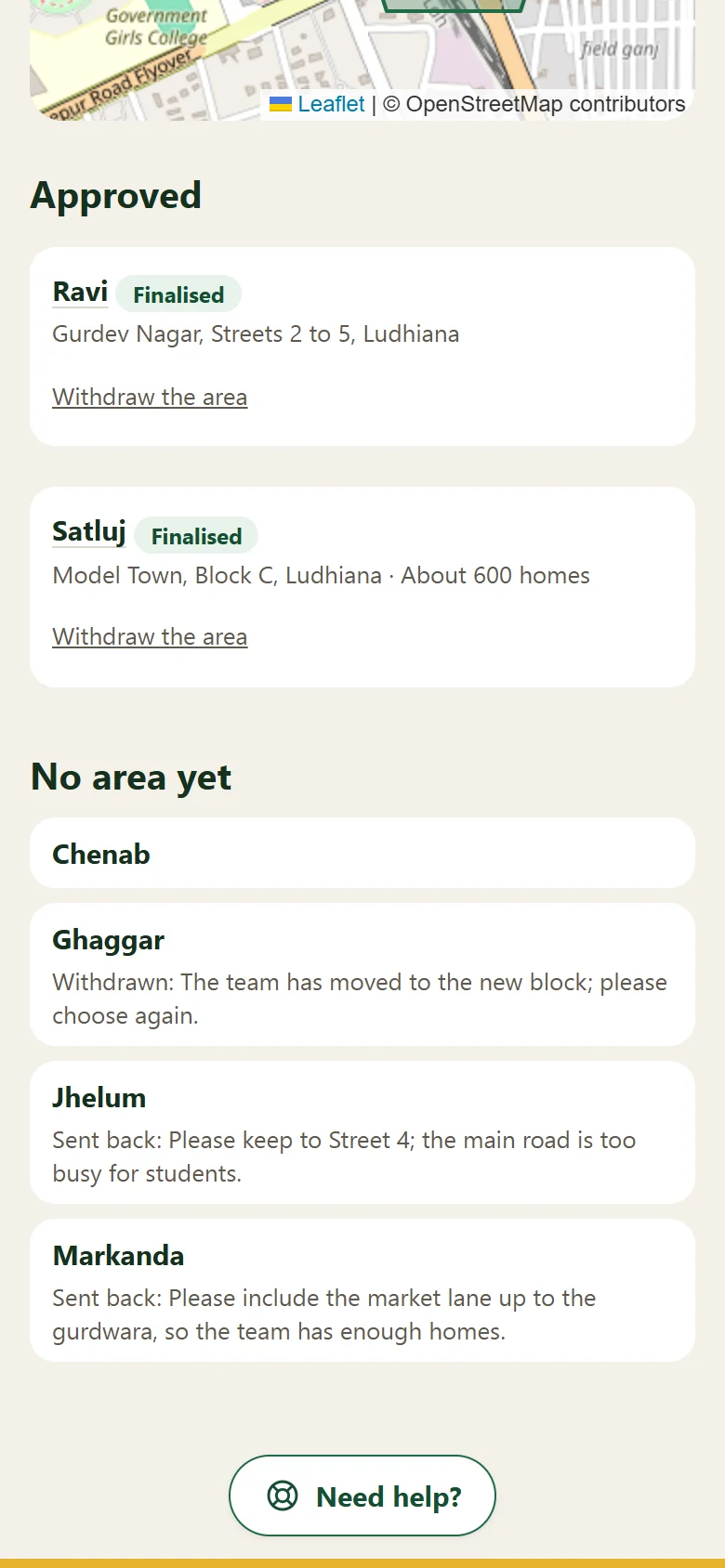
After approval
Once a team is finalised, each change to it needs a reason, which the nodal officer sees.
In this topic (scroll down for more topics)
- 1Approving the areas
- 2My page
- 3The first day
- 4Waiting for your approval
- 5Send one back
- 6Finalised
- 7Withdrawing an area
- 8Say why
- 9No area yet
- 10After approval
: topics
Back to the portal Back to the guide Home: choose another section
Link copied. Paste it into a message.