Home Approve a video
Approve a video
Tap the highlighted part of the screen.
A video for publication
Best seen on a phoneAt the Stage 4 and Stage 8 marking, you may approve one of the team's videos for publication. A member then publishes it on Instagram, YouTube or Facebook with the programme's tag, and adds the link. Here, Daljit marks Satluj's Progress Review.
Needs attention
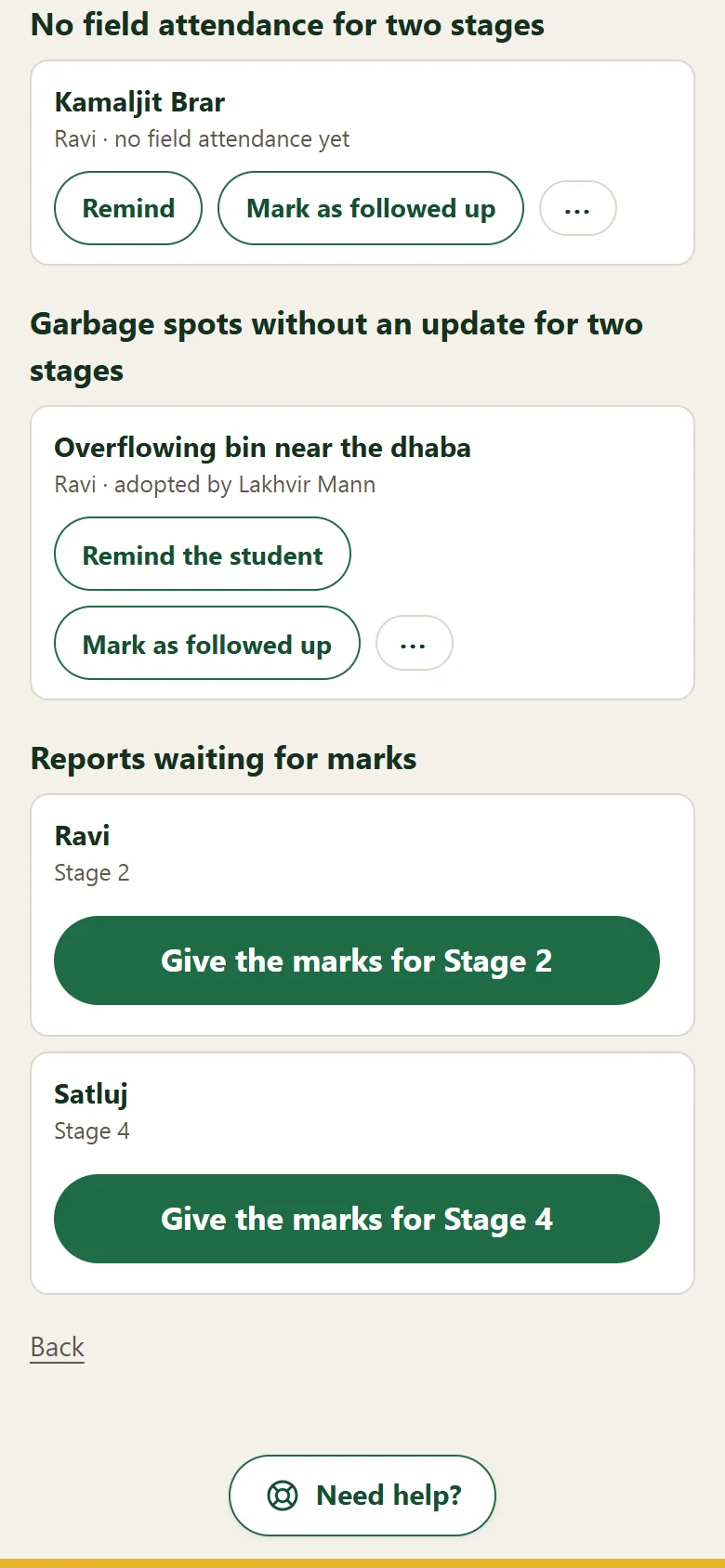
Once the Review Submission is in, Needs attention lists the team under Reports waiting for marks. It helps to give the marks, and choose a video for publication, within two days.
Tap Give the marks for Stage 4.
Choose the video
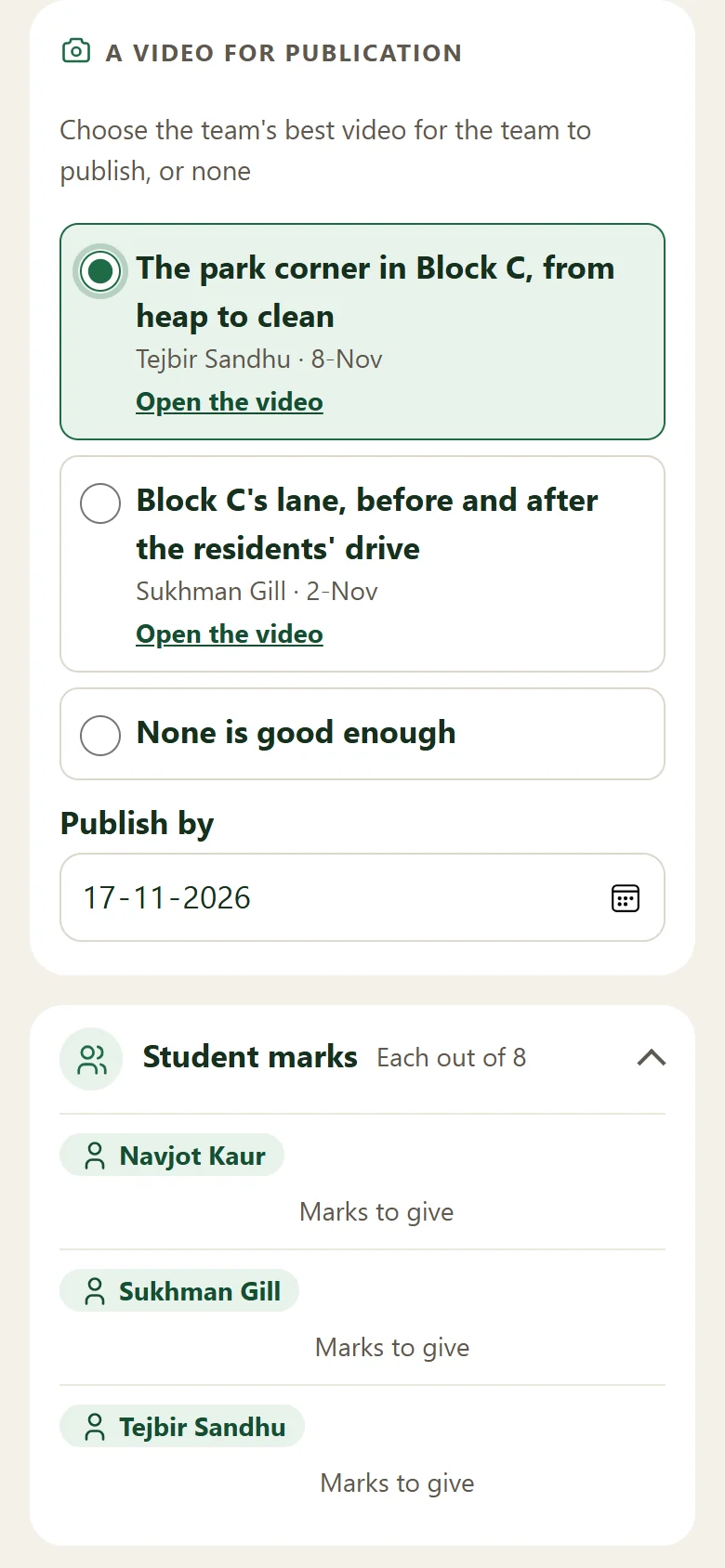
Below the marks, the team's videos from Stages 1 to 3 are listed; each opens in Drive's player. Daljit chooses the park corner clean-up. If no video is good enough, you may choose None is good enough: the publishing marks are then 0, and the marking is complete.
Choose a video.
Publish by
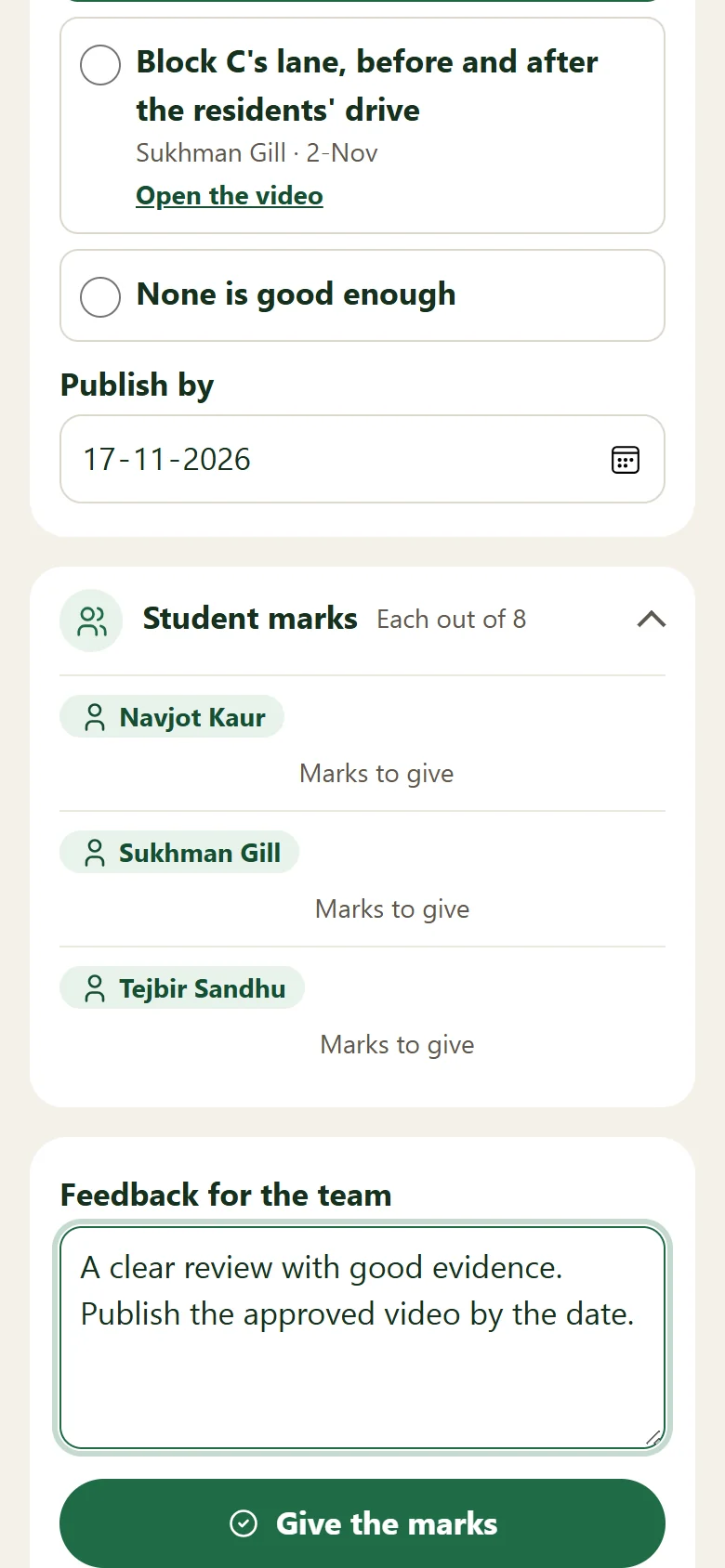
The team has two days to publish it; you may give a later date. The other marks are given as at any review, and Pictures and videos judges the approved video.
Tap Give the marks.
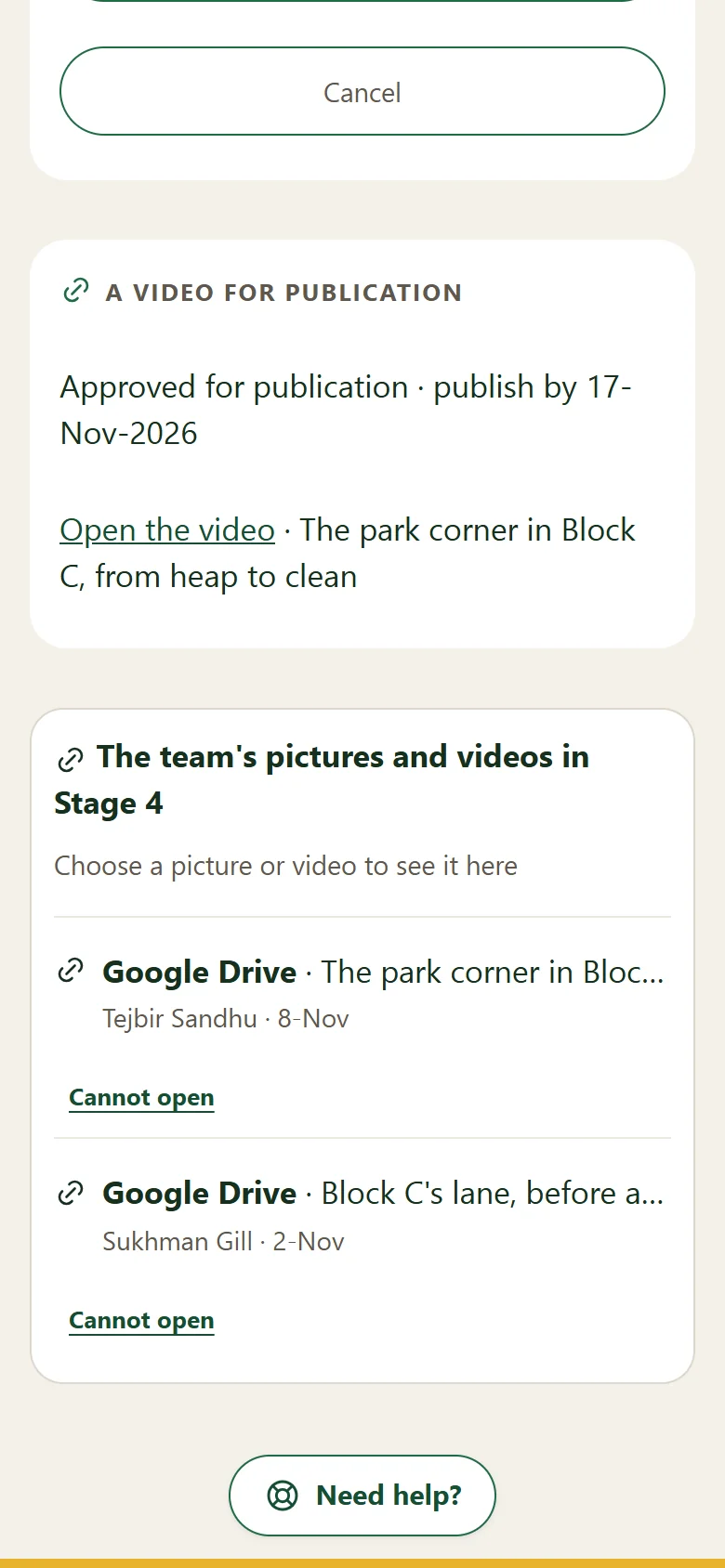
Approved, waiting to be published
The marks are given, and the review waits for the published video. The team sees the approved video, and the date to publish it by, on its page.
At most two for each team
A team has at most two published videos: one from the Progress Review and one from the Final Review. Only videos are approved, never pictures.
In this topic (scroll down for more topics)
- 1A video for publication
- 2Needs attention
- 3Choose the video
- 4Publish by
- 5Approved, waiting to be published
- 6At most two for each team
: topics
Back to the portal Back to the guide Home: choose another section
Link copied. Paste it into a message.