Home Finalise our area
Finalise our area
Tap the highlighted part of the screen.
Approved, or sent back
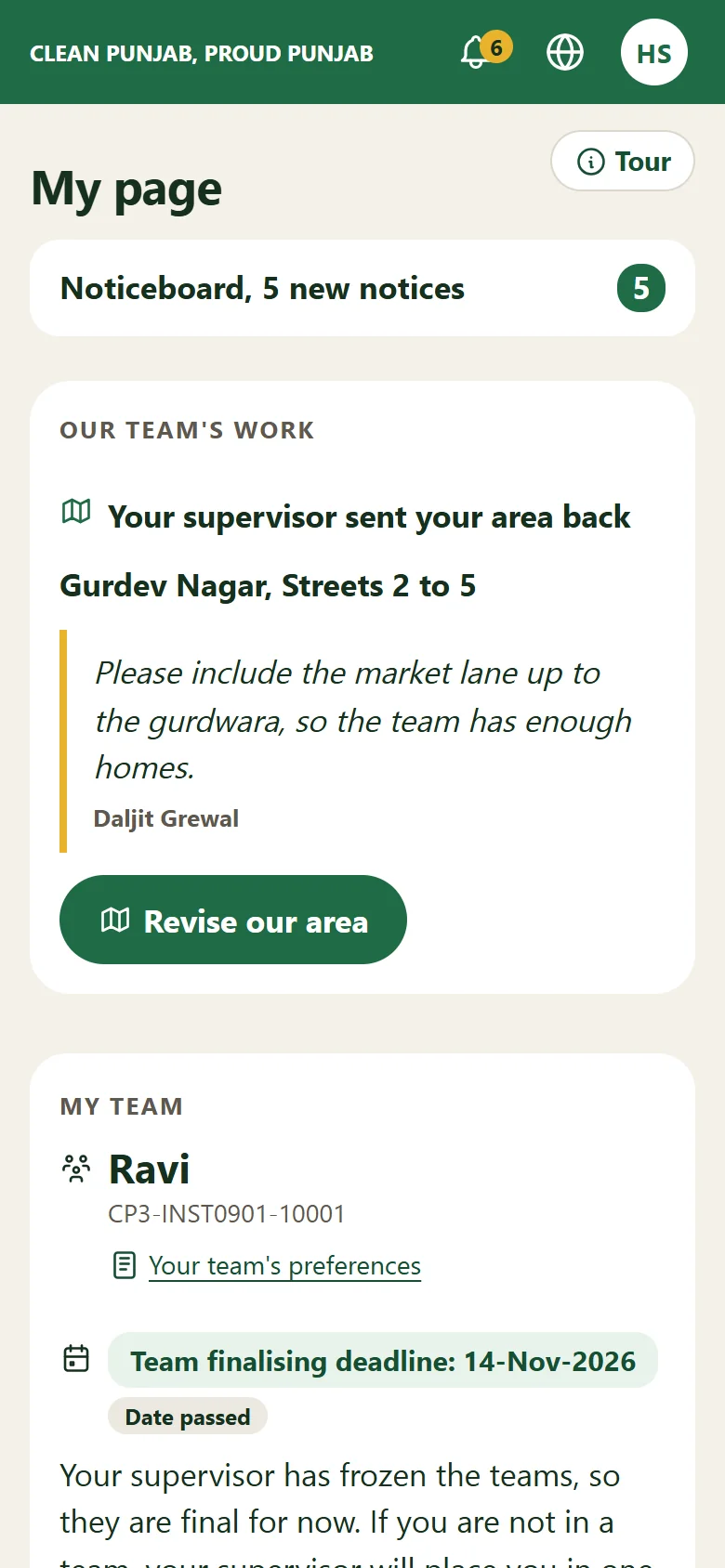
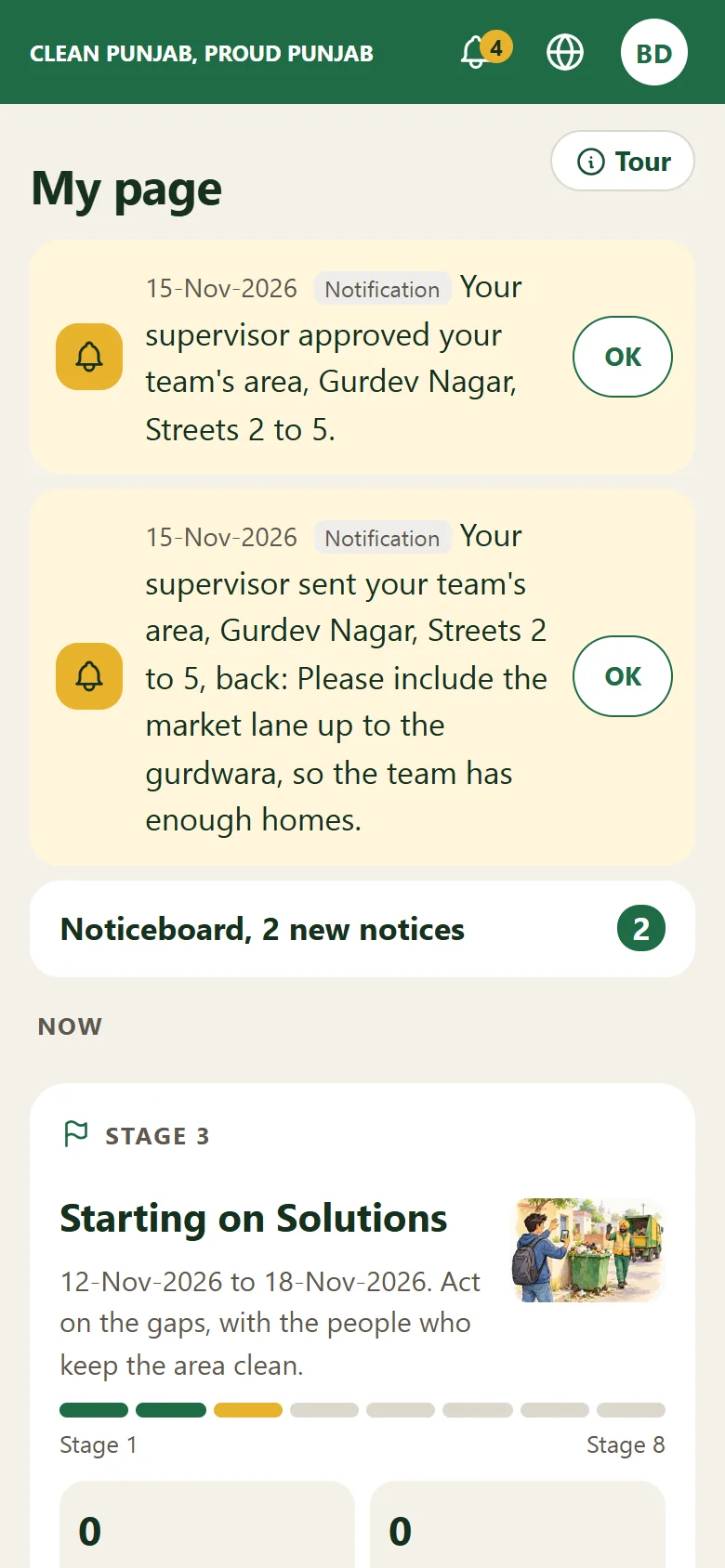
Best seen on a phoneOnce your team's area is sent, your supervisor may approve it, or send it back with a reason. Approving it finalises your team. Here, team Ravi's first area is sent back, and the next one is approved.
Sent back
Supervisor Daljit sent the area back, and Daljit's own words are shown separately: include the market lane up to the gurdwara. It helps to walk the streets again before Harleen revises the area.
Tap Revise our area.
Balwinder's turn
Approved
The area is approved, and Daljit has set the day Stage 1 begins. Under the notices, My page now shows the stage card, where the team's work in each stage is gathered.
Finalised
Under My team, the team is marked Finalised, and each member's field attendance is shown.
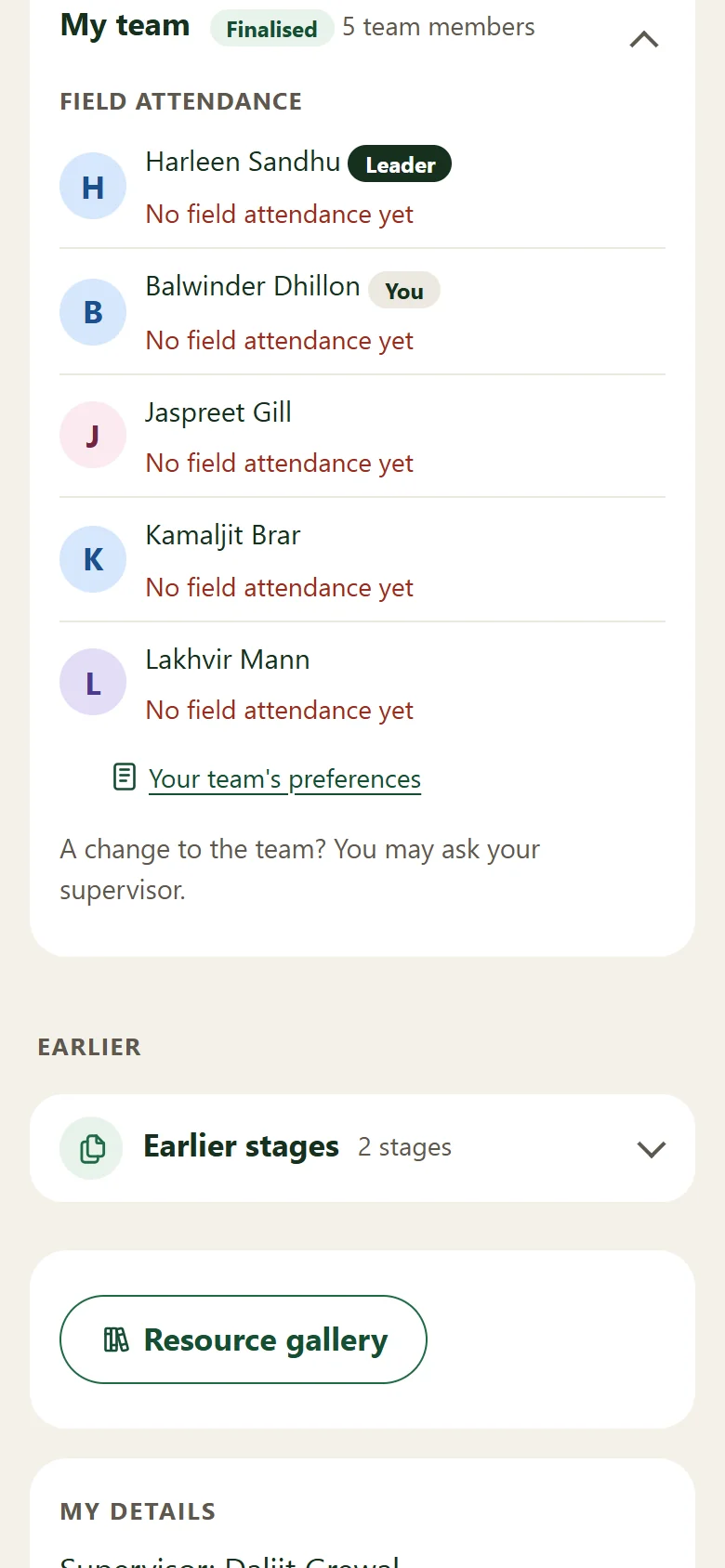
Your team is finalised
Once the area is approved, only your supervisor can change the team, with a reason for each change. If something about your team needs to change, you may ask your supervisor. Next: the eight stages, about a week each.
In this topic (scroll down for more topics)
: topics
Back to the portal Back to the guide Home: choose another section
Link copied. Paste it into a message.