Home Mark field attendance
Mark field attendance
Tap the highlighted part of the screen.
When you go to your area
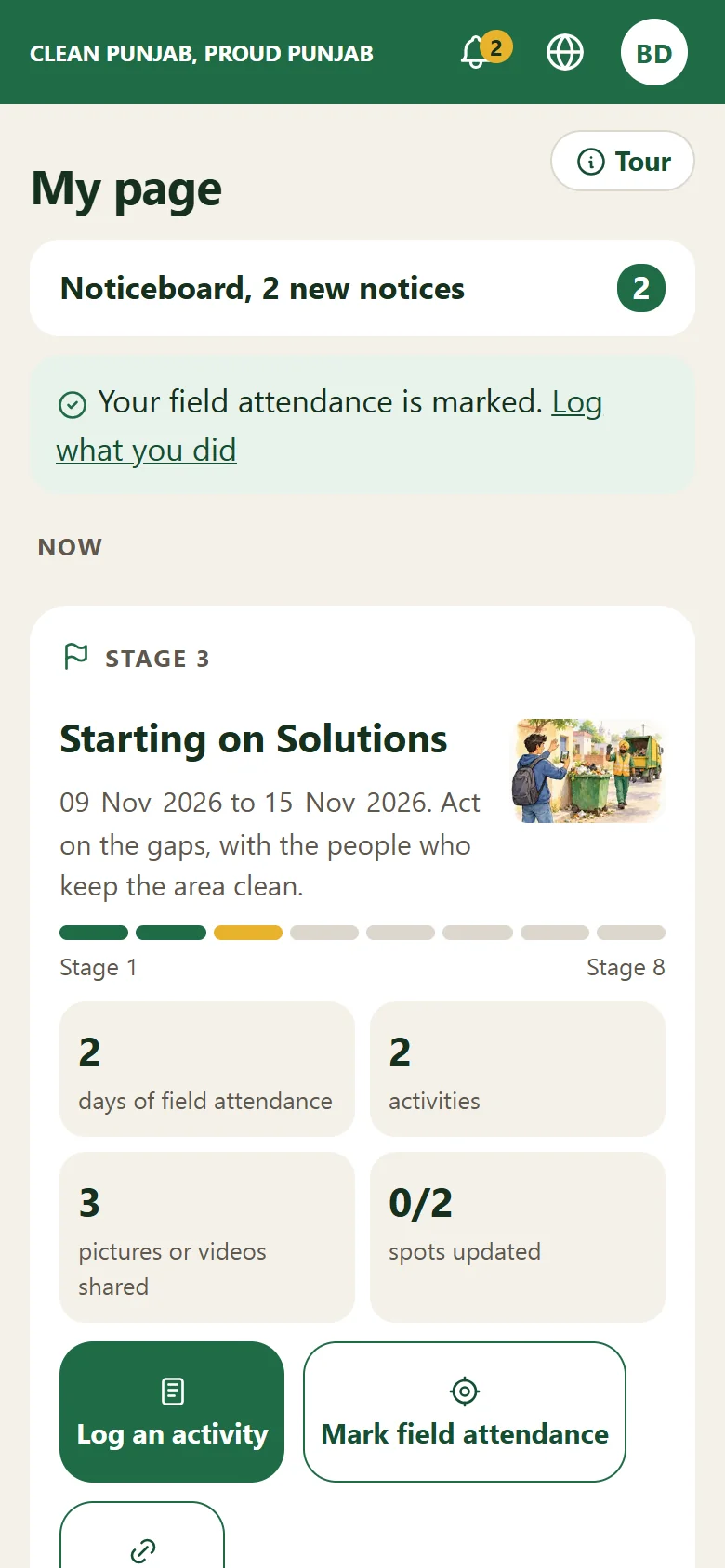
Best seen on a phoneWhen you go to your area, you may mark your field attendance there, on the day. Your location is kept with it, so your supervisor can see where it was marked. Here, Student Balwinder marks field attendance in Stage 3, Starting on Solutions.
My page
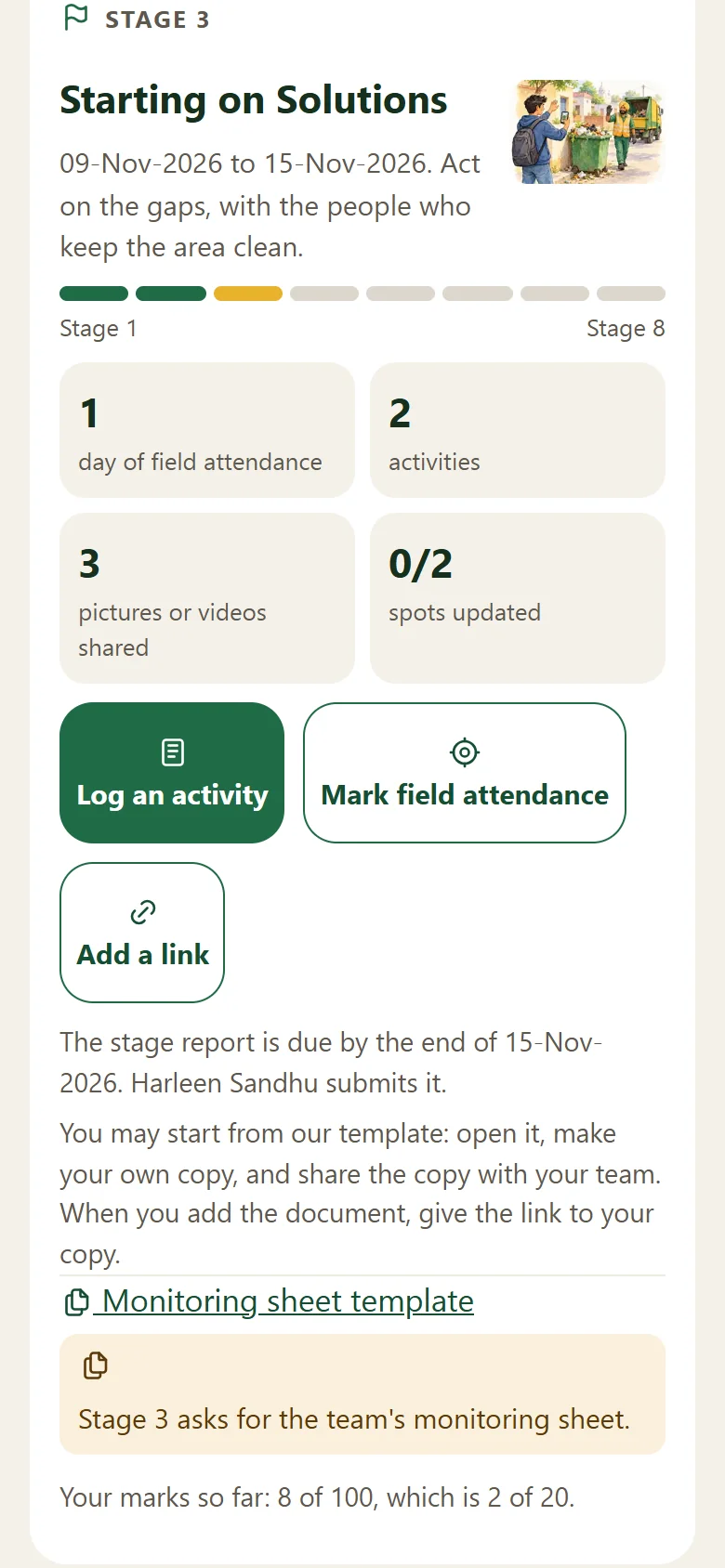
The stage card shows Stage 3, its dates, and the team's work so far in this stage.
Tap Mark field attendance.
Mark field attendance
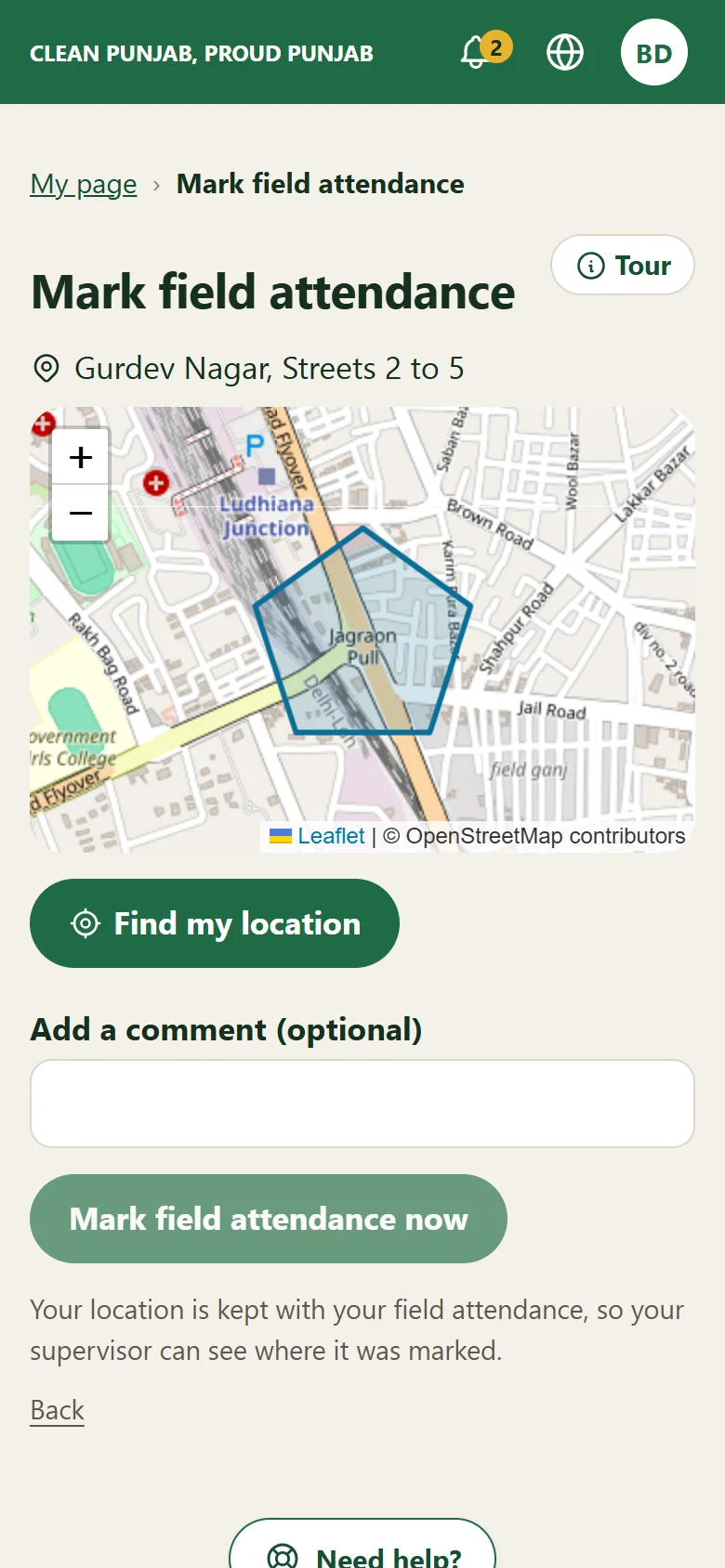
The page shows the team's area on a map.
Tap Find my location.
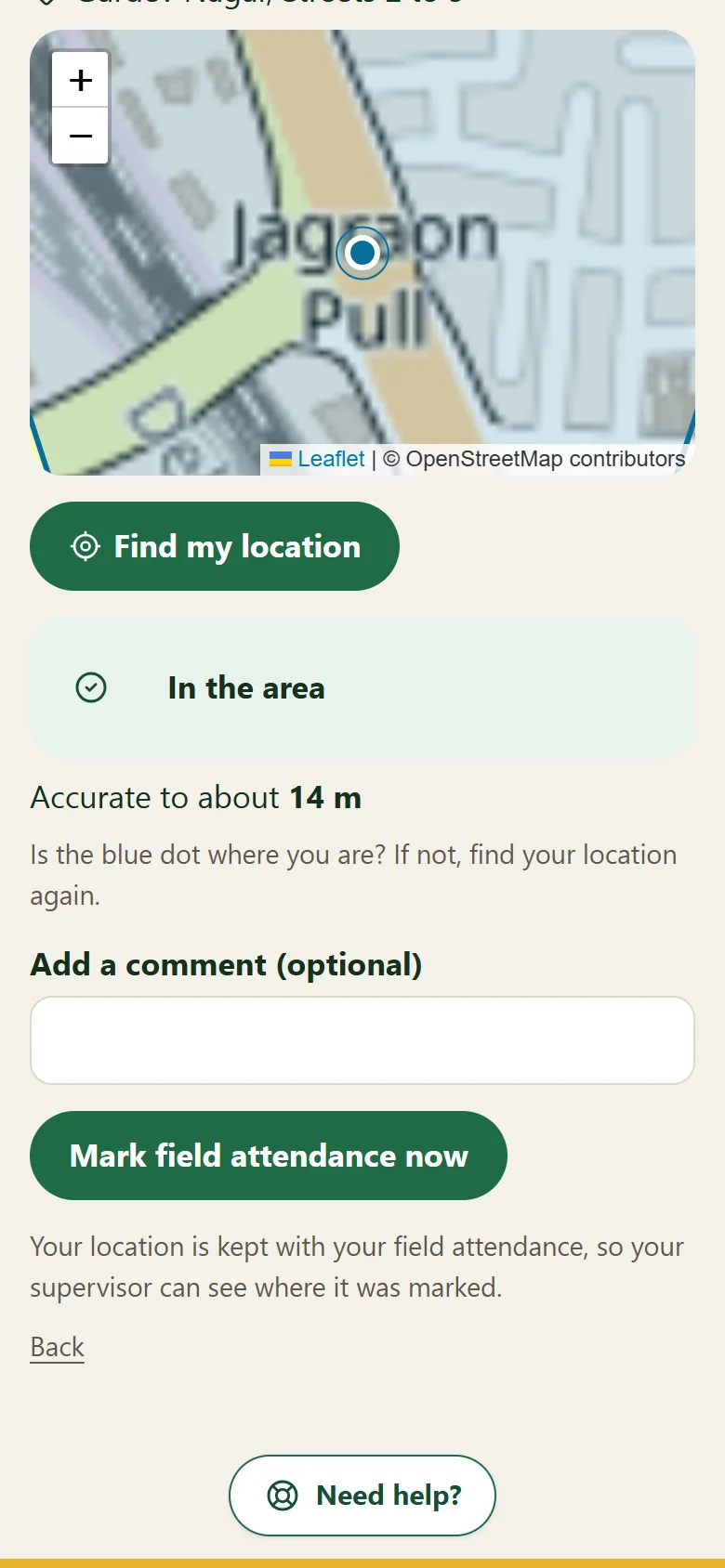
In the area
The blue dot shows where Balwinder is, and the portal says In the area, with how accurate the location is. If the dot looks wrong, Find my location tries again.
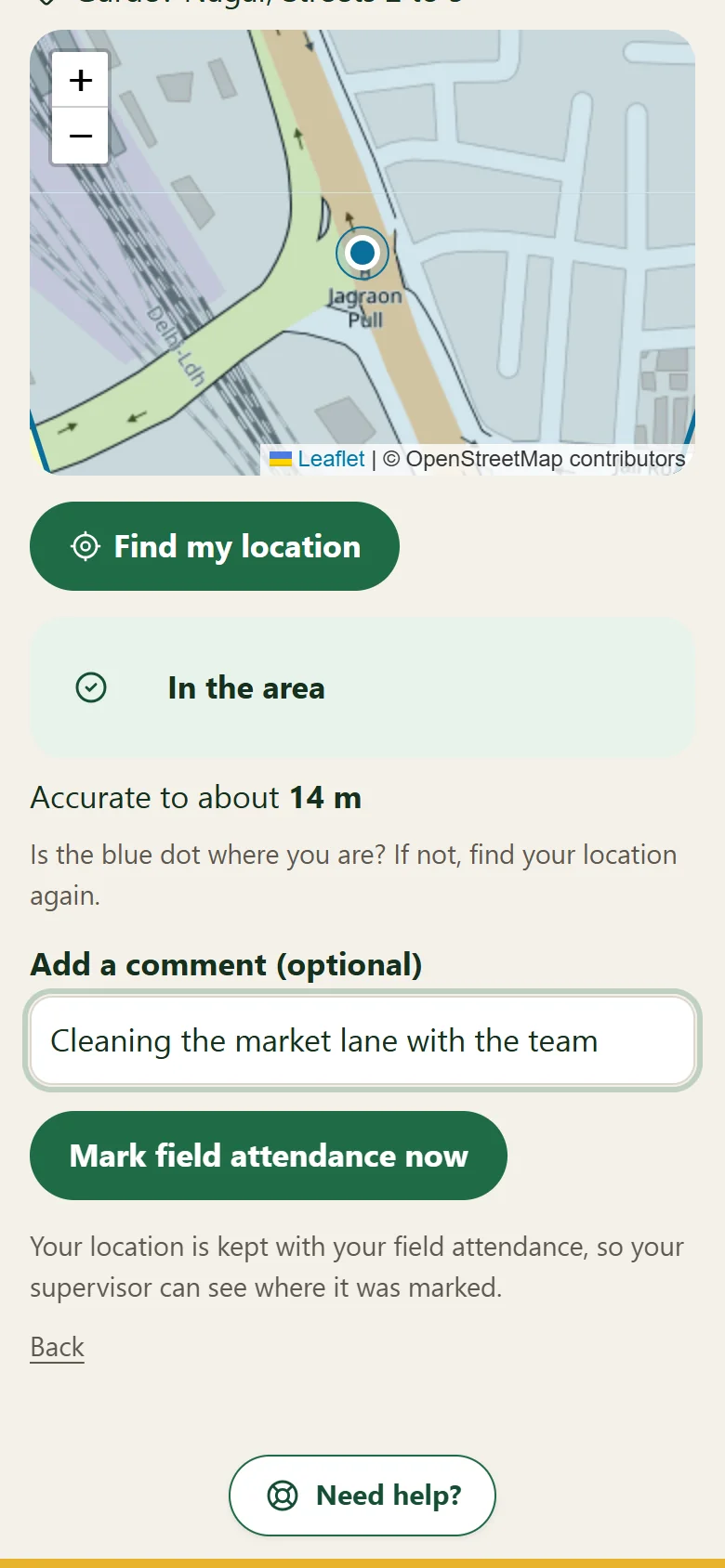
A comment
Balwinder adds a comment on what the team is doing today.
Tap Mark field attendance now.
Marked
Back on My page, the portal says the field attendance is marked, and offers to log what Balwinder did.
Tap Log what you did.
When your team can
Each member marks their own field attendance. If the phone cannot find a location, field attendance can still be marked without one. Your supervisor may ask for more, such as a number of visits; if so, follow what they ask.
In this topic (scroll down for more topics)
- 1When you go to your area
- 2My page
- 3Mark field attendance
- 4In the area
- 5A comment
- 6Marked
- 7When your team can
: topics
Back to the portal Back to the guide Home: choose another section
Link copied. Paste it into a message.