Home Cannot open
Cannot open
Tap the highlighted part of the screen.
A file you cannot open
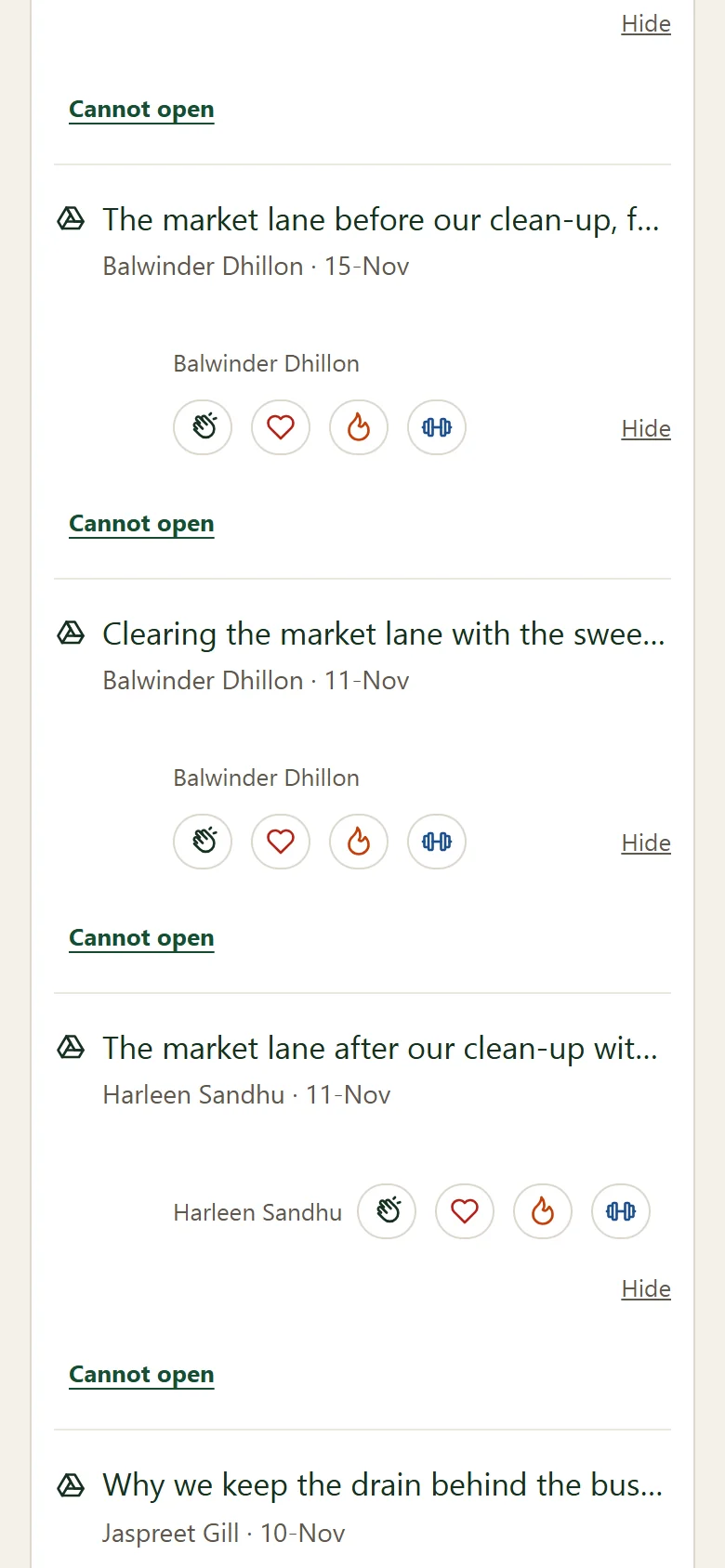
Best seen on a phoneIf you cannot open a picture, video or document the team has shared, you may mark it. It is not counted until the team shares it again and you can open it. Here, Daljit cannot open a video in team Ravi's work.
Cannot open
In Teams' work, each shared item has Cannot open. The member who shared it and the team's leader are told.
Tap Cannot open.
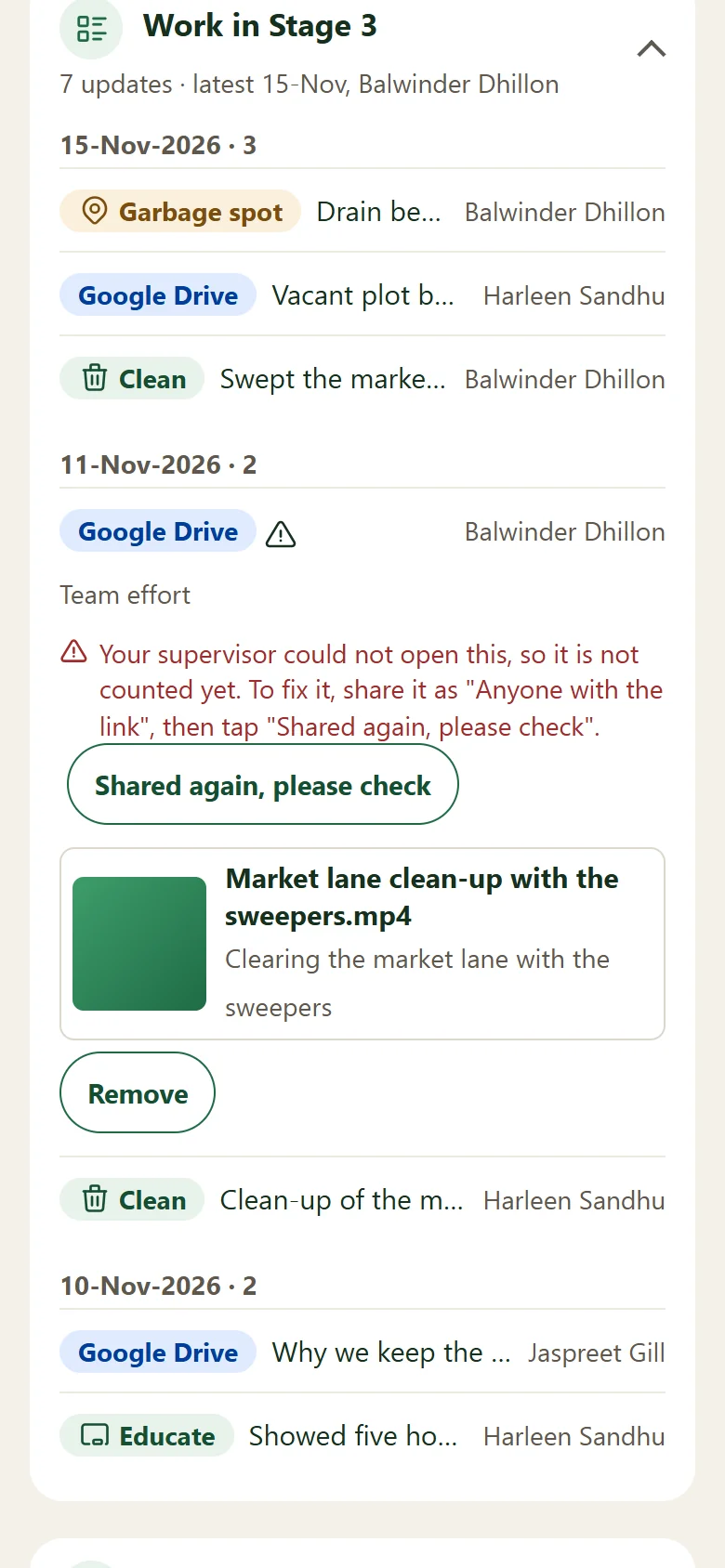
What the team sees
Balwinder sees that the supervisor could not open it. In Google Drive, Balwinder shares it as "Anyone with the link", then taps Shared again, please check.
Tap Shared again, please check.
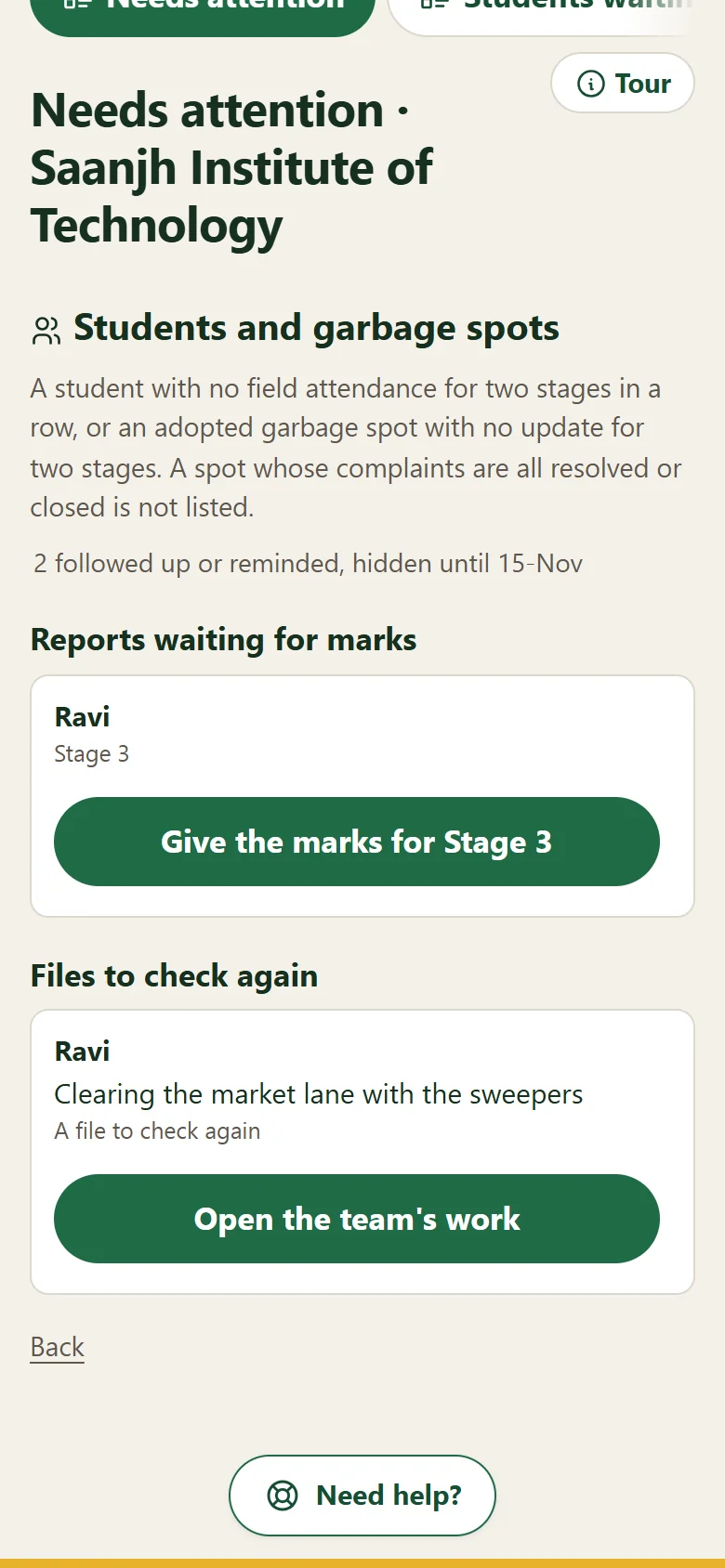
Files to check again
Needs attention lists the file under Files to check again, for you to open again.
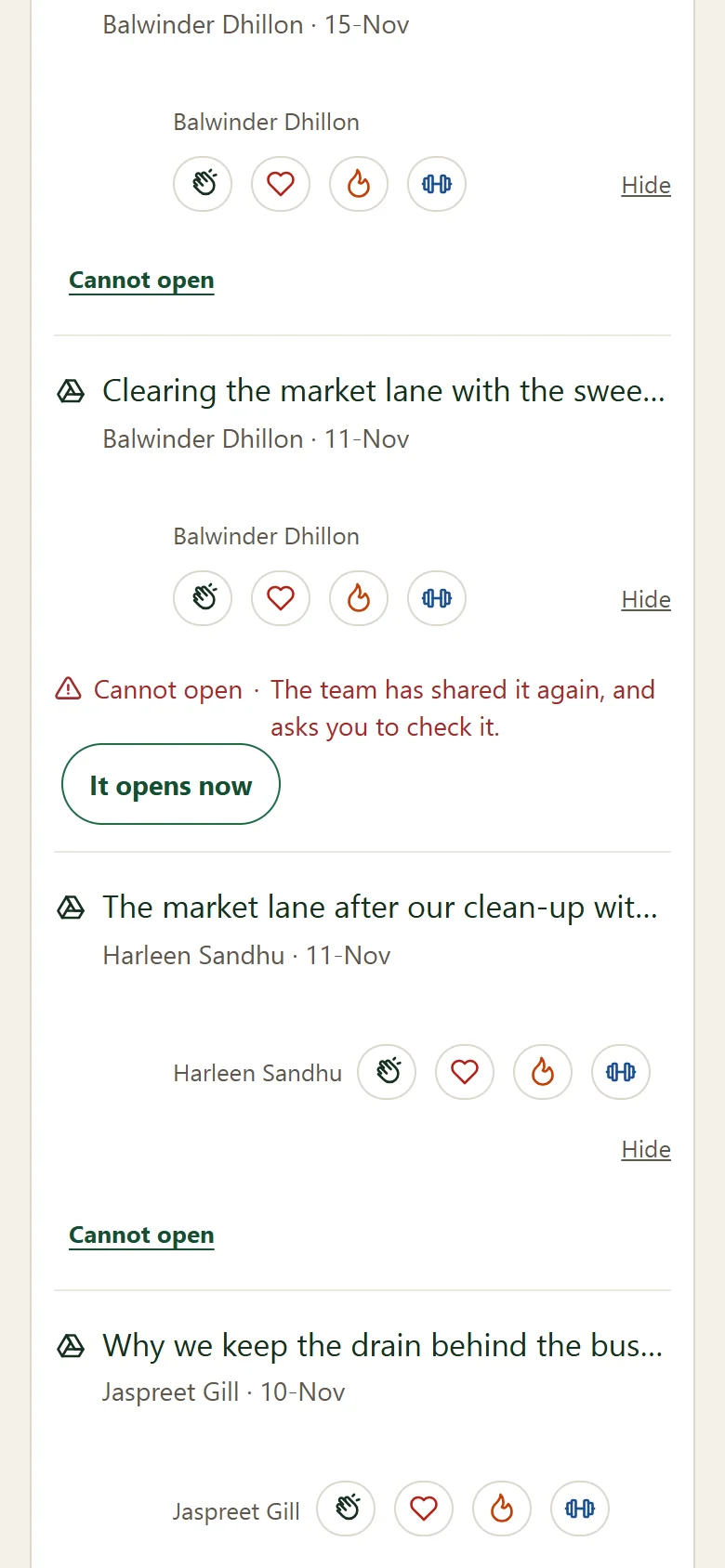
It opens now
Daljit opens it, and taps It opens now. It is counted again.
Tap It opens now.
Anyone with the link
Each picture, video and document is shared as "Anyone with the link", so the supervisor can open it without signing in.
In this topic (scroll down for more topics)
- 1A file you cannot open
- 2Cannot open
- 3What the team sees
- 4Files to check again
- 5It opens now
- 6Anyone with the link
: topics
Back to the portal Back to the guide Home: choose another section
Link copied. Paste it into a message.