Home A first notice for the institution
A first notice for the institution
Tap the highlighted part of the screen.
A welcome for the institution
Best seen on a phoneA friendly first notice helps the whole institution start well. You may put one up on the institution's noticeboard, and every supervisor and student at the institution will see it. Here, Navneet writes a welcome.
The noticeboard
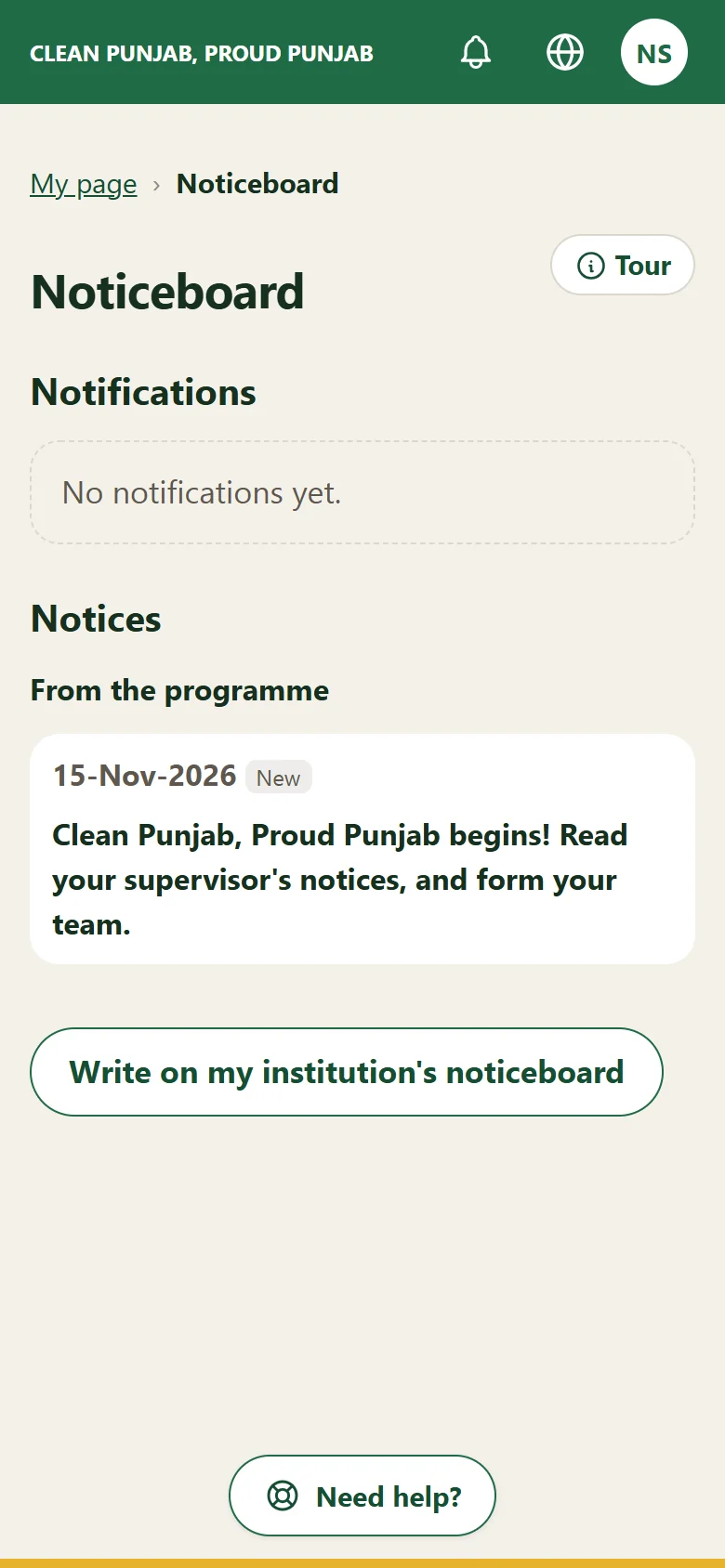
On the noticeboard, Navneet finds the button for the institution's notices.
Tap Write on my institution's noticeboard.
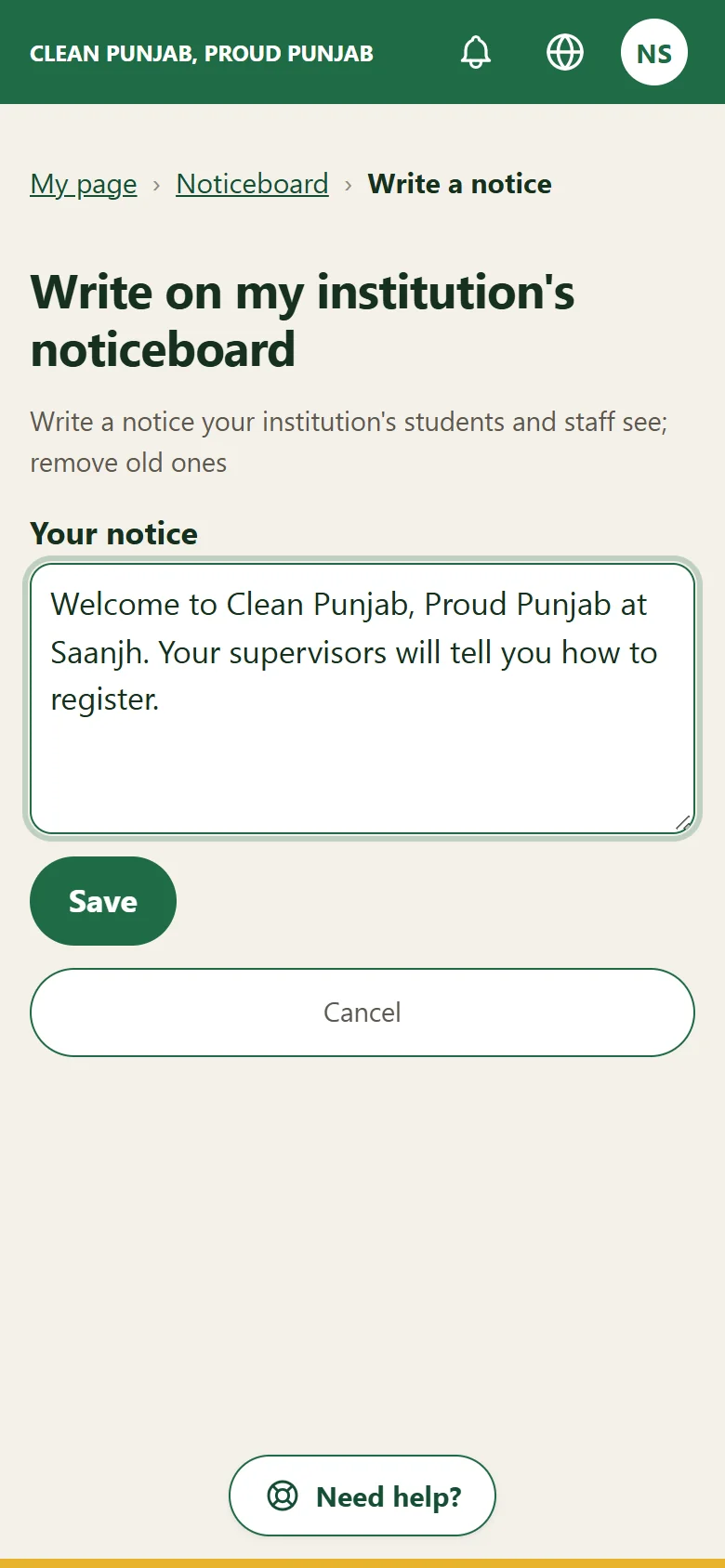
Write a notice
Navneet writes a short welcome.
Tap Save.
The notice is posted
The notice now appears under Notices, marked as being from the institution.
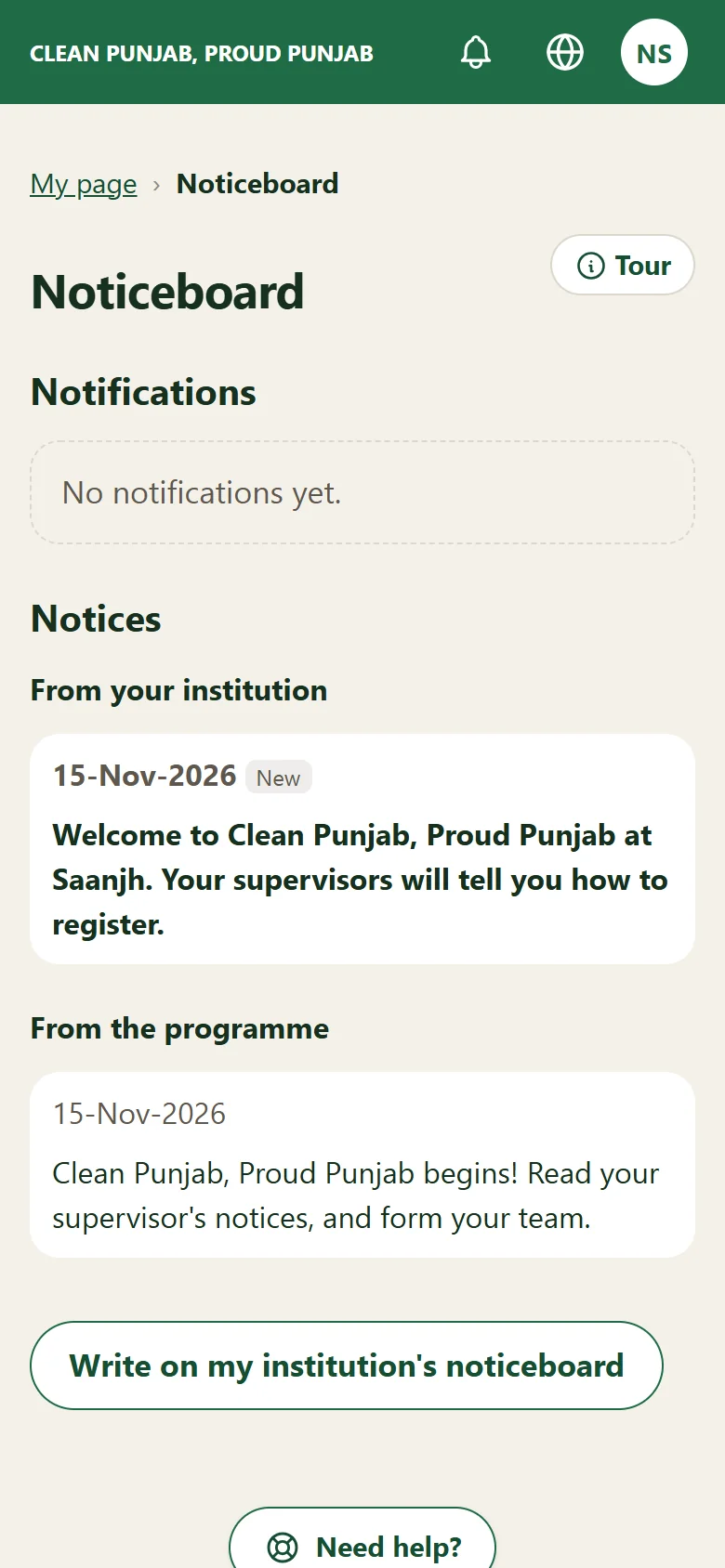
The institution is welcomed
You can post more notices at any time, and remove old ones.
In this topic (scroll down for more topics)
- 1A welcome for the institution
- 2The noticeboard
- 3Write a notice
- 4The notice is posted
- 5The institution is welcomed
: topics
Back to the portal Back to the guide Home: choose another section
Link copied. Paste it into a message.