Home Forgot my password
Forgot my password
Tap the highlighted part of the screen.
Forgot your password
Best seen on a phoneIf you forget your password, a code by SMS lets you choose a new one, twice in 30 days. After that, your supervisor resets it. Here, Kamaljit resets it.
Signing in
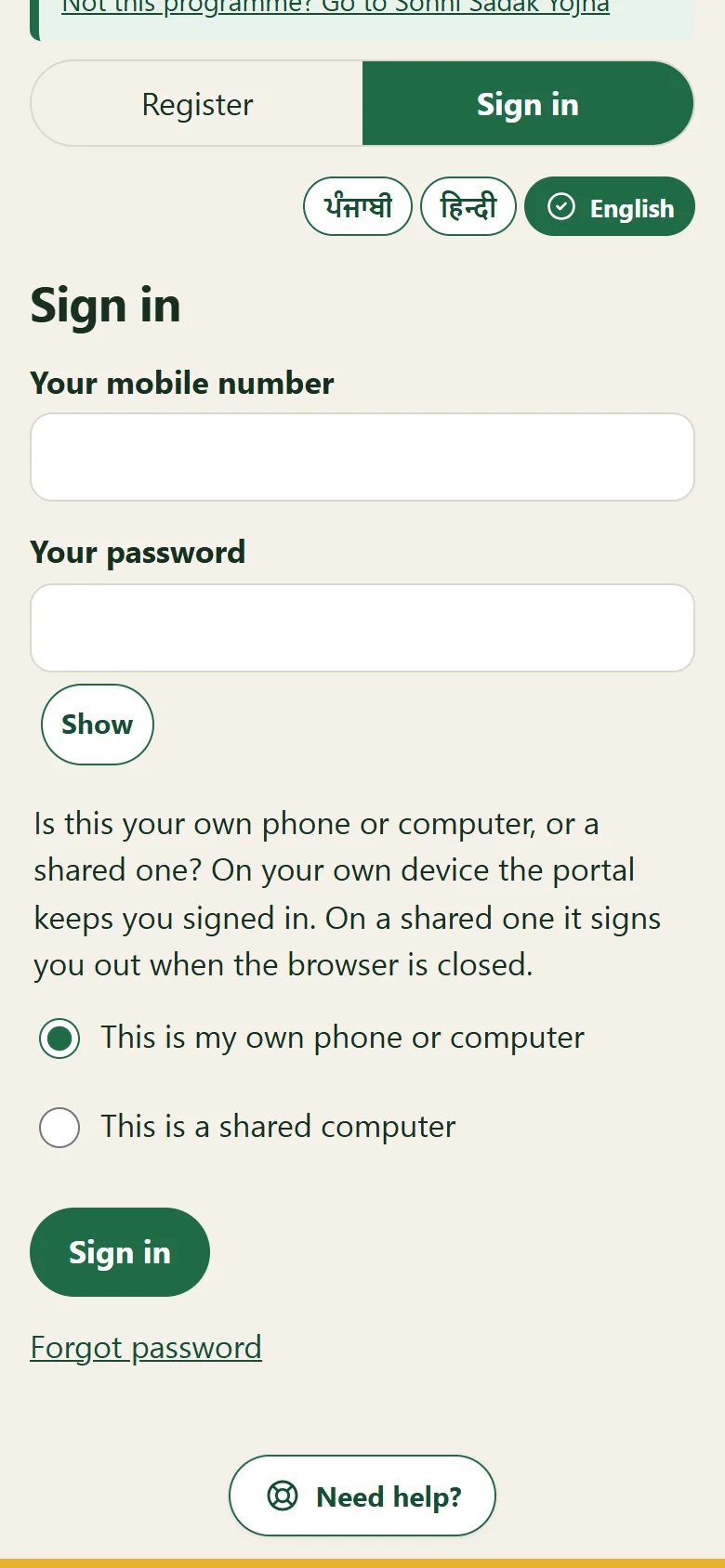
The sign-in page has a link for a forgotten password.
Tap Forgot password.
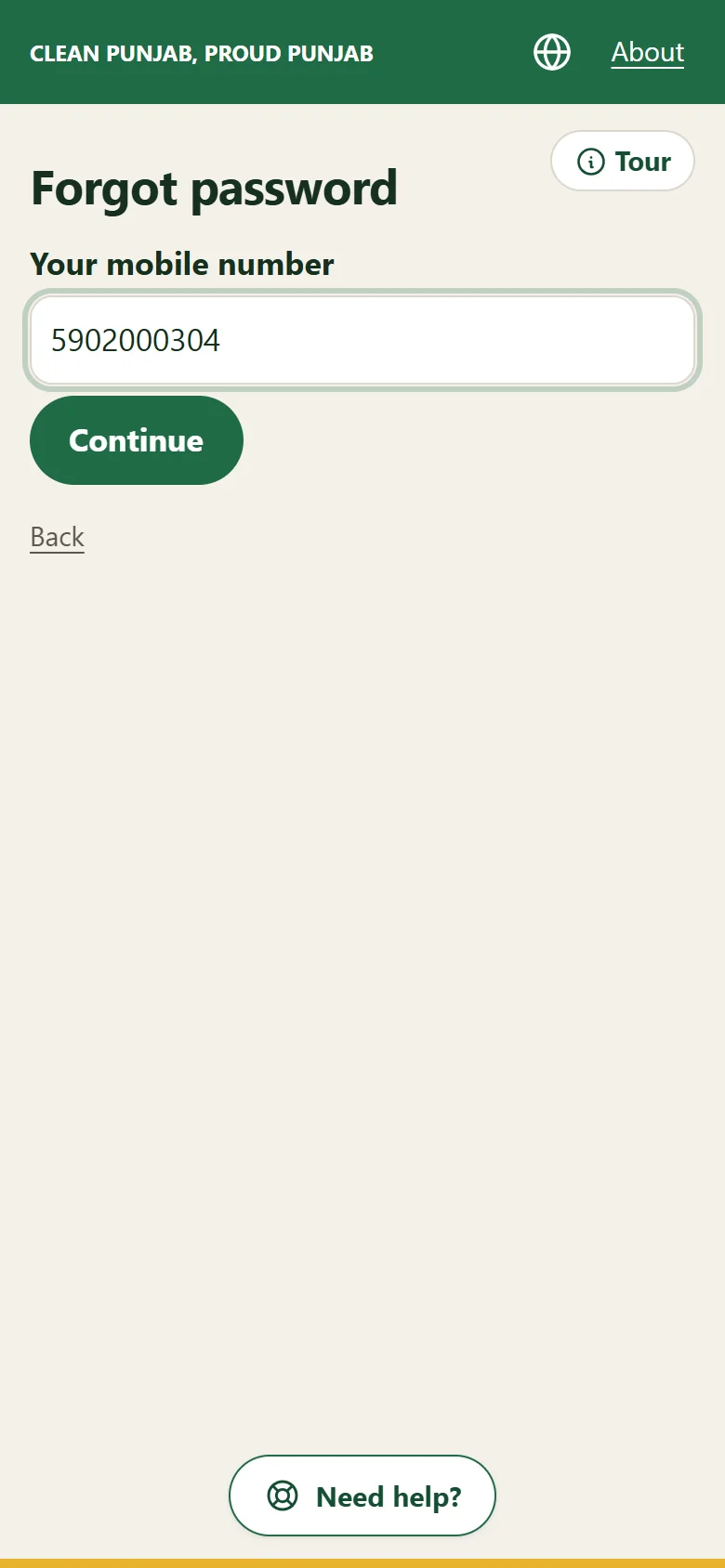
Your mobile number
Kamaljit types the registered number.
Tap Continue.
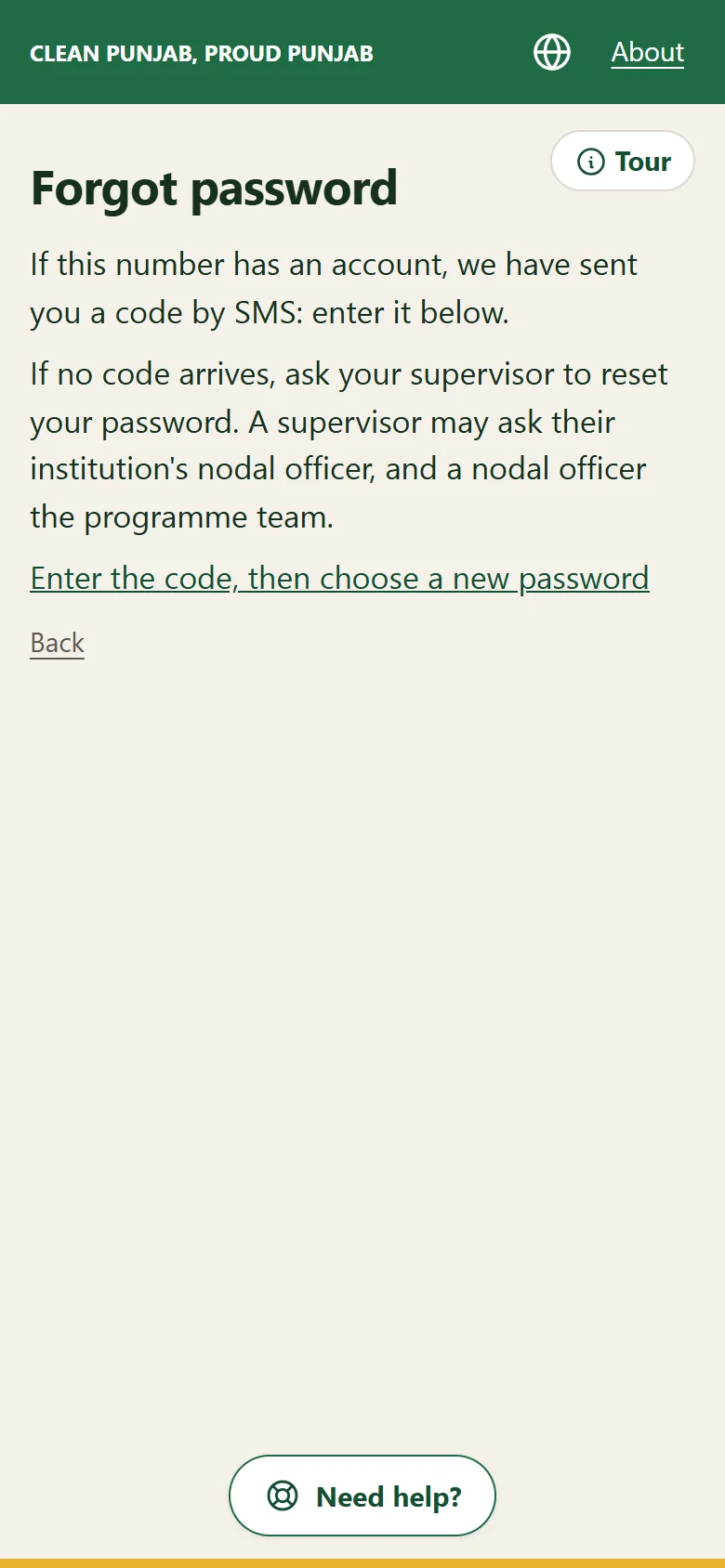
The code
A code comes by SMS. If none arrives, ask your supervisor to reset your password.
Tap Enter the code, then choose a new password.
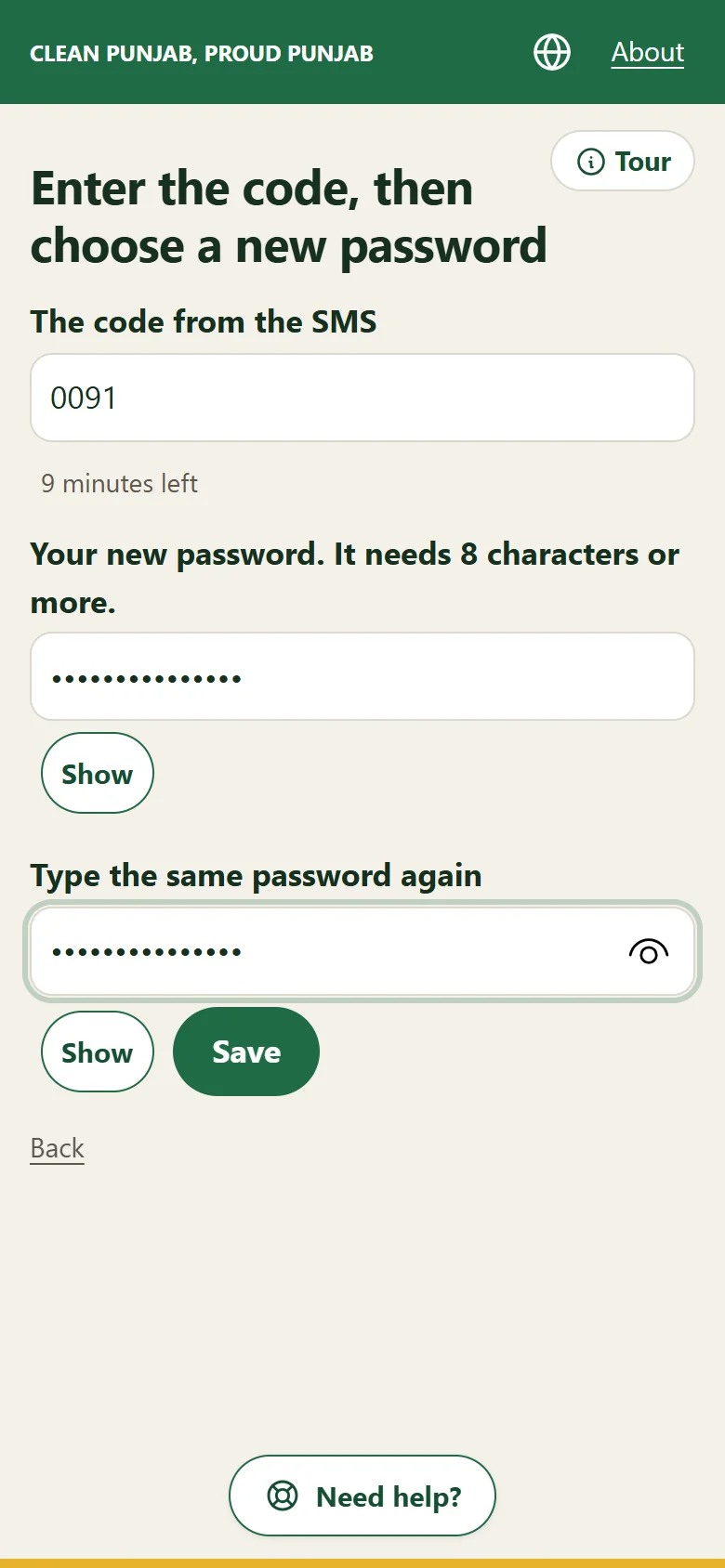
A new password
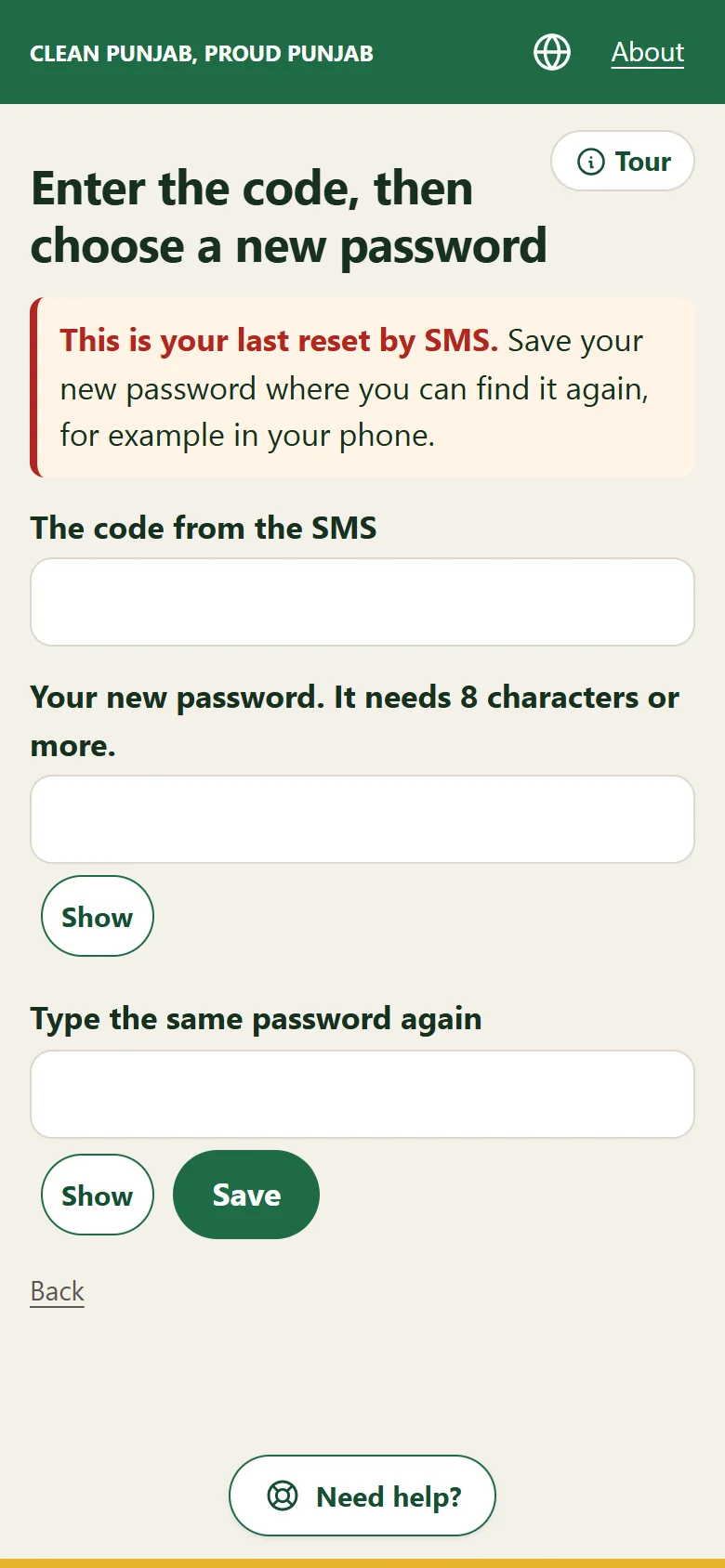
Kamaljit types the code and the new password twice.
Tap Save.
The last reset
The second reset in 30 days says so in red. Save your new password, for example in your phone.
After the second reset
After that, a student asks their supervisor to reset the password, a supervisor asks their nodal officer, and a nodal officer asks the programme team.
In this topic (scroll down for more topics)
- 1Forgot your password
- 2Signing in
- 3Your mobile number
- 4The code
- 5A new password
- 6The last reset
- 7After the second reset
: topics
Back to the portal Back to the guide Home: choose another section
Link copied. Paste it into a message.