Home Give the marks
Give the marks
Tap the highlighted part of the screen.
Giving the marks
Best seen on a phoneOnce a team's report is submitted, you give the stage's marks: the team's, and each student's, with feedback for the team. Here, Daljit marks Ravi's Stage 2.
The team's report
The report comes first, with the short summary of the stage and the stage's work.
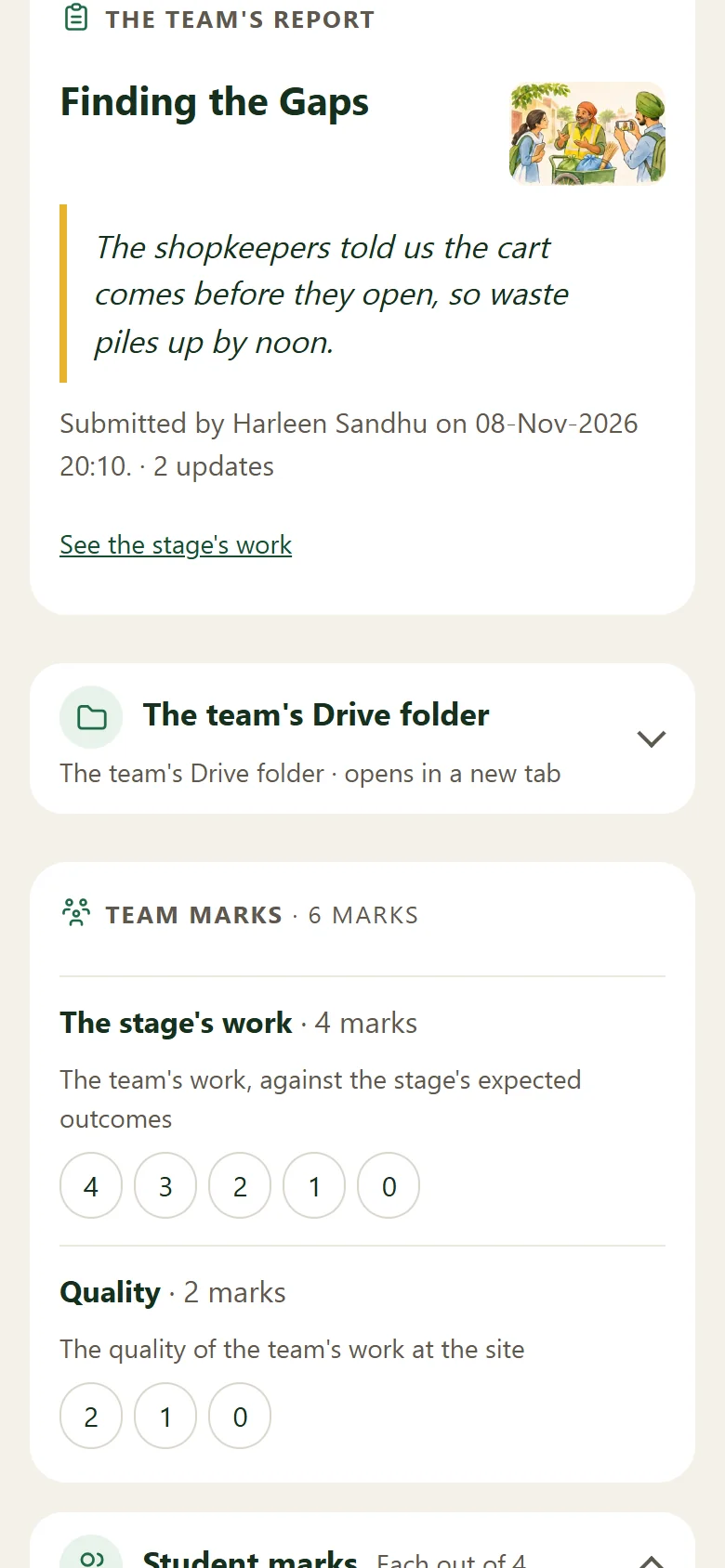
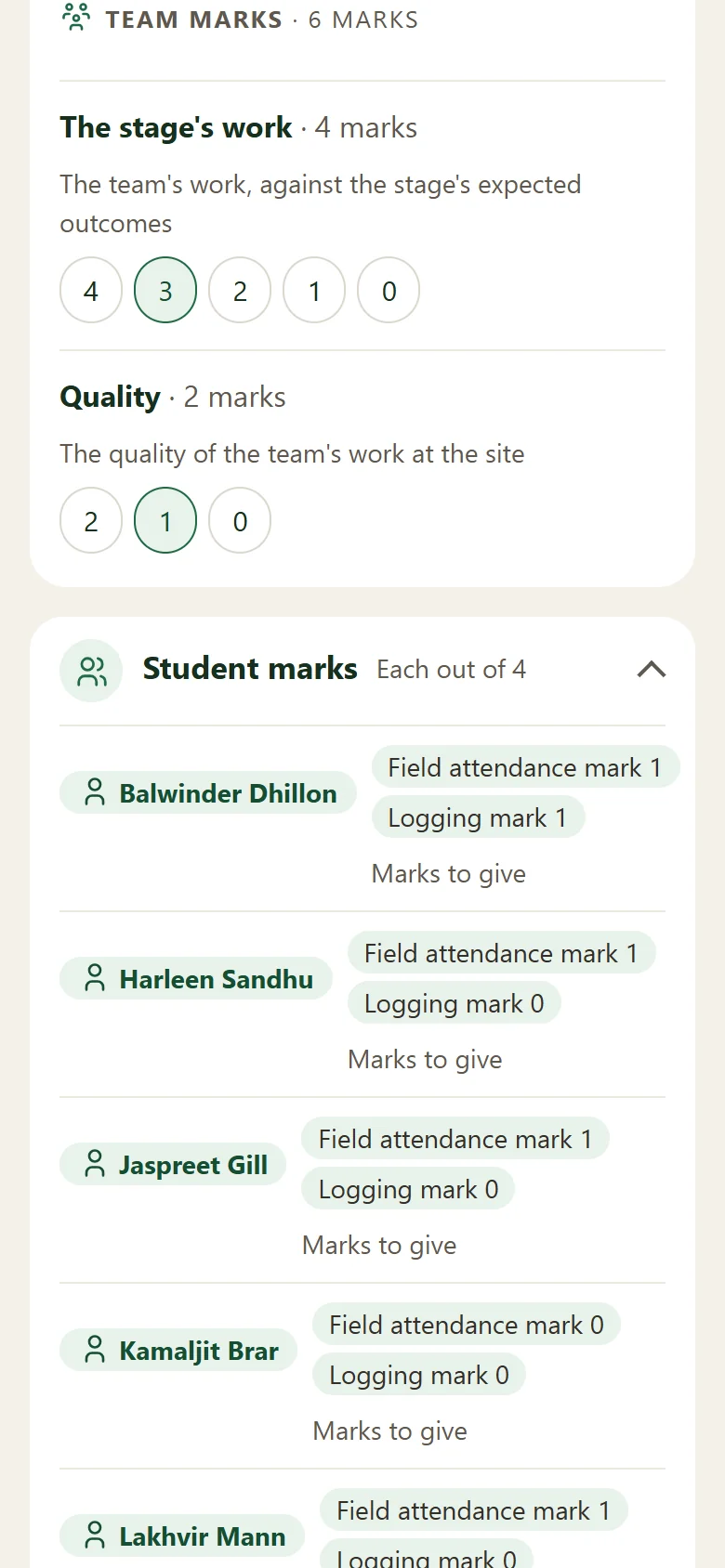
Team marks
Each part has its own scale; holding a number shows what it means.
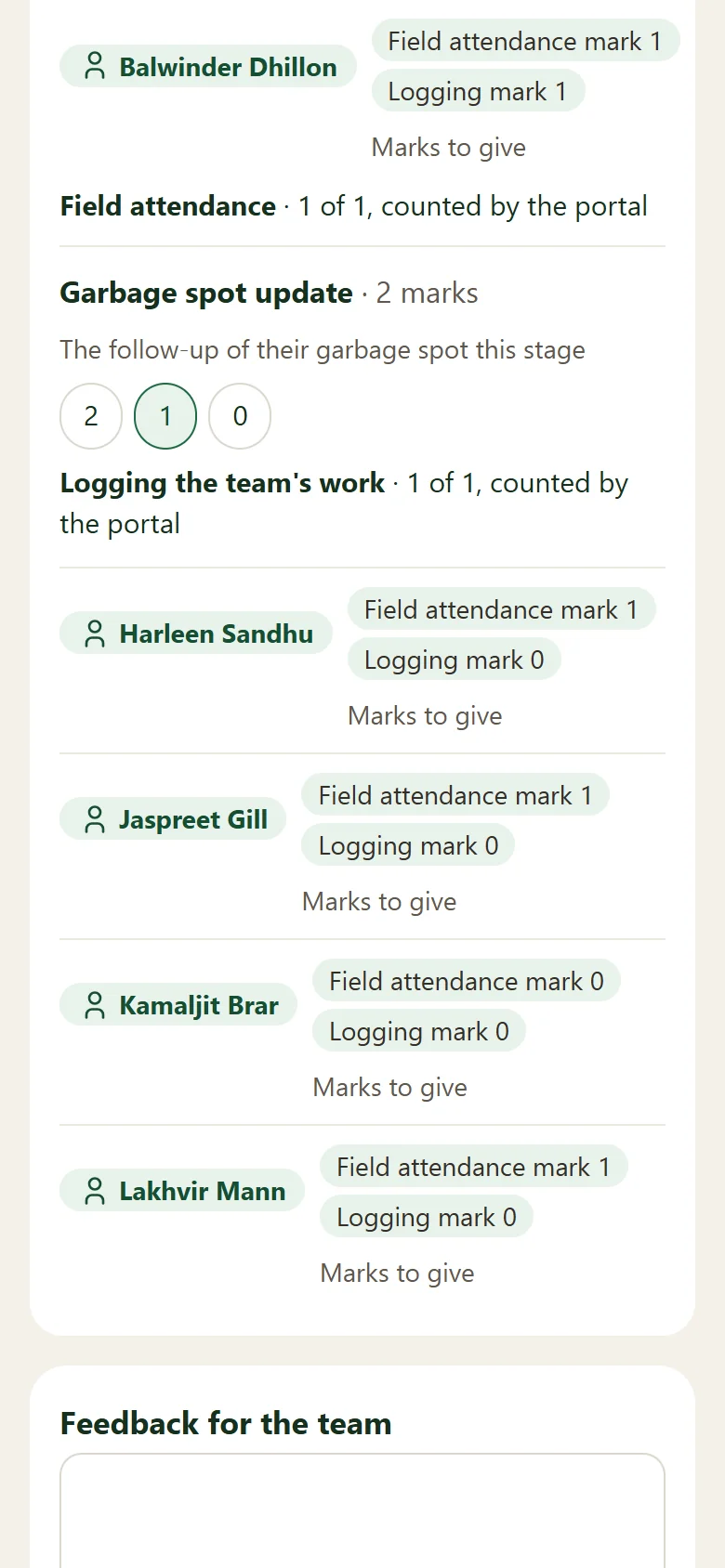
Student marks
Some parts are counted by the portal, such as field attendance. Daljit gives the rest for each student.
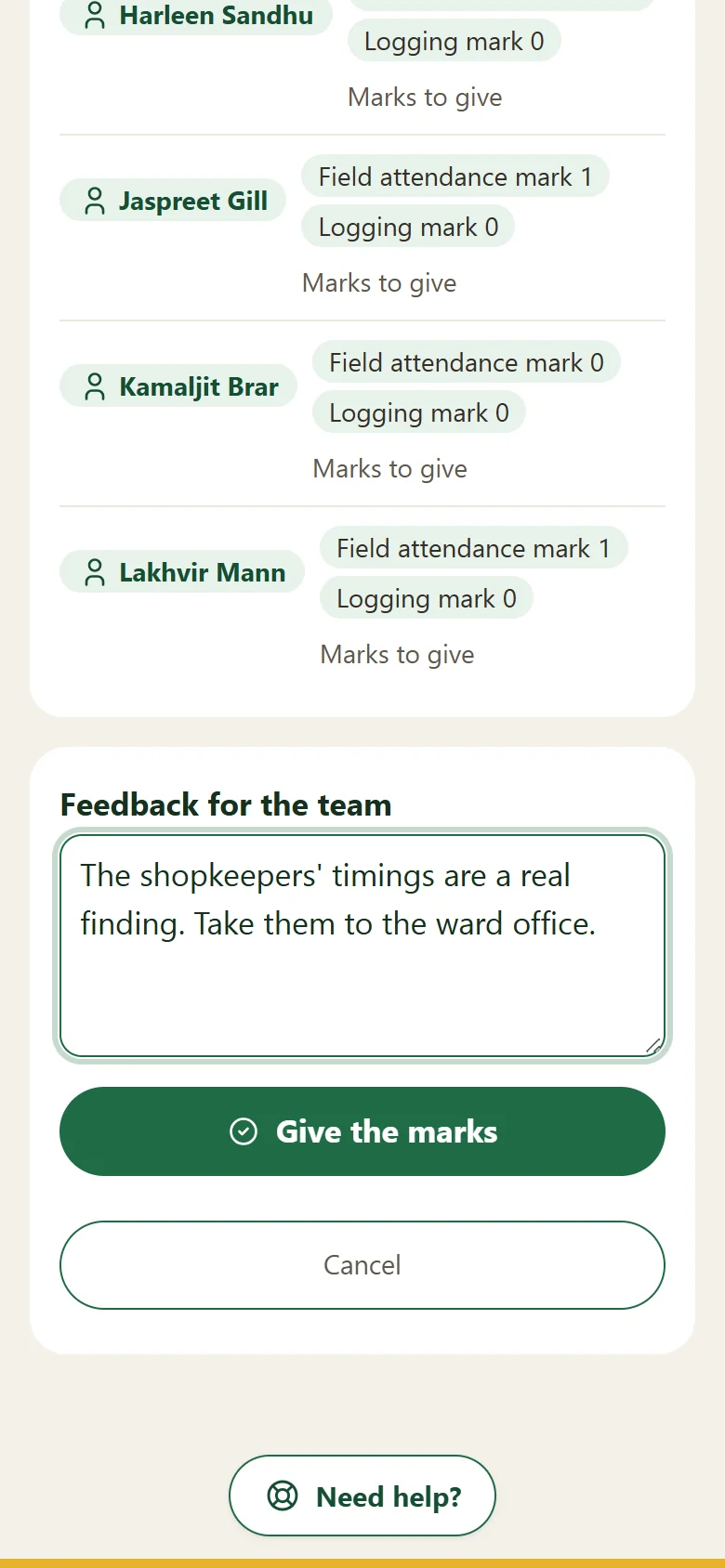
Feedback
Daljit writes feedback for the team.
Tap Give the marks.
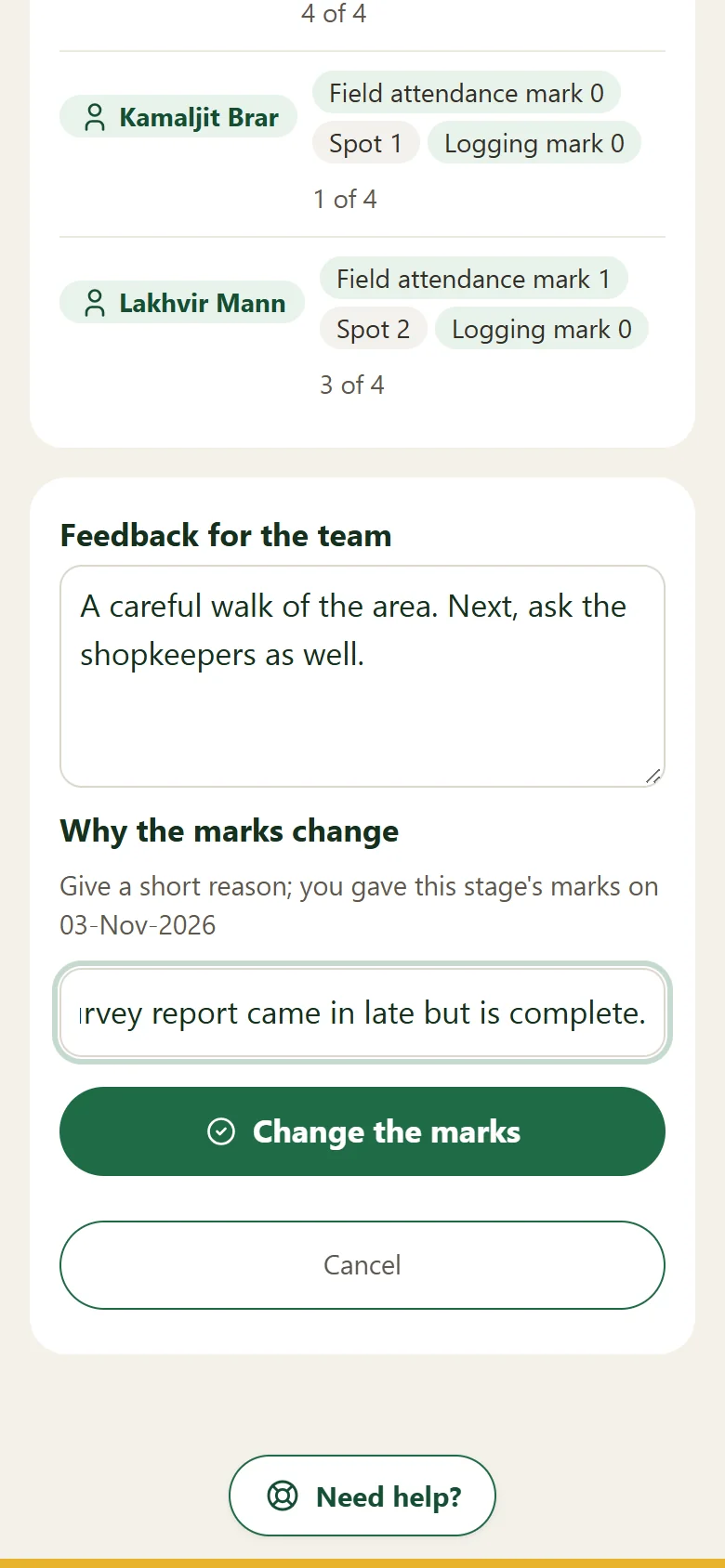
Changing marks
Marks given earlier, here Stage 1's, may be changed with a short reason.
Tap Change the marks.
Soon after
It helps to give the marks soon after the report, while the team can still act on your feedback.
In this topic (scroll down for more topics)
- 1Giving the marks
- 2The team's report
- 3Team marks
- 4Student marks
- 5Feedback
- 6Changing marks
- 7Soon after
: topics
Back to the portal Back to the guide Home: choose another section
Link copied. Paste it into a message.