Home Log an activity
Log an activity
Tap the highlighted part of the screen.
What the team did
Best seen on a phoneAn activity says what you did and what it was for, such as observing, cleaning or teaching residents. If a teammate has already logged the same work, you may add your part to theirs, so it is not repeated. Here, Balwinder logs a clean-up, and Jaspreet adds to it.
What it was for
Balwinder writes what was done, sweeping the market lane and filling four bags, and chooses what it was for: Clean. Each activity has one purpose.
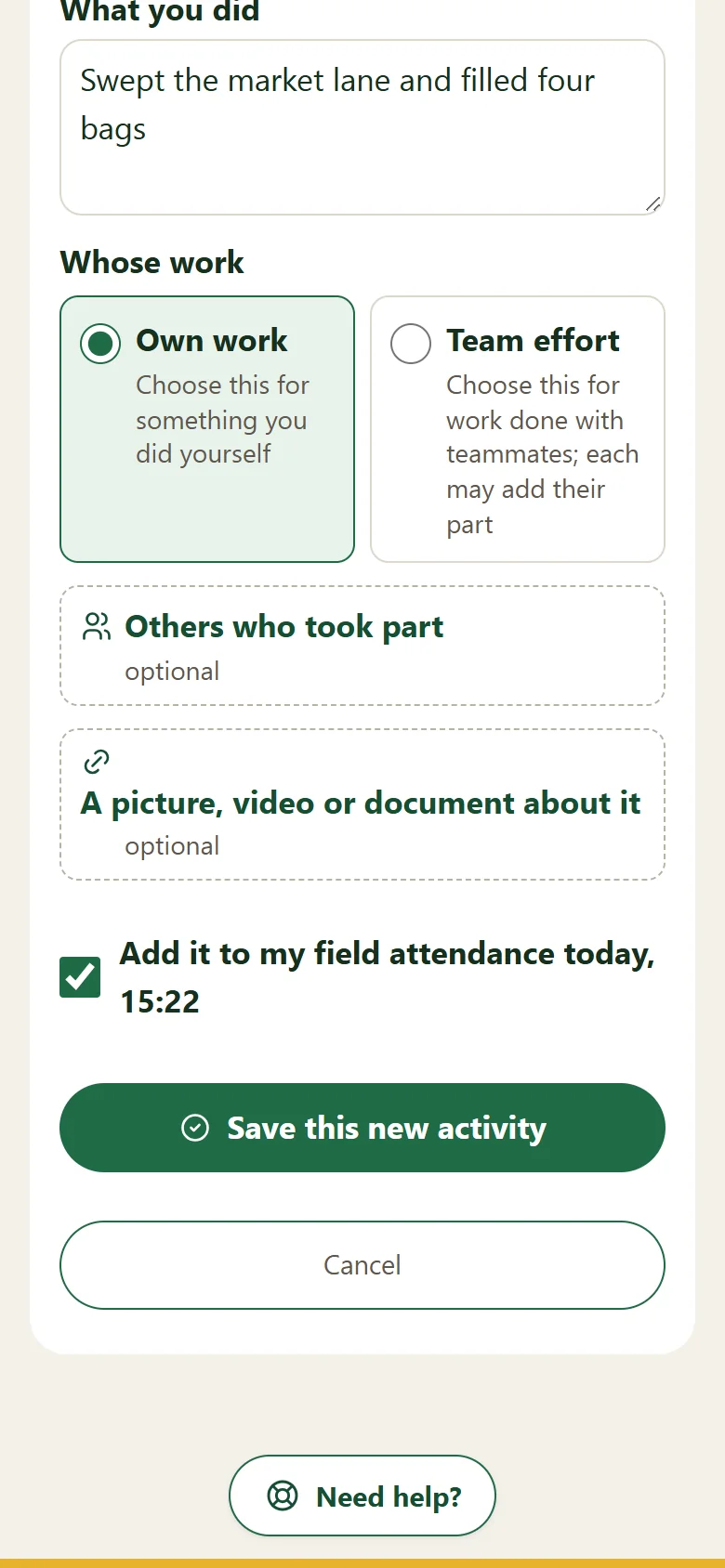
Who took part
It was a Team effort, and municipal staff joined in, so Balwinder ticks them under Others who took part. It is also added to today's field attendance.
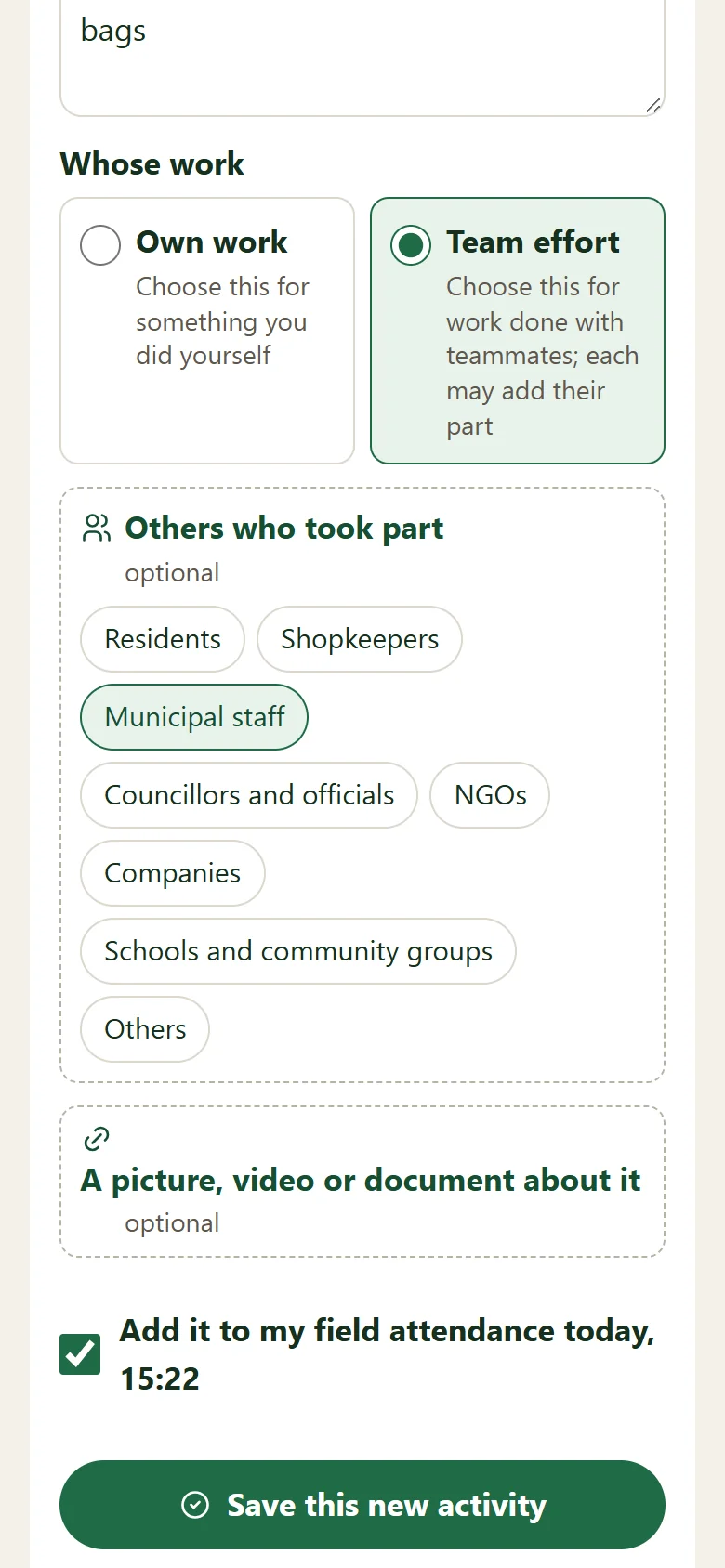
Save it
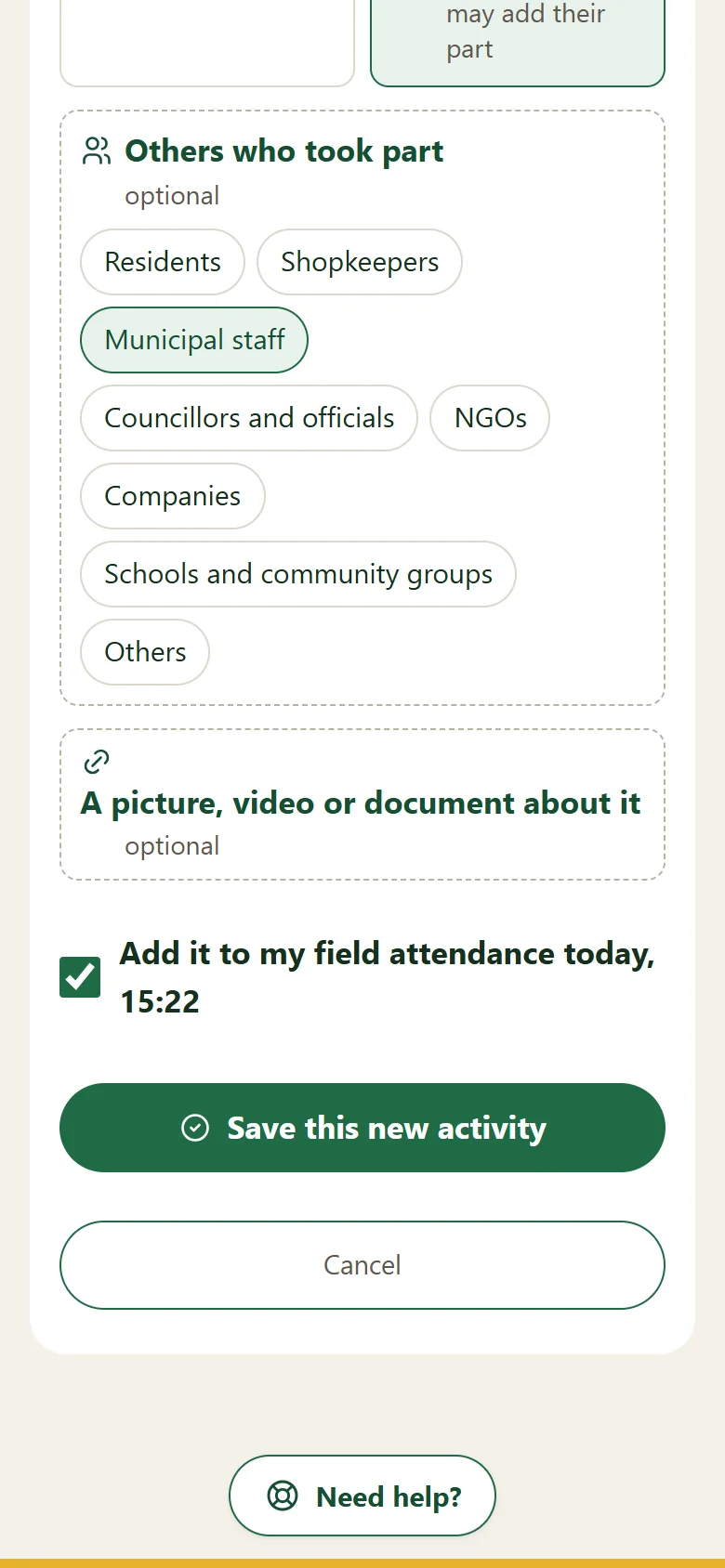
A link to a picture, video or document about it is optional.
Tap Save this new activity.
Jaspreet's turn
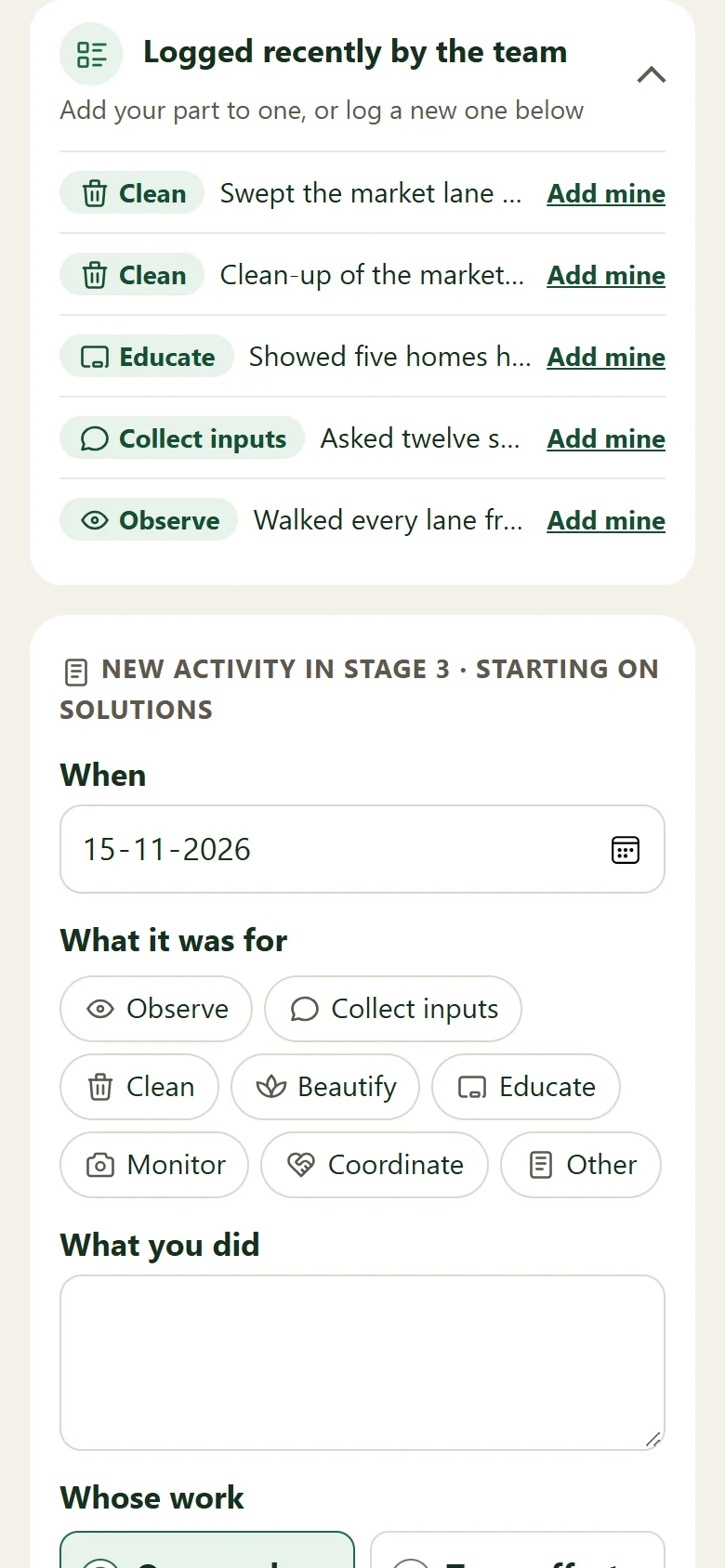
Logged recently by the team
Before writing a new one, the page shows what teammates have logged, with Balwinder's sweeping of the market lane at the top.
Tap Add mine.
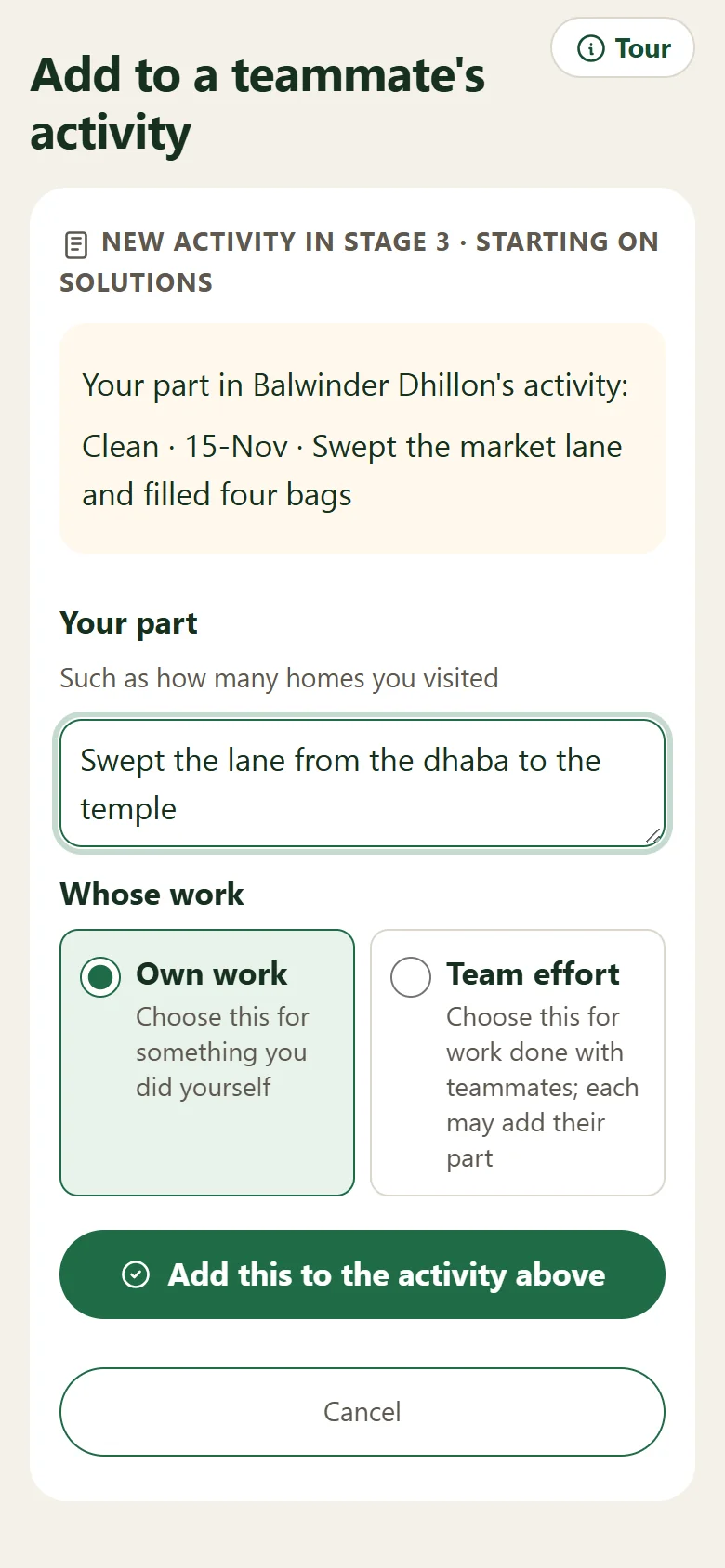
Your part
Jaspreet writes their part: sweeping the lane from the dhaba to the temple.
Tap Add this to the activity above.
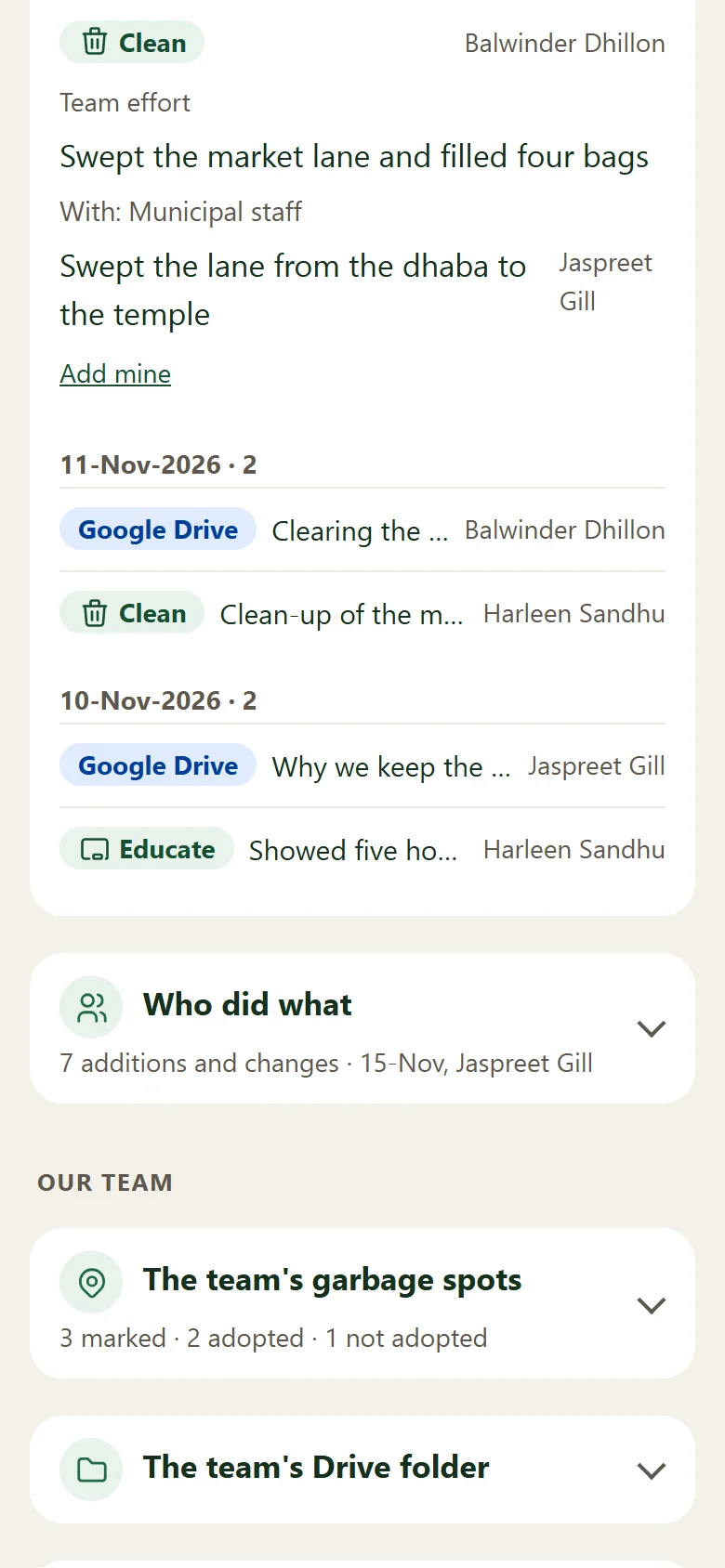
Together
Under Work in Stage 3, Balwinder's activity opens to show Jaspreet's part beneath it.
While you remember it
It helps to log activities on the day, while you remember them clearly. They go into the team's stage report, and your supervisor sees them.
In this topic (scroll down for more topics)
- 1What the team did
- 2What it was for
- 3Who took part
- 4Save it
- 5Jaspreet's turn
- 6Logged recently by the team
- 7Your part
- 8Together
- 9While you remember it
: topics
Back to the portal Back to the guide Home: choose another section
Link copied. Paste it into a message.