Home Place the rest, and tell everyone
Place the rest, and tell everyone
Tap the highlighted part of the screen.
Nobody without a team
Best seen on a laptopNobody needs to be without a team. Even students who have not registered yet can be placed in a team. Here, Daljit makes a new team for three of them, and then lets everyone know.
Add a team
Daljit names the new team Chenab.
Tap New team.
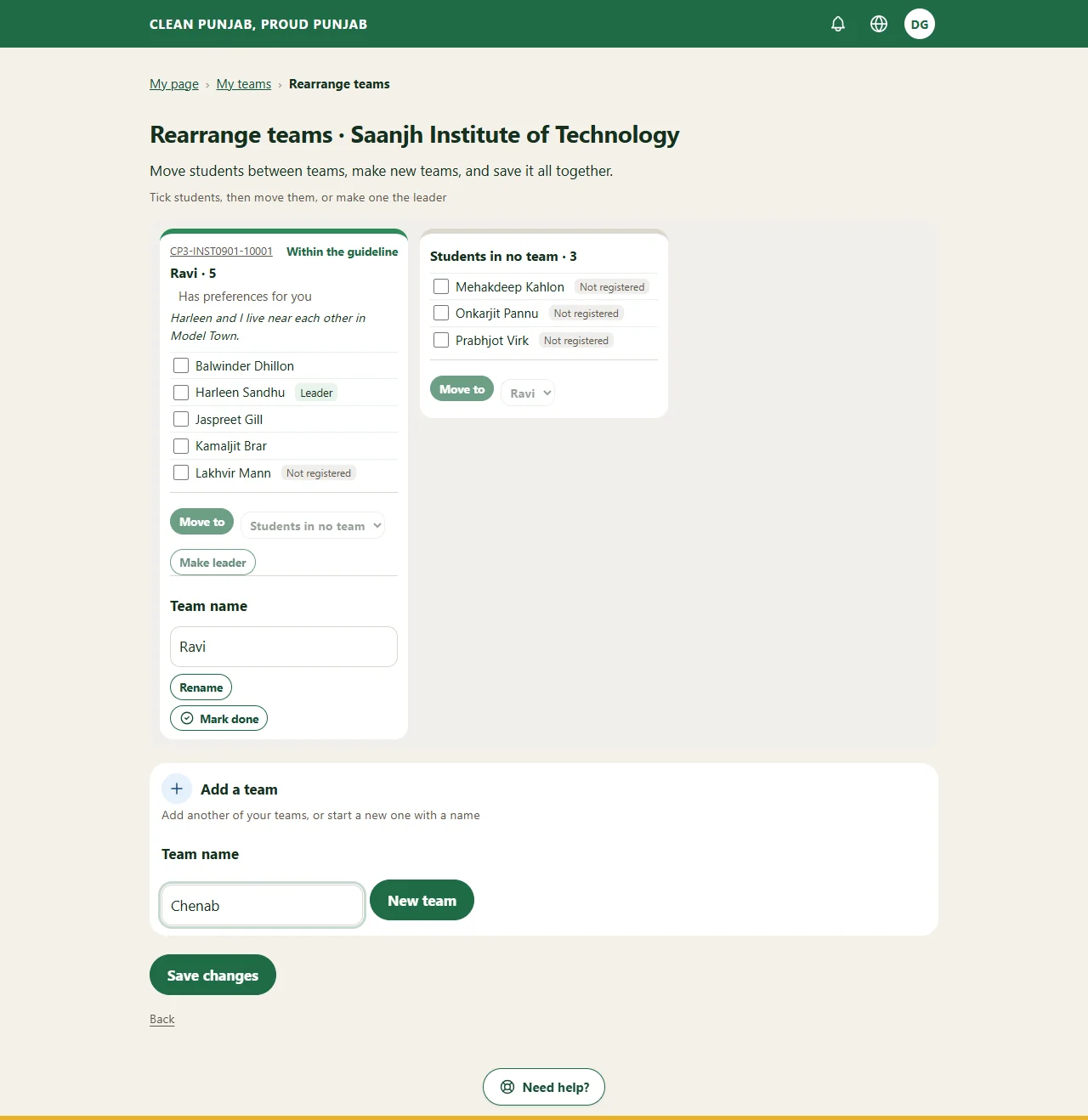
Chenab
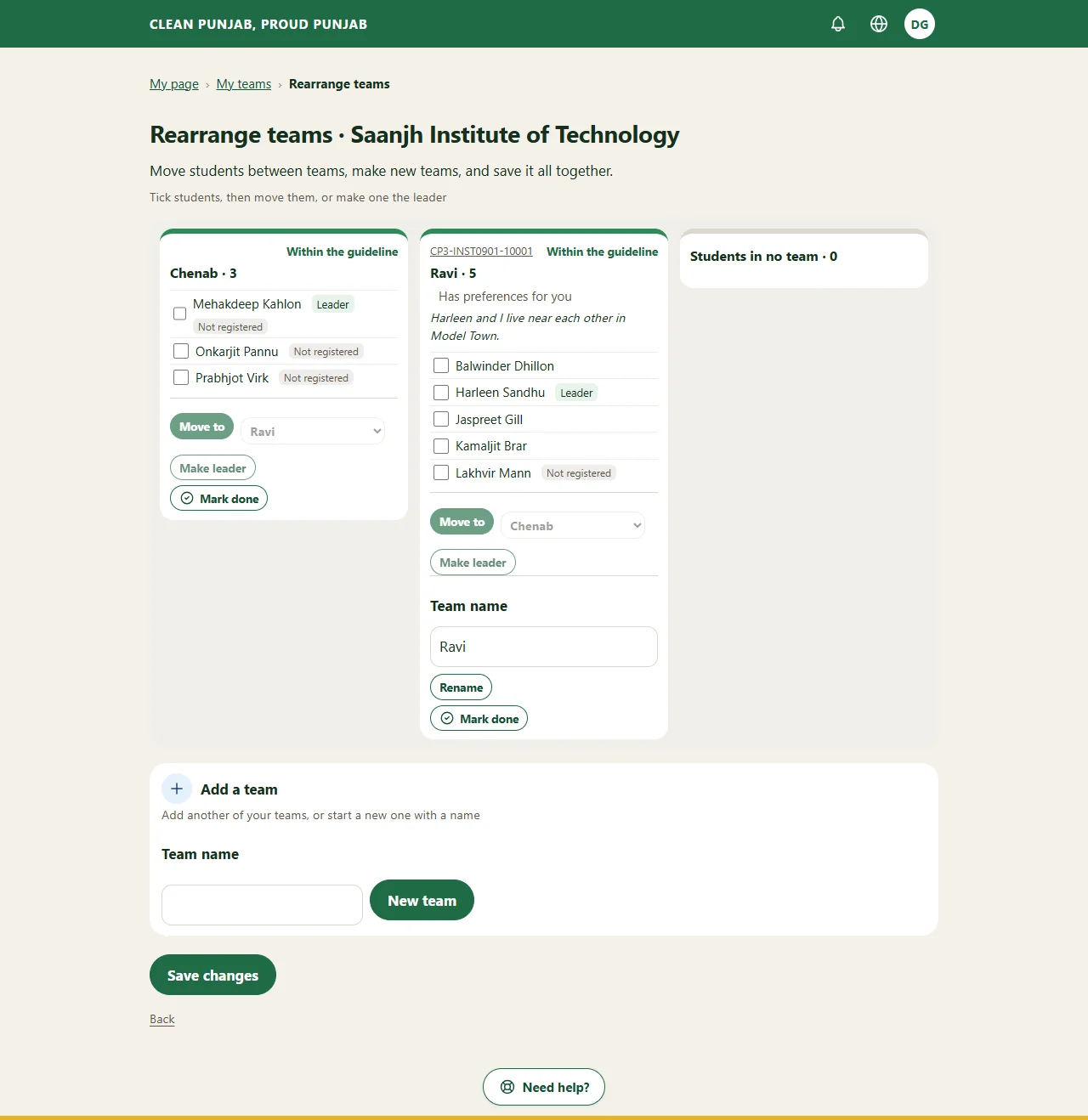
Mehakdeep, Onkarjit and Prabhjot are moved into Chenab.
Tap Save changes.
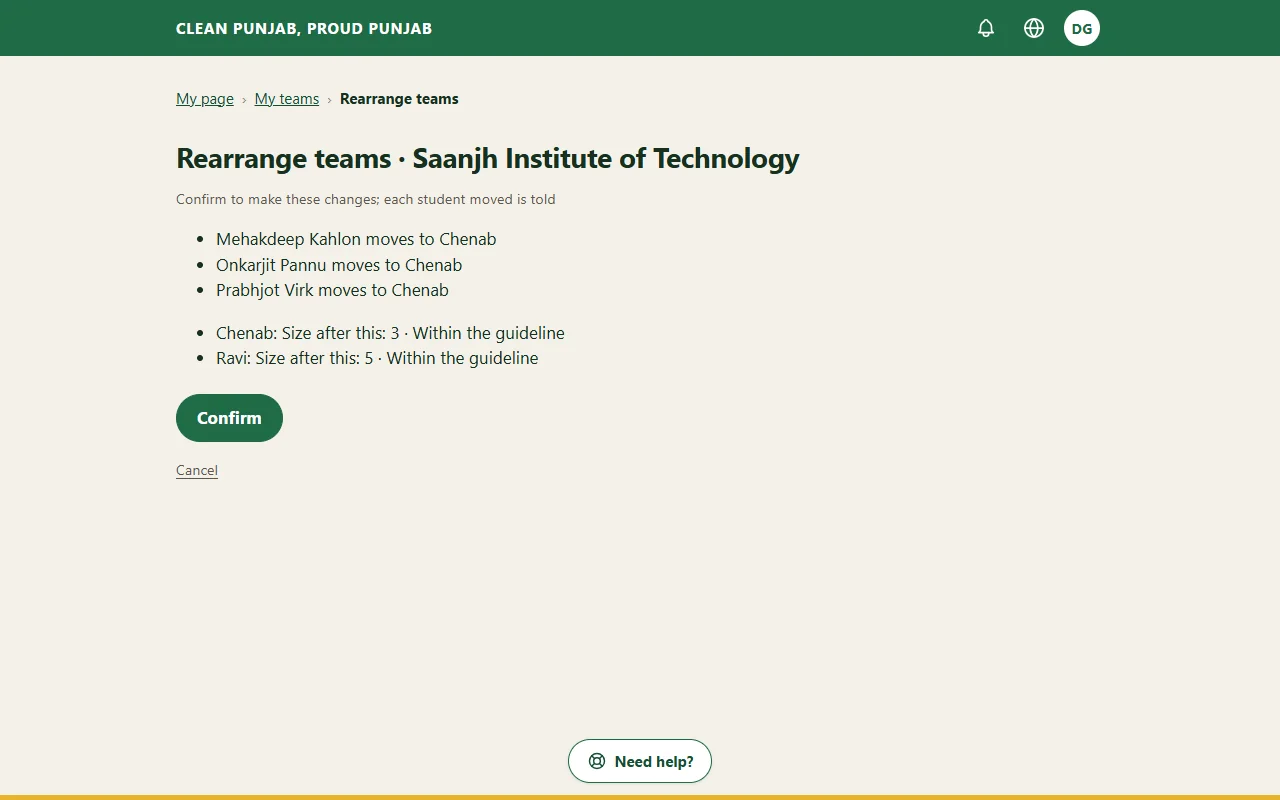
Check, then confirm
The preview shows the new team before anything is saved.
Tap Confirm.
Tell everyone
Daljit writes a notice to say that the teams are final.
Tap Save.
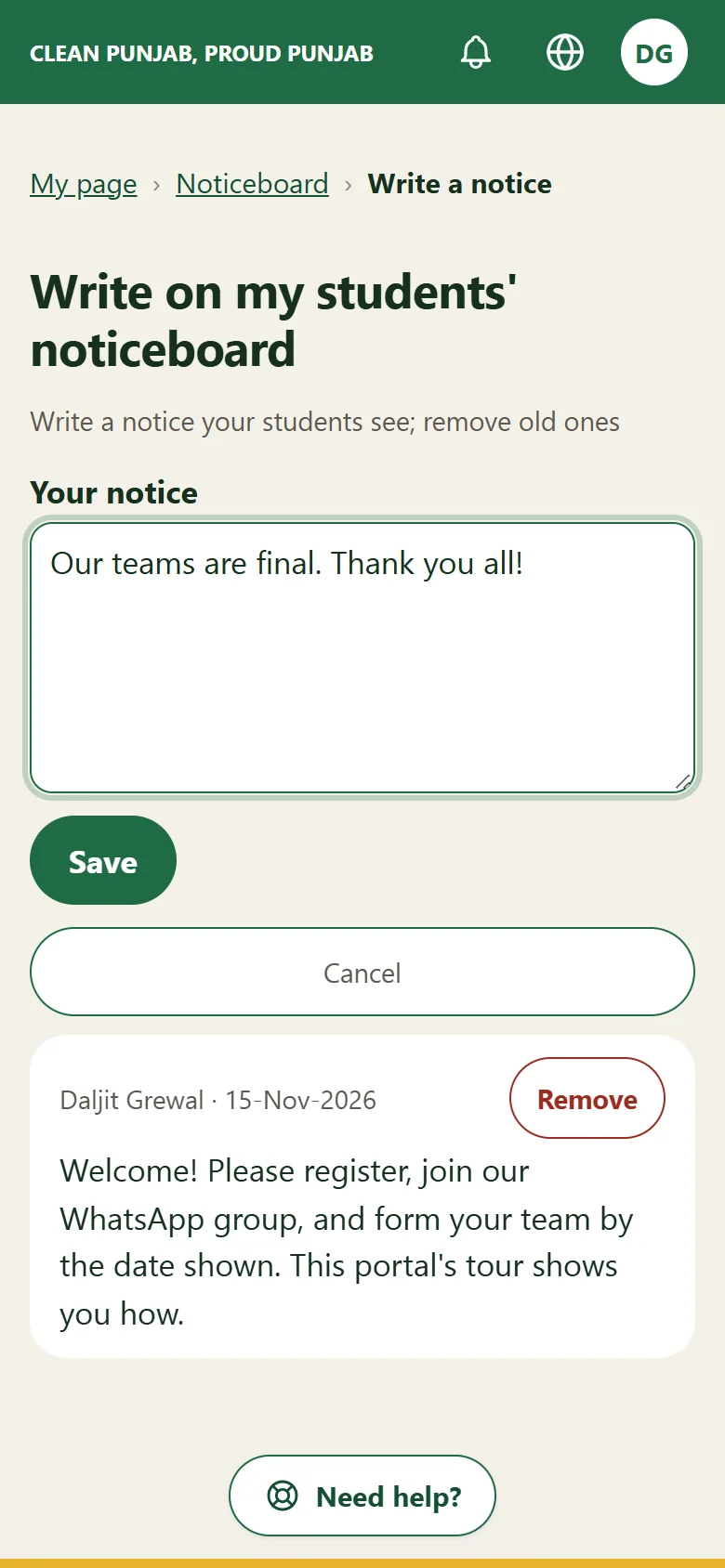
The teams are final
If many students are unhappy with the teams, the next topic shows how to let them make changes.
In this topic (scroll down for more topics)
: topics
Back to the portal Back to the guide Home: choose another section
Link copied. Paste it into a message.