Home Publish the approved video
Publish the approved video
Tap the highlighted part of the screen.
Our approved video
Best seen on a phoneWhen our supervisor approves one of our videos at a review, any of us publishes it from our own account on Instagram, YouTube or Facebook, with the programme's tag, and adds the link here. Here, Navjot publishes Satluj's video.
Approved for publication
Our page shows the approved video and the date to publish it by. Navjot has published it on YouTube, with the programme's tag in its caption or description.
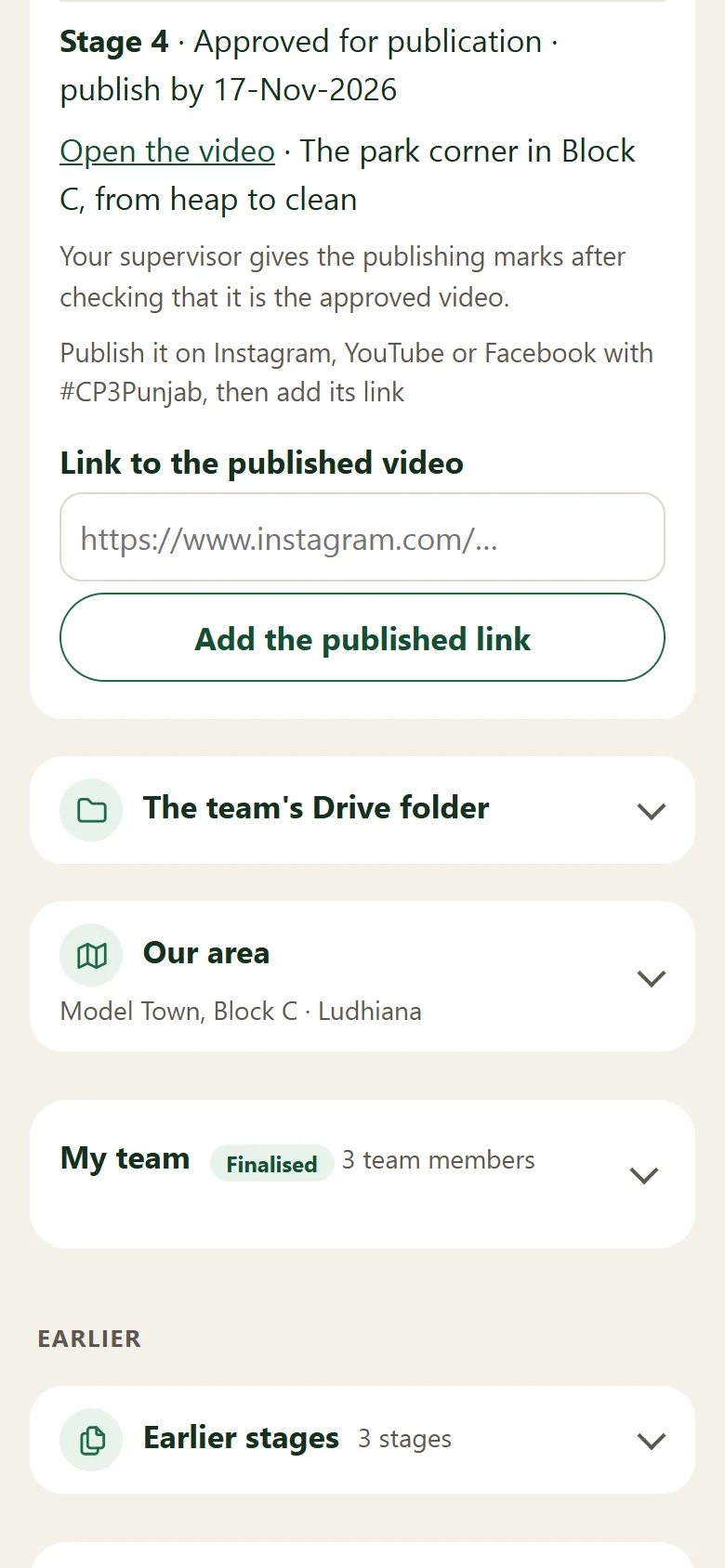
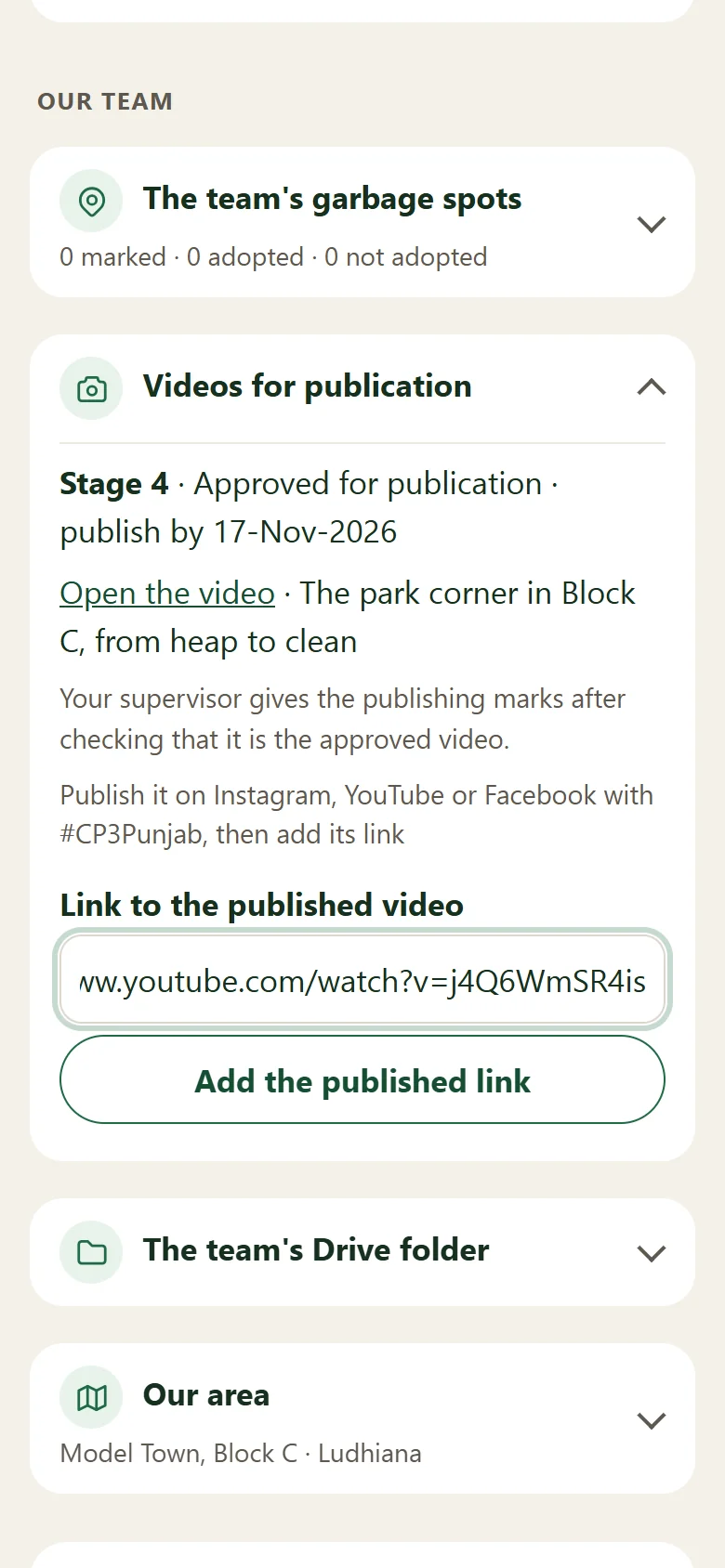
The published link
Navjot pastes the link to the published video. This is the only place where a link to social media is added.
Tap Add the published link.
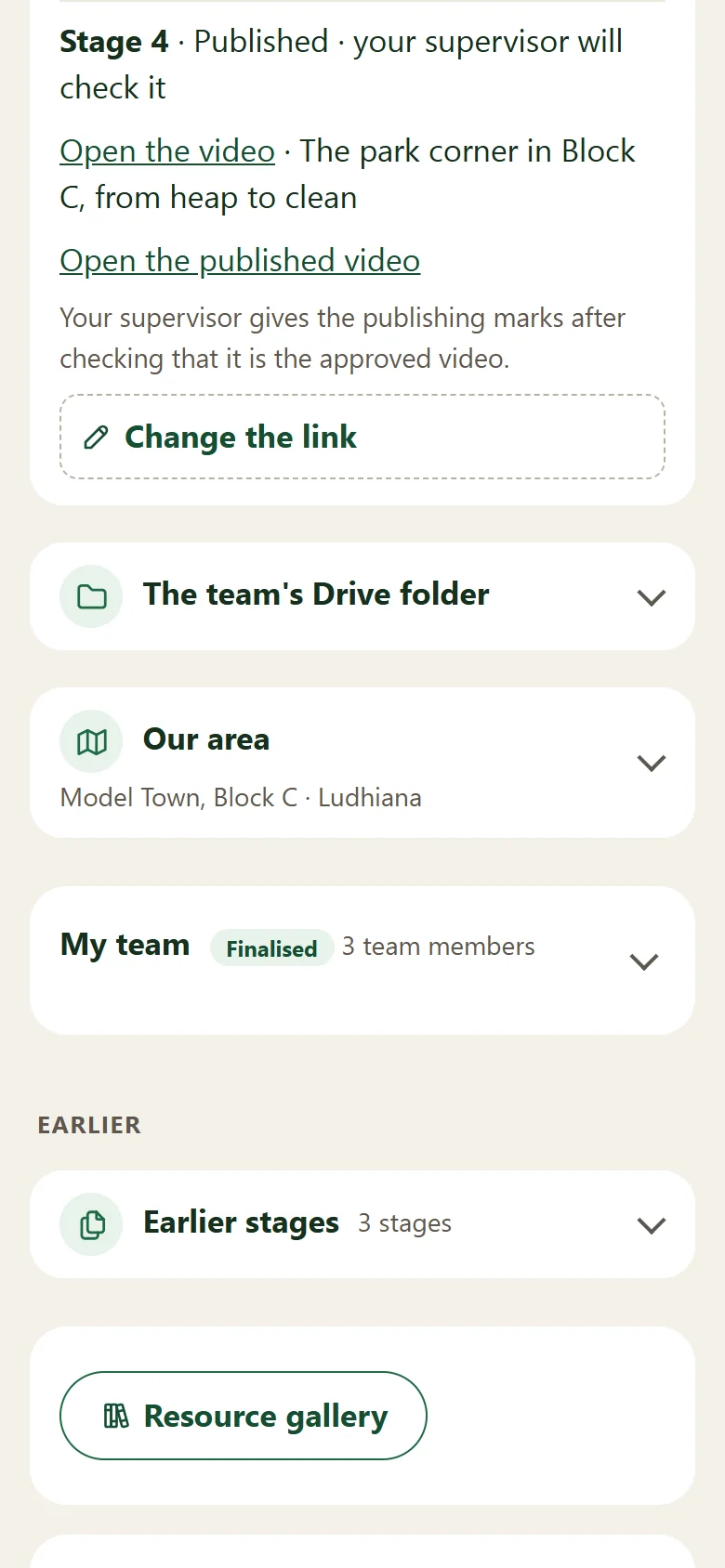
Waiting for the check
The link is in. Our supervisor now checks that it is the approved video, and gives the publishing marks.
On time, with the tag
Publishing by the date, with the programme's tag, earns both publishing marks. Late, or without the tag, earns one.
In this topic (scroll down for more topics)
- 1Our approved video
- 2Approved for publication
- 3The published link
- 4Waiting for the check
- 5On time, with the tag
: topics
Back to the portal Back to the guide Home: choose another section
Link copied. Paste it into a message.