Home The WhatsApp group, the date and a welcome
The WhatsApp group, the date and a welcome
Tap the highlighted part of the screen.
Set up before the students come
Best seen on a phoneA little preparation makes the start much easier for your students: when they register, everything is already prepared. You can create a WhatsApp group for your students, then give the portal its invite link and the team finalising deadline. You may also put up a notice to welcome them.
My page
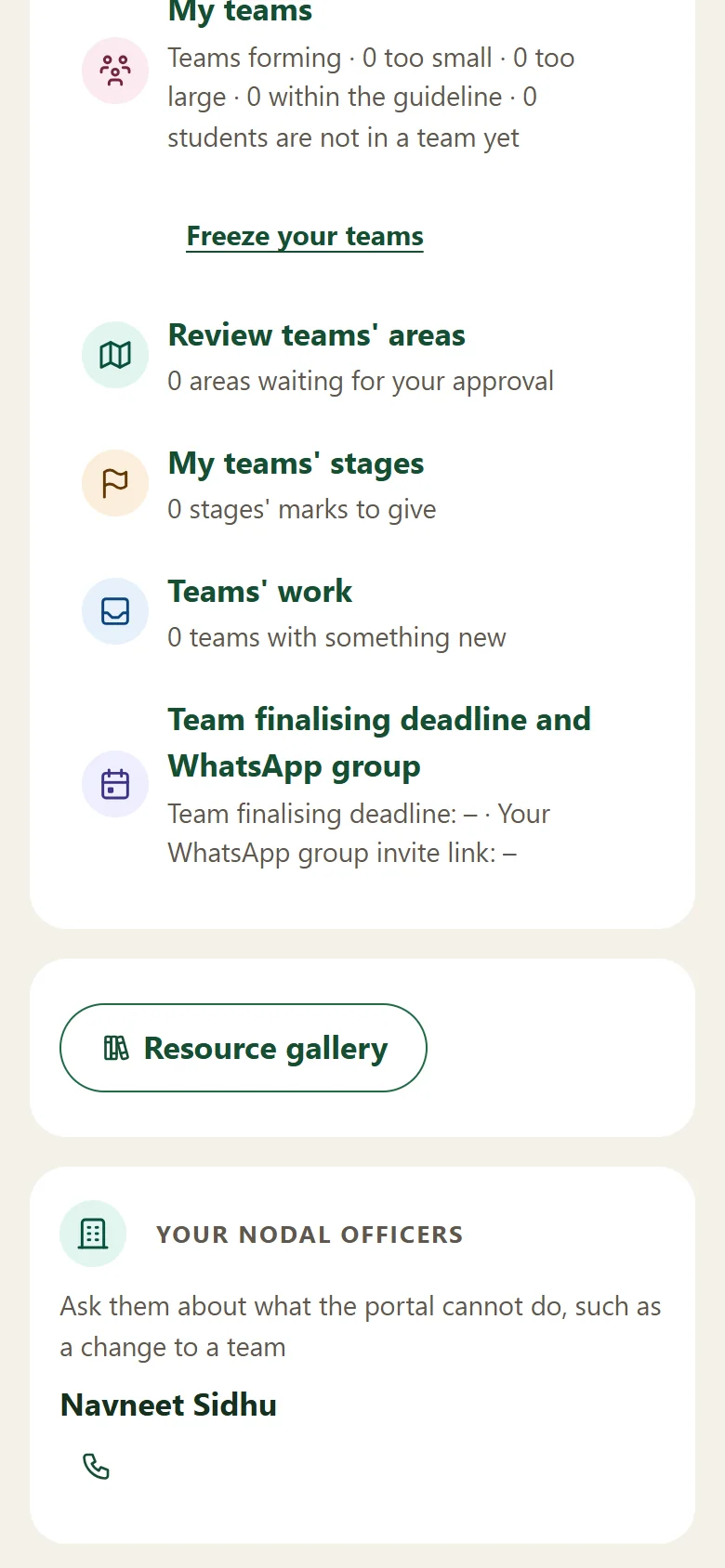
Daljit has already created the group in WhatsApp, and copied its invite link.
Tap Team finalising deadline and WhatsApp group.
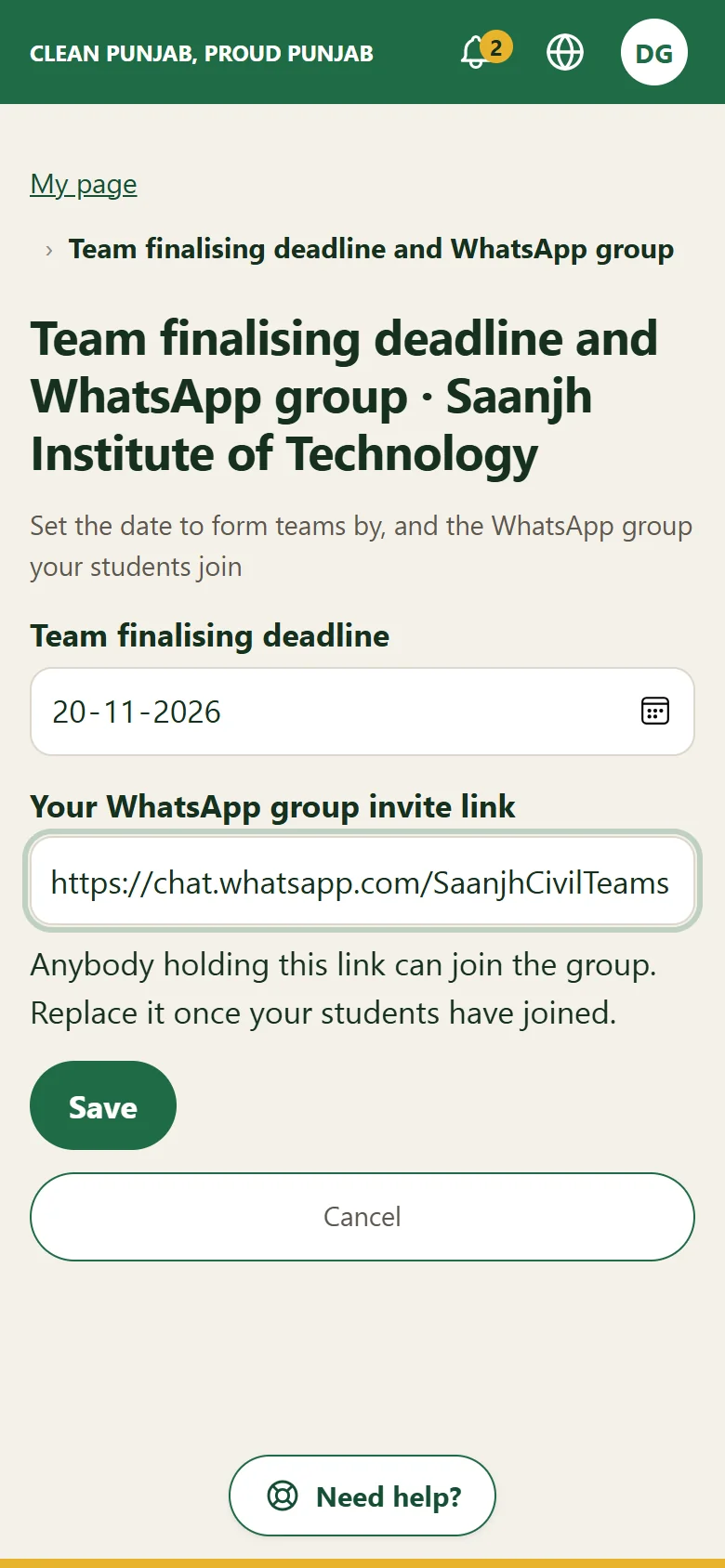
The deadline and the link
Daljit pastes the link and chooses the team finalising deadline, leaving enough time for students to register and form teams. The deadline can be changed later.
Tap Save.
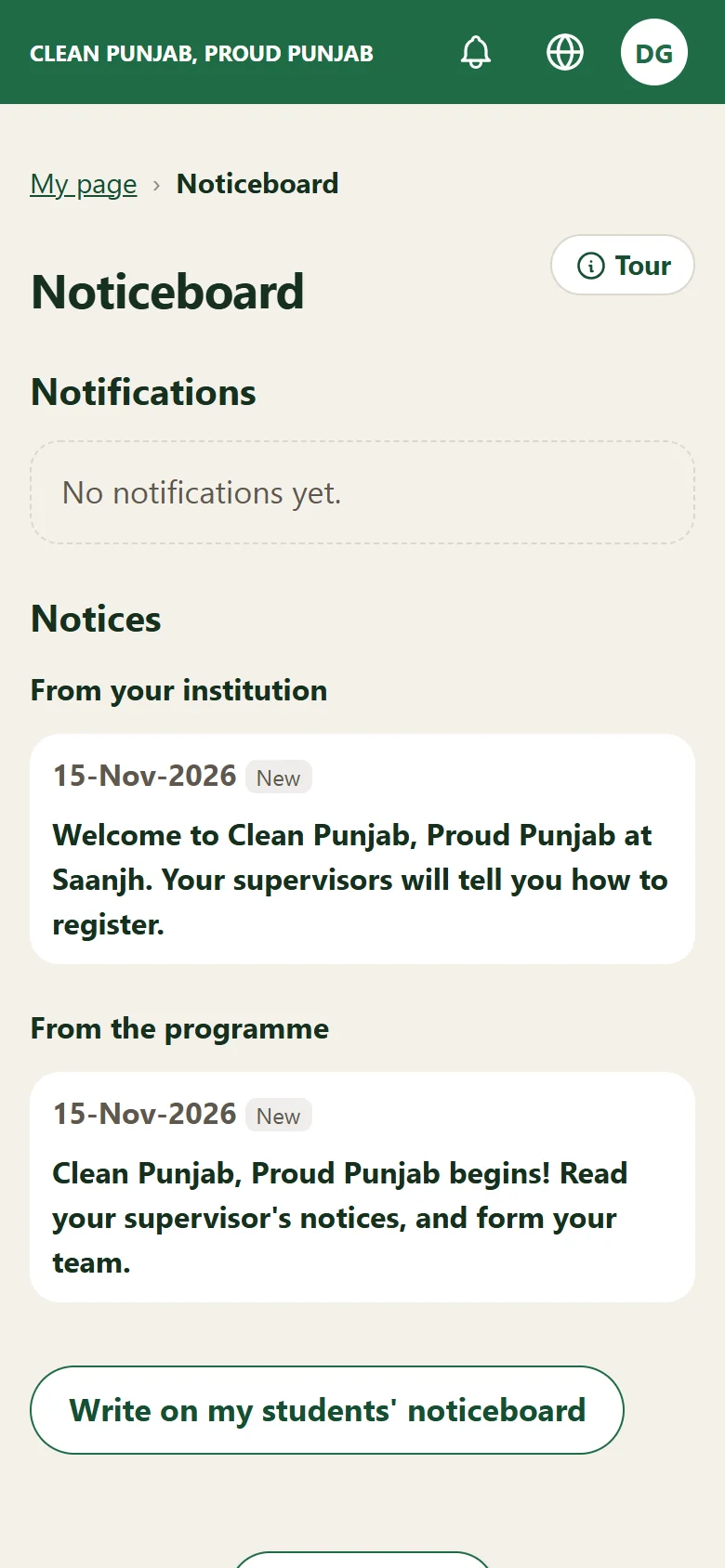
The noticeboard
Back on My page, Daljit opens the Noticeboard, where the button for notices to the students is.
Tap Write on my students' noticeboard.
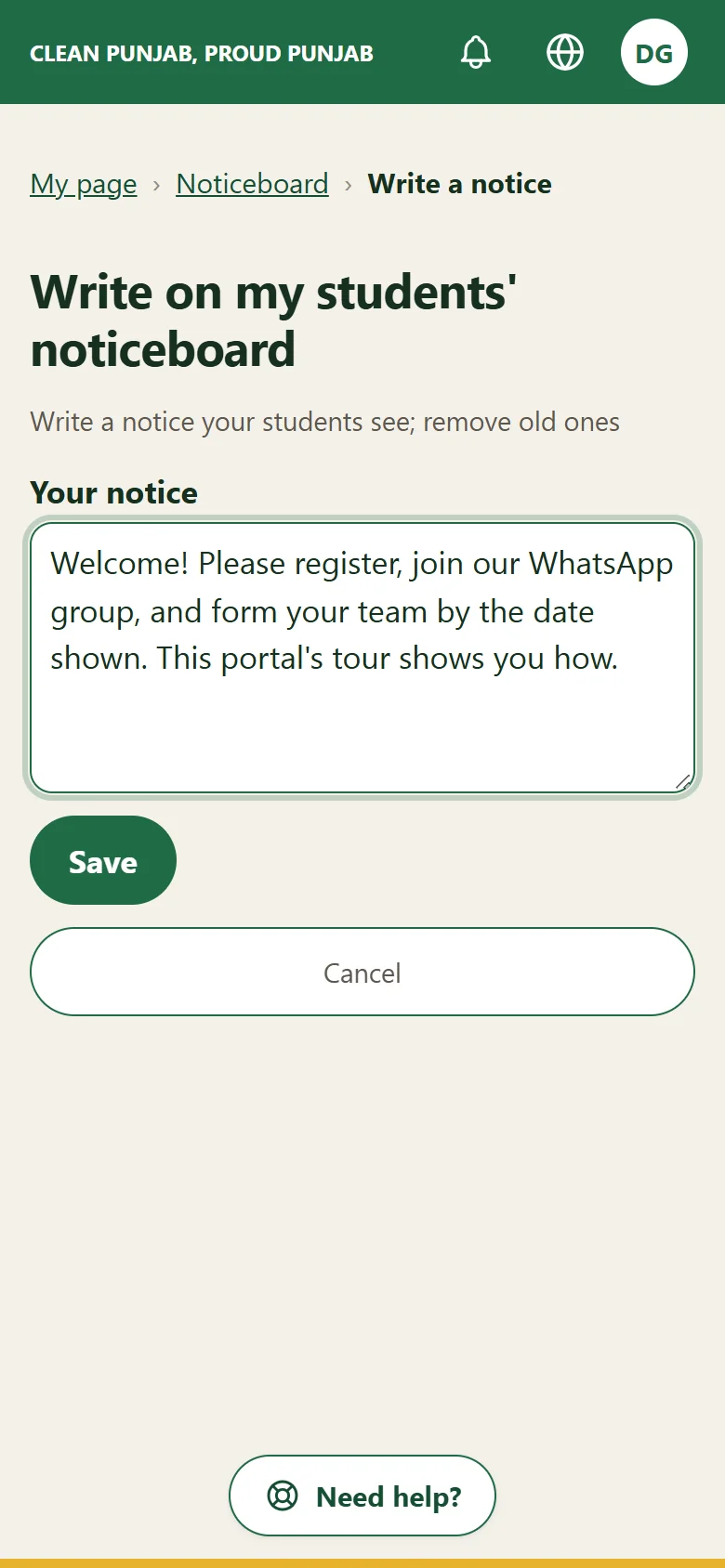
A welcome notice
Daljit welcomes the students, explains briefly how teams are formed, and tells them about this tour.
Tap Save.
The notice is posted
The notice is posted. Students will see it when they sign in.
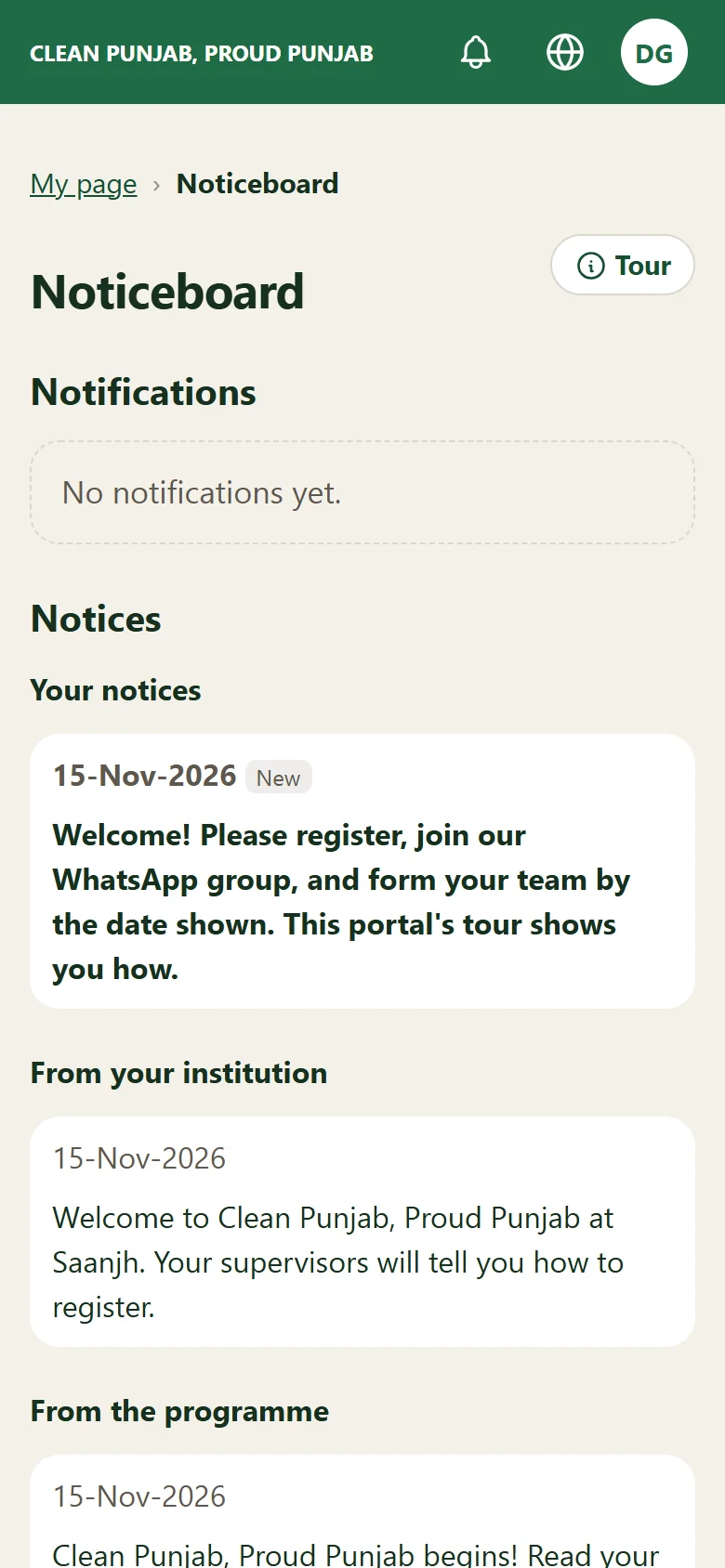
Ready for the students
Next, Daljit uploads the list of students.
In this topic (scroll down for more topics)
- 1Set up before the students come
- 2My page
- 3The deadline and the link
- 4The noticeboard
- 5A welcome notice
- 6The notice is posted
- 7Ready for the students
: topics
Back to the portal Back to the guide Home: choose another section
Link copied. Paste it into a message.