Home Follow the teams' work
Follow the teams' work
Tap the highlighted part of the screen.
Following the work
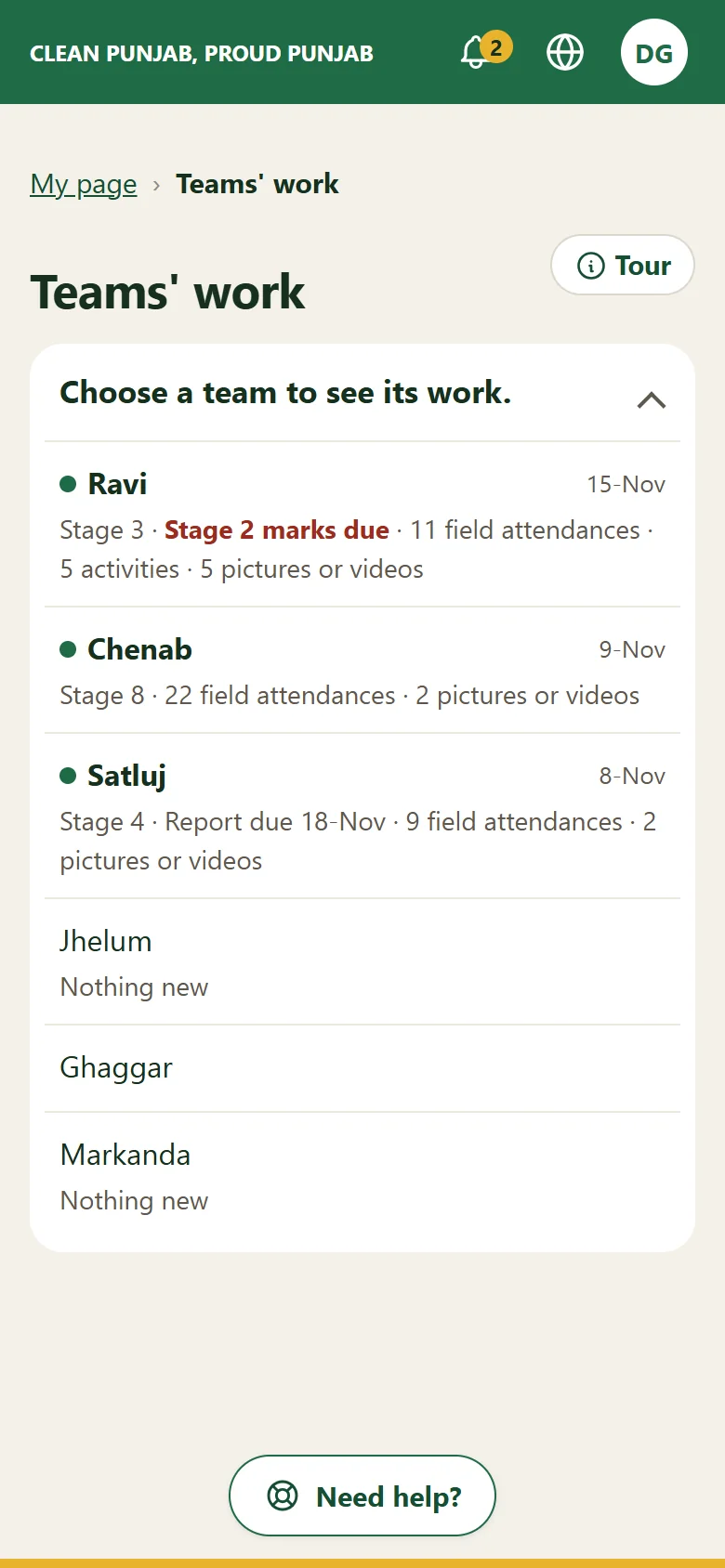
Best seen on a phoneTeams' work shows each team's work as it happens: its stage, its work and its garbage spots, with its pictures and videos beside them. Here, Daljit opens team Ravi.
Teams' work
Teams with something new are in bold until opened, with a line on what is new.
Tap Ravi.
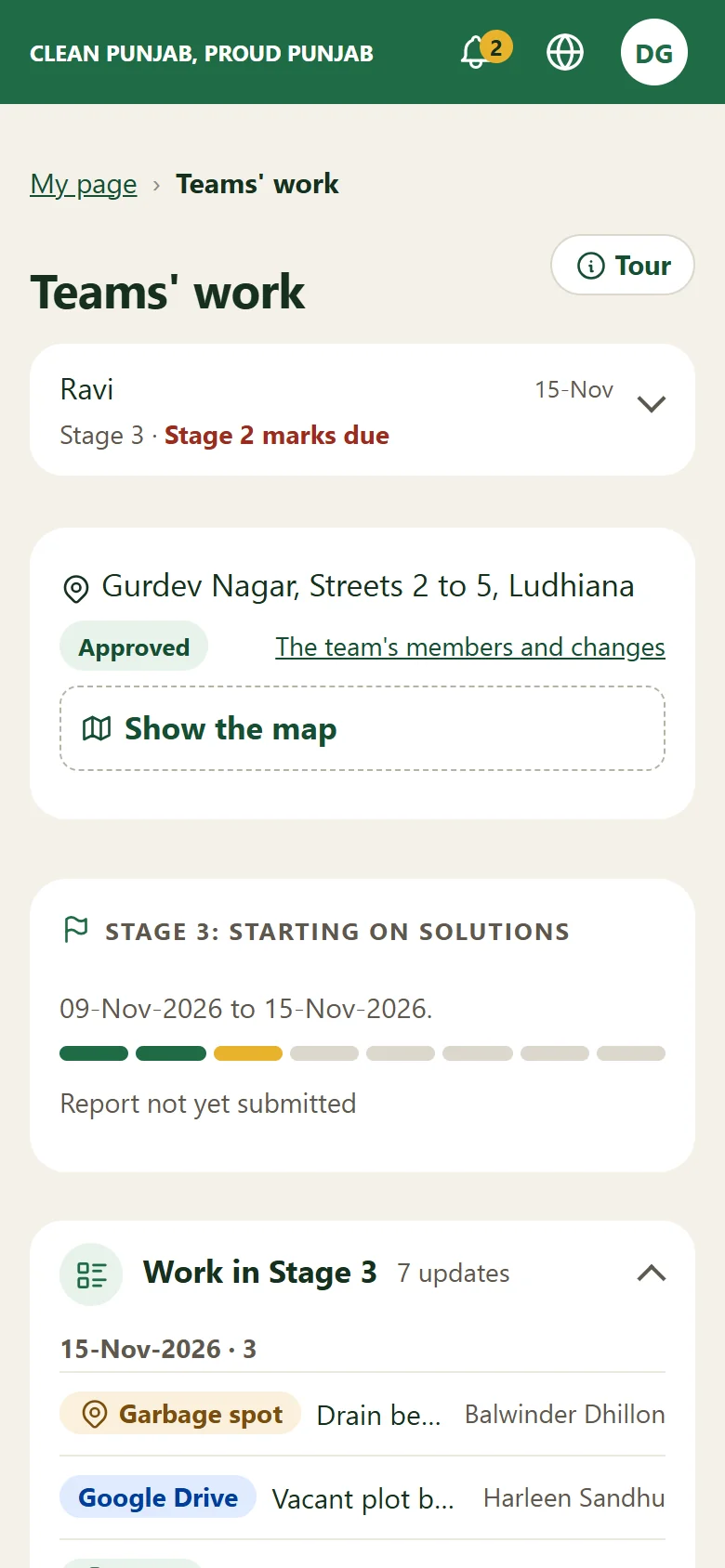
Team Ravi
The stage, its report, and Work in Stage 3.
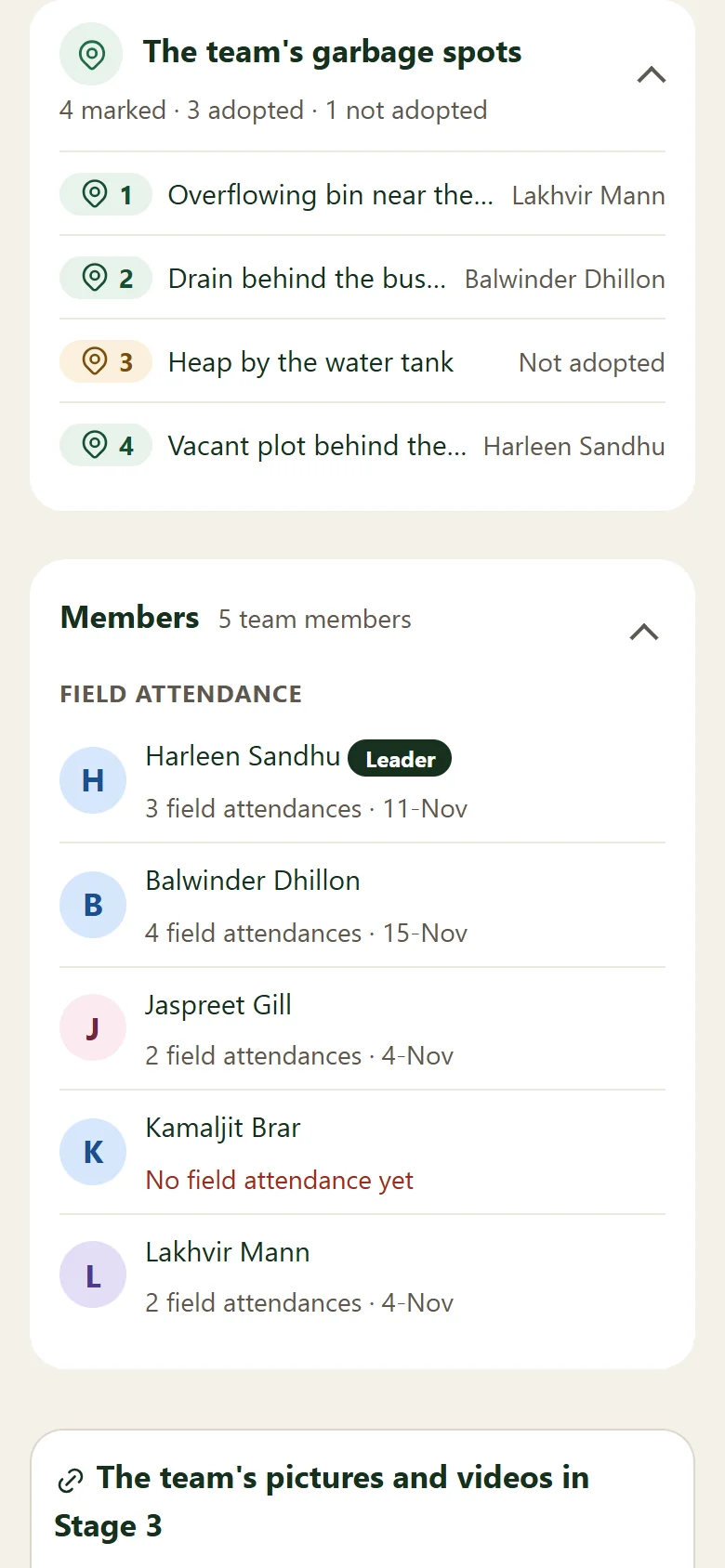
The team's garbage spots
Each spot, with its mSeva complaints and its updates.
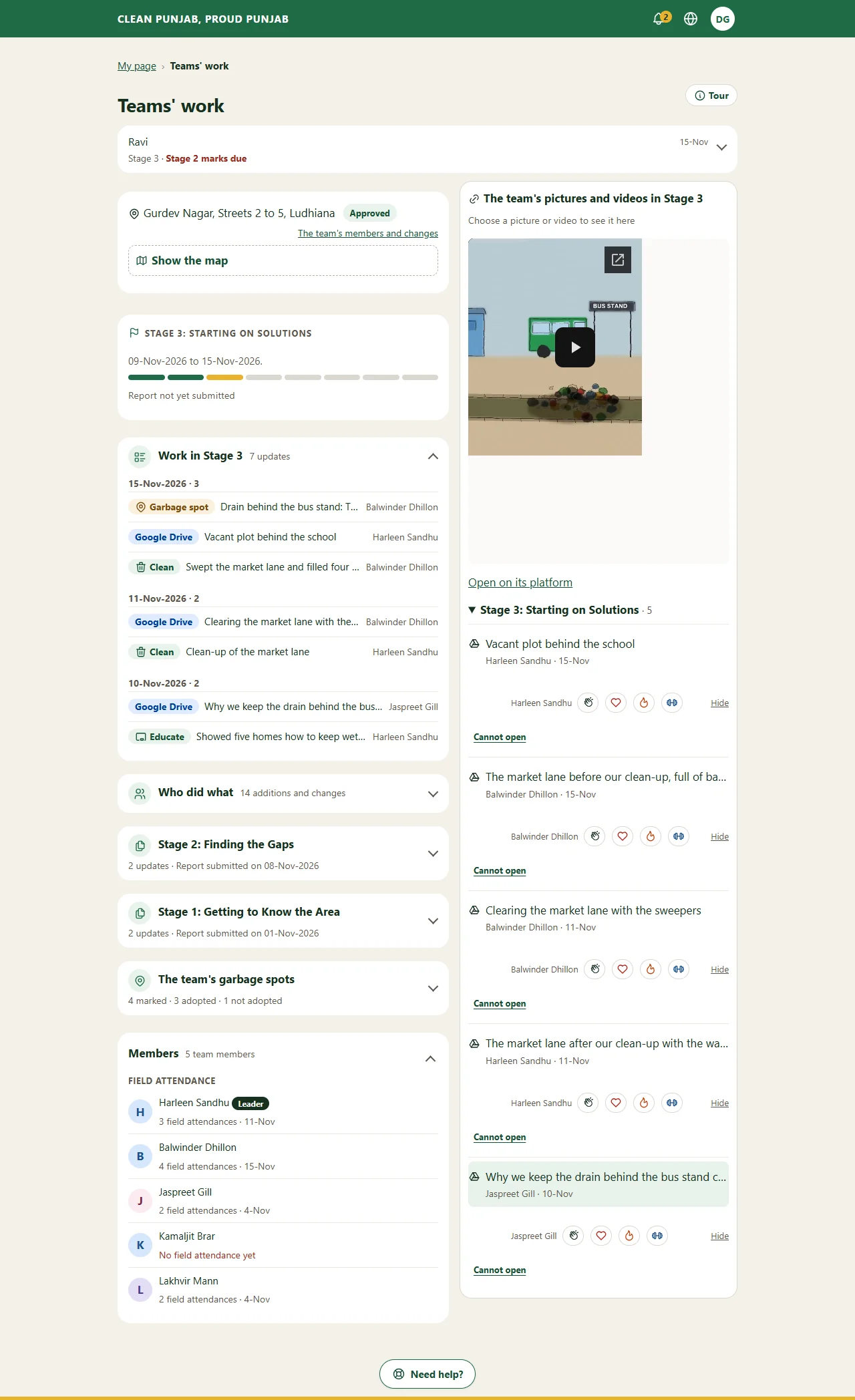
Pictures and videos beside the work
On a laptop, a picture or video opens beside the work, without leaving the page. Here it is a video Jaspreet shared from Google Drive, of volunteers clearing a garbage spot.
Encourage them
You may react to a team's picture or video to encourage them, or hide one with a reason.
In this topic (scroll down for more topics)
- 1Following the work
- 2Teams' work
- 3Team Ravi
- 4The team's garbage spots
- 5Pictures and videos beside the work
- 6Encourage them
: topics
Back to the portal Back to the guide Home: choose another section
Link copied. Paste it into a message.