Home Follow my garbage spot and its mSeva complaint
Follow my garbage spot and its mSeva complaint
Tap the highlighted part of the screen.
Following your spot
Best seen on a phoneIn each stage, you may write an update on your spot: what you did, what the municipality did, and how it looks now. Complaints are filed in mSeva, under Public Grievance, then Garbage, and noted here with their state. Here, Balwinder follows the drain behind the bus stand.
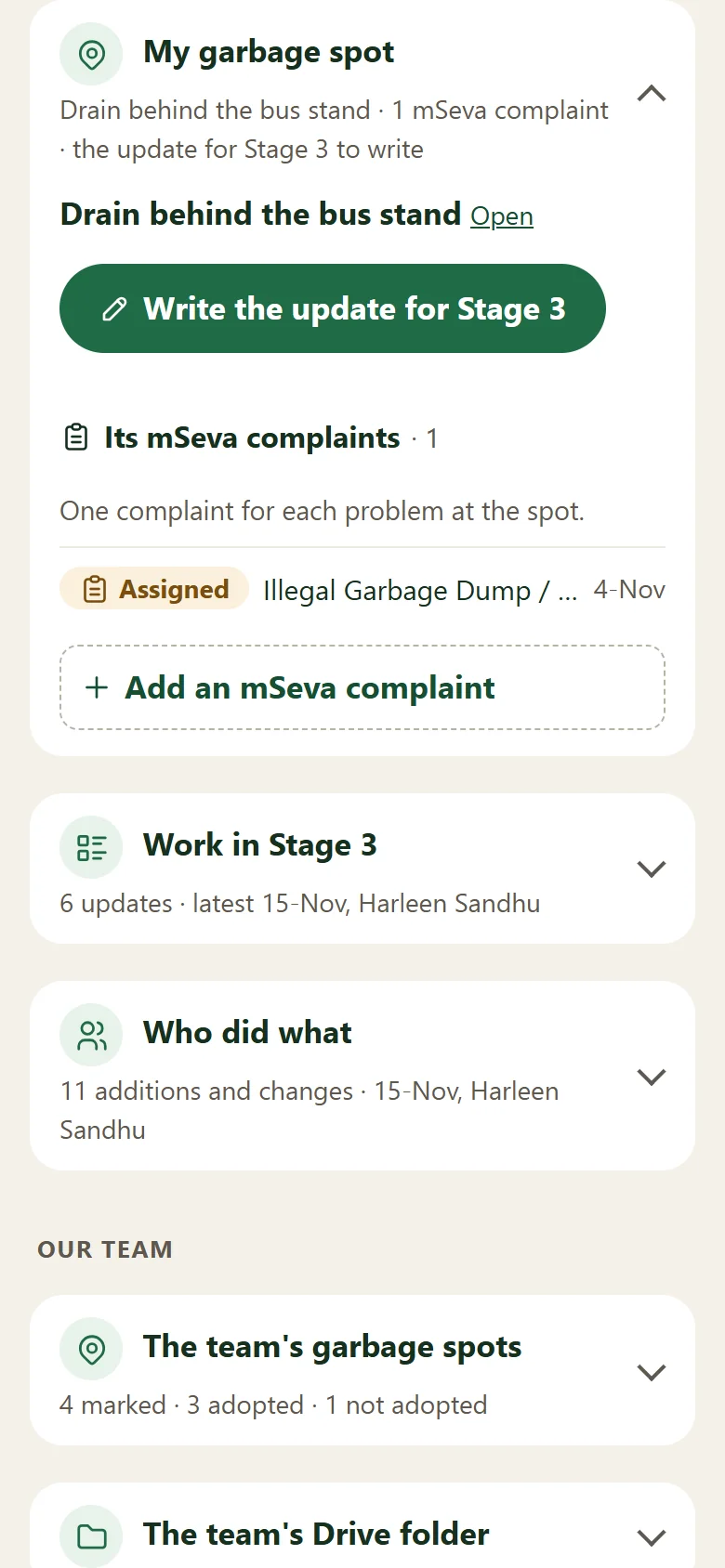
My garbage spot
The update for Stage 3 is still to write.
Tap Write the update for Stage 3.
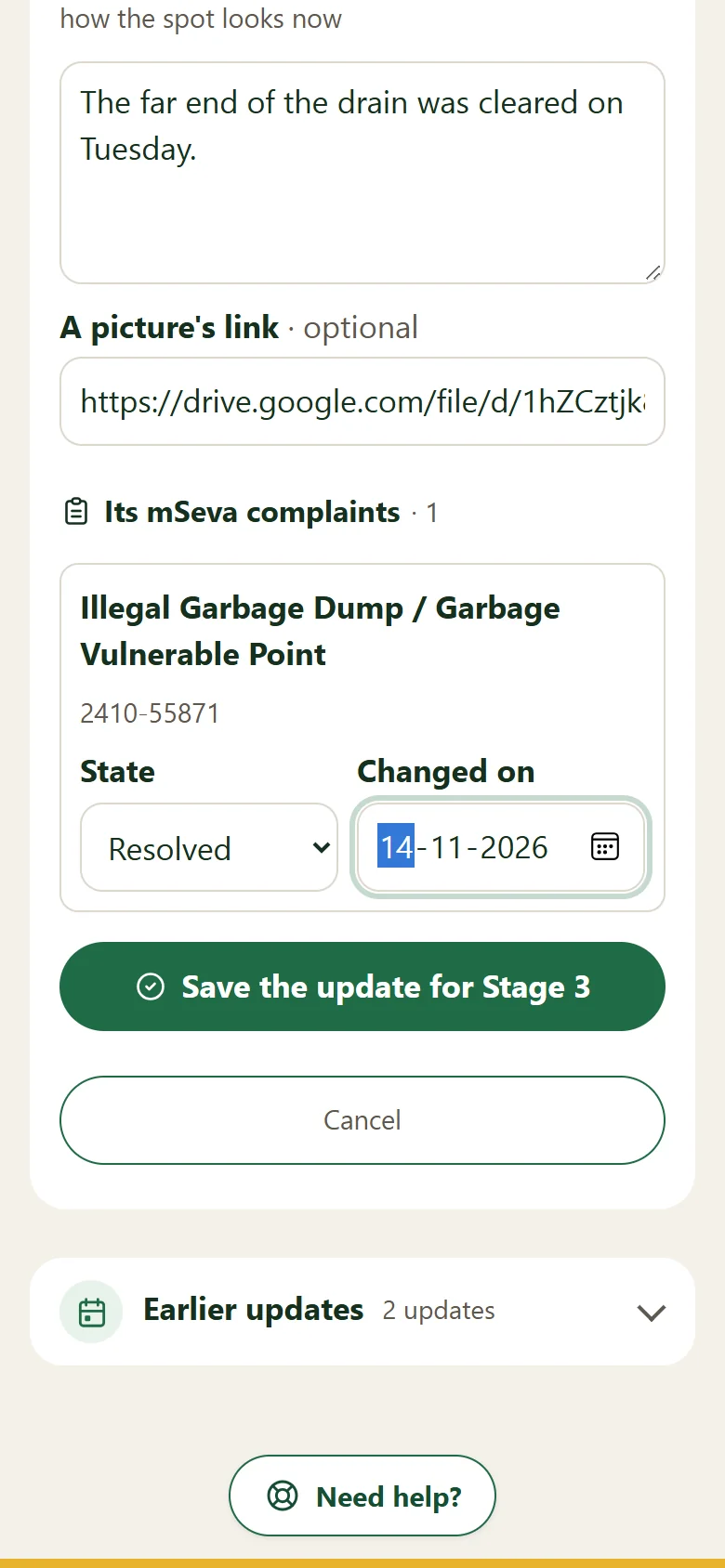
Stage 3 update
Balwinder writes what happened, adds a picture's link, and sets the complaint's state as mSeva shows it: Resolved.
Tap Save the update for Stage 3.
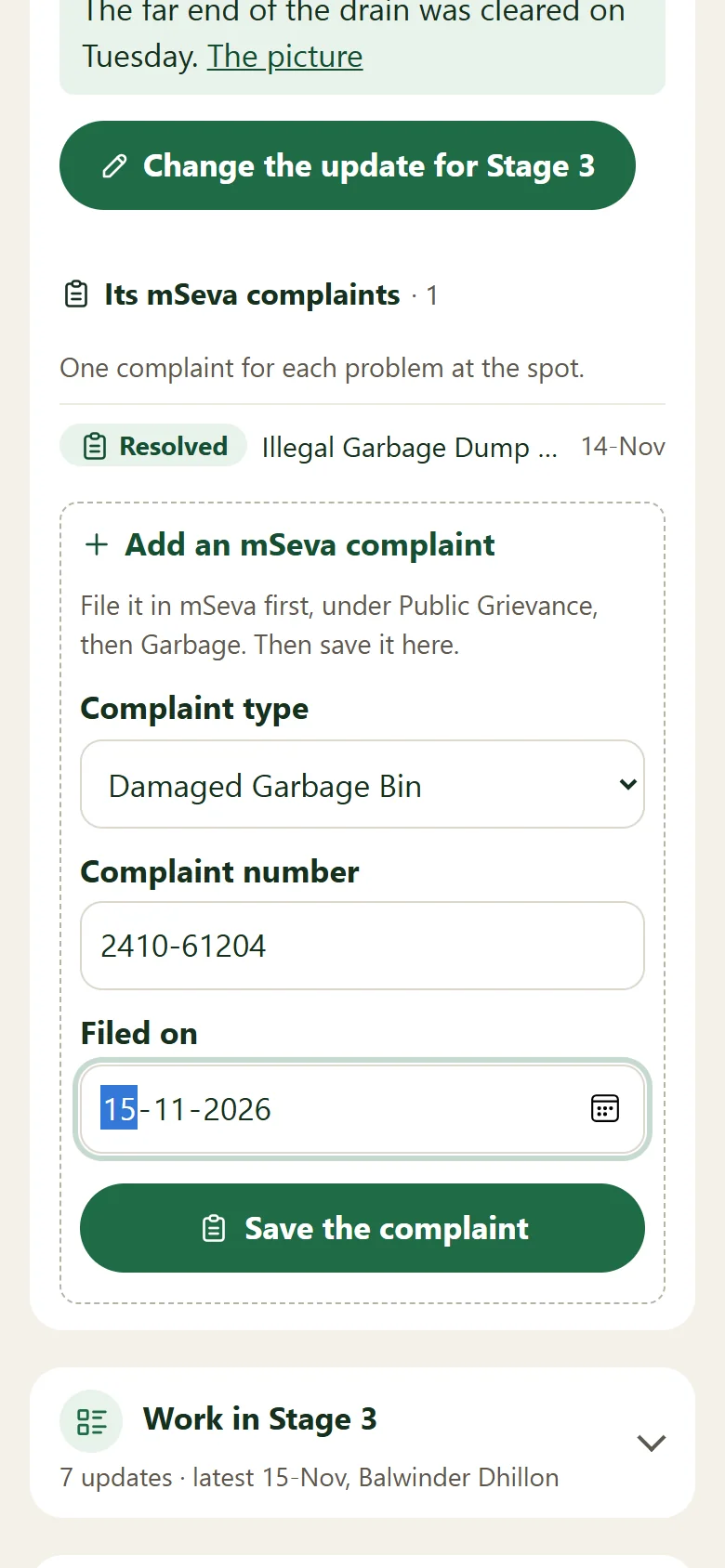
A new complaint
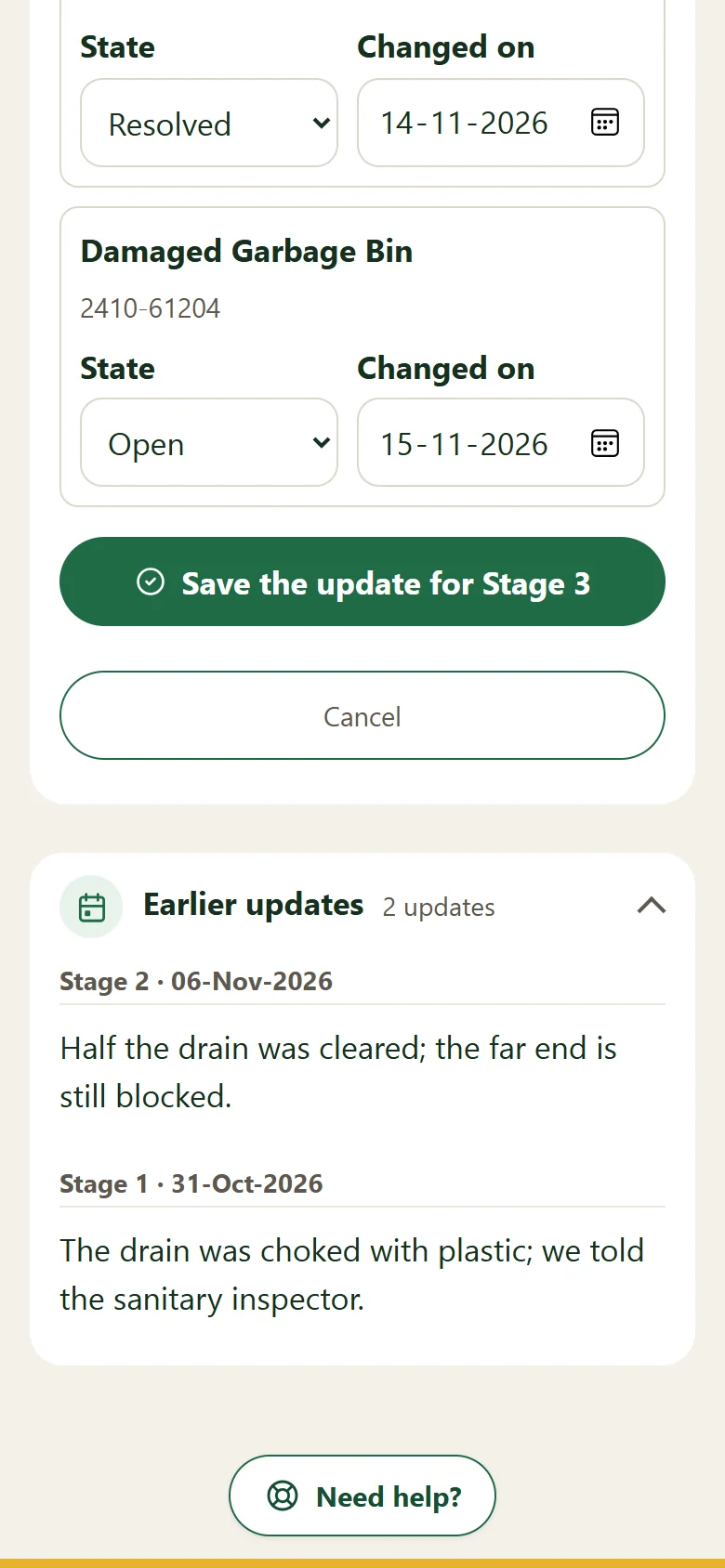
A bin at the spot is now damaged, so Balwinder files a fresh complaint in mSeva, then notes its type, number and date here.
Tap Save the complaint.
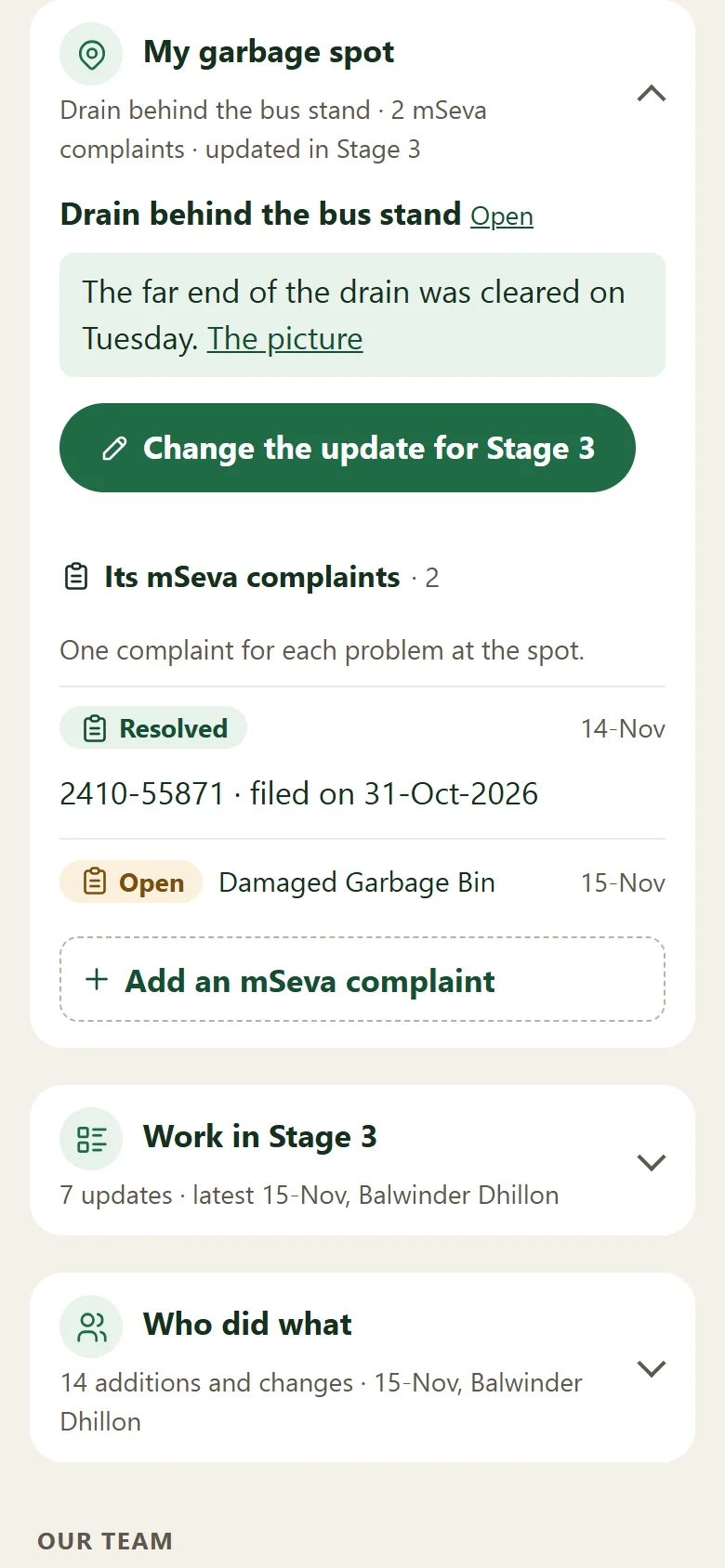
Its mSeva complaints
One complaint for each problem at the spot, each with its state.
Earlier updates
The update is saved, and stays open to change until Supervisor Daljit marks the stage. Below it, Earlier updates keeps each stage's update, so the change shows from Stage 1 on.
Every stage
It helps to write the update in every stage, even when nothing has changed. A complaint closed with the problem still there can be filed again.
In this topic (scroll down for more topics)
- 1Following your spot
- 2My garbage spot
- 3Stage 3 update
- 4A new complaint
- 5Its mSeva complaints
- 6Earlier updates
- 7Every stage
: topics
Back to the portal Back to the guide Home: choose another section
Link copied. Paste it into a message.