Home Review teams' corridors
Review teams' corridors
Tap the highlighted part of the screen.
Approving the corridors
Best seen on a phoneEach team's leader draws its corridor. You may approve several at once, judging whether each length suits its team, or send one back with a reason the team will read. Here, Supervisor Amrit sends Ghaggar's back, then approves Sutlej's and Ghaggar's new one.
My page
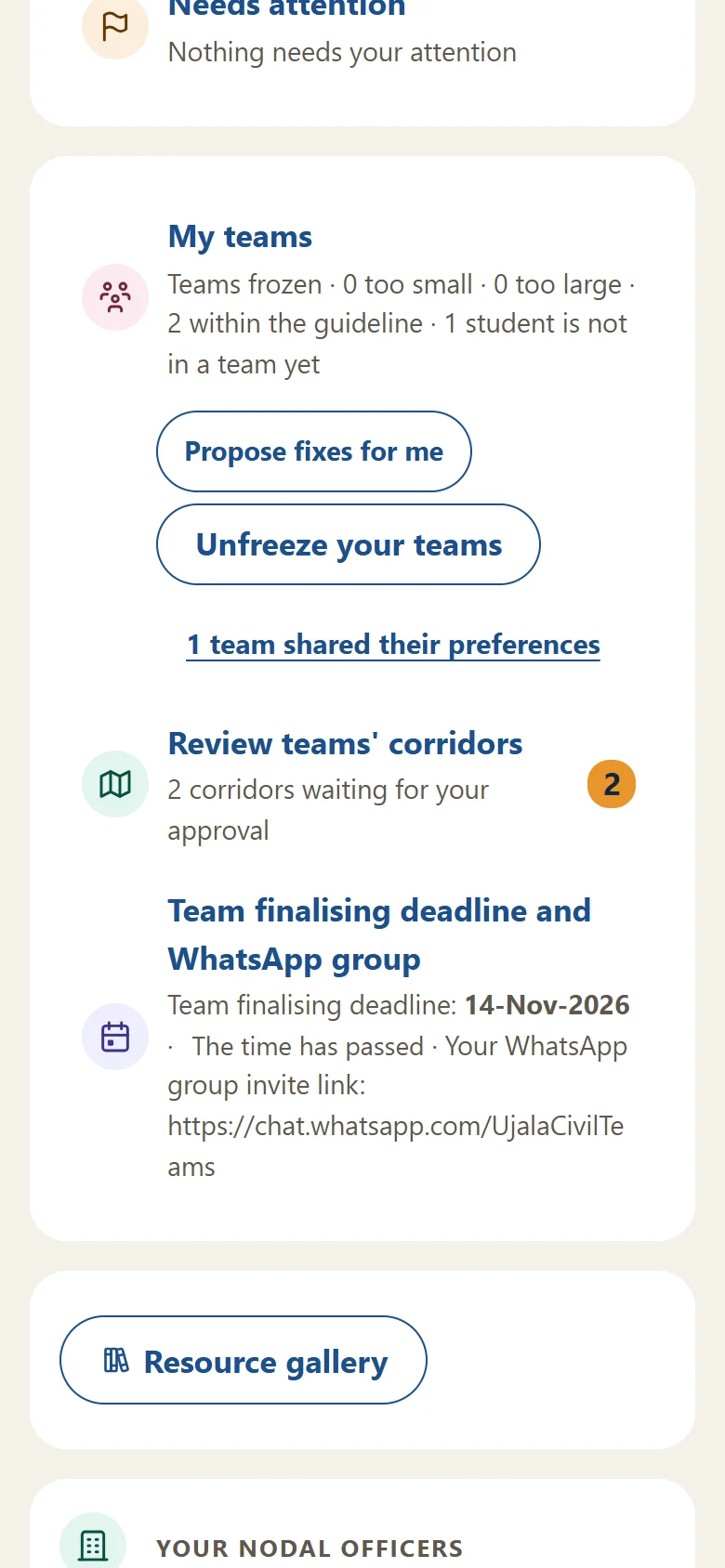
Review teams' corridors shows two corridors waiting.
Tap Review teams' corridors.
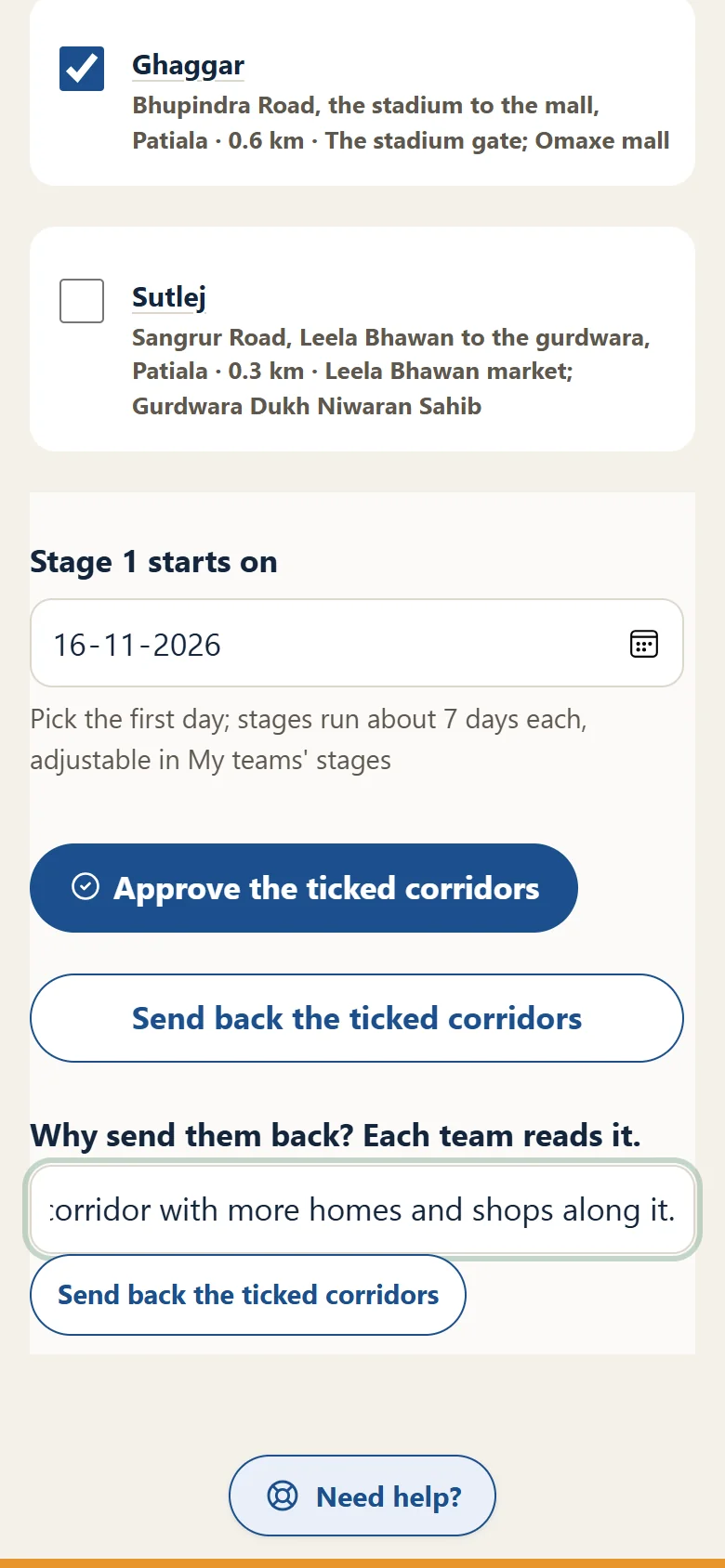
Send one back
Amrit ticks Ghaggar, writes why (a corridor with more homes and shops along it), and taps the button under the reason.
Tap Send back the ticked corridors.
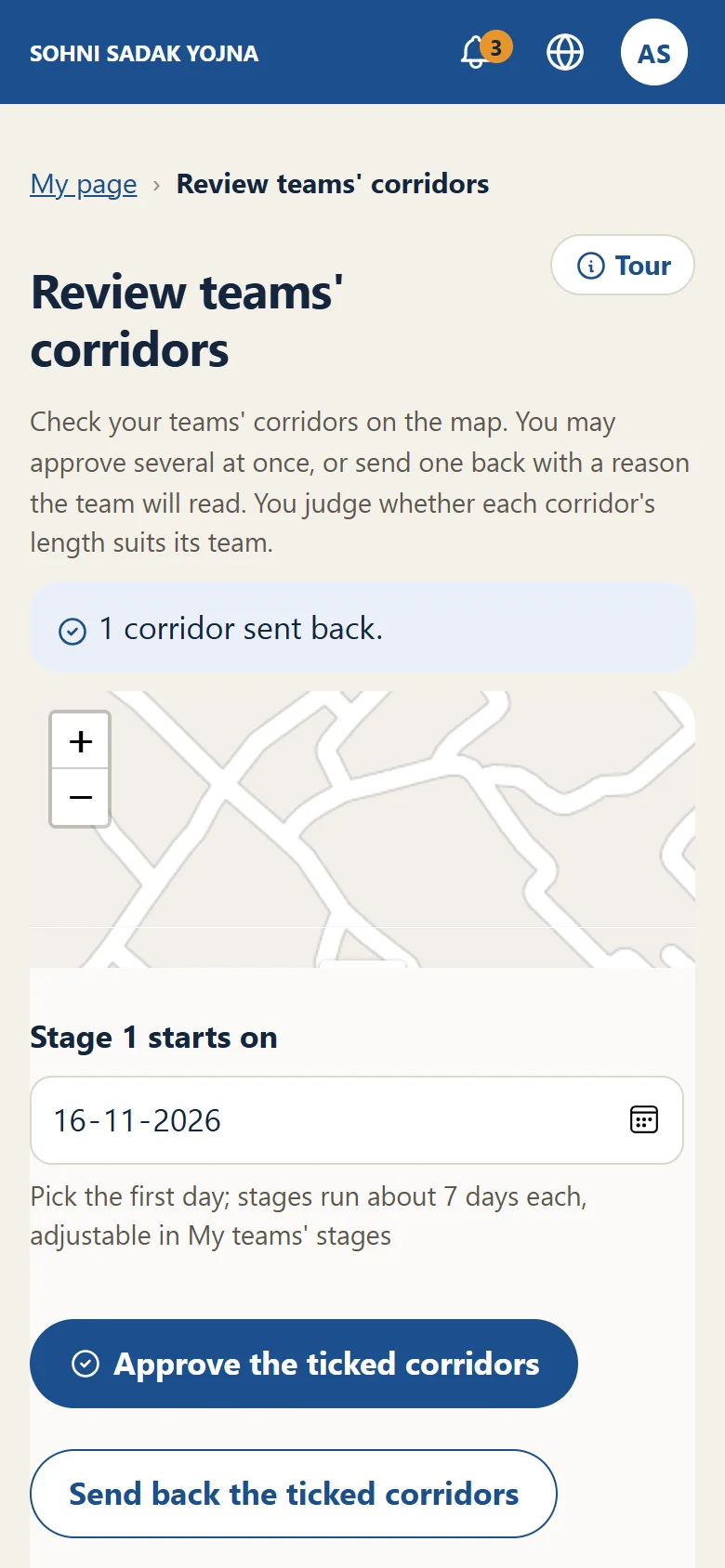
Sent back
The corridor goes back to Ghaggar, whose leader reads the reason and revises the corridor or draws a new one.
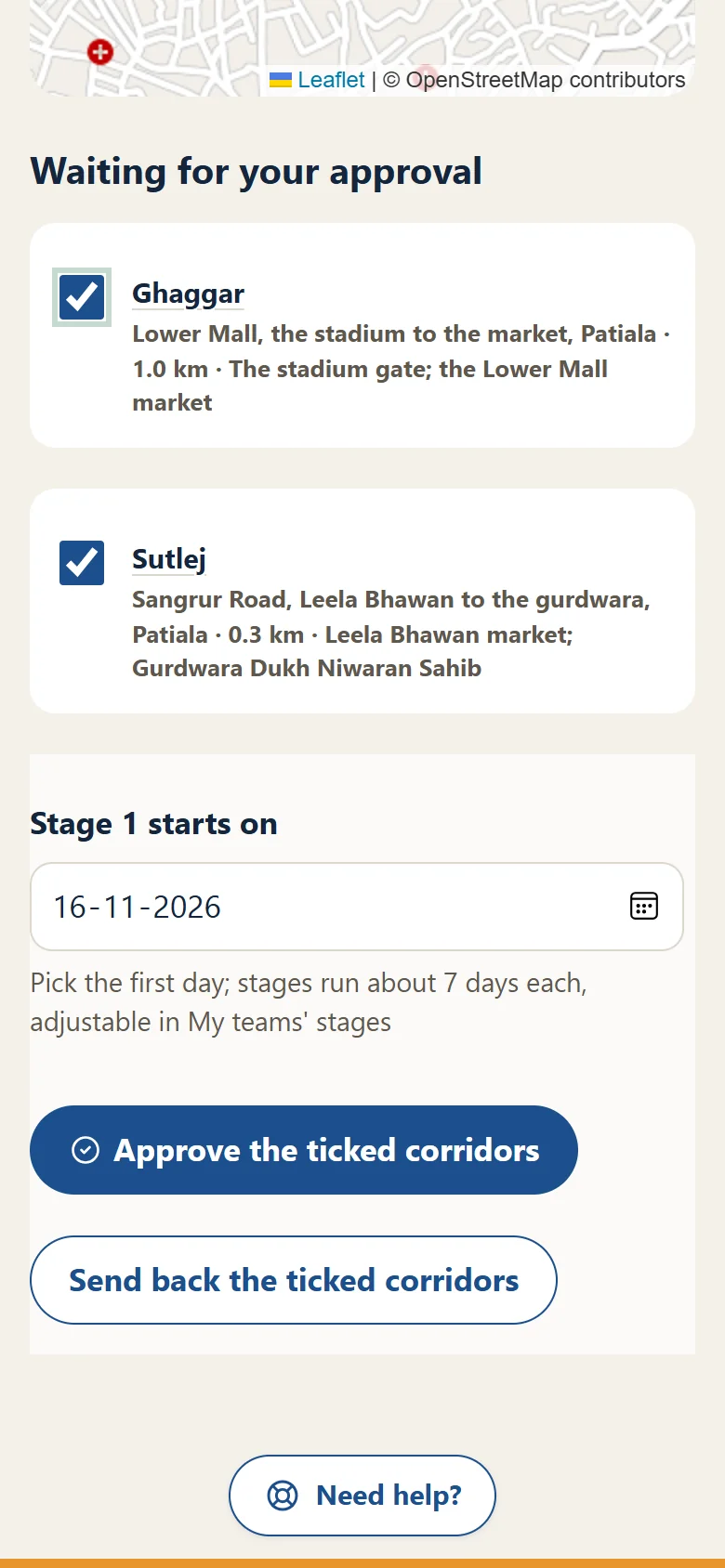
Waiting for your approval
Each corridor is on the map, and in the list with its length and landmarks. Amrit ticks Sutlej and Ghaggar.
Tap Approve the ticked corridors.
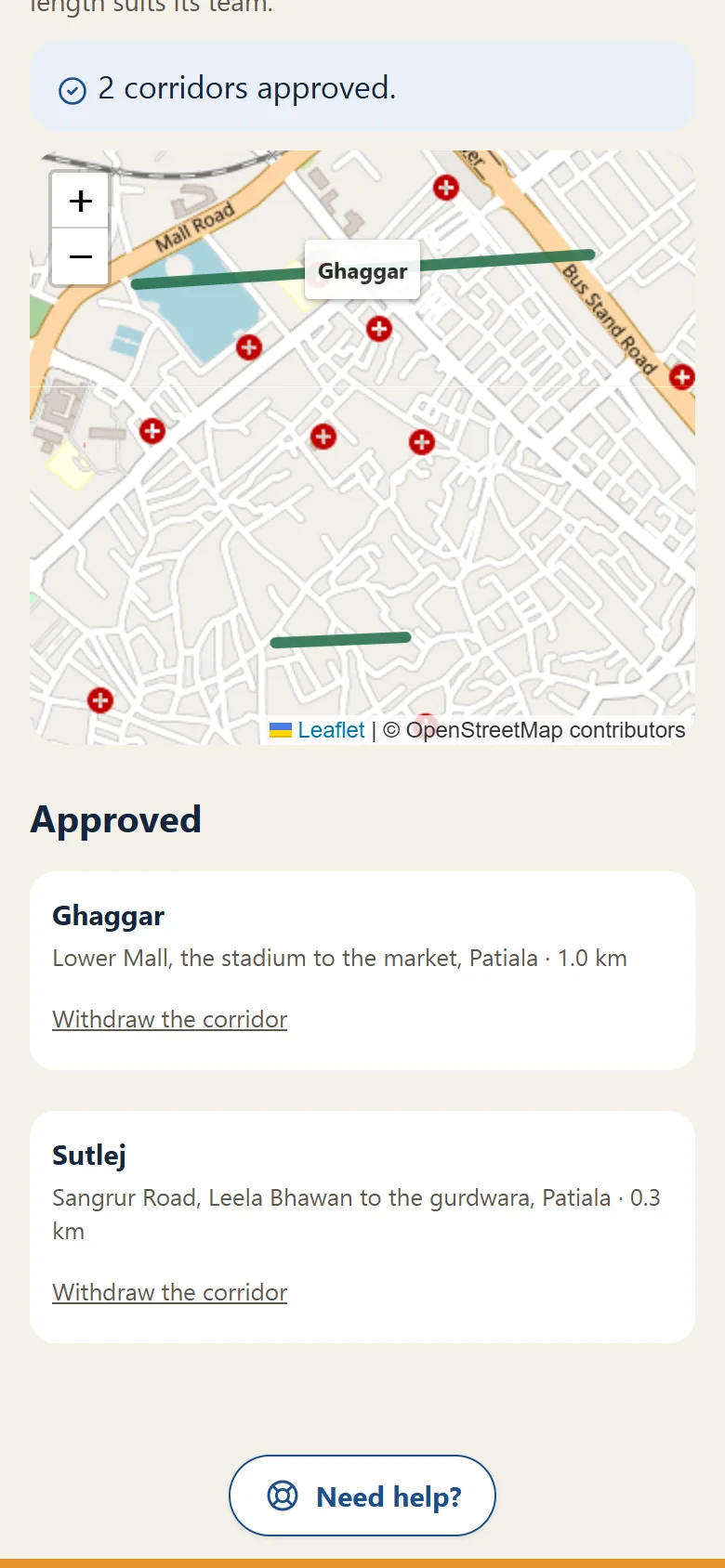
Approved
Both are now under Approved.
After approval
Nothing more is needed in the portal for now. If a team has to move, you may still withdraw its corridor, with a reason.
In this topic (scroll down for more topics)
- 1Approving the corridors
- 2My page
- 3Send one back
- 4Sent back
- 5Waiting for your approval
- 6Approved
- 7After approval
: topics
Back to the portal Back to the guide Home: choose another section
Link copied. Paste it into a message.