Home Settle the teams
Settle the teams
Tap the highlighted part of the screen.
Settling the teams
Best seen on a laptopThis is best done on a laptop. You can ask the portal to propose fixes, or rearrange the teams yourself. Every student who is moved gets a notification.
My page
On My page, the My teams card shows two teams still too small.
Tap Propose fixes for me.

The portal's proposal
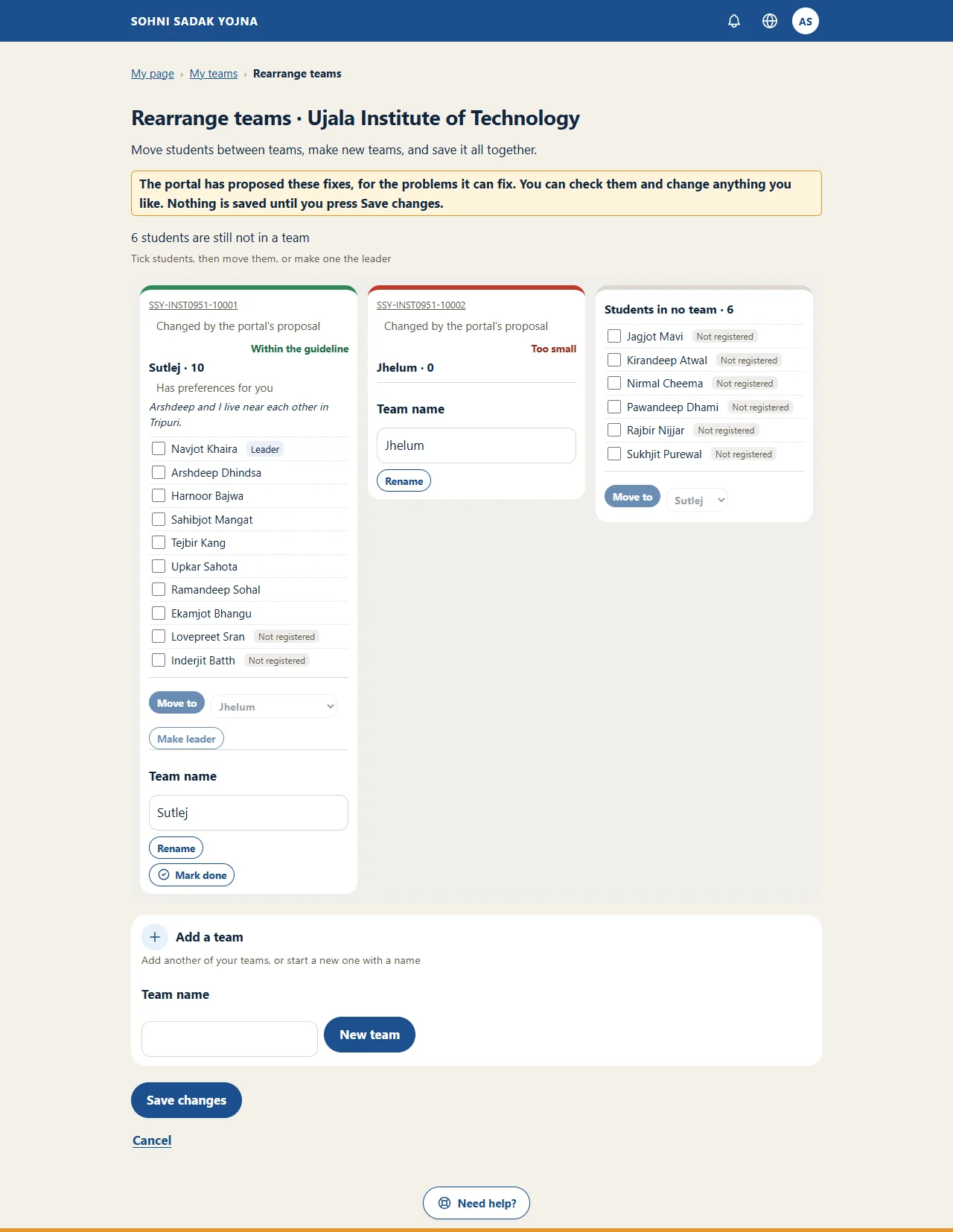
The portal's proposal is marked on the screen, and nothing is saved until you confirm. Amrit prefers to rearrange the teams by hand.
Tap Cancel.
By hand
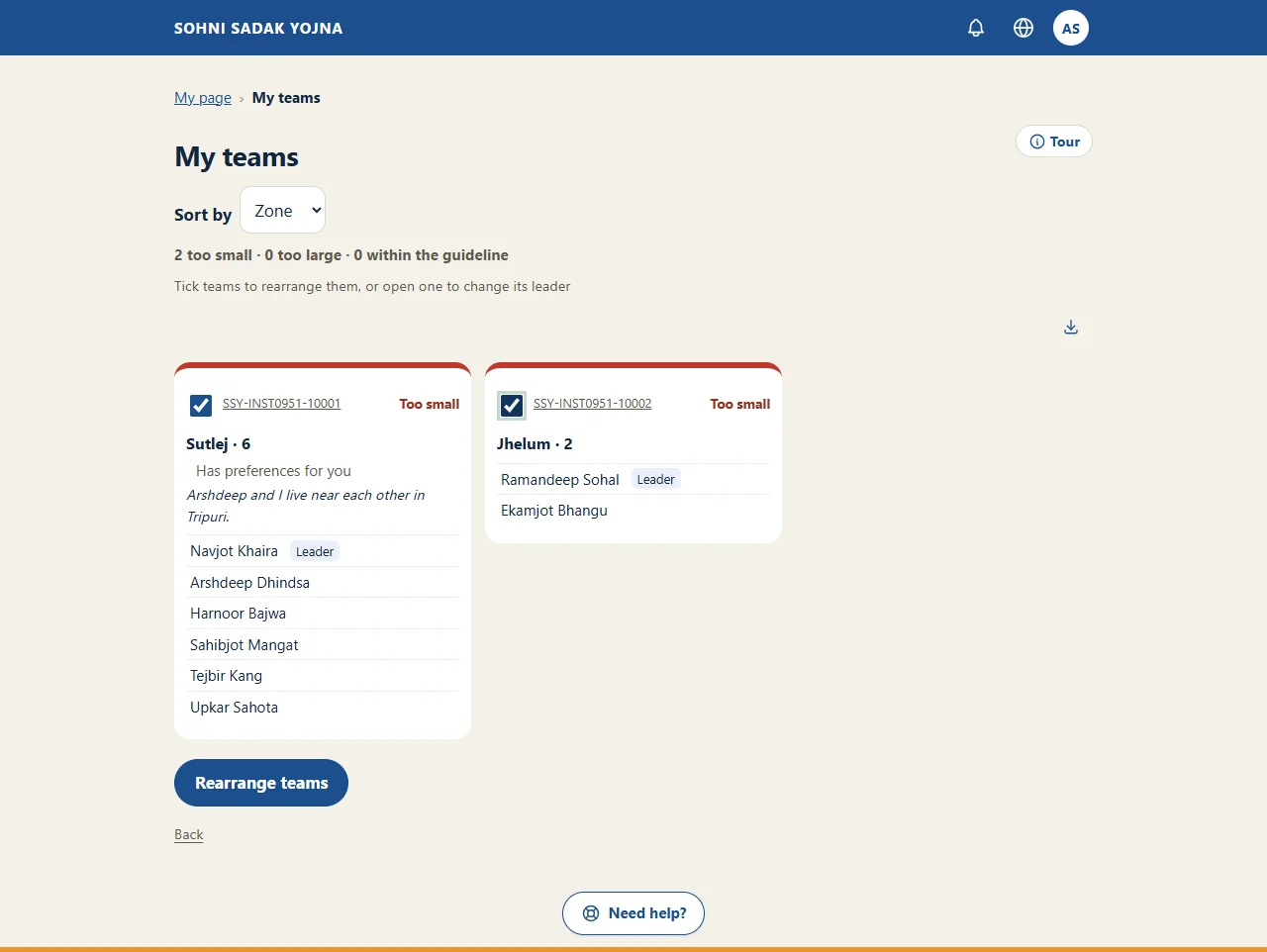
Amrit goes back, and opens the My teams card to see the teams.
Tap My teams.
My teams
Amrit ticks Sutlej and Jhelum, the two teams to rearrange.
Tap Rearrange teams.
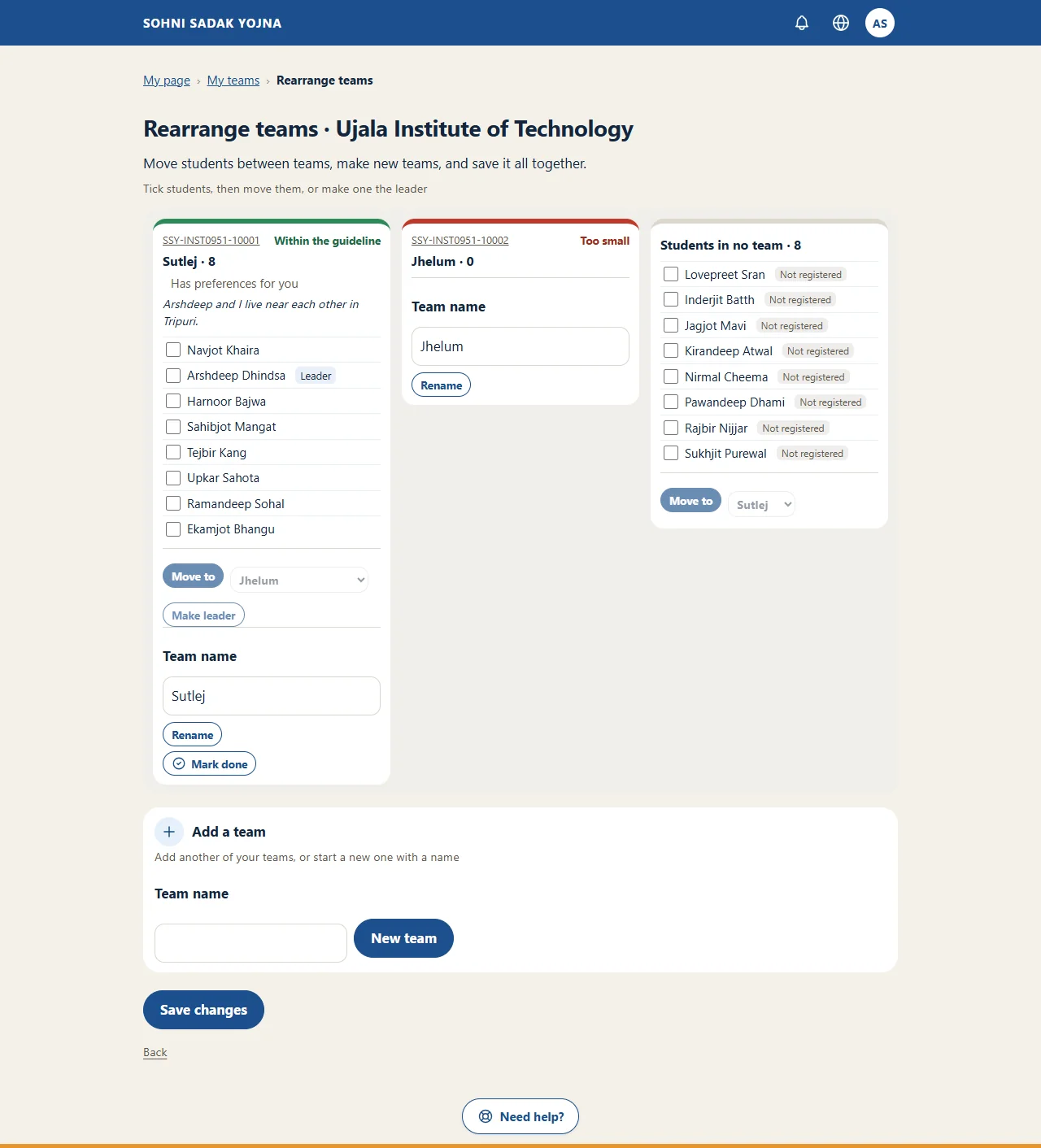
Move students
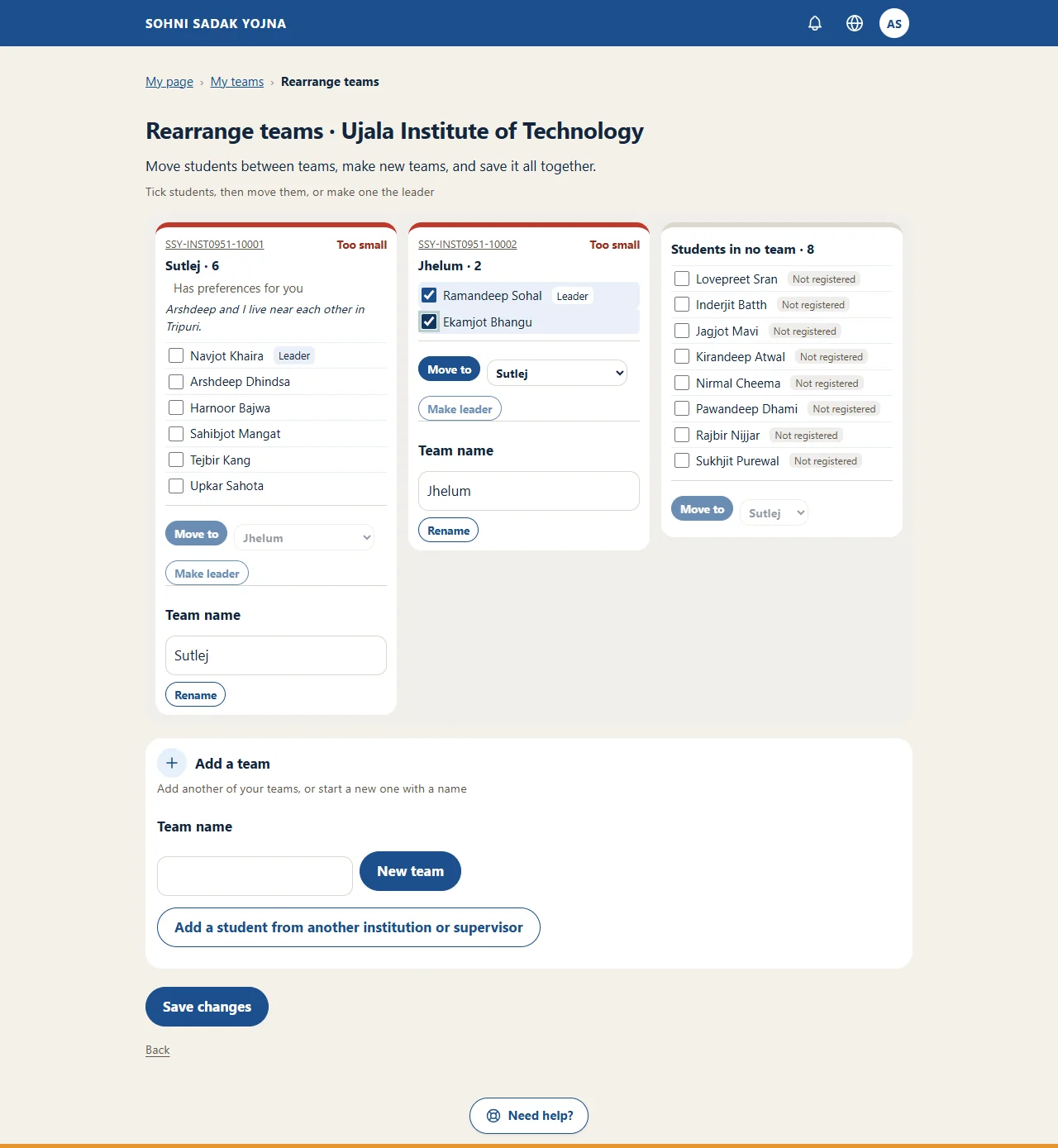
Each team card has its own Move to, for the students ticked on it. Amrit moves Ramandeep and Ekamjot from Jhelum to Sutlej.
Tap Move to on Jhelum's card.
Sutlej grows
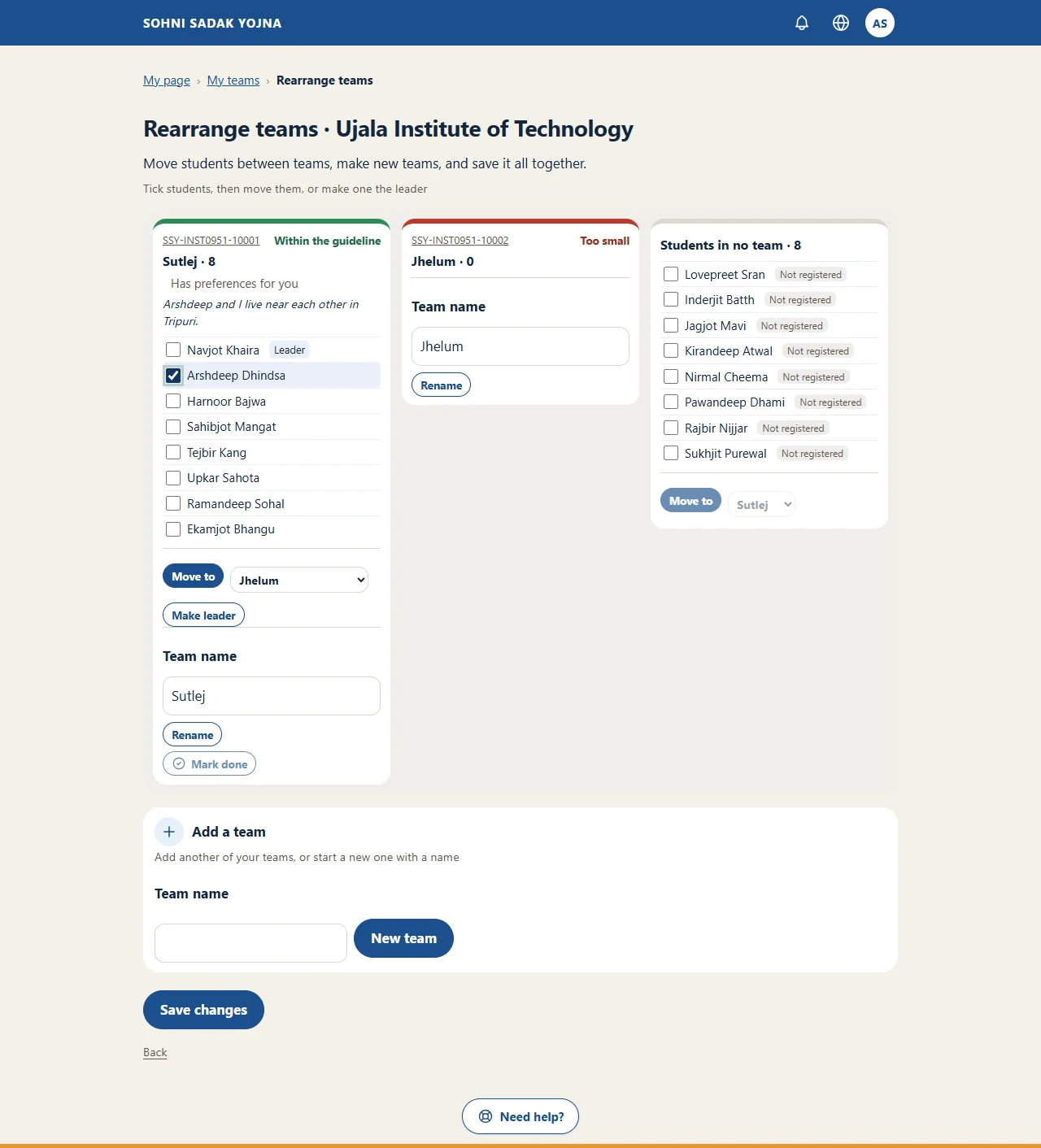
Sutlej now has eight members. Amrit then ticks Arshdeep.
Tap Make leader.
A new leader
Arshdeep is now the leader of Sutlej.
Tap Save changes.
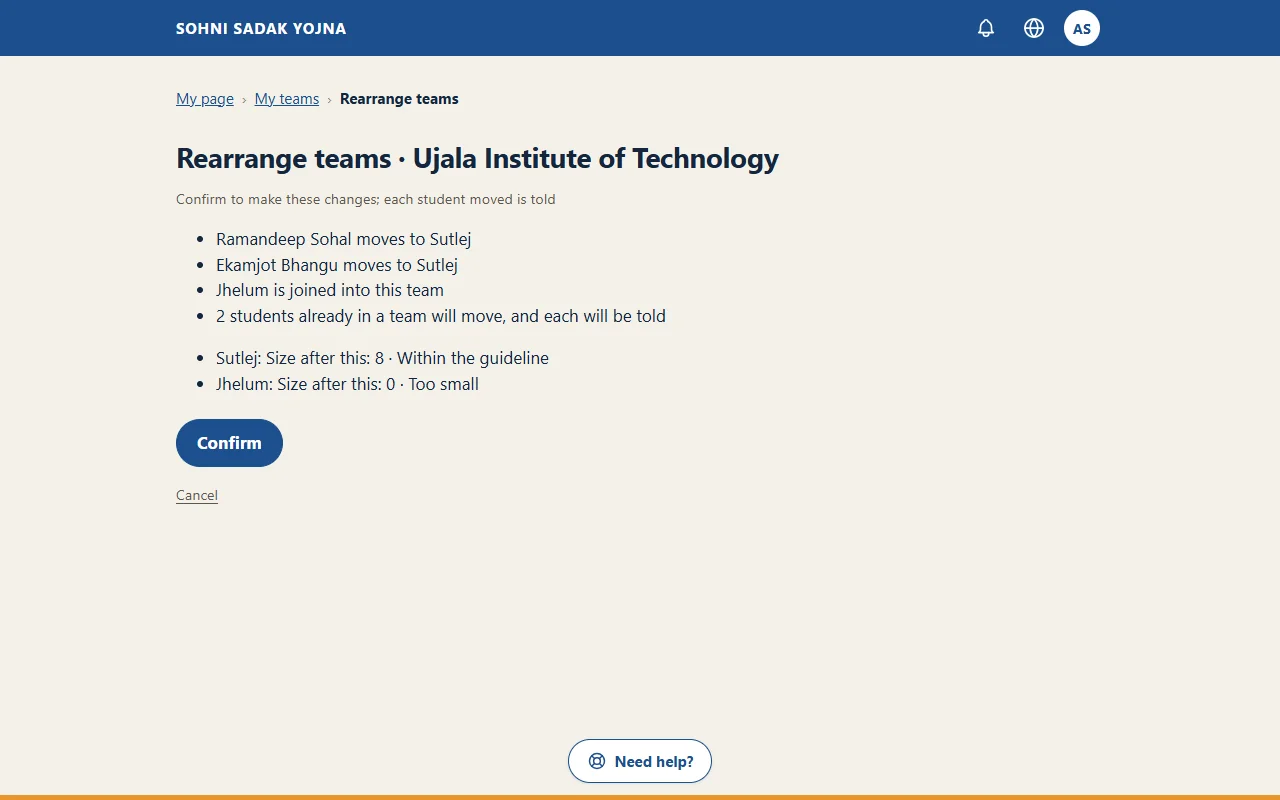
Check, then confirm
The preview lists everyone who will move, and each of them will be told. Jhelum is left with nobody, and closes.
Tap Confirm.
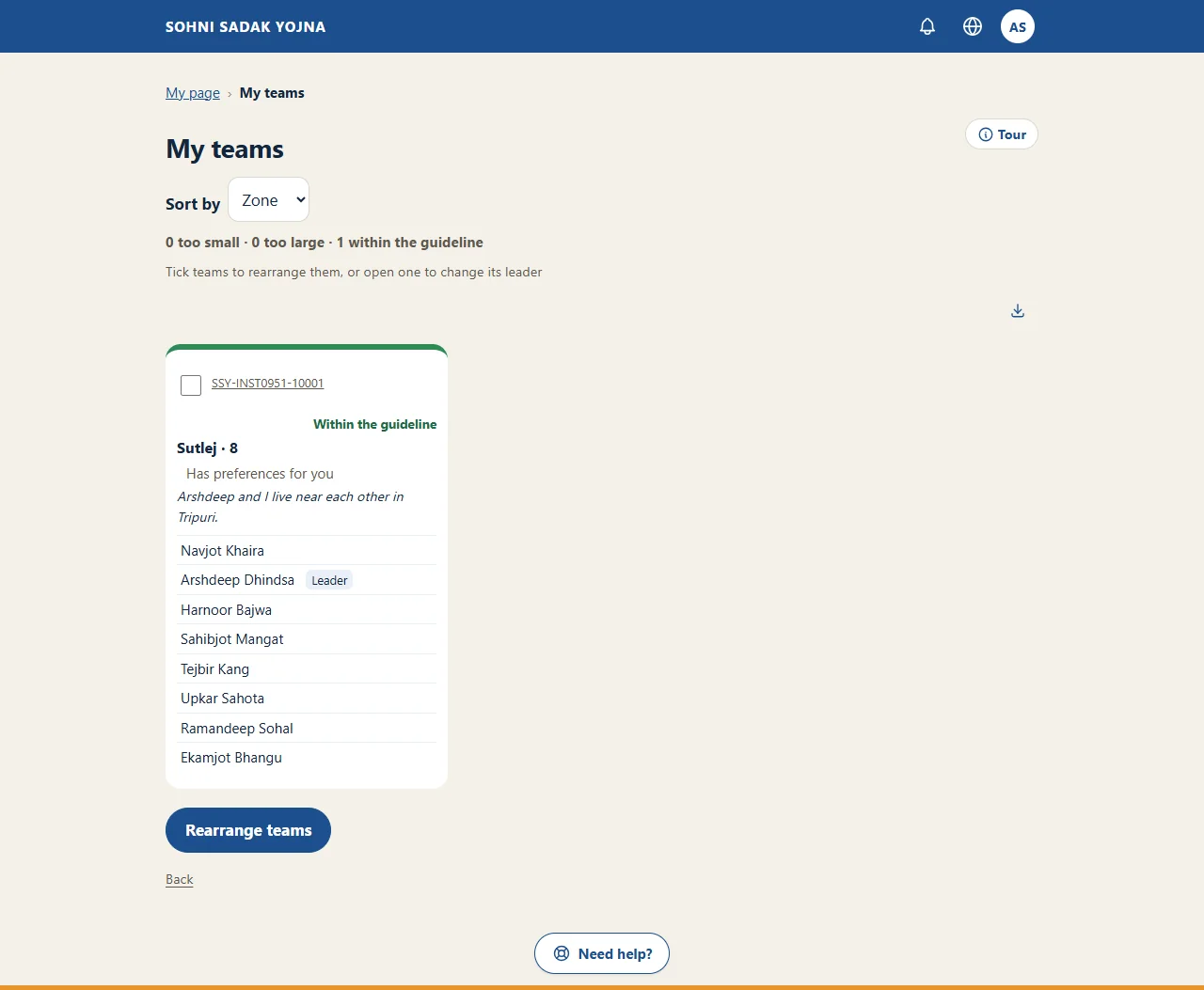
Within the guideline
Sutlej's card now says Within the guideline.
One more step
Eight students still have no team. The next topic shows how to place them.
In this topic (scroll down for more topics)
- 1Settling the teams
- 2My page
- 3The portal's proposal
- 4By hand
- 5My teams
- 6Move students
- 7Sutlej grows
- 8A new leader
- 9Check, then confirm
- 10Within the guideline
- 11One more step
: topics
Back to the portal Back to the guide Home: choose another section
Link copied. Paste it into a message.