Home Check the published video
Check the published video
Tap the highlighted part of the screen.
The last step of the review
Best seen on a phoneThe review's marking is complete only when you have checked the published video. Here, Amrit checks Ghaggar's.
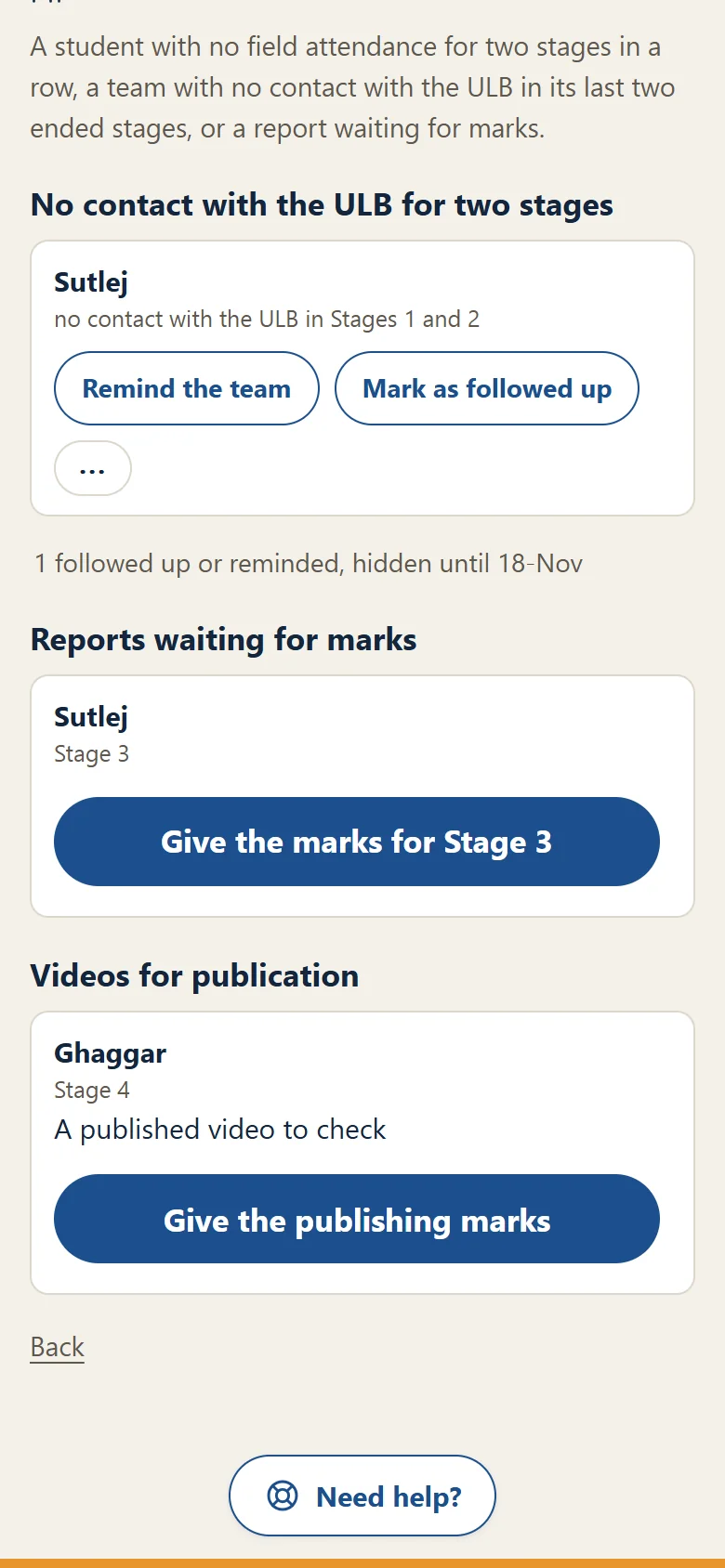
A published video to check
Needs attention lists the team once its published link is in.
Tap Give the publishing marks.
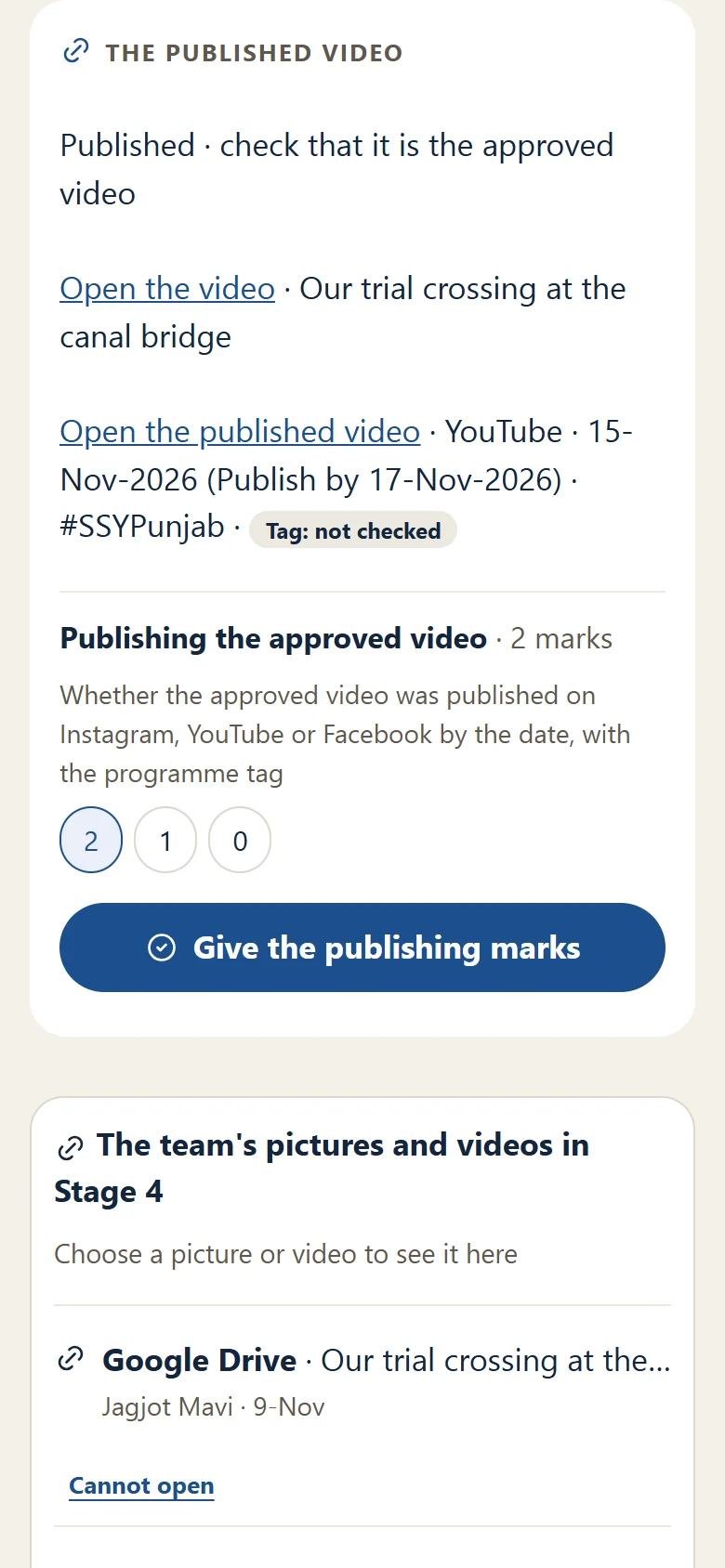
The approved video?
The approved video and the published one open side by side. Amrit sees that it is the approved video, published by the date with the programme's tag, and gives 2 marks.
Choose the marks, then tap Give the publishing marks.
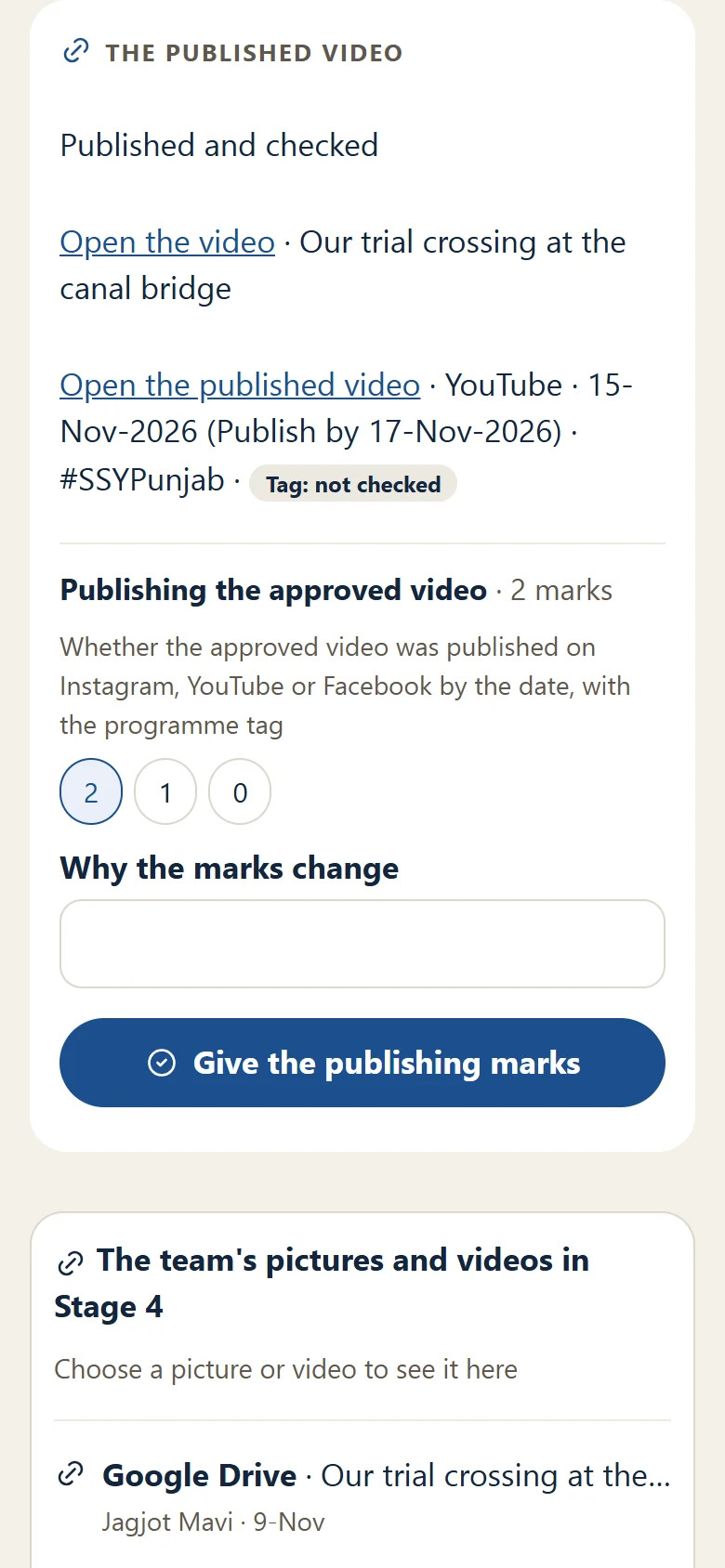
Marking complete
The review's marking is complete. The published video now counts for the team, the institution and the programme.
Within seven days
It helps to complete a review's marking within seven days of the submission. If nothing is published by the date, the publishing marks are 0.
In this topic (scroll down for more topics)
- 1The last step of the review
- 2A published video to check
- 3The approved video?
- 4Marking complete
- 5Within seven days
: topics
Back to the portal Back to the guide Home: choose another section
Link copied. Paste it into a message.