Home Freeze the teams
Freeze the teams
Tap the highlighted part of the screen.
After the date
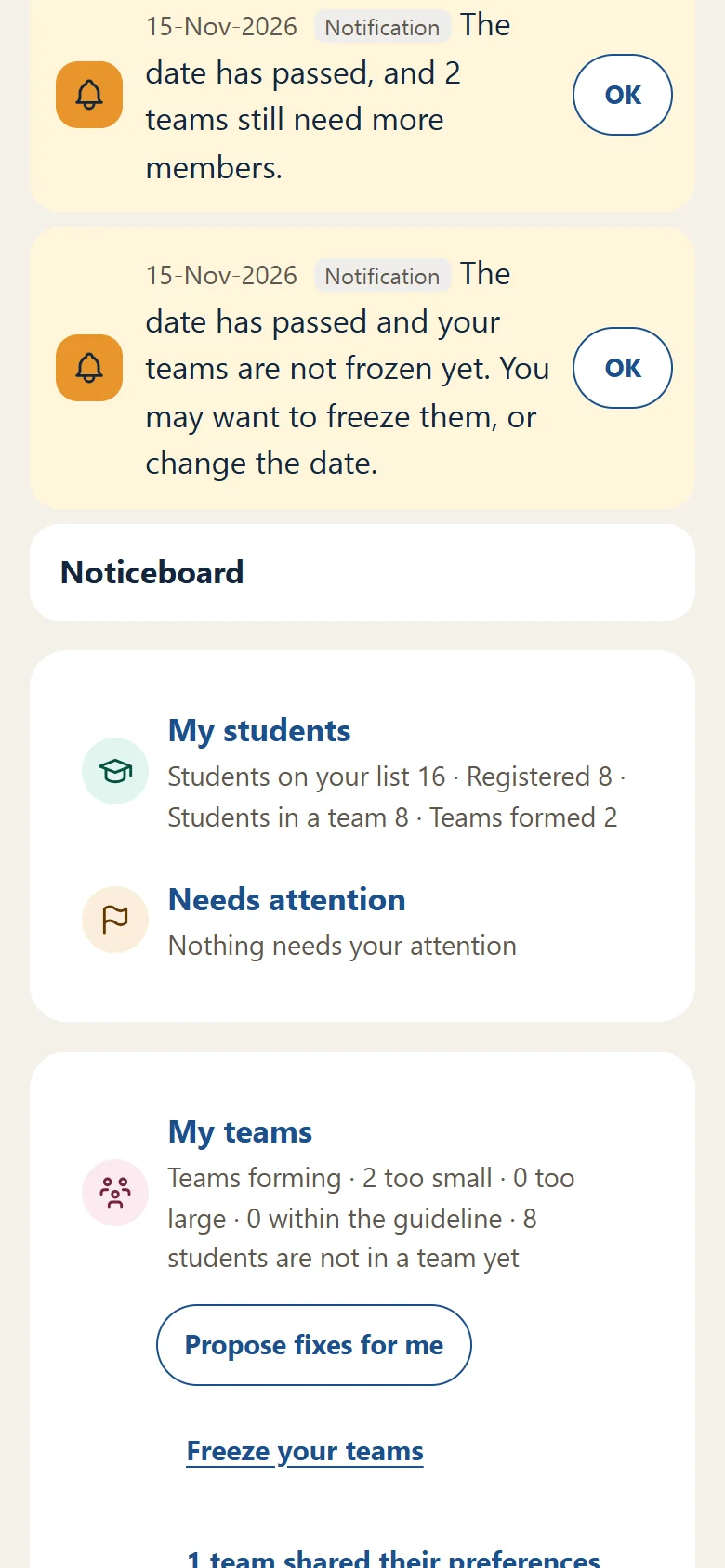
Best seen on a phoneAfter the date, it helps to freeze the teams. Freezing stops students changing teams, so the teams do not change while you rearrange them. You can unfreeze later if needed. Here, the date has passed.
The date has passed
A notification says the date has passed, and that two teams still need more members. Amrit decides to freeze the teams before rearranging them.
Tap Freeze your teams.
What freezing does
This page explains what freezing does: students cannot join, leave or change a team, but Amrit still can.
Tap Freeze teams.

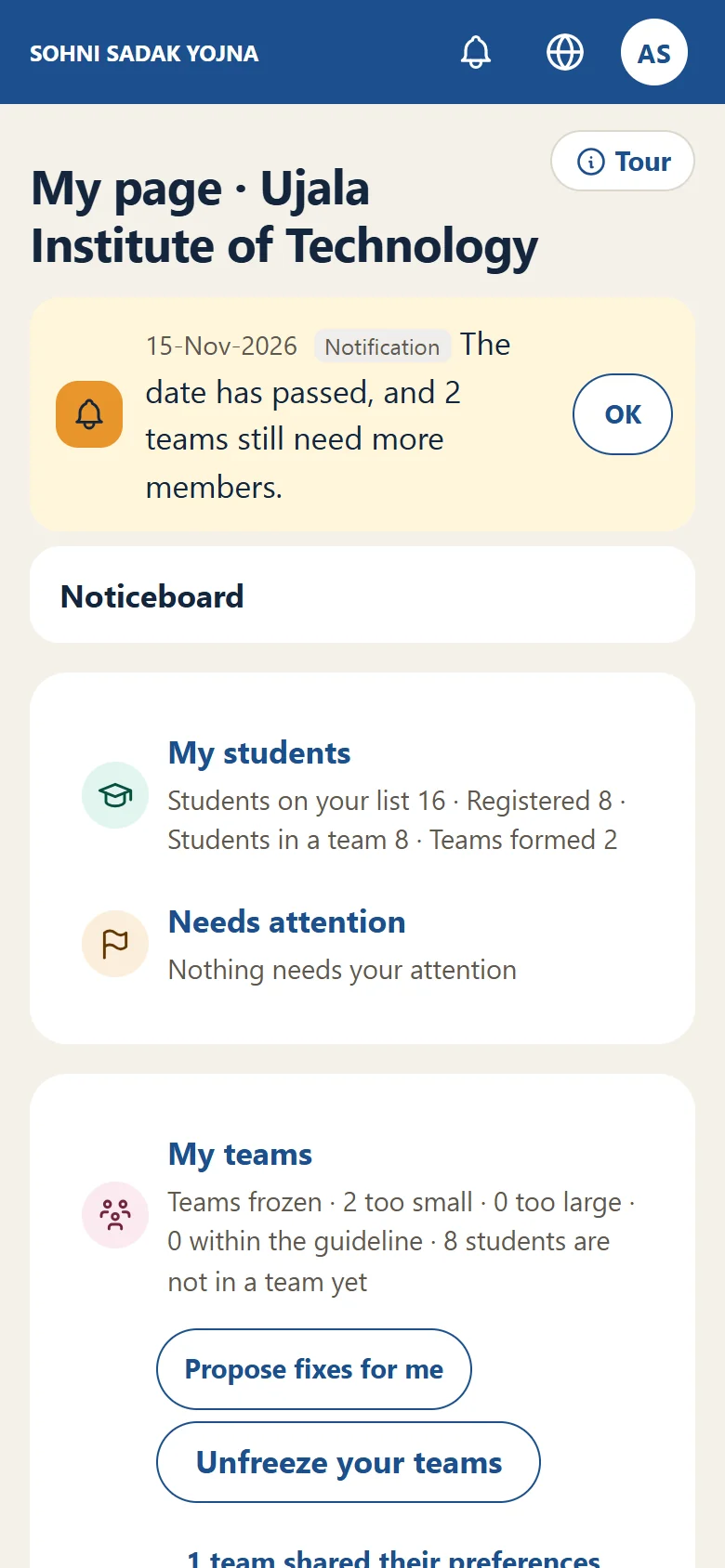
Frozen
The My teams card now says the teams are frozen.
Now rearrange
Next, read the teams' preferences, and then settle the teams.
In this topic (scroll down for more topics)
: topics
Back to the portal Back to the guide Home: choose another section
Link copied. Paste it into a message.