Home Give the marks
Give the marks
Tap the highlighted part of the screen.
Marking a stage
Best seen on a phoneOnce a team submits a stage report, the supervisor gives the marks, against the stage's expected outcomes. Here, Supervisor Amrit marks team Sutlej's Stage 2.
The team's report
The report comes first, with its summary.
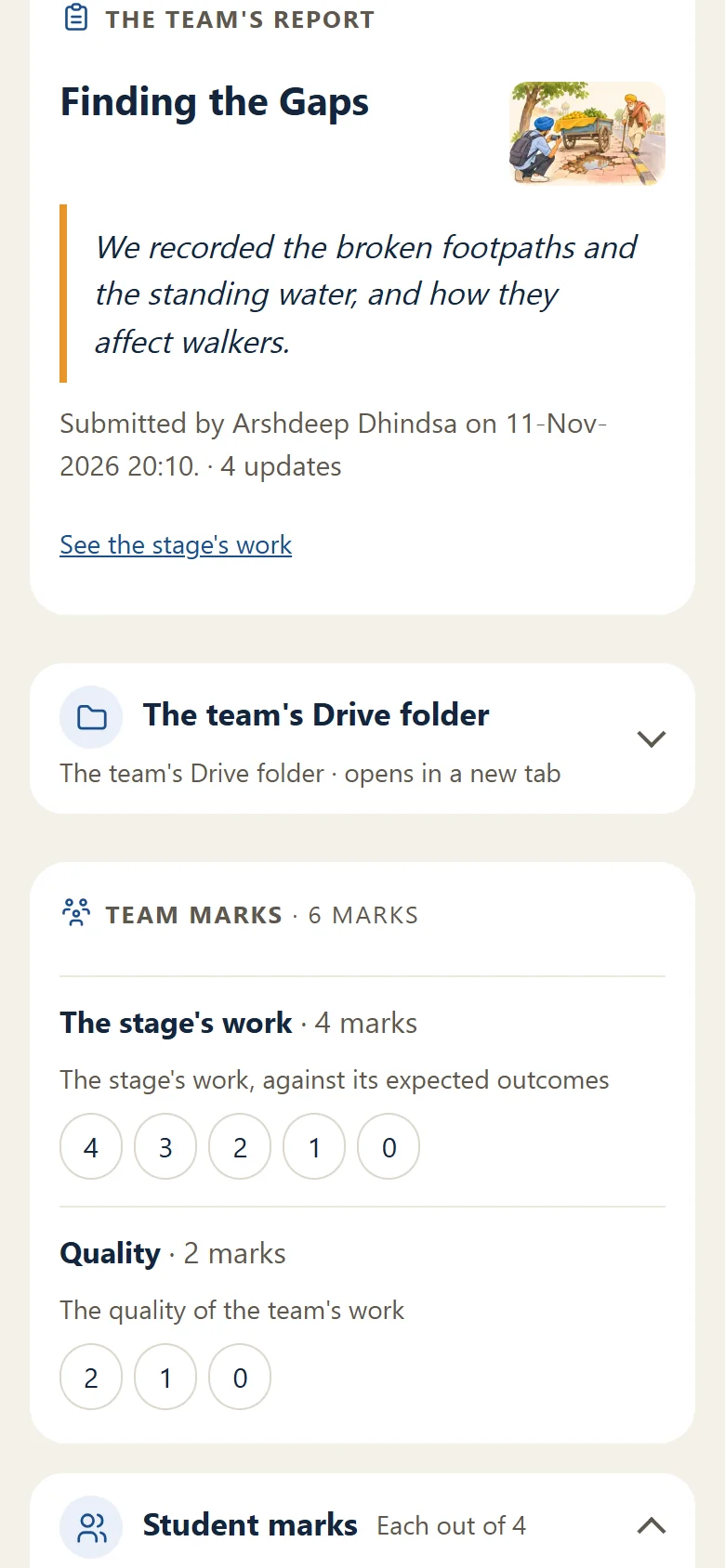
Team marks
Amrit chooses a level for each team part, with the stage's expected outcomes beside them.
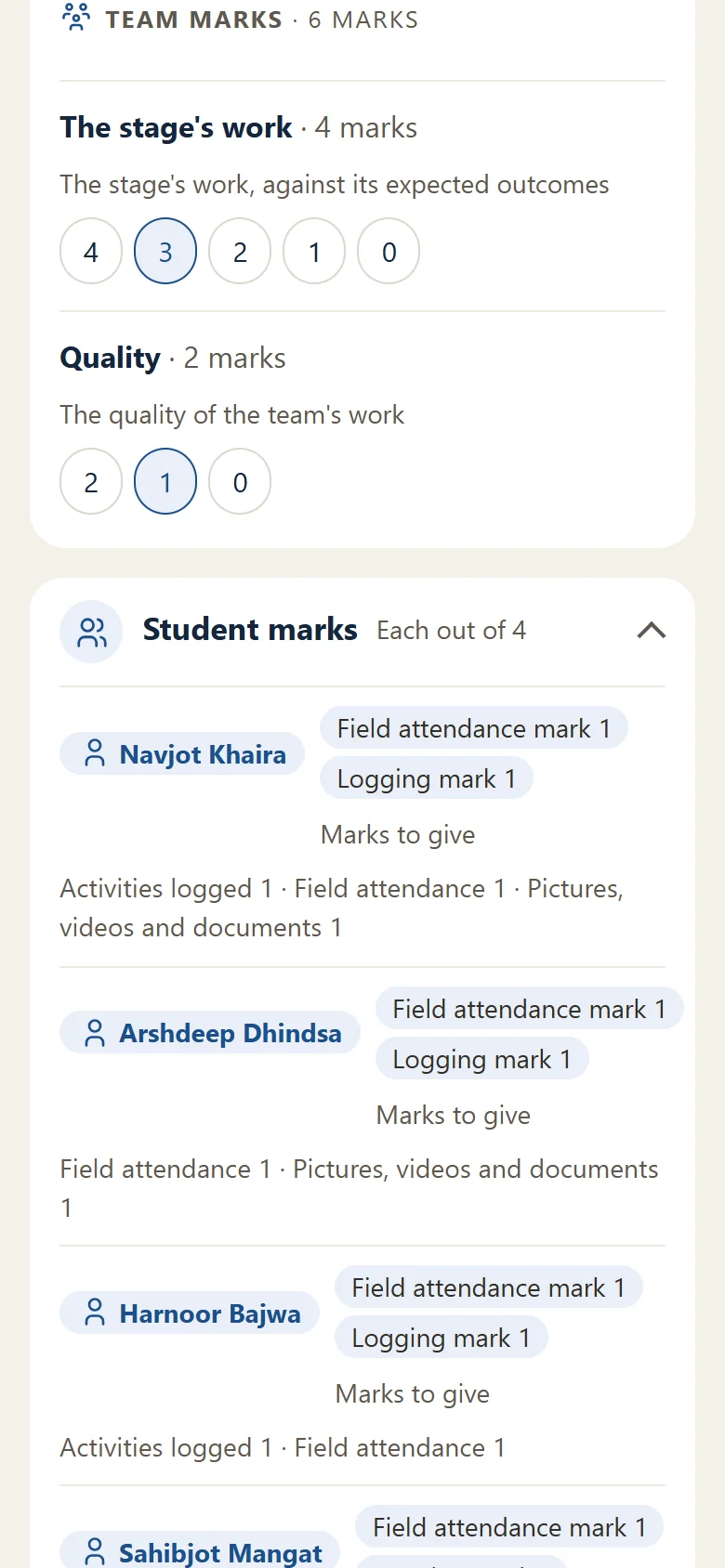
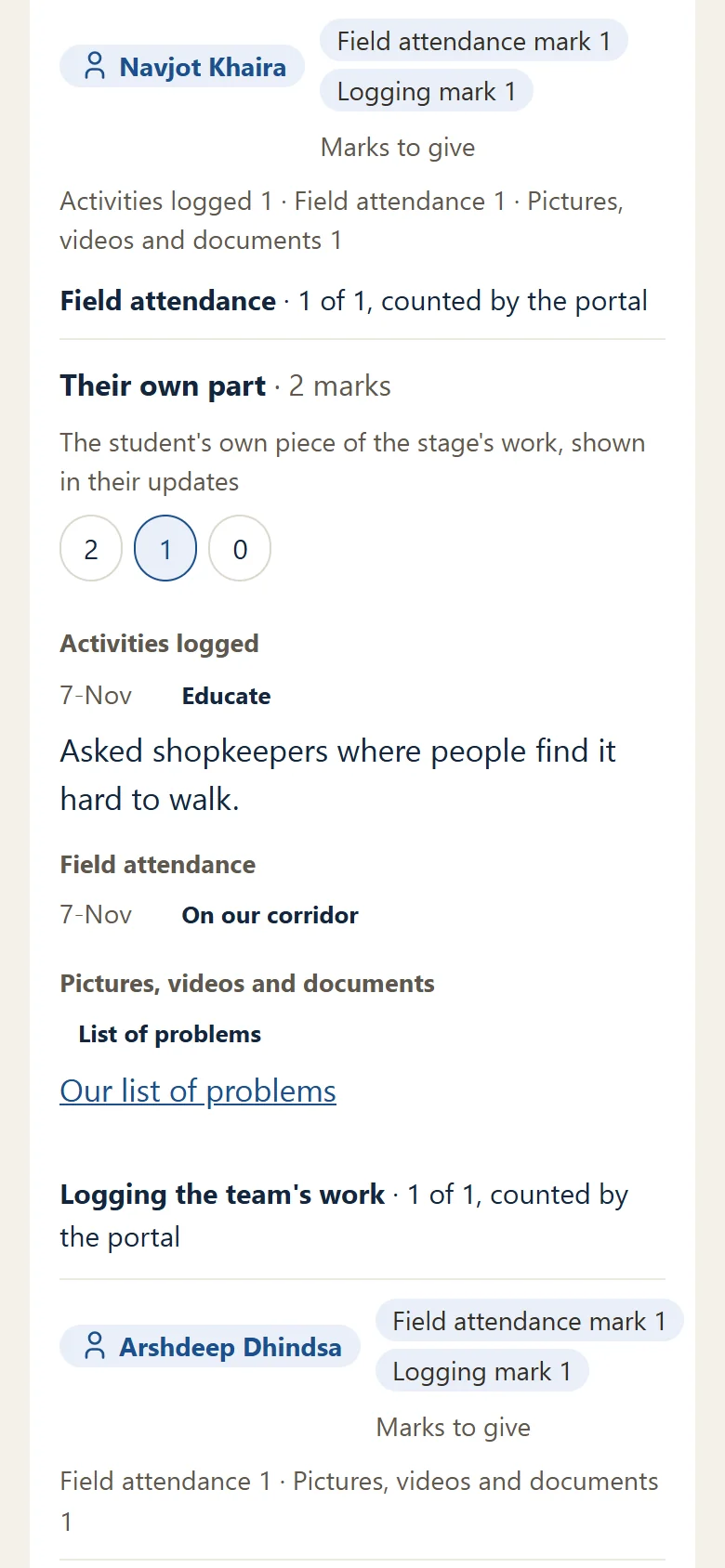
Each student
Field attendance and logging are counted by the portal. For Their own part, Amrit reads the member's updates shown beside it.
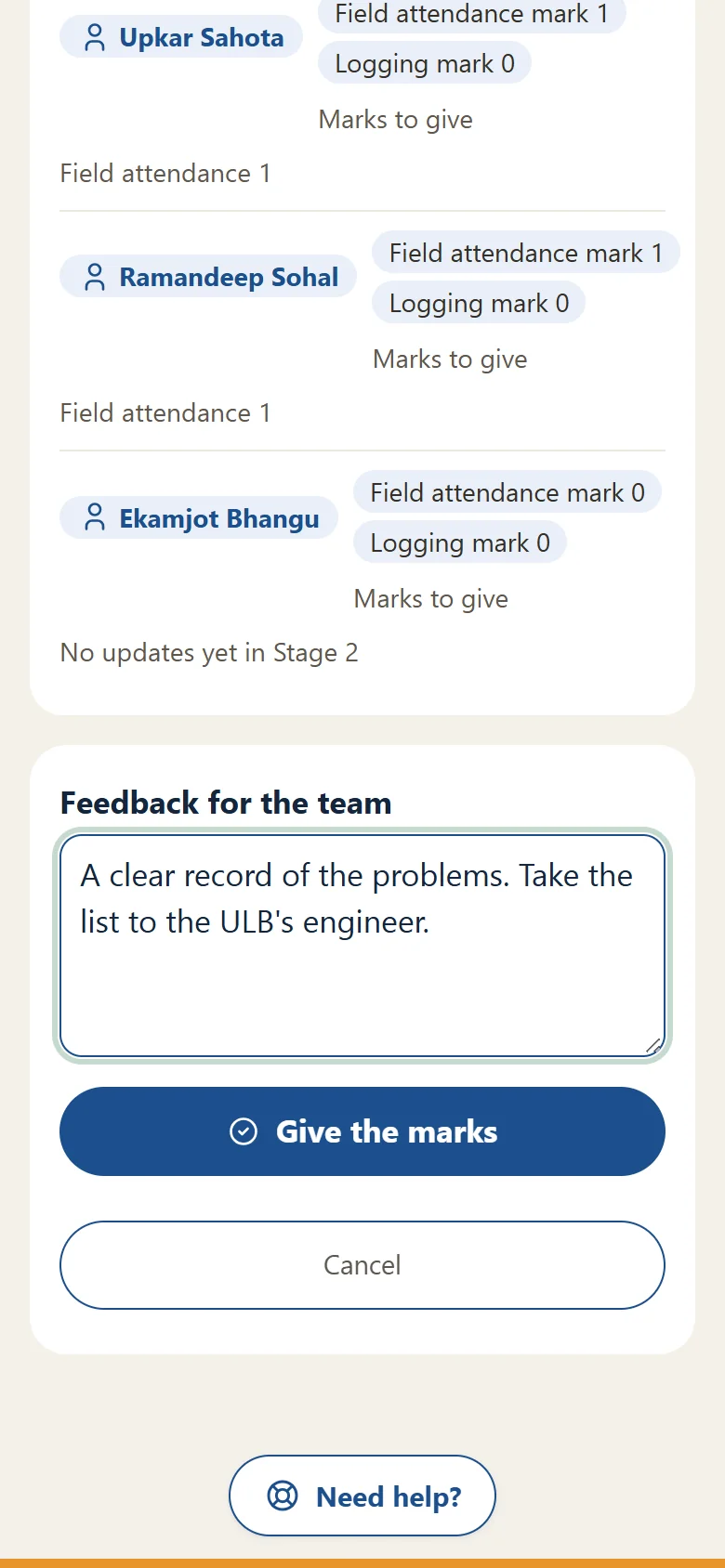
Feedback
Amrit adds a line of feedback for the team.
Tap Give the marks.
Changing marks
Marks can be changed later, with a short reason; the earlier ones are kept.
In this topic (scroll down for more topics)
: topics
Back to the portal Back to the guide Home: choose another section
Link copied. Paste it into a message.