Home Post on the programme's noticeboard
Post on the programme's noticeboard
Tap the highlighted part of the screen.
A notice for everyone
Best seen on a phoneThe programme office can post a notice that every institution, supervisor and student sees. Here, Programme administrator Sukhpreet posts one.
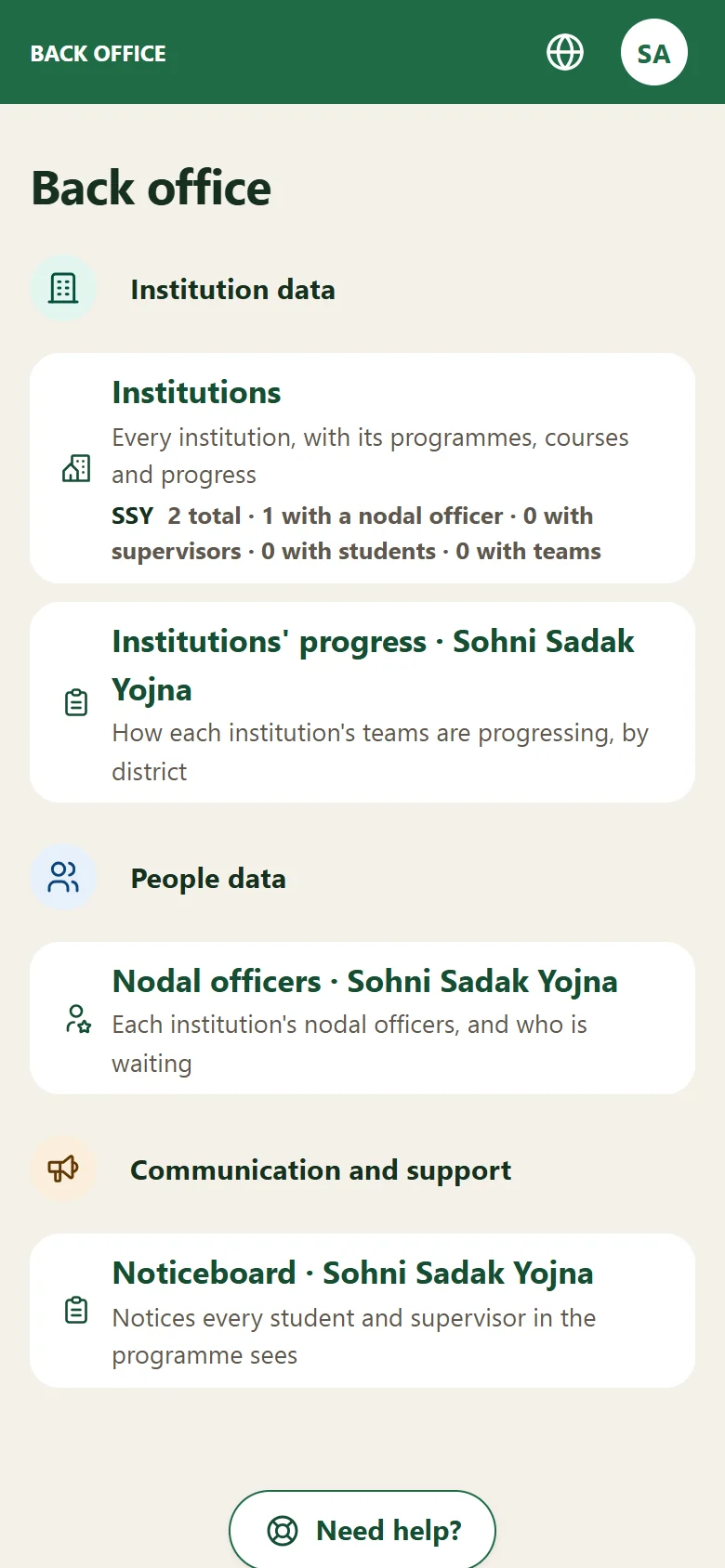
The back office
Programme notices are written from the Back office.
Tap Noticeboard.
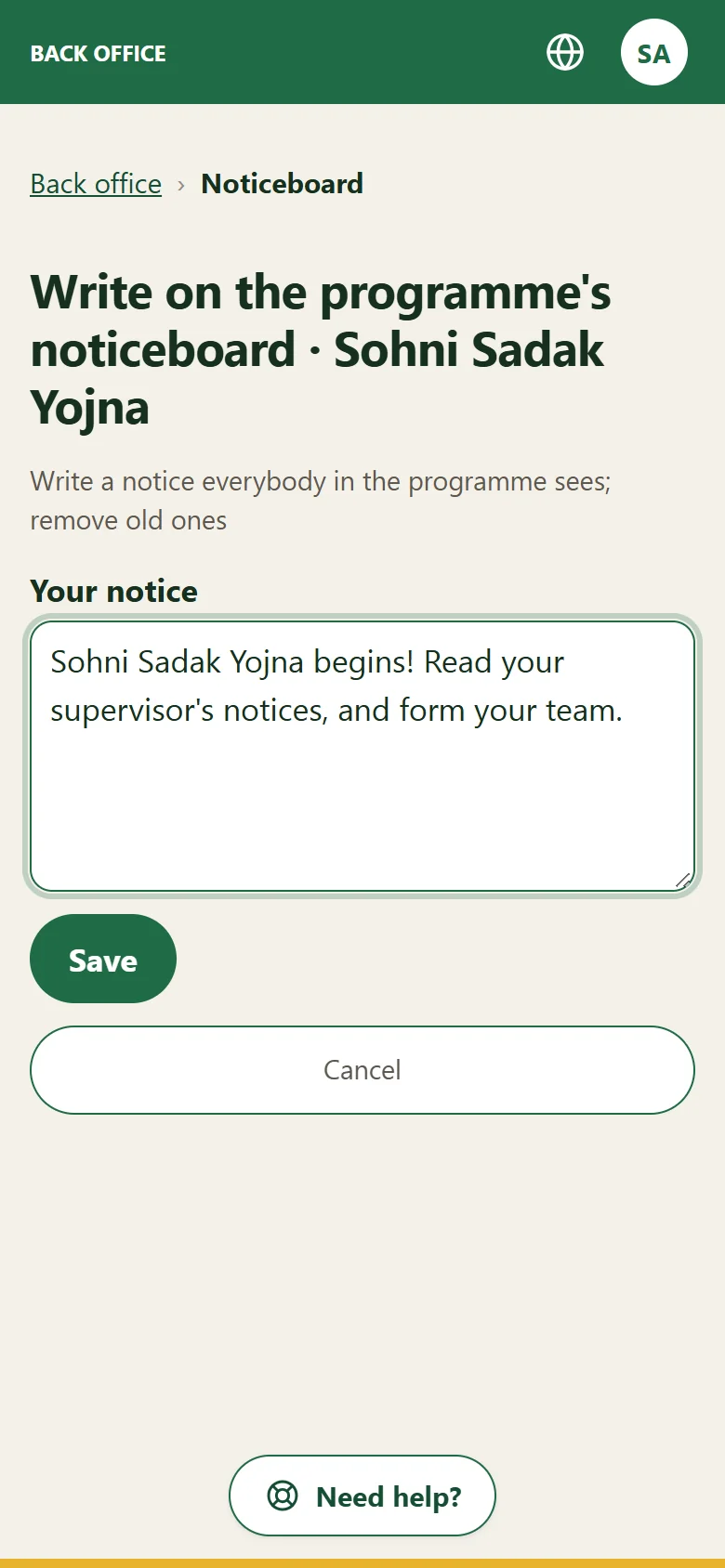
Write a notice
Sukhpreet writes the notice.
Tap Save.
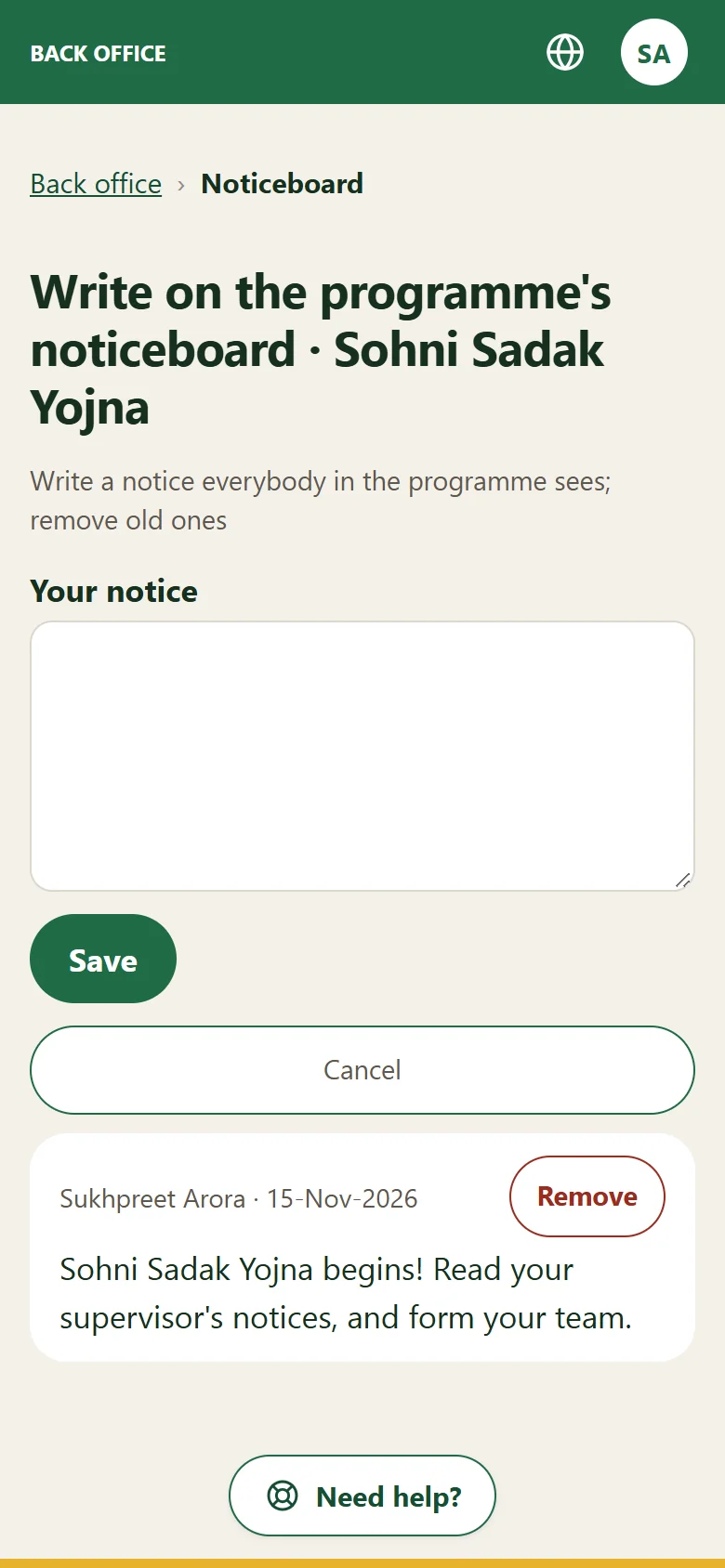
The notice is saved
The notice is saved and listed here. It will appear on every noticeboard, marked as being from the programme.
Everyone is told
Institutions and supervisors post their own notices in the same way.
In this topic (scroll down for more topics)
: topics
Back to the portal Back to the guide Home: choose another section
Link copied. Paste it into a message.