Home Remind supervisors
Remind supervisors
Tap the highlighted part of the screen.
Reminding supervisors
Best seen on a phoneSome supervisors may not register at once. The portal shows the primary nodal officer which supervisors have not registered, and writes a reminder to send. Here, Supervisors Amrit and Parminder have registered, but Sandeep has not.
Who has registered
A Registered label marks each supervisor who has registered. The phone icon beside a name copies their number.
Tap Filter.
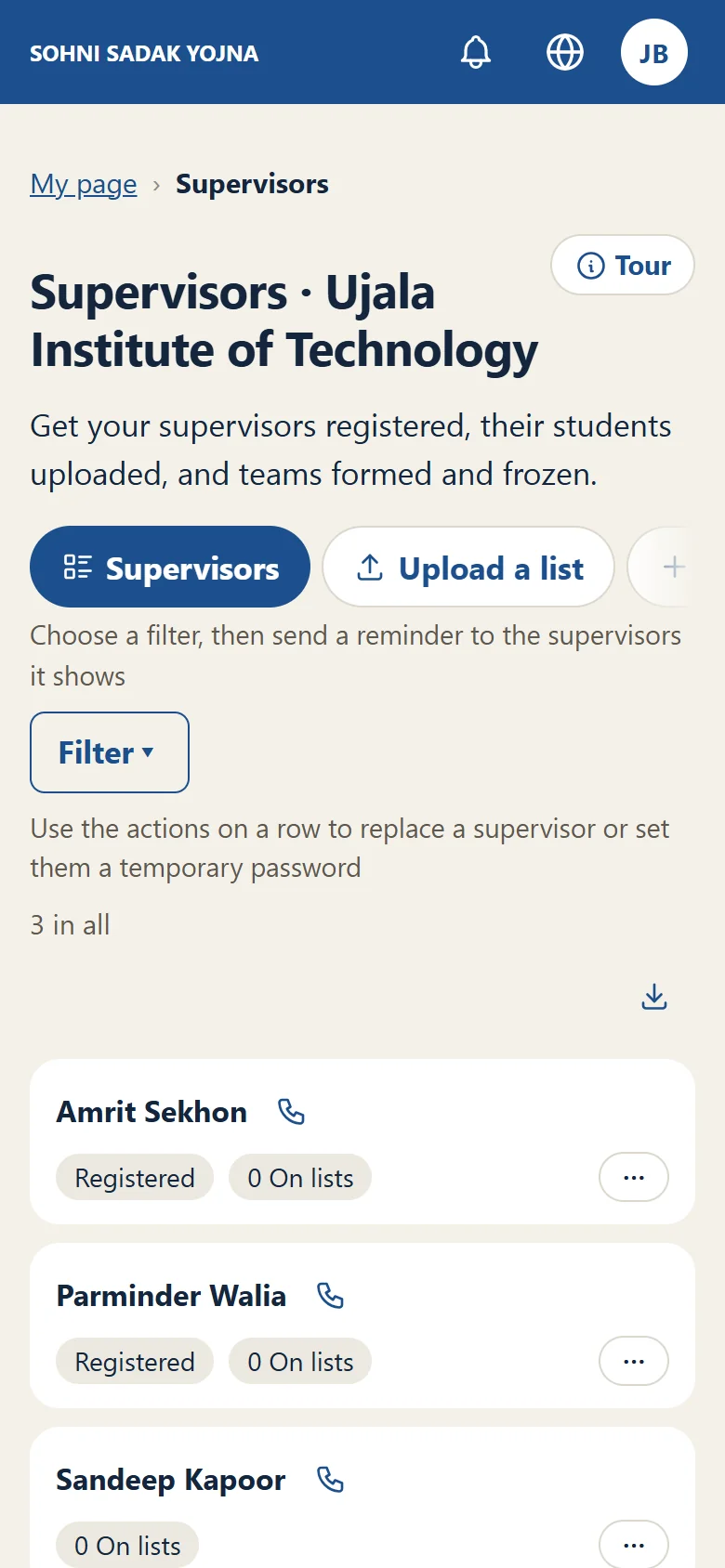
Choose a filter
Jasmeet chooses Not registered.
Tap Continue.
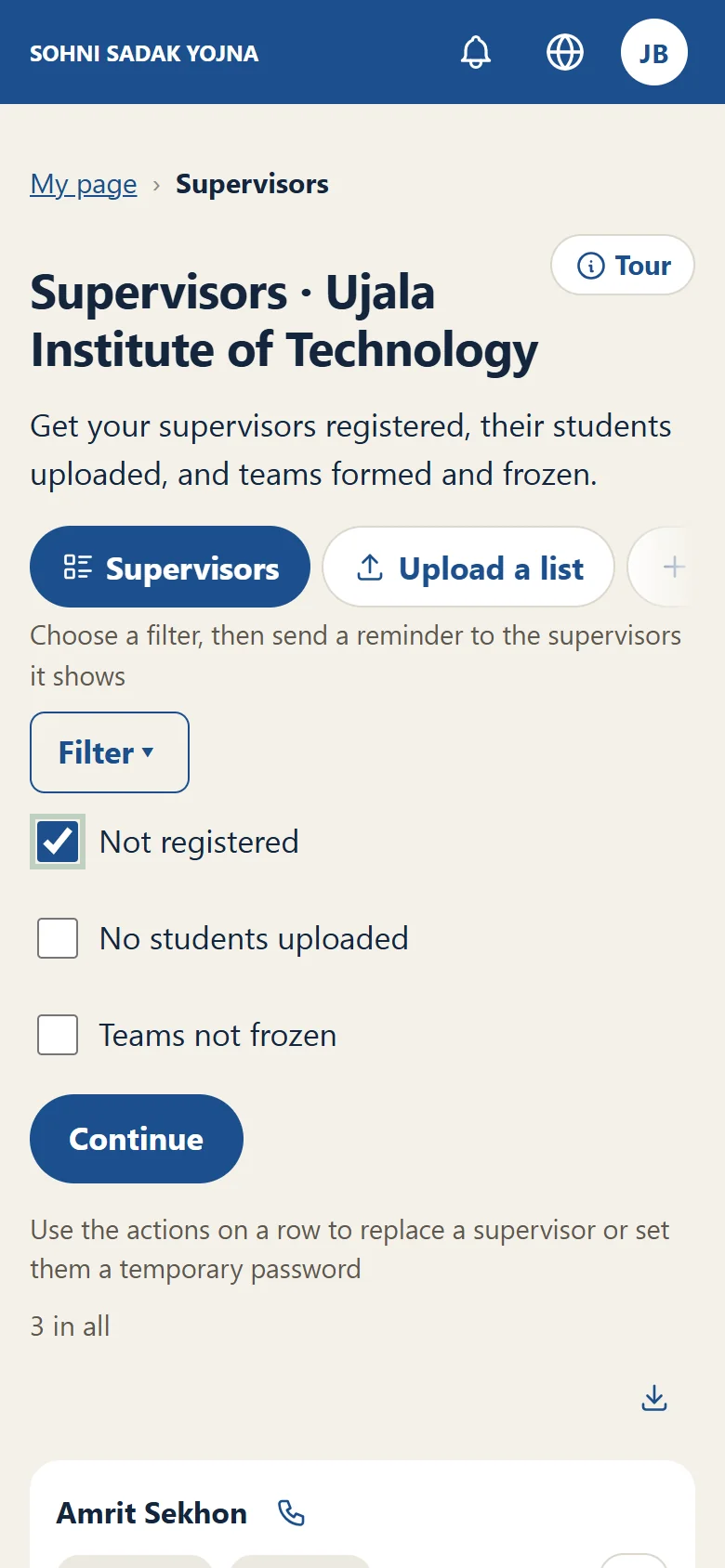
Only Sandeep is left
Only Sandeep is left, and the portal has already written a reminder addressed to Sandeep.
Tap Copy a reminder.
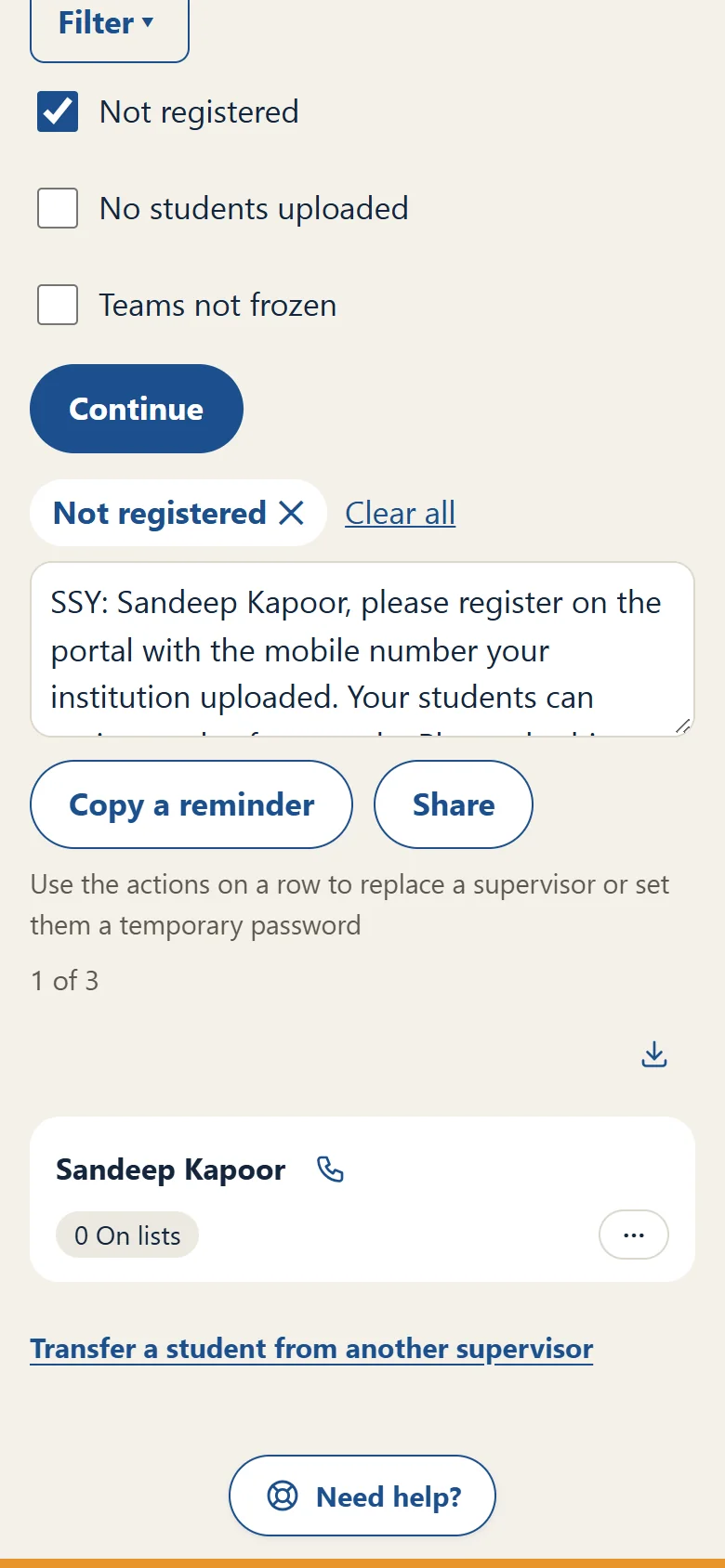
Ready to send
The reminder is copied. Jasmeet can paste it into WhatsApp, or tap Share to send it.
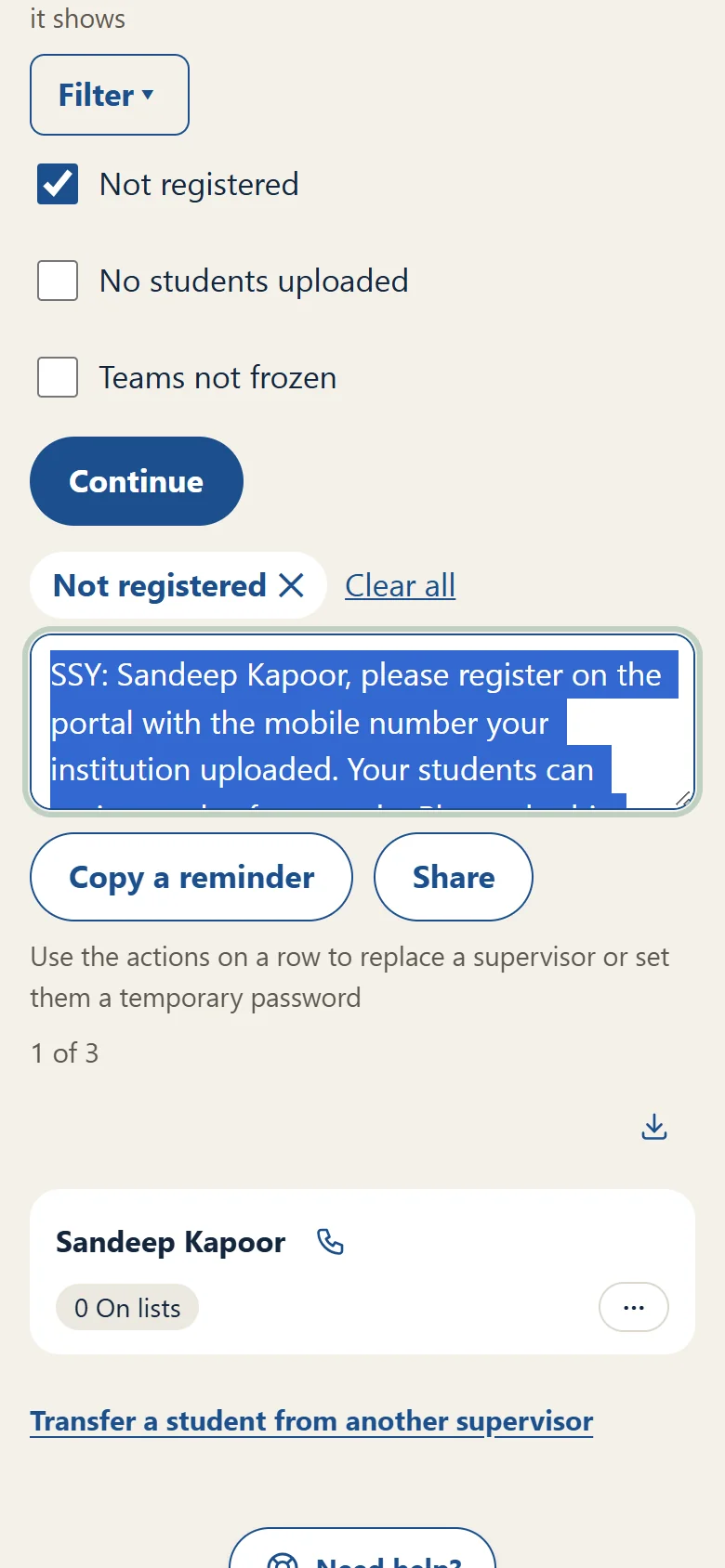
The reminder is ready
The other filters work the same way: they find supervisors who have uploaded no students, or have not frozen their teams.
In this topic (scroll down for more topics)
- 1Reminding supervisors
- 2Who has registered
- 3Choose a filter
- 4Only Sandeep is left
- 5Ready to send
- 6The reminder is ready
: topics
Back to the portal Back to the guide Home: choose another section
Link copied. Paste it into a message.