Home Replace my mobile number
Replace my mobile number
Tap the highlighted part of the screen.
A new number
Best seen on a phoneIf your number changes, you may replace it yourself, with your current password and a code sent to the new number. Here, Ekamjot replaces it.
Settings
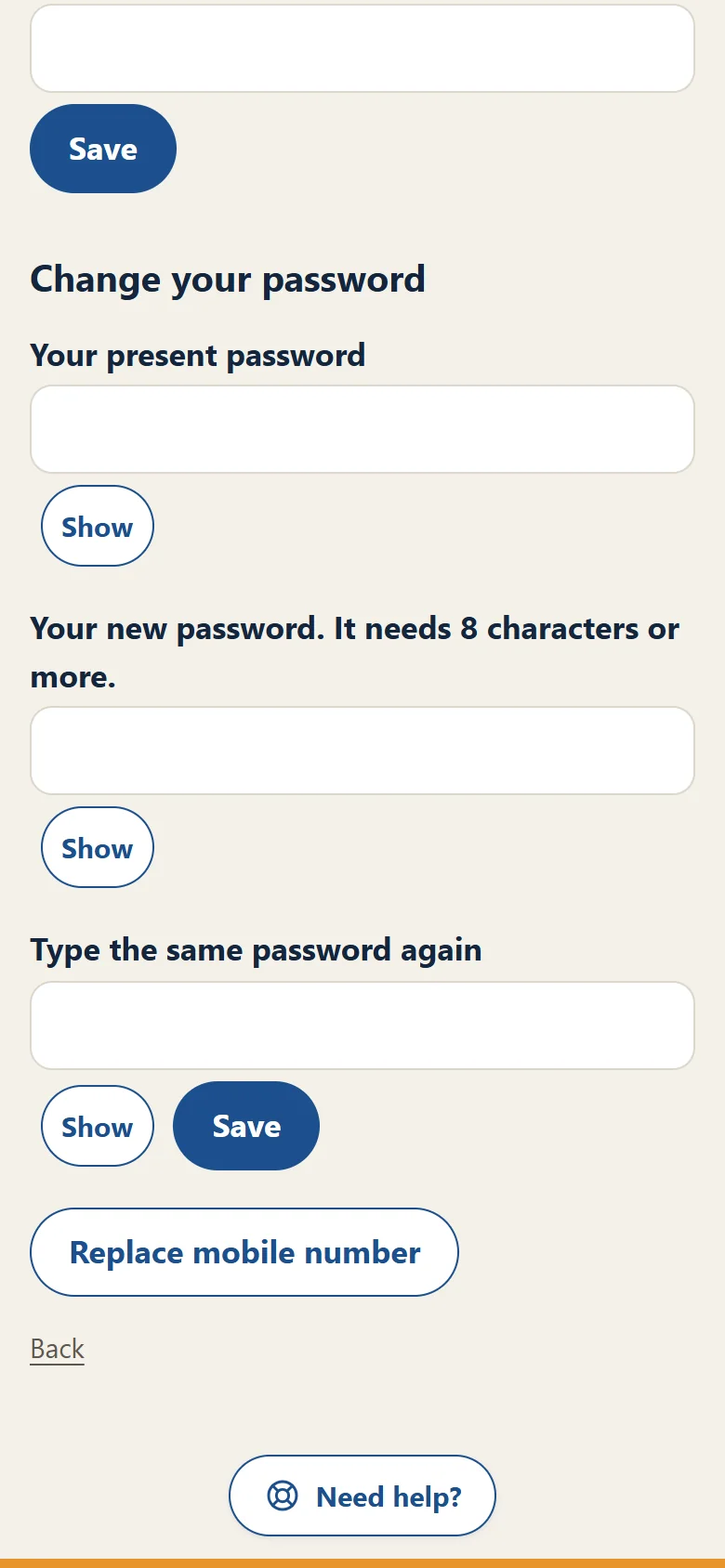
At the bottom of Settings is Replace mobile number.
Tap Replace mobile number.
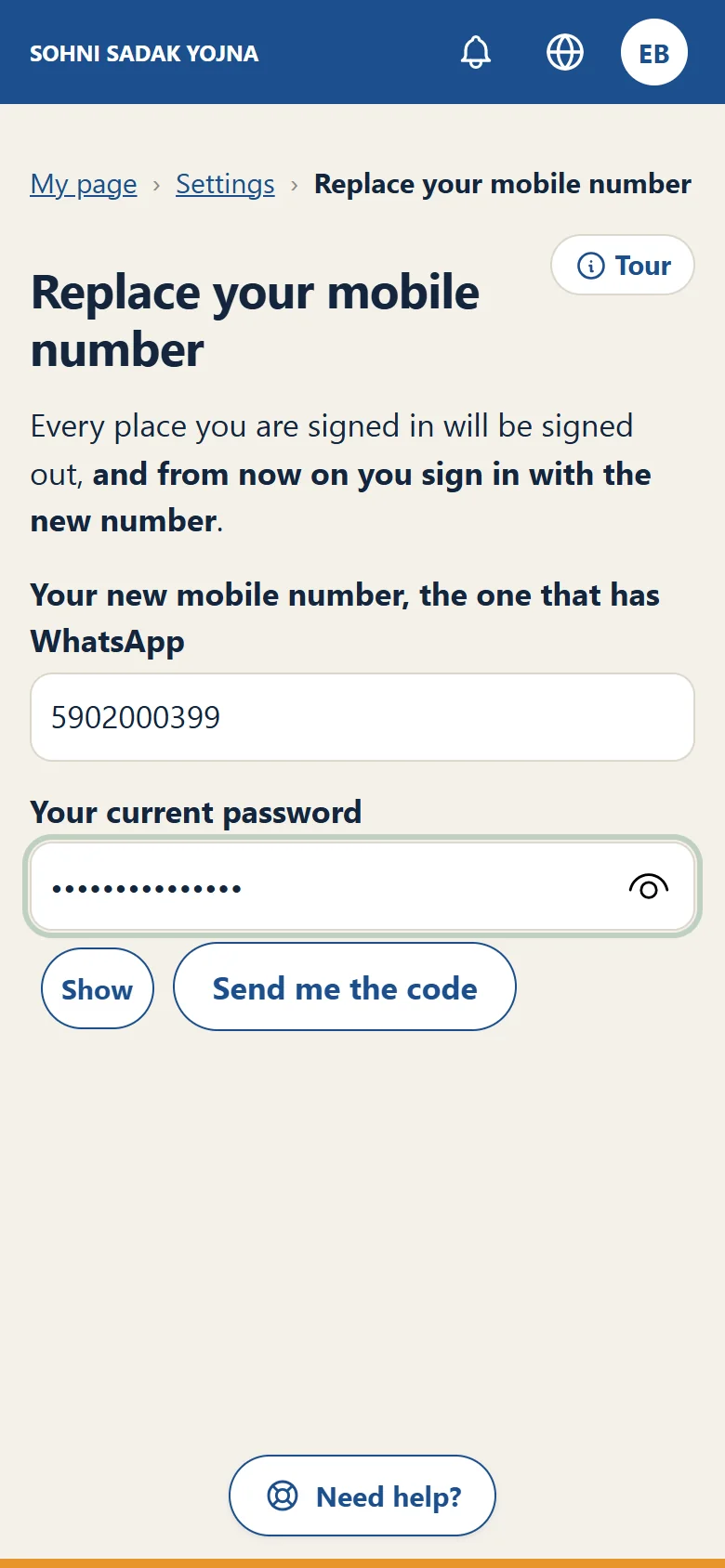
The new number
Ekamjot types the new number, the one that has WhatsApp, and the current password.
Tap Send me the code.
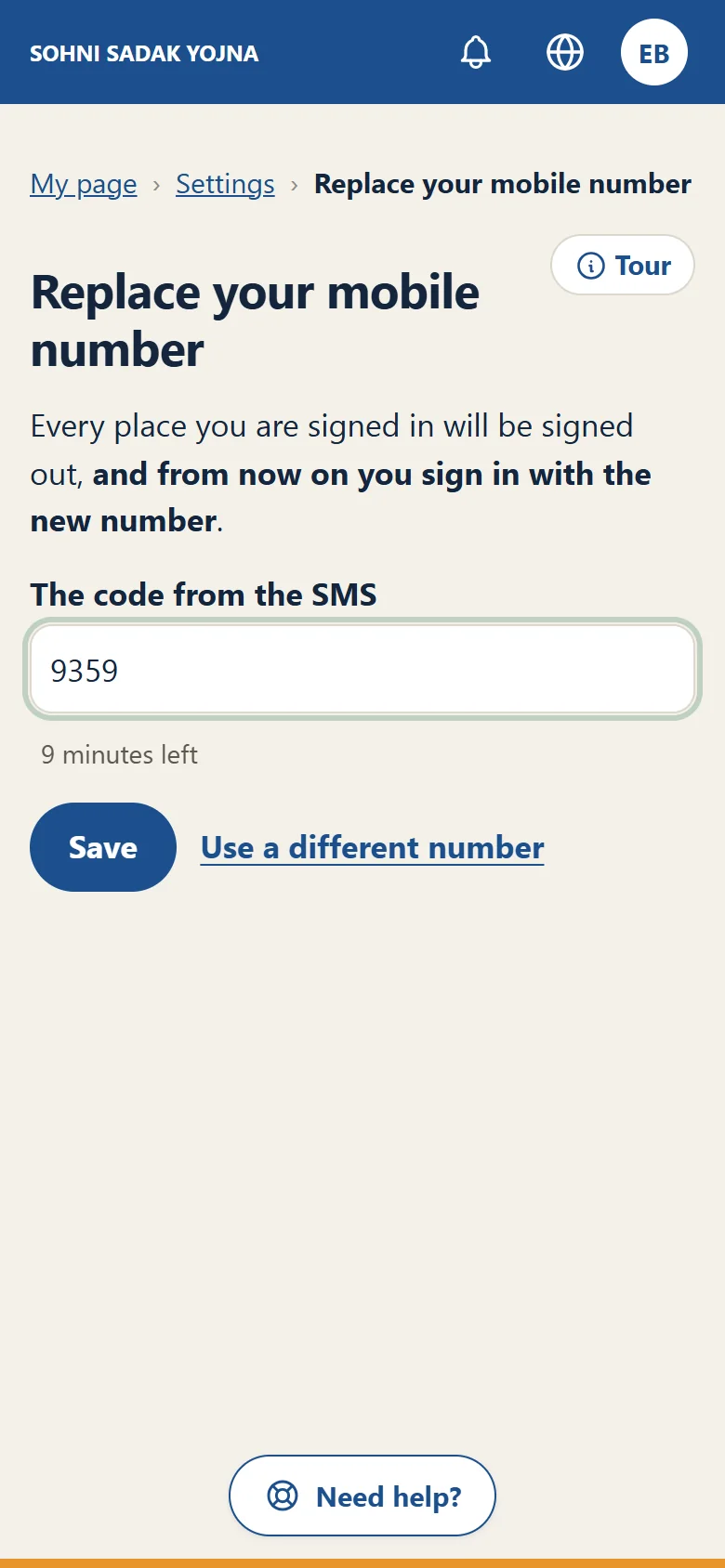
The code
Ekamjot types the code from the SMS.
Tap Save.
Signed out everywhere
Every place you are signed in is signed out, and from now on you sign in with the new number.
In this topic (scroll down for more topics)
: topics
Back to the portal Back to the guide Home: choose another section
Link copied. Paste it into a message.