Home Prepare the Review Submission
Prepare the Review Submission
Tap the highlighted part of the screen.
The two reviews
Best seen on a phoneStage 4, the Progress Review, and Stage 8, the Final Review, are presentations to your supervisor. The team's leader submits the presentation's link and a note. Here, team Ghaggar's leader, Lovepreet, submits for the Progress Review.
My page
The stage card says when the Review Submission is due, with the template for the Progress Review presentation.
Tap Prepare the Review Submission.

The presentation
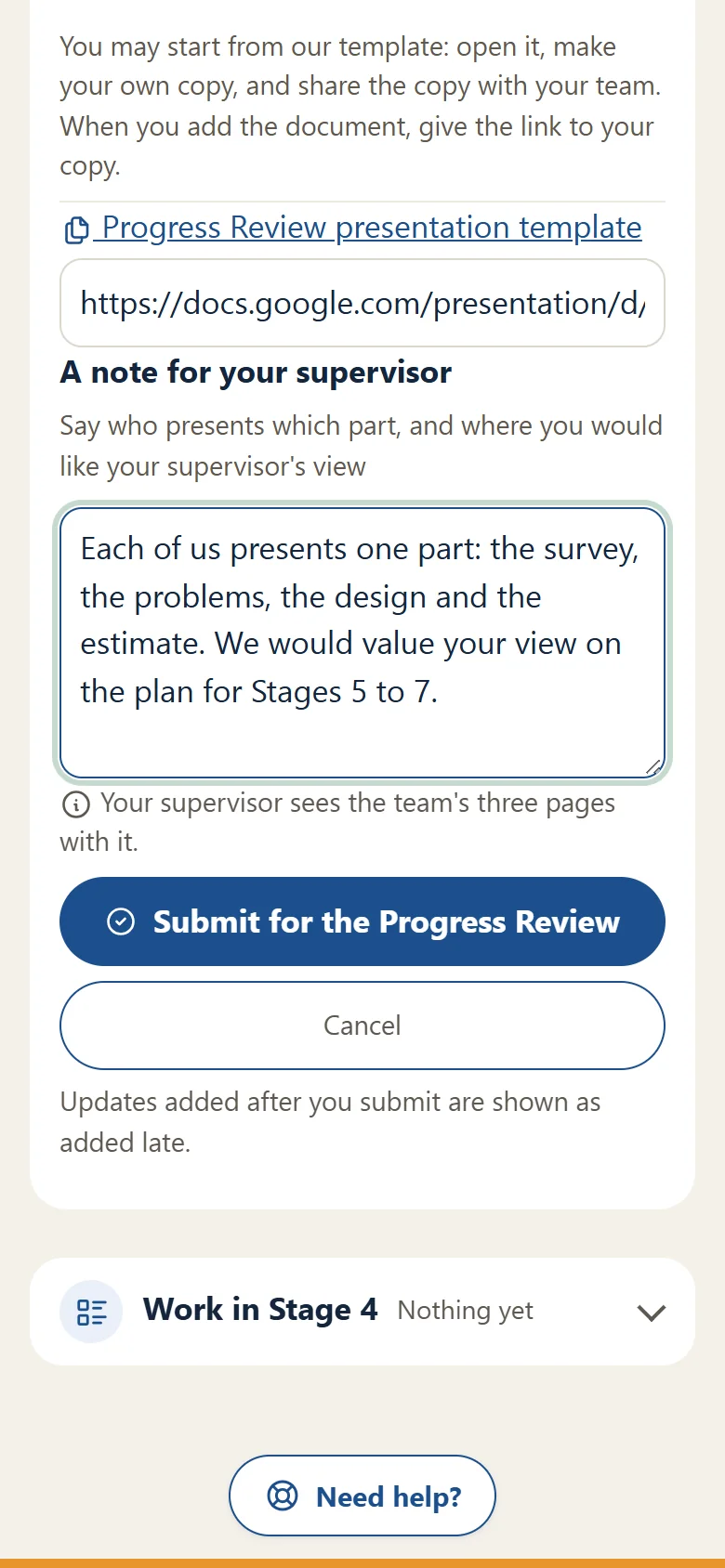
Lovepreet pastes the link to the team's own presentation, set so that anyone with the link can open it, and writes who presents which part.
Tap Submit for the Progress Review.
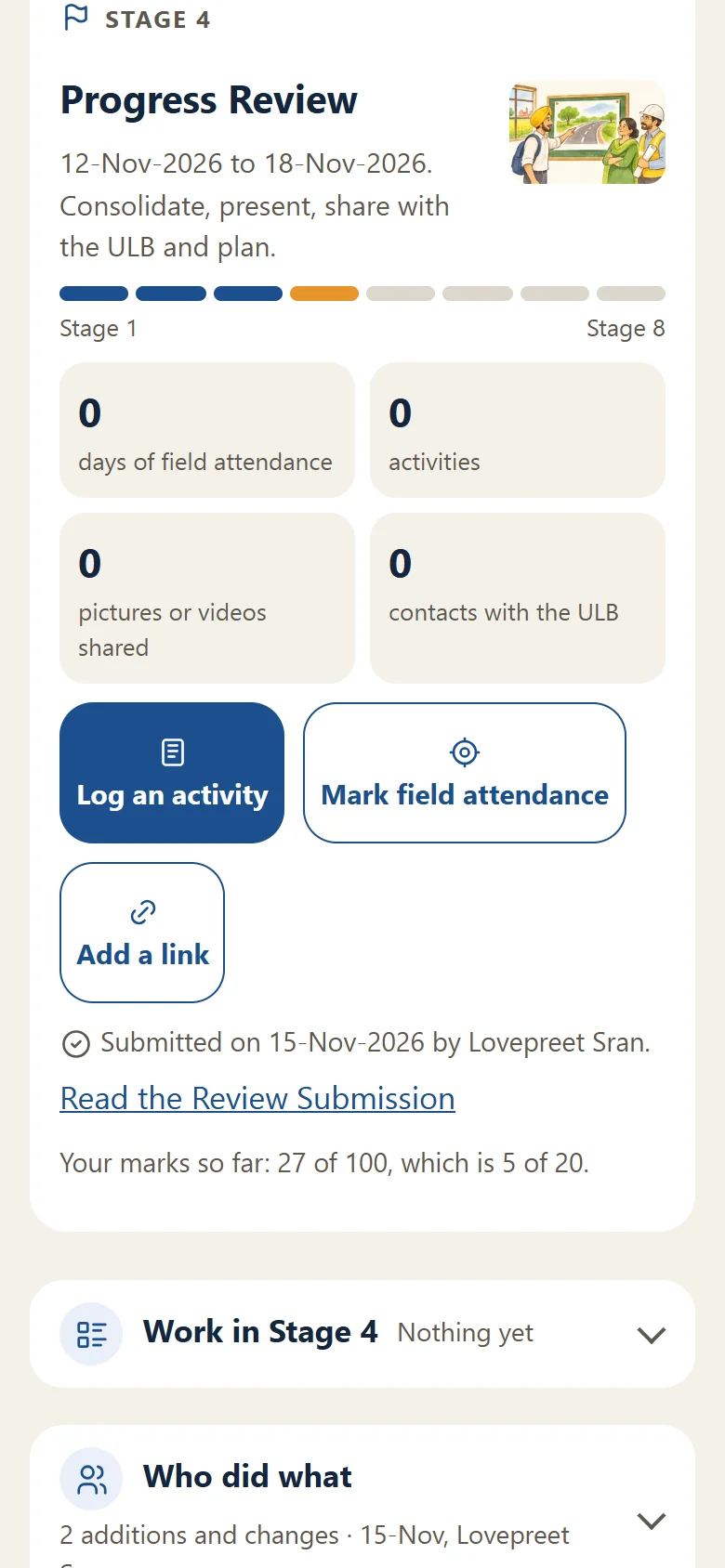
Submitted
The stage card says when it was submitted. Your supervisor sees it with the team's Drive folder.
On the day
It helps if each member takes a clear part in the presentation. At the Progress Review, the team also shares its finalised drawings and the estimate with the ULB.
In this topic (scroll down for more topics)
: topics
Back to the portal Back to the guide Home: choose another section
Link copied. Paste it into a message.