Home Add a link or a stage document
Add a link or a stage document
Tap the highlighted part of the screen.
The stage's documents, pictures and videos
Best seen on a phoneSome stages ask for documents, such as drawings or an estimate; each is a link to the team's own file. Pictures and videos in Google Drive are links too. Here, Navjot adds Stage 3's design drawings, then a picture.
What Stage 3 asks
The stage card lists Stage 3's documents, the design drawings and the rough estimate, each Added or Not added yet, with a template beside each.
Tap Add a link.

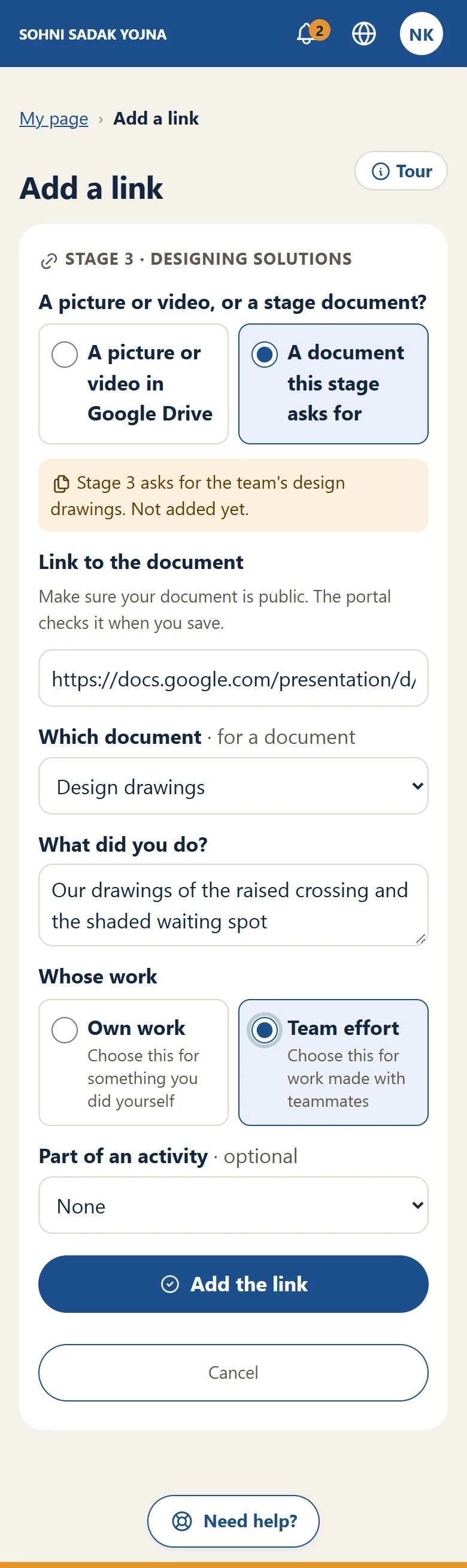
A document
Navjot chooses A document this stage asks for, pastes the link to the team's copy of the drawings, and chooses which document it is.
Tap Add the link.
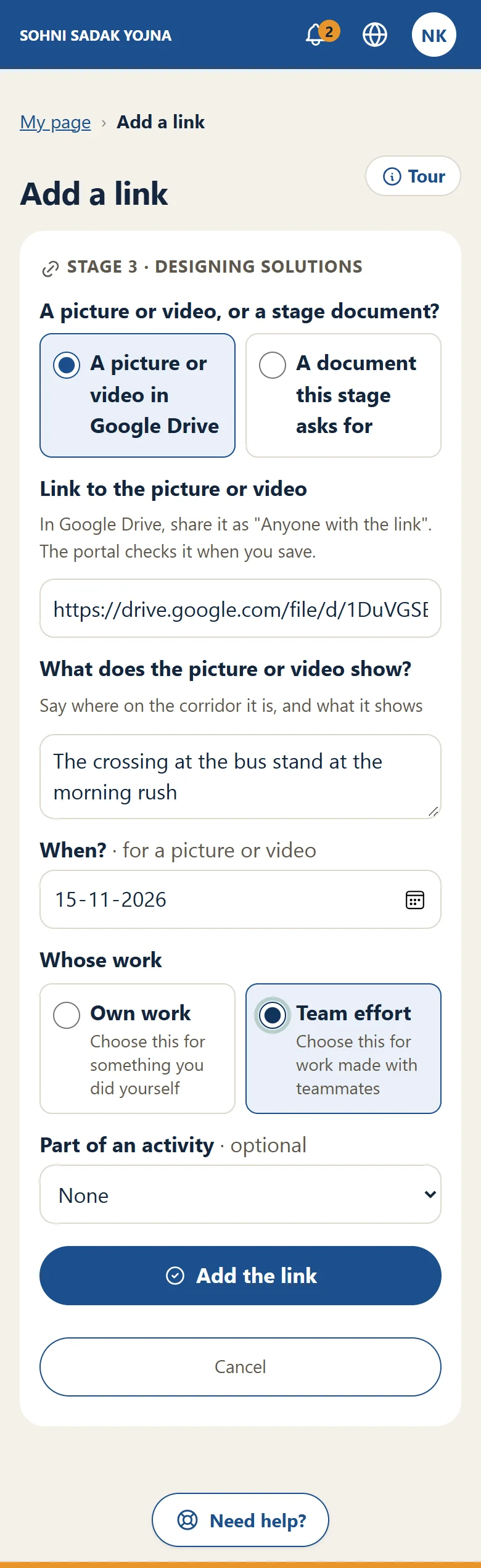
A picture or video
For a picture or video, Navjot chooses A picture or video in Google Drive, then pastes its link and writes what it shows.
Tap Add the link.
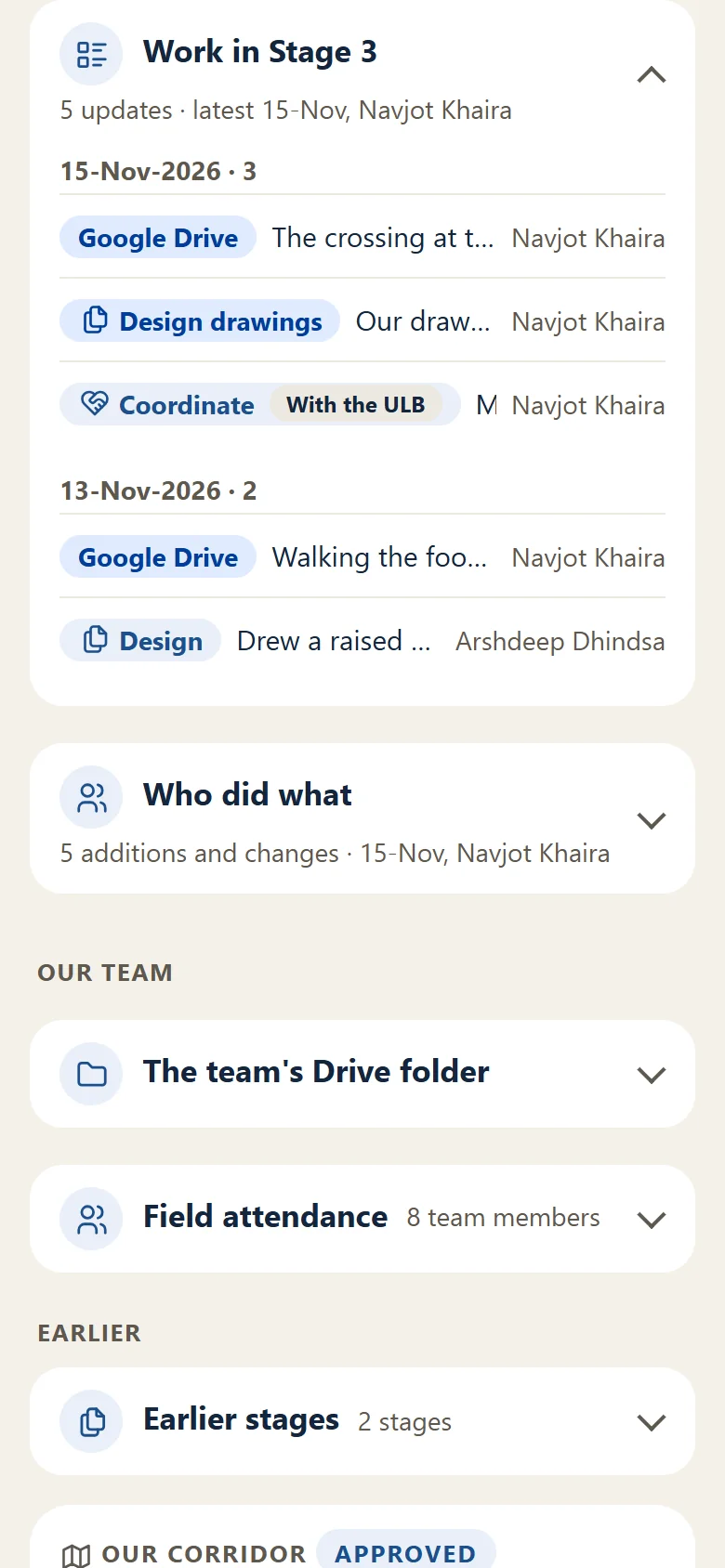
Work in Stage 3
Both now show under Work in Stage 3.
Every named document
A stage's documents count as added once every one it names is linked. It helps to make your own copy of a template before filling it in.
In this topic (scroll down for more topics)
- 1The stage's documents, pictures and videos
- 2What Stage 3 asks
- 3A document
- 4A picture or video
- 5Work in Stage 3
- 6Every named document
: topics
Back to the portal Back to the guide Home: choose another section
Link copied. Paste it into a message.