Home Add a student from another institution
Add a student from another institution
Tap the highlighted part of the screen.
A student from another institution
Best seen on a phoneIn Sohni Sadak Yojna, a team may include a student from another participating institution. It is usually arranged early, while the teams form: you agree with the student's present supervisor, and transfer the student to your own list. The student then joins a team in the usual way. Here, Supervisor Amrit adds Student Harnoor, from Seerat College of Engineering.
My students
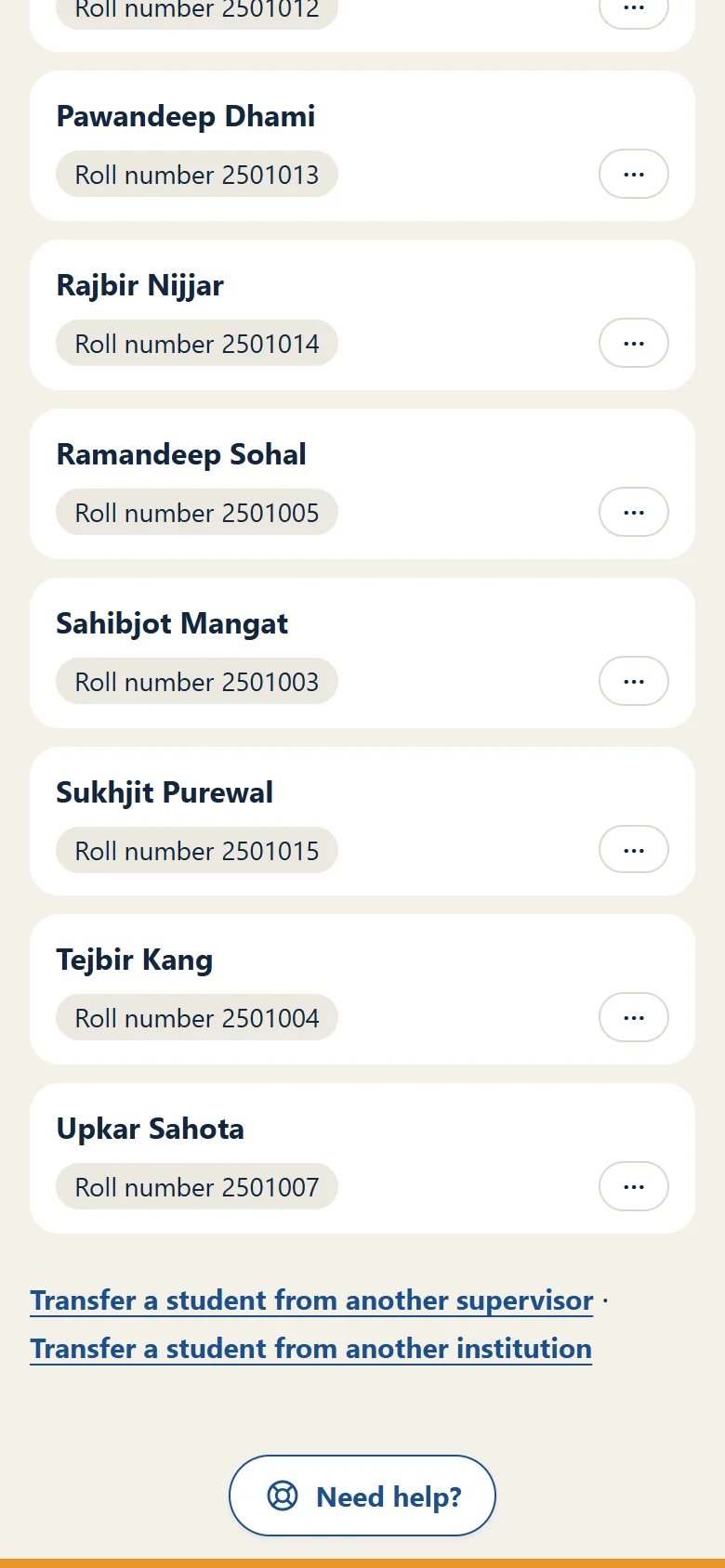
Below the list on My students, Amrit finds the way to add a student from another institution.
Tap Transfer a student from another institution.
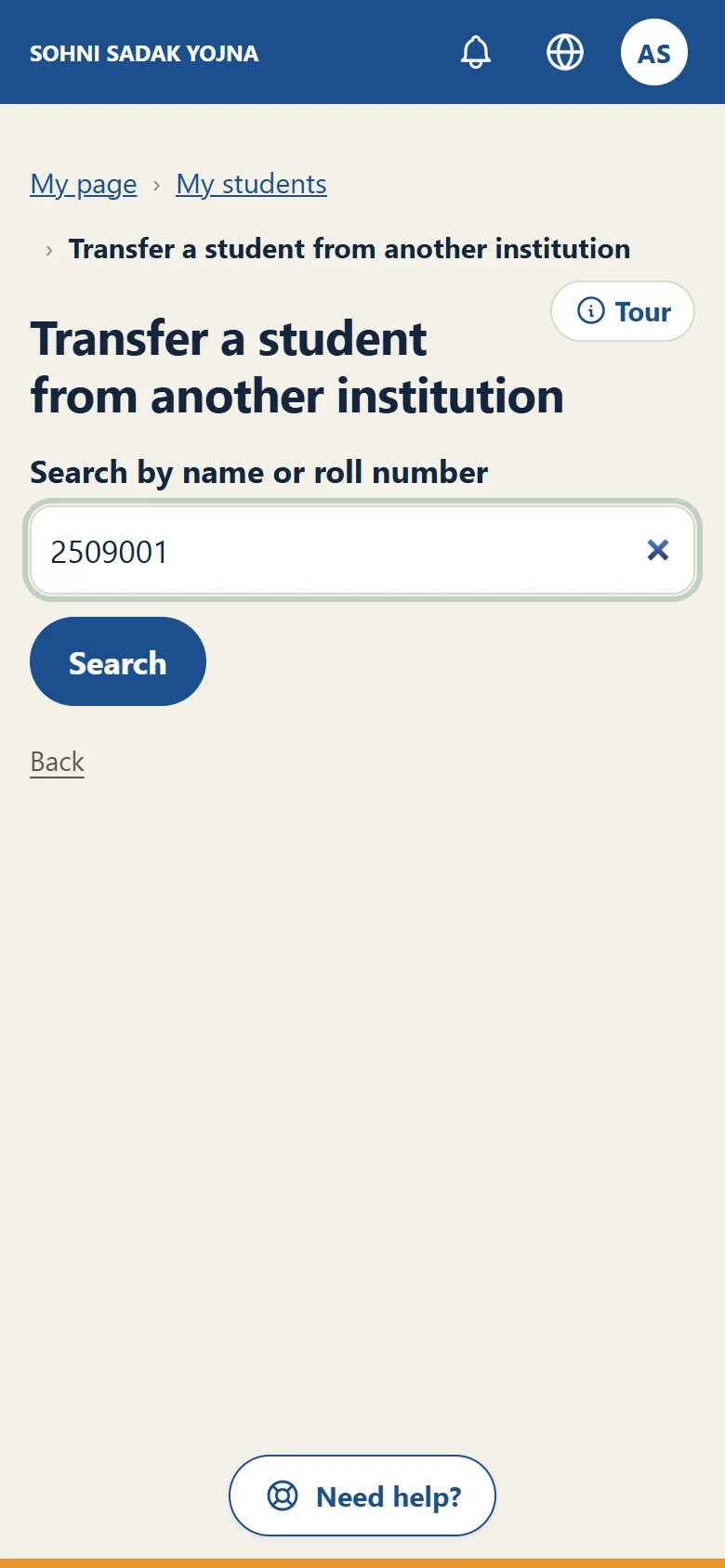
Find the student
Amrit types Harnoor's roll number.
Tap Search.
Check, then confirm
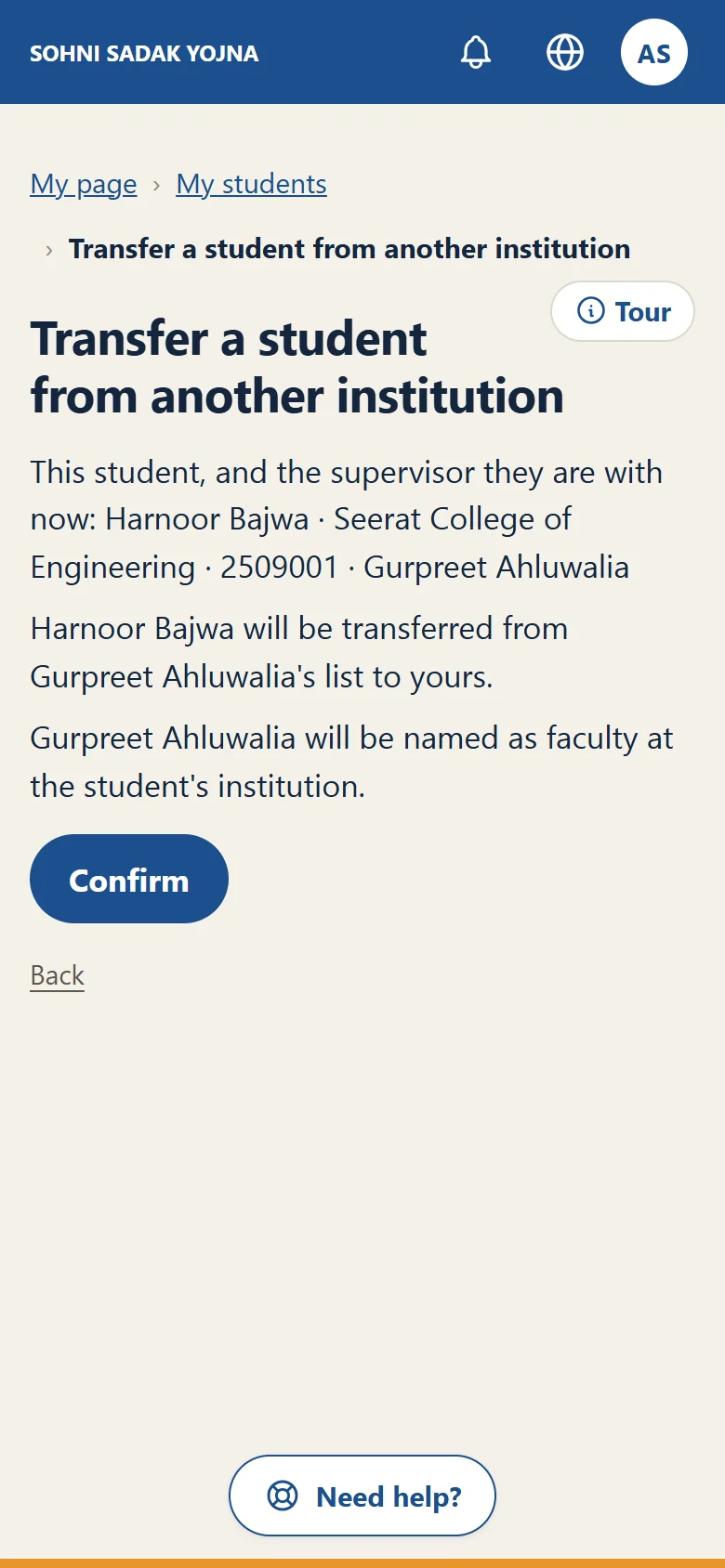
The page shows Harnoor, the supervisor Harnoor is with now, and who will be named as faculty at Harnoor's institution.
Tap Confirm.
On Amrit's list
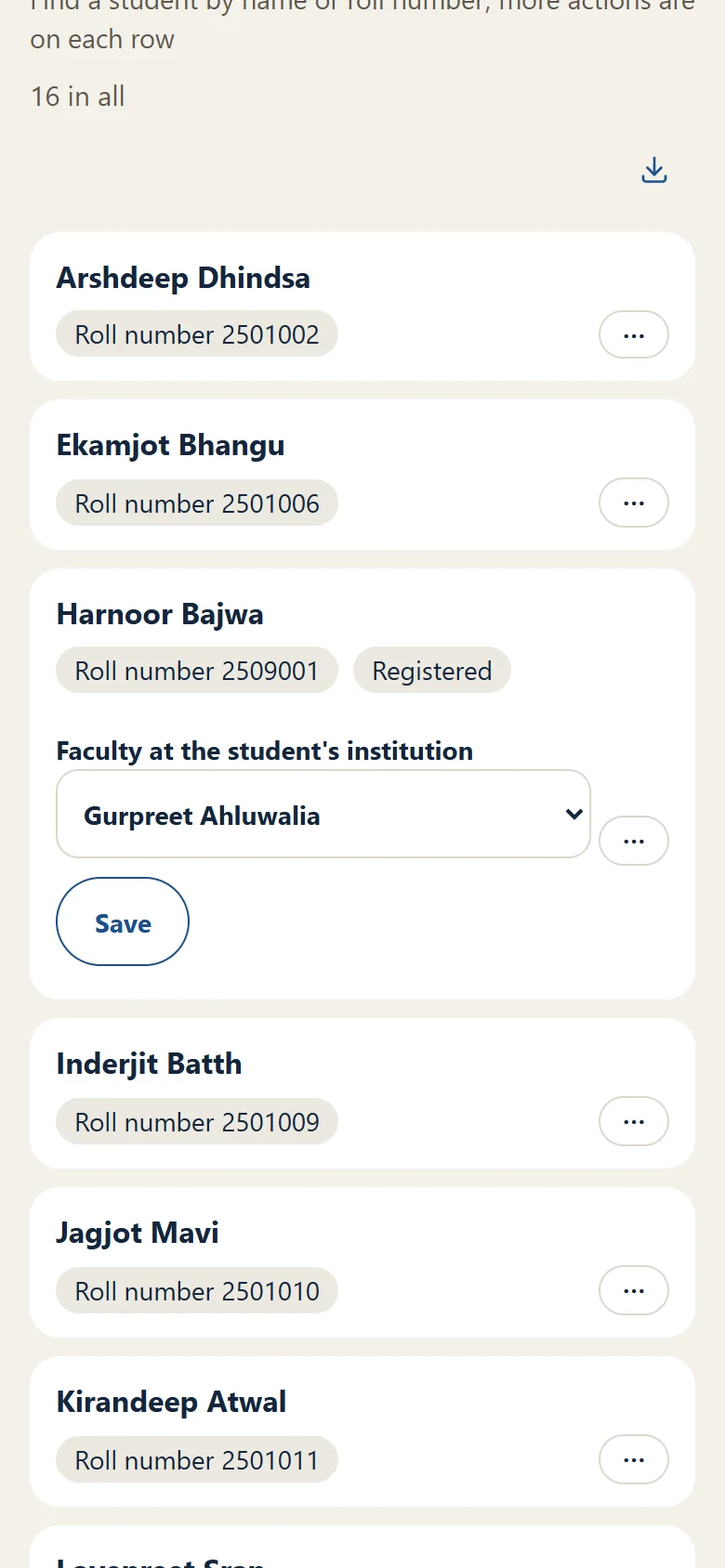
Harnoor is now on Amrit's list, and keeps their own institution and course. Supervisor Gurpreet is named as faculty at Harnoor's institution; Amrit can change that here.
Harnoor's turn
My page
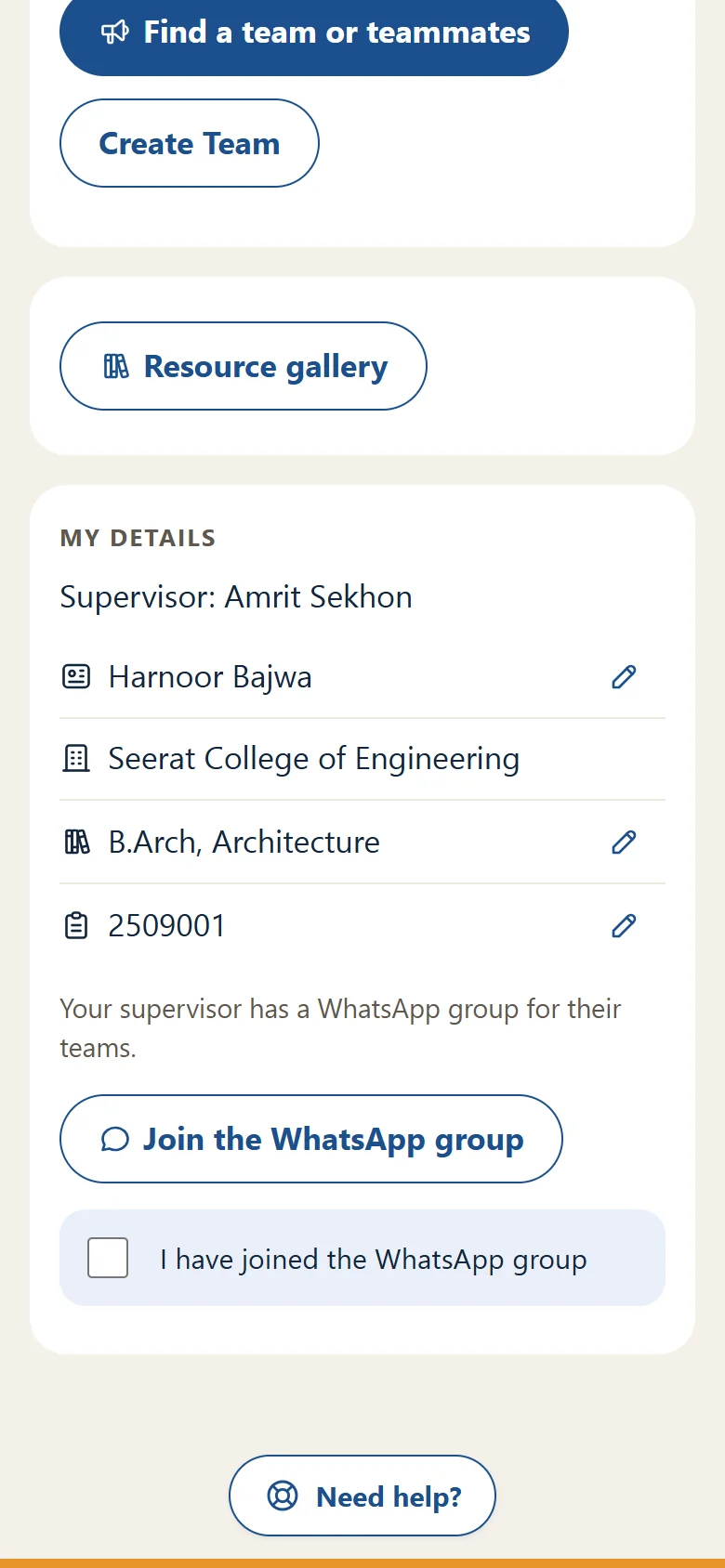
My page now names Amrit as Harnoor's supervisor, with the link to join Amrit's WhatsApp group.
Tap Join the WhatsApp group.
In the usual way
Harnoor can now be invited to a team like any of Amrit's students. Later, even after freezing, a supervisor can also add a student from another institution or supervisor directly into a team, from Rearrange teams.
In this topic (scroll down for more topics)
- 1A student from another institution
- 2My students
- 3Find the student
- 4Check, then confirm
- 5On Amrit's list
- 6Harnoor's turn
- 7My page
- 8In the usual way
: topics
Back to the portal Back to the guide Home: choose another section
Link copied. Paste it into a message.