Home Share the team's preferences
Share the team's preferences
Tap the highlighted part of the screen.
Tell your supervisor
Best seen on a phoneYour team can share anything that will help your supervisor when the teams are settled: for example, who lives near whom, or who may find it hard to join. It helps to do this before the date. Everyday messages are best sent in the WhatsApp group.
My page
On My page, Your team's preferences is under the team's name and code.
Tap Your team's preferences.
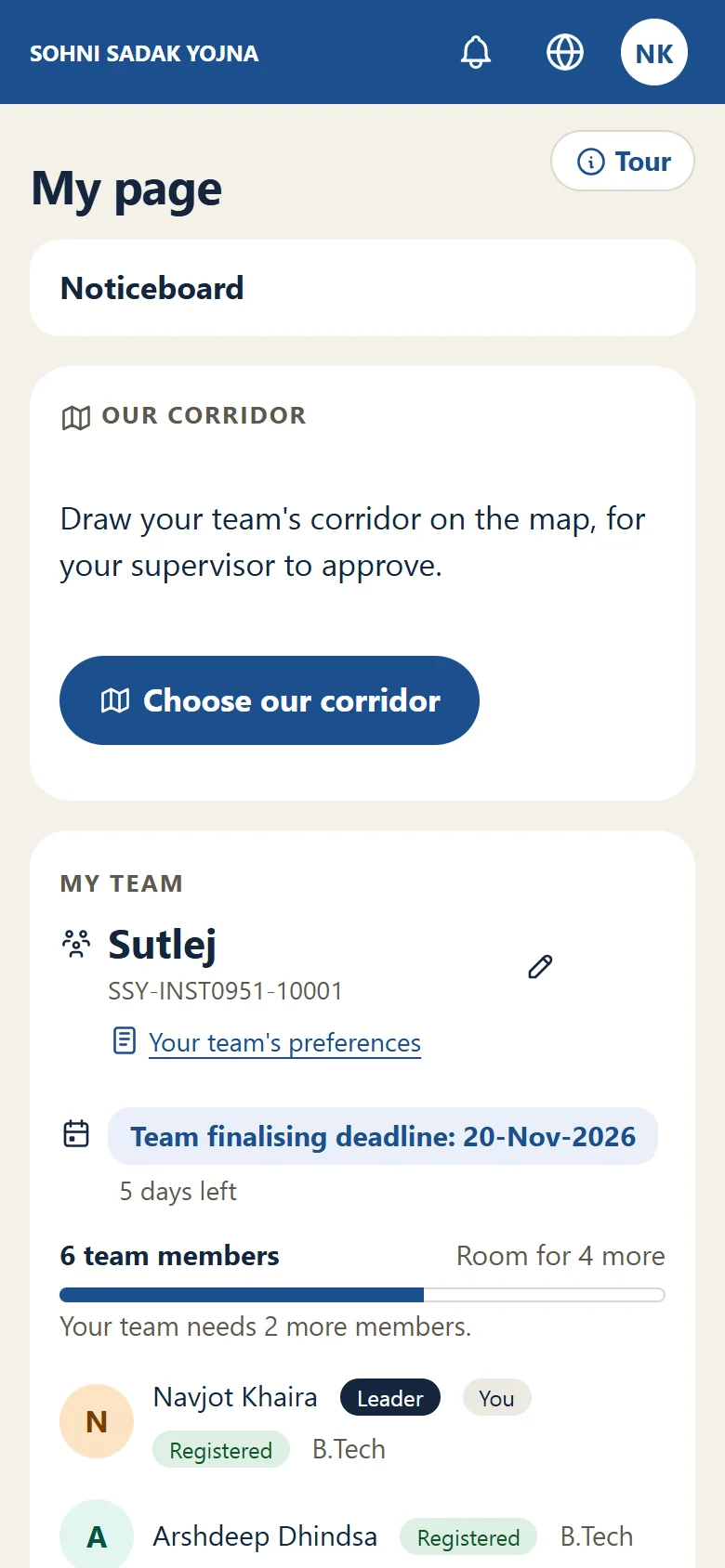
Your team's preferences
Navjot writes the team's preferences.
Tap Save.
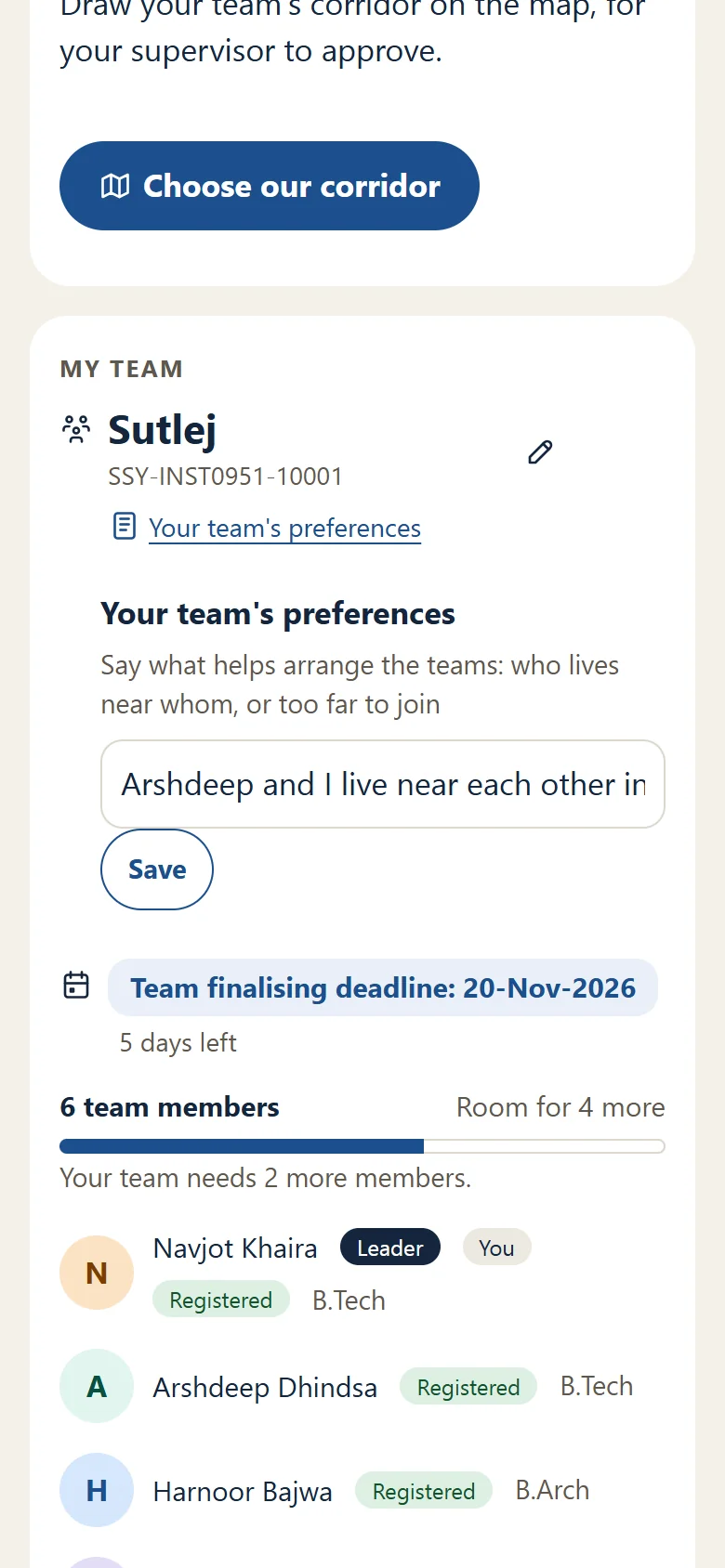
Shared
Supervisor Amrit will see them when settling the teams.
In this topic (scroll down for more topics)
: topics
Back to the portal Back to the guide Home: choose another section
Link copied. Paste it into a message.