Home Upload the students
Upload the students
Tap the highlighted part of the screen.
Adding the students
Best seen on a phoneUploading is the best way. A student joins at once when their name is on a supervisor's list. The faculty can divide the students among themselves in whatever way suits the institution. Here, Supervisor Amrit uploads 15 students.
My students
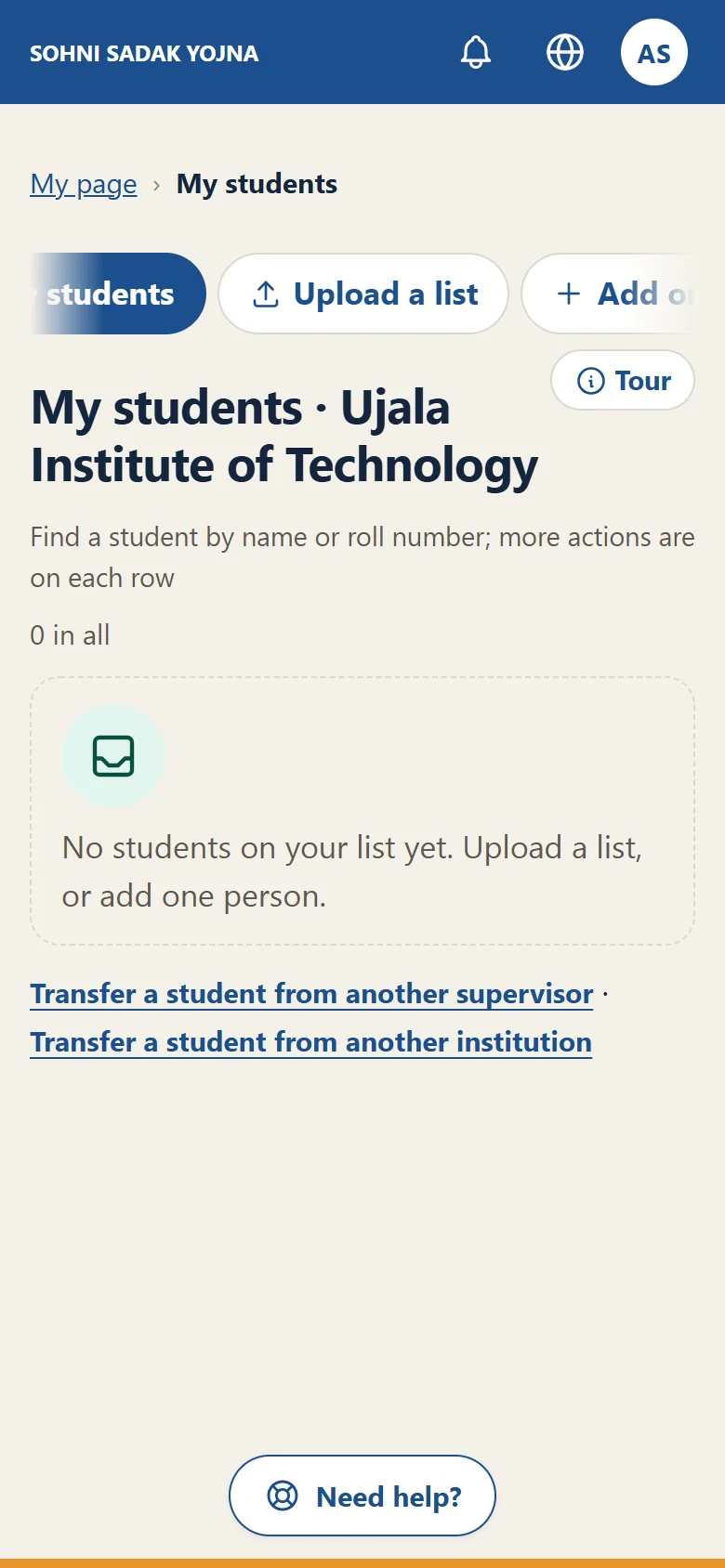
There are no students on the list yet. You can add them one at a time, or many at once from a file.
Tap Upload a list.
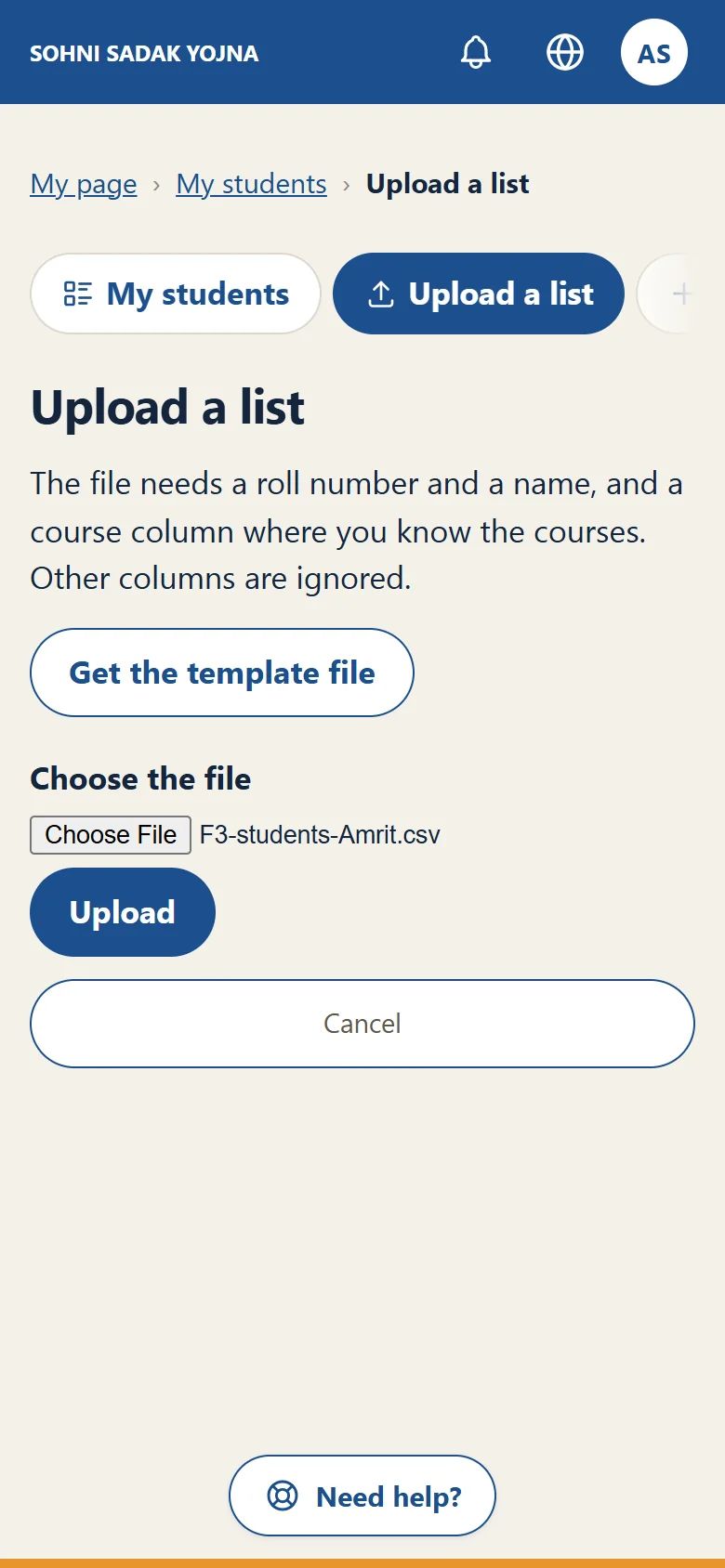
Choose the file
Amrit chooses the class list.
Tap Upload.
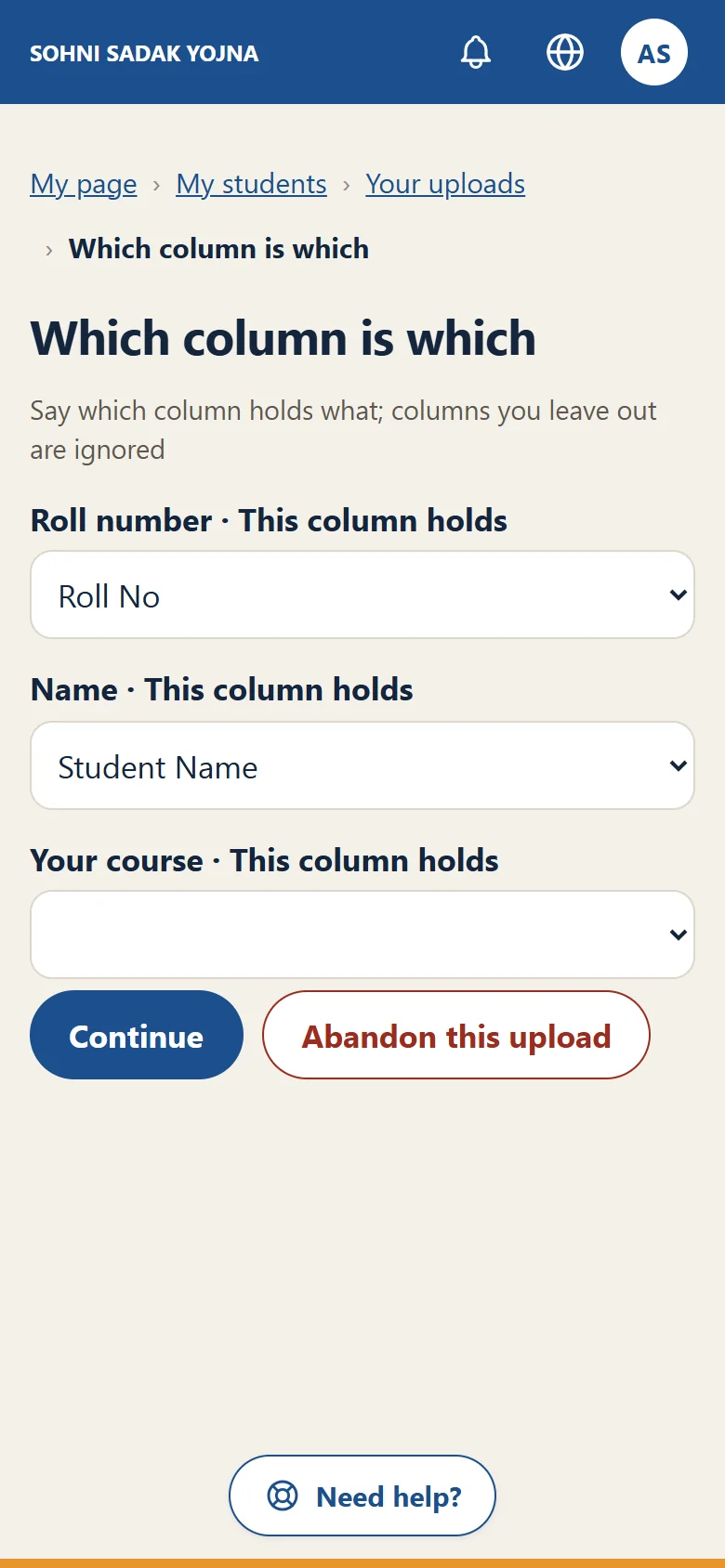
Which column is which
Amrit tells the portal which column holds the roll number and which holds the name. Any other columns are ignored.
Tap Continue.
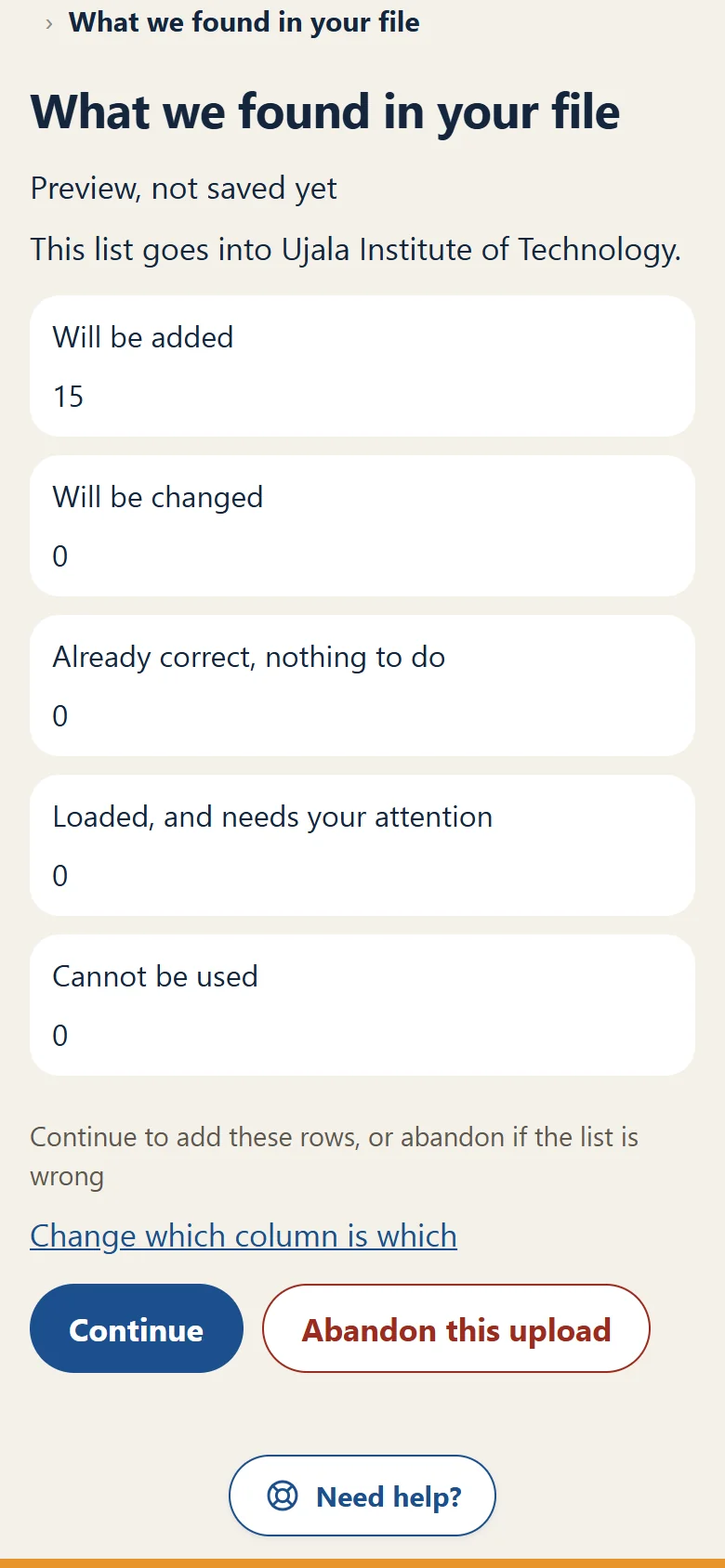
What we found in your file
The portal reports that 15 students will be added.
Tap Continue.
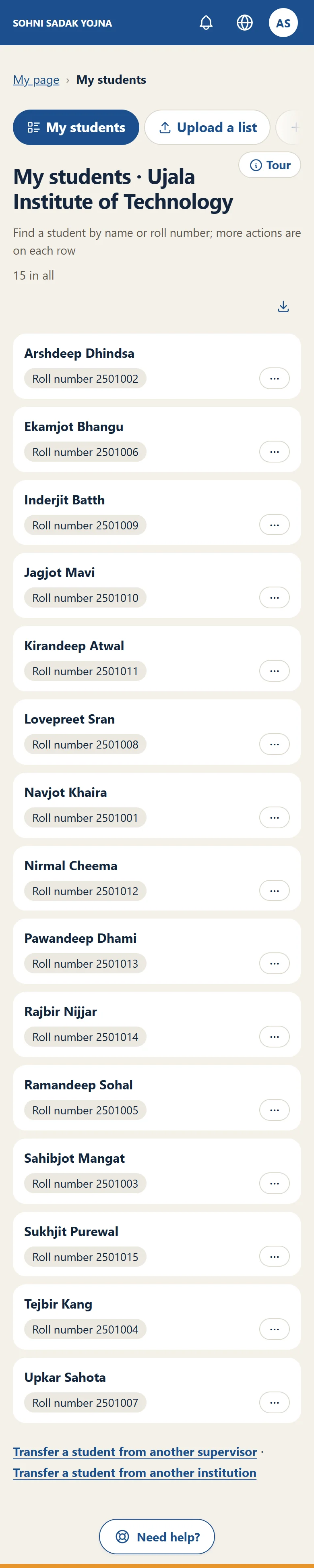
Fifteen students
The 15 students are on the list, and each of them can now register.
Now tell them
The portal cannot contact students until they register, so let them know yourself, in class or on WhatsApp.
In this topic (scroll down for more topics)
- 1Adding the students
- 2My students
- 3Choose the file
- 4Which column is which
- 5What we found in your file
- 6Fifteen students
- 7Now tell them
: topics
Back to the portal Back to the guide Home: choose another section
Link copied. Paste it into a message.