Home Upload the supervisors
Upload the supervisors
Tap the highlighted part of the screen.
Adding the supervisors
Best seen on a phoneUploading is the best way. Supervisors are the teachers or volunteers who guide the student teams. The institution's primary nodal officer uploads the institution's list of faculty, in the institution's own file. Here, Jasmeet uploads three supervisors.
The institution's page
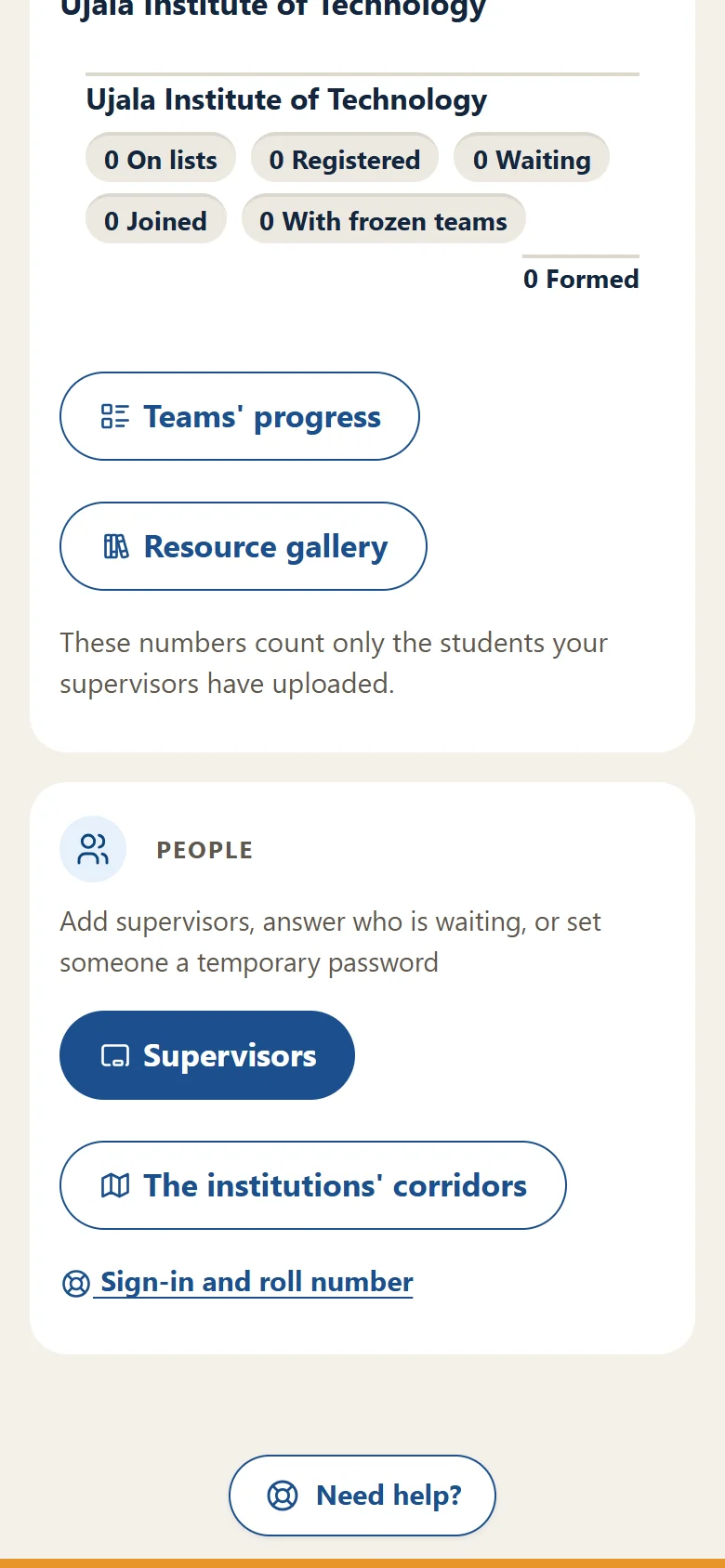
The institution's page is still empty: every count is 0.
Tap Supervisors.
Upload a list
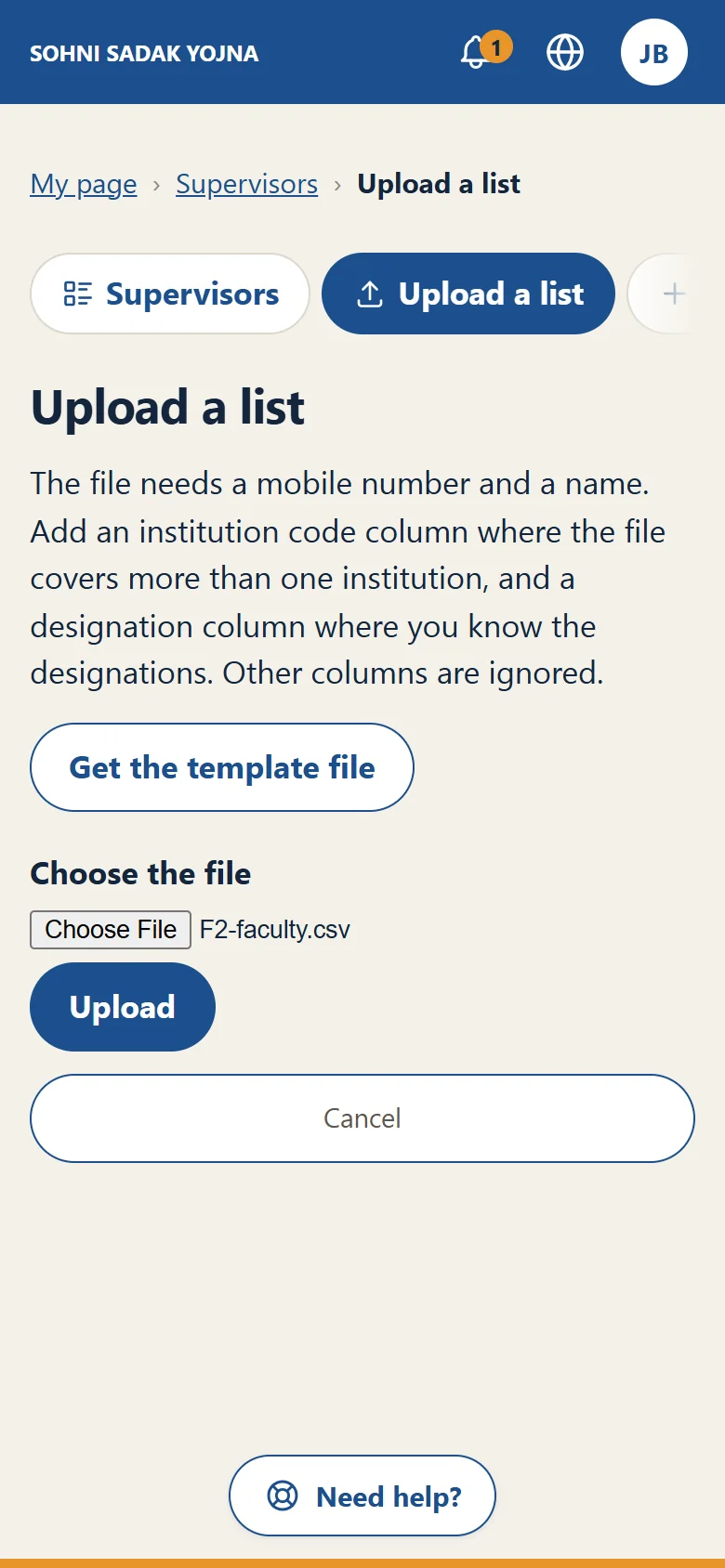
On Supervisors, Jasmeet opens Upload a list and chooses the institution's faculty file.
Tap Upload.
Which column is which
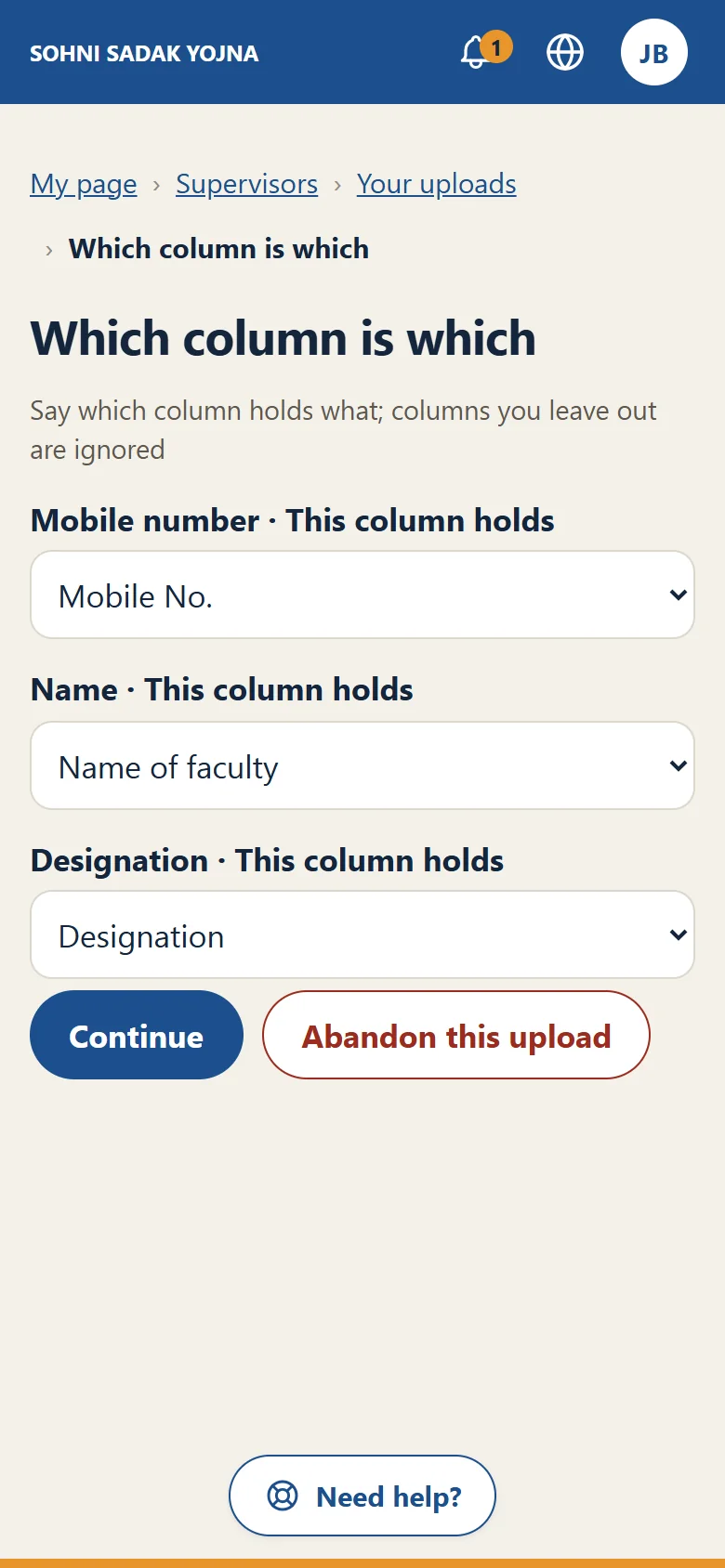
Jasmeet tells the portal which column holds the name, the mobile number and the designation. Any other columns are ignored.
Tap Continue.
What we found in your file
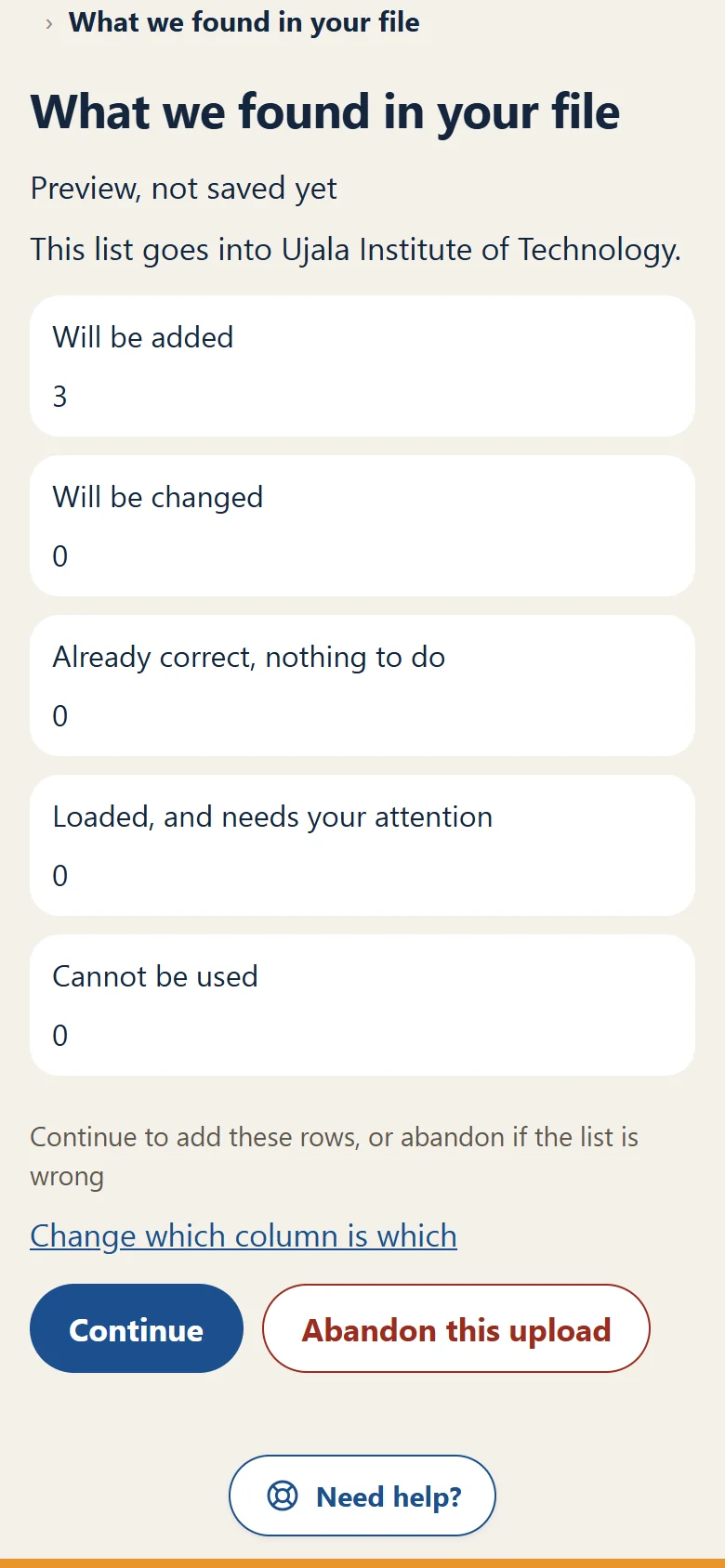
The portal reports that three supervisors will be added.
Tap Continue.
Three supervisors
Supervisors Amrit, Parminder and Sandeep are now on the list. None of them has registered yet.
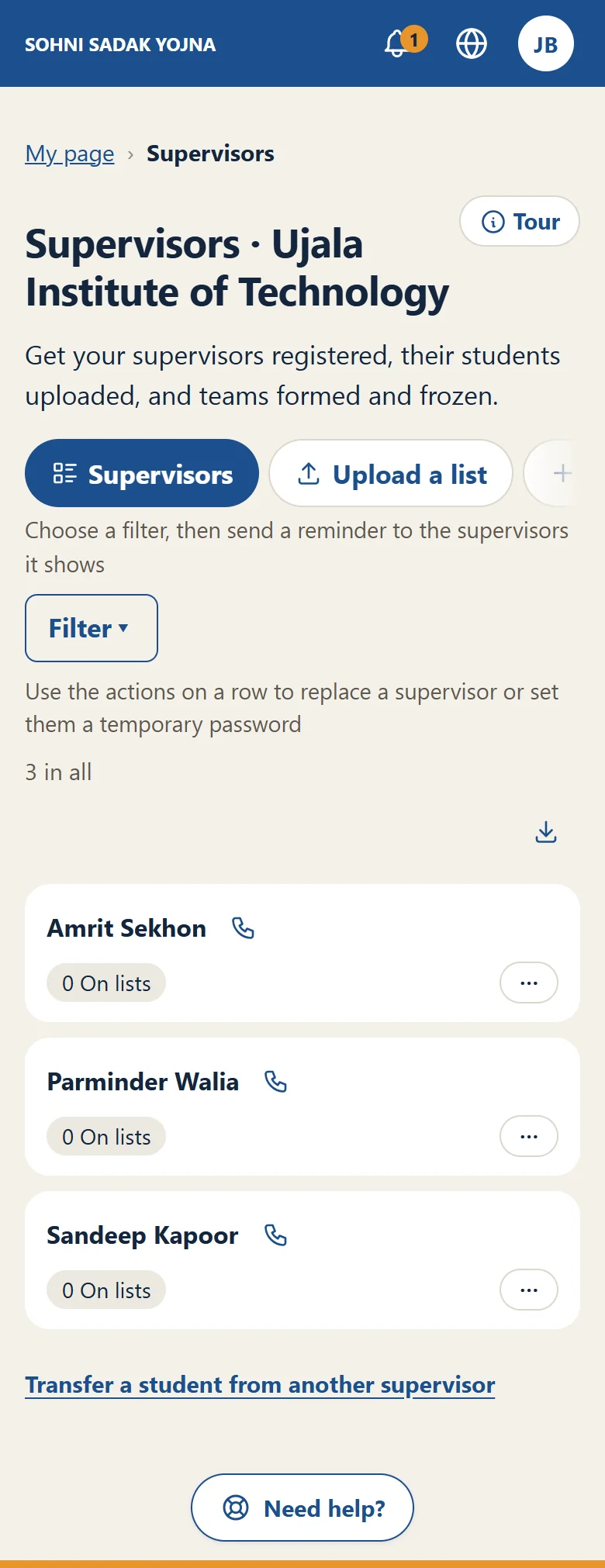
The supervisors are on the list
Each supervisor can now register. It helps to let them know personally, for example through a WhatsApp group with your supervisors. The faculty can then divide the students among themselves.
In this topic (scroll down for more topics)
- 1Adding the supervisors
- 2The institution's page
- 3Upload a list
- 4Which column is which
- 5What we found in your file
- 6Three supervisors
- 7The supervisors are on the list
: topics
Back to the portal Back to the guide Home: choose another section
Link copied. Paste it into a message.